Written by: Doug Camplejohn, CEO & Co-Founder, Coffee | Last updated: June 25, 2026
Key Takeaways for Choosing an AI CRM in 2026
- AI-powered CRMs in 2026 stand out when they eliminate manual data entry instead of just storing records.
- Coffee delivers full zero-entry automation across email, calendar, transcripts, enrichment, and pipeline updates.
- Most competing platforms still depend on manual logging, field mapping, or rule-based triggers that limit true agent behavior.
- Coffee offers flexible deployment as either a standalone CRM or a Companion App that layers on Salesforce and HubSpot without migration.
- Teams ready to remove manual data entry entirely can explore Coffee’s pricing and deployment options today.
How This Guide Defines “Zero Manual Entry” in 2026
Eight criteria determine each platform’s automation depth in this comparison. First, autonomous capture from email, calendar, and call transcripts must run without manual triggers. Second, enrichment should be built in, without requiring third-party tools like ZoomInfo or Apollo. Third, meeting-to-follow-up automation needs to cover briefings, summaries, and drafted replies. Fourth, pipeline intelligence should arrive without spreadsheet exports. Fifth, integration friction is measured by authentication steps and sync reliability. Sixth, hours saved per rep per week rely on vendor-reported benchmarks. Seventh, pricing transparency must work for small-to-mid-market budgets. Eighth, the tool should fit teams of 1–200 seats without enterprise-tier requirements.
2026 Ranking: AI CRMs by Data-Entry Automation Strength
The table below shows how much automation depth varies across platforms. Coffee is the only option that reaches full zero-entry coverage across major data sources, while competitors still require manual work at several points in the capture process.
| Platform | Zero-Entry Depth | Standalone or Companion | Hours Saved / Rep / Week (Vendor-Reported) |
|---|---|---|---|
| Coffee | Full, email, calendar, transcripts, enrichment, pipeline | Both | 8–12 hrs |
| Salesforce Einstein | Partial, requires field mapping, admin config, and human review | Standalone only | Not publicly benchmarked |
| HubSpot Breeze | Partial, AI assists but does not replace manual logging | Standalone only | Not publicly benchmarked |
| Copper | Moderate, strong Gmail sync, limited transcript capture | Standalone only | Not publicly benchmarked |
| Monday Sales CRM | Low, automation is rule-based, not agentic | Standalone only | Not publicly benchmarked |
| Salesflare | Moderate, auto-logs email and meetings, limited enrichment depth | Standalone only | Not publicly benchmarked |
Hours-saved figures above reflect Coffee’s internal product benchmarks. Competing platforms did not publish equivalent per-rep weekly time-savings data at the time of publication.
How Each CRM Performs Across Key Automation Categories
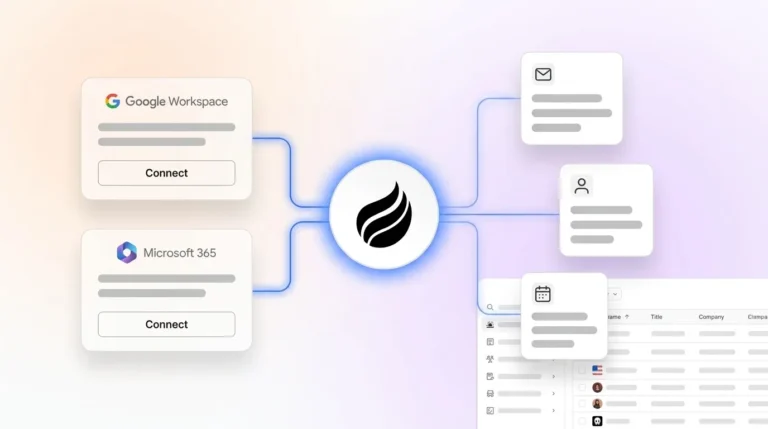
Setup and onboarding effort. Coffee connects to Google Workspace or Microsoft 365 with a single authentication step and starts populating contacts, companies, and activity logs right away. Salesforce Einstein requires admin configuration of AI features, field mapping, and often a consulting engagement before autonomous capture begins. HubSpot Breeze activates faster but still relies on reps to log calls and update deal stages manually. Copper onboards quickly for Gmail-native teams but offers no transcript processing. Monday Sales CRM and Salesflare both offer low-friction setup, yet neither deploys an agent that can process unstructured data.
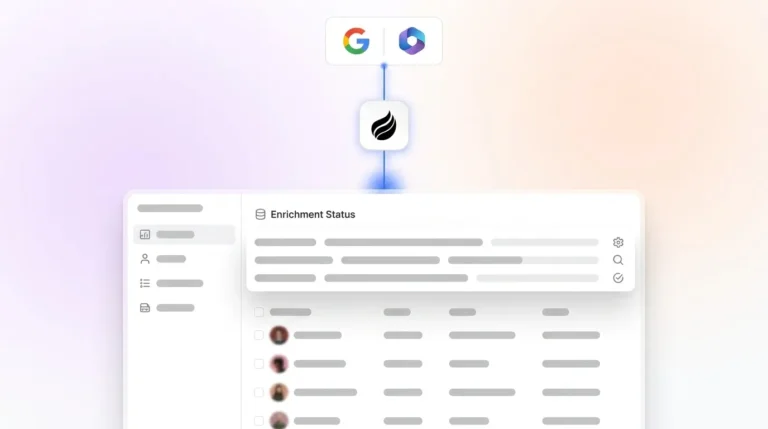
Data capture and maintenance. Coffee’s agent ingests structured data such as contact fields and deal stages alongside unstructured data like email threads and call transcripts. It writes both into a built-in data warehouse that preserves historical context. Salesforce and HubSpot rely on relational databases where field overwrites erase prior values. Salesflare auto-logs email and calendar activity but does not process transcript content. Copper mirrors Gmail contacts effectively but requires manual input for anything outside the Google ecosystem. Monday Sales CRM uses trigger-based automation, so a human action must initiate most logging sequences.

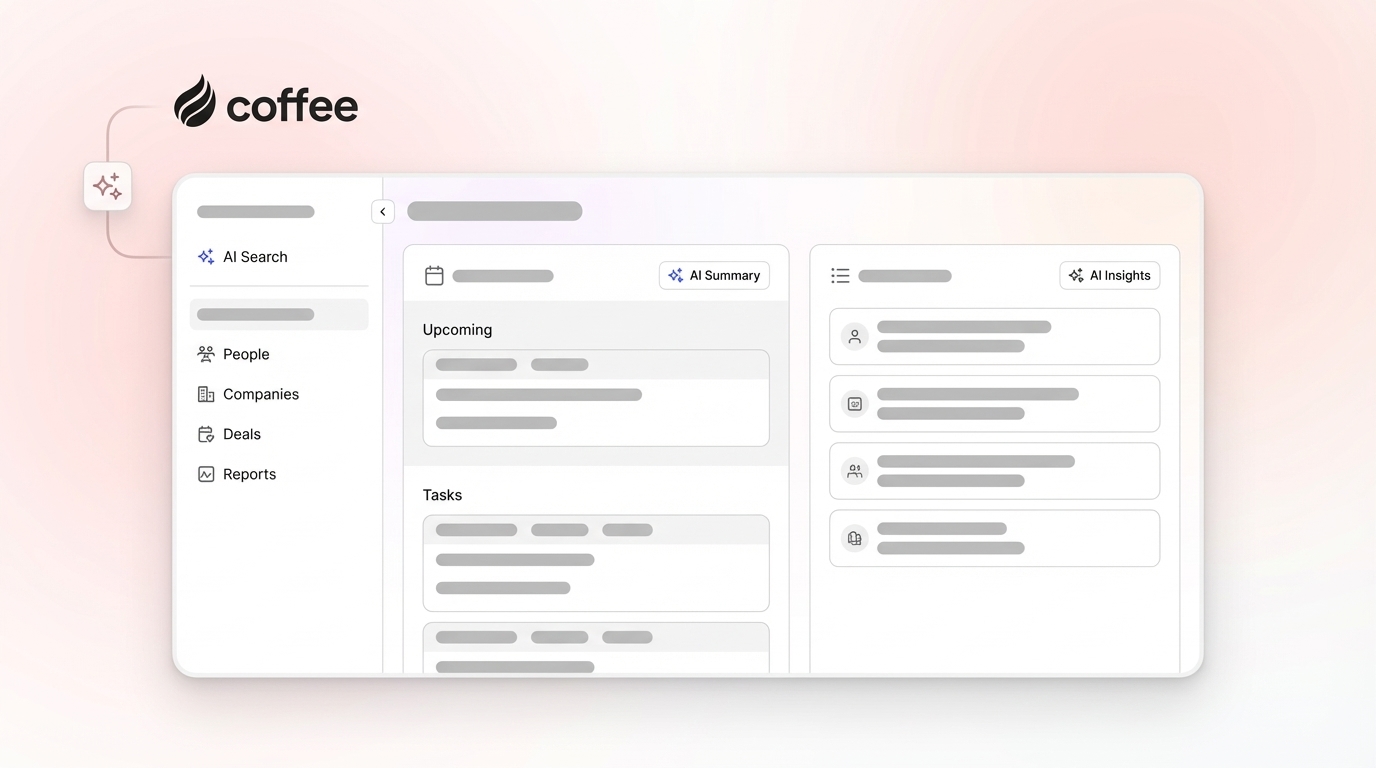
Usability for reps. Coffee is built so reps interact with an agent instead of a form. Pre-meeting briefings, post-call summaries, and drafted follow-up emails arrive without rep-initiated requests. Salesforce and HubSpot are widely reported as high-friction by sales teams because of required field completion and manual update workflows. Copper scores well on usability within Gmail but narrows in scope outside it. Monday and Salesflare present clean interfaces, though neither removes the data-entry obligation from the rep.

Manager visibility and pipeline intelligence. Coffee’s Pipeline Compare feature visualizes week-over-week deal movement, stalled opportunities, and new additions without a spreadsheet or manual export. Salesforce provides robust reporting but depends on clean data input to generate accurate forecasts. That dependency breaks down when adoption is low. HubSpot’s reporting is accessible but similarly depends on rep-entered data. Copper, Monday, and Salesflare offer dashboards but no autonomous pipeline tracking that matches Coffee’s agent-driven approach.
Integration complexity. Coffee currently integrates with external tools through Zapier, with deeper native integrations on the product roadmap. As a Companion App, it authenticates directly with Salesforce or HubSpot and writes enriched data back to those systems of record. Salesforce and HubSpot support broad native integration ecosystems but add cost and configuration overhead. Copper is tightly scoped to Google Workspace. Monday and Salesflare support Zapier and select native integrations.
Coffee Standalone vs. Companion App: Two Paths to the Same Automation Outcome
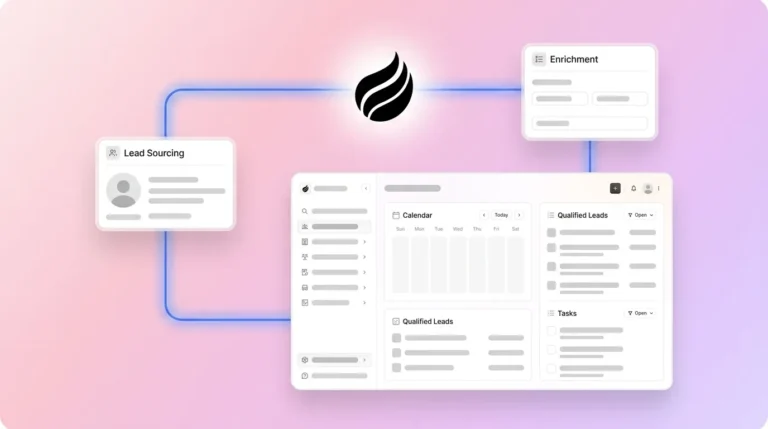
Coffee’s dual-model architecture gives teams a choice in how they reach zero-entry automation. Early-stage teams without an existing CRM deploy Coffee as the system of record. The agent manages contact creation, enrichment, activity logging, meeting management, and pipeline tracking from day one. No legacy data structure is required.

Teams already committed to Salesforce or HubSpot use Coffee as a Companion App. The agent authenticates with the existing instance, captures data from email, calendar, and call transcripts, enriches records using licensed data partners, and writes structured outputs back into the primary CRM. The system of record remains Salesforce or HubSpot, while the agent handles all data-in labor. The automation outcome, zero manual entry, stays identical across both deployment models. No other platform in this comparison offers this level of flexibility.

See how Coffee’s dual-model architecture fits your current stack.
Best-Fit Scenarios for Small-to-Mid-Market Teams
Early-stage teams (1–20 seats). Teams that have outgrown spreadsheets but view Salesforce or HubSpot as over-engineered for their current stage align well with Coffee Standalone. The agent activates immediately after connecting Google Workspace or Microsoft 365, requires no CRM admin, and scales with the team.
Growing sales organizations (20–100 seats). Teams adding headcount and needing consistent pipeline data without matching admin overhead benefit from Coffee’s agent-driven capture. The Pipeline Compare feature replaces manual weekly review prep. The meeting bot ensures every call is logged regardless of rep behavior.
Teams committed to Salesforce or HubSpot. RevOps leaders who have invested in Salesforce or HubSpot infrastructure but face low adoption and poor data quality deploy Coffee as a Companion App. The agent resolves the data-in problem without forcing a platform migration or disrupting existing reporting structures.
Operational Impact and Change Management with Coffee
Moving from manual-entry workflows to an agentic system requires far less rep training when the agent removes the task entirely instead of simplifying it. This design philosophy, where the agent does the work and the rep reviews outputs, explains why change management friction drops compared with tools that ask reps to learn new input interfaces. Because the agent populates and enriches records from ground-truth sources instead of rep recall, data hygiene improves as a direct result of removing human input from the capture process. That automation also scales without usage limits because scalability is seat-based, and the agent’s labor does not meter by process volume or LLM calls. Teams shifting from spreadsheet-based shadow CRMs to Coffee report immediate pipeline visibility gains because the agent captures historical email and calendar data retroactively after connection.
Risks, Limitations, and Common Misconceptions About AI CRMs
Not every AI CRM claim of automation reflects agentic behavior. Rule-based automation, where a trigger fires a predefined action, differs from an agent that reads unstructured data and makes contextual decisions. Monday Sales CRM and, to a degree, HubSpot Breeze operate primarily on rule-based logic. Buyers should test whether a platform can log a deal update from an email thread without any manual trigger before accepting automation claims at face value.
Coffee’s current external integrations run through Zapier, which introduces a dependency for teams that need deep native connections to tools outside Google Workspace, Microsoft 365, Salesforce, or HubSpot. Coffee describes its enrichment data quality as broadly comparable to dedicated enrichment tools for most use cases, yet teams with highly specialized data requirements should validate coverage before replacing a dedicated provider. Coffee does not target large enterprises with complex custom workflow requirements or heavily regulated industries that require multi-year security reviews, although it holds SOC 2 Type 2 and GDPR compliance.
Decision Framework: Match Each Tool to Your Constraints
No existing CRM, team under 20 seats: Coffee Standalone. Activation is immediate, admin overhead is zero, and the agent handles all data entry from day one.
Existing Salesforce or HubSpot, low adoption, poor data quality: Coffee Companion App. No migration is required, and the agent resolves the data-in problem within the existing system of record.
Gmail-native team, no transcript needs: Copper. Automation depth is lower, yet email-sync usability is strong.
Teams needing broad rule-based workflow automation with moderate data entry reduction: Salesflare or Monday Sales CRM. Both offer accessible entry points, with the understanding that manual entry is reduced, not eliminated.
Enterprise teams with complex custom workflows: Salesforce Einstein or HubSpot with dedicated admin resources. Autonomous data capture remains possible but requires significant configuration investment.
Frequently Asked Questions
How long does it take to implement Coffee? Coffee activates immediately after connecting Google Workspace or Microsoft 365. The agent begins creating contacts, logging activity, and enriching records within the first session. The Standalone model does not require a multi-week implementation cycle or CRM admin. Companion App deployment for Salesforce or HubSpot uses a single authentication step to begin syncing.
What happens to existing CRM data during a migration to Coffee Standalone? Coffee does not require a data migration for teams starting fresh. Teams that import existing records see the agent begin enriching and maintaining those records immediately after import. The built-in data warehouse preserves historical context going forward, including email and calendar history from the connection date.
How does Coffee handle data security and privacy? Coffee is SOC 2 Type 2 certified and GDPR compliant. Customer data does not train public AI models. The agent processes email, calendar, and transcript data solely to populate and maintain the CRM record for the subscribing organization.
Can Coffee replace tools like ZoomInfo or Gong? For most small-to-mid-market teams, Coffee can replace those tools. Coffee’s built-in enrichment covers job titles, funding data, and LinkedIn profiles through licensed data partners, which removes the need for a separate enrichment subscription. The AI meeting bot records, transcribes, and summarizes calls, replacing standalone conversation intelligence tools. Teams with highly specialized enrichment or compliance requirements should evaluate coverage against their specific use case.
How does pricing work as the team scales? Coffee uses seat-based pricing. The agent’s labor, including data capture, enrichment, meeting management, and pipeline tracking, is included without usage metering. There are no additional charges for LLM calls, processes run, or data records created. Pricing details are available at the Coffee pricing page.
Conclusion: Focus on Automation Depth, Not Just Features
Sales teams in 2026 lose meaningful selling time to a problem that software can now solve at the architecture level. According to Coffee’s own product data, earlier time-savings benchmarks represent selling hours that an agent can reclaim autonomously. The platforms in this comparison differ sharply in whether they reduce that burden or eliminate it. Coffee stands out by delivering full zero-entry outcomes across both a standalone system of record and a Companion App model for existing Salesforce and HubSpot environments. Heads of Sales and RevOps who evaluate on automation depth rather than feature breadth can use that distinction as the primary decision filter. Compare Coffee’s automation depth against your current workflow.