Written by: Doug Camplejohn, CEO & Co-Founder, Coffee
Key Takeaways for Small US Teams
- A customer data platform (CDP) unifies first-party customer data into accurate profiles that small US businesses can use without a data engineer.
- Most enterprise CDPs exceed SMB budgets, and only a narrow set of tools stay under the $250/month threshold with clear, predictable pricing.
- Coffee uses seat-based pricing with unlimited agent labor and no usage metering, which removes surprise costs common with usage-based platforms.
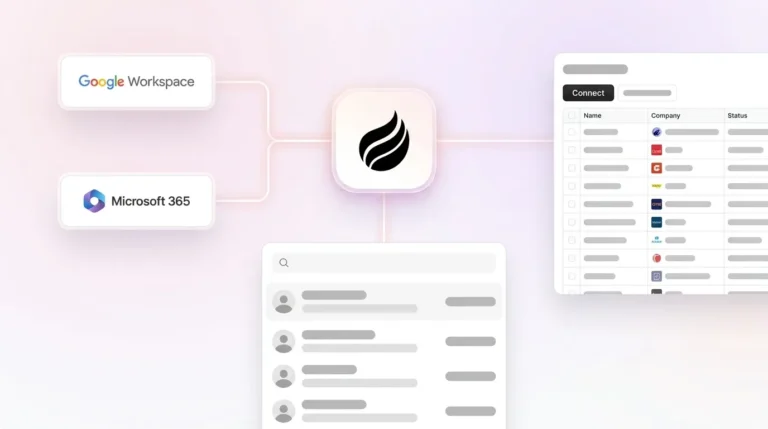
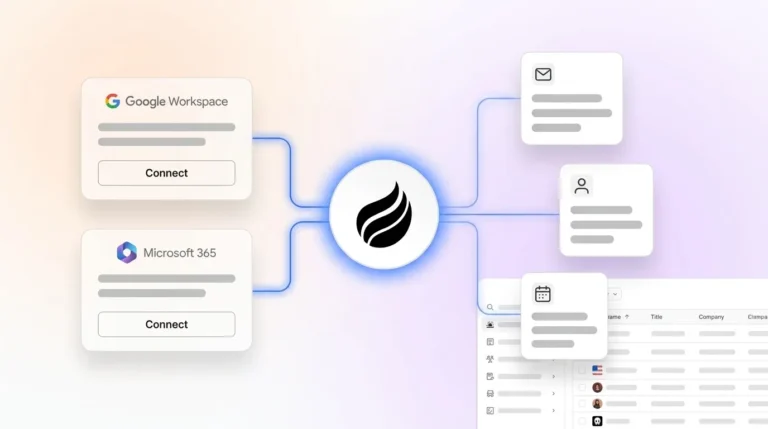
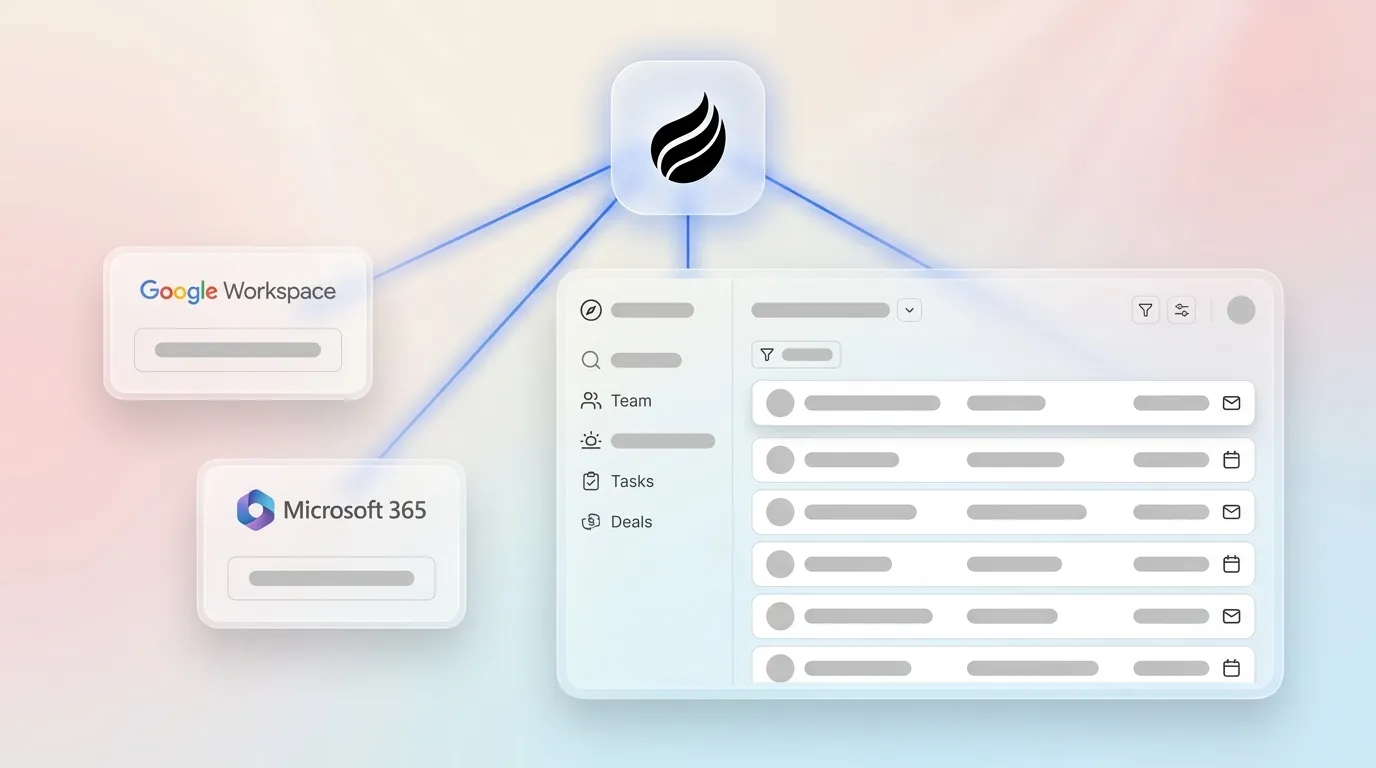
- Small teams can stand up a working CDP in minutes by connecting Google Workspace or Microsoft 365, while the agent handles data collection, enrichment, and activation automatically.
- For US small businesses that want an affordable, compliant CDP that works out of the box, start with Coffee today.
How Much Does a CDP Cost for Small Businesses?
Most CDPs were built for enterprise budgets. Enterprise platforms such as Salesforce Data Cloud and Adobe Real-Time CDP typically require custom pricing that starts in six figures annually and demands dedicated technical resources for implementation. That reality leaves a narrow band of tools genuinely accessible to a 1–20 person team. The table below shows how quickly “affordable” options either exceed the $250/month SMB threshold or introduce unpredictable usage-based costs.
| Platform | Starting Price | Pricing Model | Hidden Cost Warning |
|---|---|---|---|
| Coffee | See seat-based pricing | Seat-based, agent labor unlimited | None, no usage metering on LLM or processes |
| Twilio Segment | $120/month (10,000 visitors) | Usage-based | $10 per 1,000 visitors beyond limit |
| Hightouch | $350/month (self-serve) | Operations-based | Exceeds $250/month threshold immediately |
| Blueshift | $15,000 per year ($1,250 per month) when billed annually | Annual contract | Roughly 3x over typical SMB budget, enterprise-oriented |
Coffee’s seat-based model means you pay for humans, not for the agent’s work. There is no complex metering on LLM usage or automated processes, which contrasts with usage-based tools where a busy month can trigger a surprise invoice.
See Coffee’s pricing for 1–20 person teams
Can Small Businesses Use a CDP?
Small businesses can use a CDP when the architecture removes operational overhead. The barrier has never been conceptual, it has been operational. Smaller companies often lack high-level analysts or data scientists, forcing existing staff to interpret data and generate insights, which increases the operational burden on small teams. Traditional CDPs assume you already employ that staff and can dedicate them to setup and maintenance.
SMB Budget Reality Check, Monthly Ranges in 2026:
- Under $100/month: Very limited options that usually provide basic CRM features only, with no true data unification.
- $100–$250/month: The realistic SMB zone. Coffee operates in this range. Twilio Segment’s entry tier starts at $120/month but scales with usage, which can push costs past $250 quickly for active teams.
- $250–$750/month: Hightouch at $350/month and Blueshift (the $1,250/month option from the table above) both exceed the SMB threshold and bring enterprise-oriented feature sets most small teams will never use.
- $750+/month or custom: Tealium, Amperity, Salesforce Data Cloud, Adobe Real-Time CDP, and similar tools use quote-based pricing aimed at enterprise deployments, which does not fit a 10-person sales team.
Cheapest CDP Options in the US 2026
Marketing data-integration CDPs with non-technical interfaces and strong data governance are suitable for most small and mid-sized businesses that want to use multiple data sources without a full marketing cloud. For non-technical teams, three factors determine whether a CDP is genuinely usable: how much data quality work the platform automates, how quickly you can go live without engineering help, and whether compliance is built in. The matrix below scores the realistic SMB options on exactly those dimensions.
| Platform | Data Quality Automation | Setup Time (Non-Technical) | US Compliance |
|---|---|---|---|
| Coffee | Agent auto-creates contacts, enriches records, logs all activity from Google Workspace or Microsoft 365, zero manual entry | Connect email and calendar, agent starts immediately | SOC 2 Type 2, GDPR, data not used to train public models |
| Twilio Segment | Collects and routes event data, requires developer to instrument tracking calls | Weeks, requires engineering resources for SDK or API setup | SOC 2, GDPR, identity resolution across devices |
| Hightouch | Syncs data warehouse to destinations, no enrichment layer built in | Requires existing data warehouse, not beginner-friendly | SOC 2 Type 2 |
| monday CRM | AI Timeline Summary and autofill turn unstructured interactions into structured fields | Days, no dedicated data engineers required | SOC 2, GDPR, ISO 27001 |
Coffee leads on data quality automation because its agent handles both structured data such as contacts, companies, and deal fields, and unstructured data such as email threads and call transcripts. This capability outperforms traditional CDPs that rely on batch-oriented dashboards and cannot match real-time behavior.

Best-Fit Use Cases for Coffee
Early-stage teams (1–5 employees): You have outgrown a spreadsheet but cannot justify a Salesforce contract or a dedicated ops hire. Coffee’s Standalone CRM connects to Google Workspace or Microsoft 365, auto-populates every contact and company from your inbox, and delivers pipeline visibility from day one. You avoid a long configuration sprint and still get a unified view.

Growing sales organizations (6–20 employees): Deal volume is rising and manual logging is creating data gaps that slow decisions. Sales representatives spend only about 28–30% of their week actually selling, with the remainder spent on research, admin, and other tasks. Coffee’s agent reduces that drag by unifying every interaction automatically and surfacing pipeline changes week over week through its Pipeline Compare feature.
Teams already on Salesforce or HubSpot: You have invested in a CRM but adoption is low and data quality is poor. Coffee’s Companion App deploys the agent as an intelligent layer on top of your existing instance. It enriches records, logs calls, and writes insights back to Salesforce or HubSpot without replacing your system of record.
Compare Standalone and Companion pricing
Agent-Powered CDP vs Traditional CDP
Traditional CDPs function primarily as digital filing cabinets that collect and organize customer data, requiring users to manually build segments, write rules, and derive meaning. They remain passive systems. You put data in, you get a dashboard out, and the quality of the output depends entirely on the discipline of the humans doing the entry.

Coffee’s agent behaves as a proactive operator. After you connect Google Workspace or Microsoft 365, it scans emails and calendars to auto-create contacts and companies, enriches records with job titles, funding data, and LinkedIn profiles via licensed data partners, and logs every activity autonomously. Post-meeting, it generates summaries, identifies next steps, and drafts follow-up emails. The agent also joins calls via Zoom, Teams, or Meet to record and transcribe, then structures those notes according to BANT, MEDDIC, or SPICED so qualification data enters the system consistently.

A CDP operates through four steps, data collection, identity resolution, profile enrichment, and activation, which compound in value when working together. Coffee executes all four autonomously without a data engineer or a manual workflow builder.

Real SMB Challenges and Forum Pain Points
“The setup took three months and we still have dirty data.” Implementing a CDP is a complex undertaking from an integration standpoint that requires significant planning. Coffee’s agent starts working the moment you authenticate your email and calendar, so you avoid an implementation sprint and a risky data migration project.
Even when teams survive the implementation gauntlet, they often face a second problem. “We’re paying for seats nobody uses because the CRM is a chore.” Low adoption is a legacy CRM problem rooted in manual entry, and the numbers confirm it. The data entry burden mentioned earlier is the primary culprit, with 71% of sales reps citing it as excessive, which directly reduces their selling time. That is why Coffee’s agent changes the adoption equation, because when the busywork is automated, reps use the tool since it works for them, not against them.
And if low adoption does not kill the investment, unpredictable costs often do. “Hidden costs killed our budget.” Usage-based pricing on tools like Twilio Segment means a high-traffic month generates a high bill. Coffee’s seat-based model includes unlimited agent labor with no metering on LLM usage or automated processes.
Cost pressure then collides with data quality needs. “We can’t afford ZoomInfo on top of everything else.” Coffee’s built-in enrichment via licensed data partners removes the need for a separate enrichment subscription and consolidates stack costs into one line item.
Decision Framework Checklist for Choosing a CDP
- Team size 1–20, no technical staff: Start by filtering on team size and capability. If you have 1–20 people and no dedicated technical staff, remove any CDP that requires SDK instrumentation or a data warehouse, which immediately narrows the field to Coffee and a few others.
- Budget under $250/month: Next, apply your budget constraint. A ceiling under $250/month rules out Hightouch at $300+ and Blueshift from the earlier table, along with all enterprise quote-based platforms, which leaves Coffee as the primary viable option.
- Need Google Workspace or Microsoft 365 integration: Then confirm core productivity integrations. Coffee connects natively to both suites, and you should verify the same level of support for any alternative before investing time in a trial.
- Already on Salesforce or HubSpot: If you already use a major CRM, focus on compatibility. Coffee’s Companion App lets the agent enrich and write back to your existing system of record instead of forcing a rip-and-replace project.
- Need SOC 2 and GDPR compliance: Compliance requirements narrow the field further. Coffee meets both standards, as shown in the comparison table above, and keeps data out of public model training.
- Want pipeline intelligence without spreadsheets: For teams tired of manual reporting, Coffee’s Pipeline Compare feature visualizes week-over-week deal changes automatically.
- Need website visitor identification: If you care about inbound traffic, Coffee’s single-pixel Visitor ID identifies named individuals, not just companies, and surfaces Suggested Leads matched to your buyer persona.
Frequently Asked Questions
How long does it take to implement Coffee for a small team?
Implementation is measured in minutes, not months. Connecting Google Workspace or Microsoft 365 triggers the agent immediately. It begins scanning emails and calendars to auto-create contacts, companies, and activity logs without any manual configuration. Most teams have a populated, working system within the first business day.
Do we need to migrate our existing data to use Coffee?
No migration project is required to start. The agent begins building your system of record from live email and calendar data from the moment you connect. For teams using Coffee as a Companion App on top of Salesforce or HubSpot, the agent syncs with your existing instance and enriches and writes back to records already there rather than replacing them.
How does Coffee handle data security and US compliance requirements?
Coffee maintains the compliance certifications detailed earlier, including SOC 2 Type 2 and GDPR, with the additional guarantee that customer data is never used to train public AI models. For small US businesses operating under CCPA or handling sensitive customer information, Coffee’s compliance posture meets standard requirements without a multi-year security review process.
Can Coffee scale as our team grows beyond 20 people?
Coffee’s seat-based pricing scales linearly with headcount, and the agent’s capabilities, including enrichment, meeting management, pipeline intelligence, visitor identification, and list building, support growing sales organizations. Teams already committed to Salesforce or HubSpot can deploy Coffee as a Companion App, so the agent scales alongside an enterprise-grade system of record without replacing it.
What integrations does Coffee support?
Coffee connects natively to Google Workspace and Microsoft 365 for email and calendar data. The AI Meeting Bot joins Zoom, Teams, and Google Meet calls. Broader integrations with third-party tools are currently available via Zapier, with deeper native integrations on the product roadmap. For Salesforce and HubSpot users, a simple authentication allows the agent to sync, enrich, and write data back to the primary CRM.
Conclusion: Why Coffee Fits Small US Businesses
The CDP market in 2026 still skews heavily toward enterprise buyers. Most platforms reviewed, including Salesforce Data Cloud, Adobe Real-Time CDP, Tealium, and Amperity, use custom or quote-based pricing aimed at enterprise deployments. The tools priced for SMBs either cap out on features or scale costs unpredictably with usage.
Coffee occupies a distinct position as an agent-powered platform that delivers the core CDP promise described earlier, unified, enriched, activated customer data, without the manual entry or technical overhead traditional CDPs demand. It works as a standalone CRM for teams starting fresh or as a Companion App for teams already invested in Salesforce or HubSpot. In both cases, the agent handles the data-in problem so your team gets accurate data out.
For US small businesses with 1–20 employees that need a working system this month, not next quarter, Coffee is the only agent-powered option that meets the budget, the compliance bar, and the zero-manual-entry requirement at the same time.