
Written by: Doug Camplejohn, CEO & Co-Founder, Coffee
Key Takeaways On HubSpot Data Warehouse Costs
- HubSpot data warehouse costs span four layers: subscription tier, connector, warehouse compute, and BI tools. This structure makes total spend easy to underestimate.
- Native warehouse connectivity sits behind Data Hub Enterprise at $2,000/month. Third-party connectors range from $79 to $500+/month, plus separate warehouse and BI expenses.
- Realistic monthly budgets range from about $1,150 for SMBs to around $4,000 for enterprise teams. Hidden costs such as credit consumption and manual data cleanup add more spend.
- Usage-based pricing in connectors and warehouses can spike quickly. Fixed-fee tools or AI-first CRMs create more predictable budgets.
- Coffee replaces the fragmented stack with an agent-led CRM and built-in data warehouse, offering one predictable per-seat price instead of multiple vendor invoices.
What HubSpot Data Warehouse Costs Include
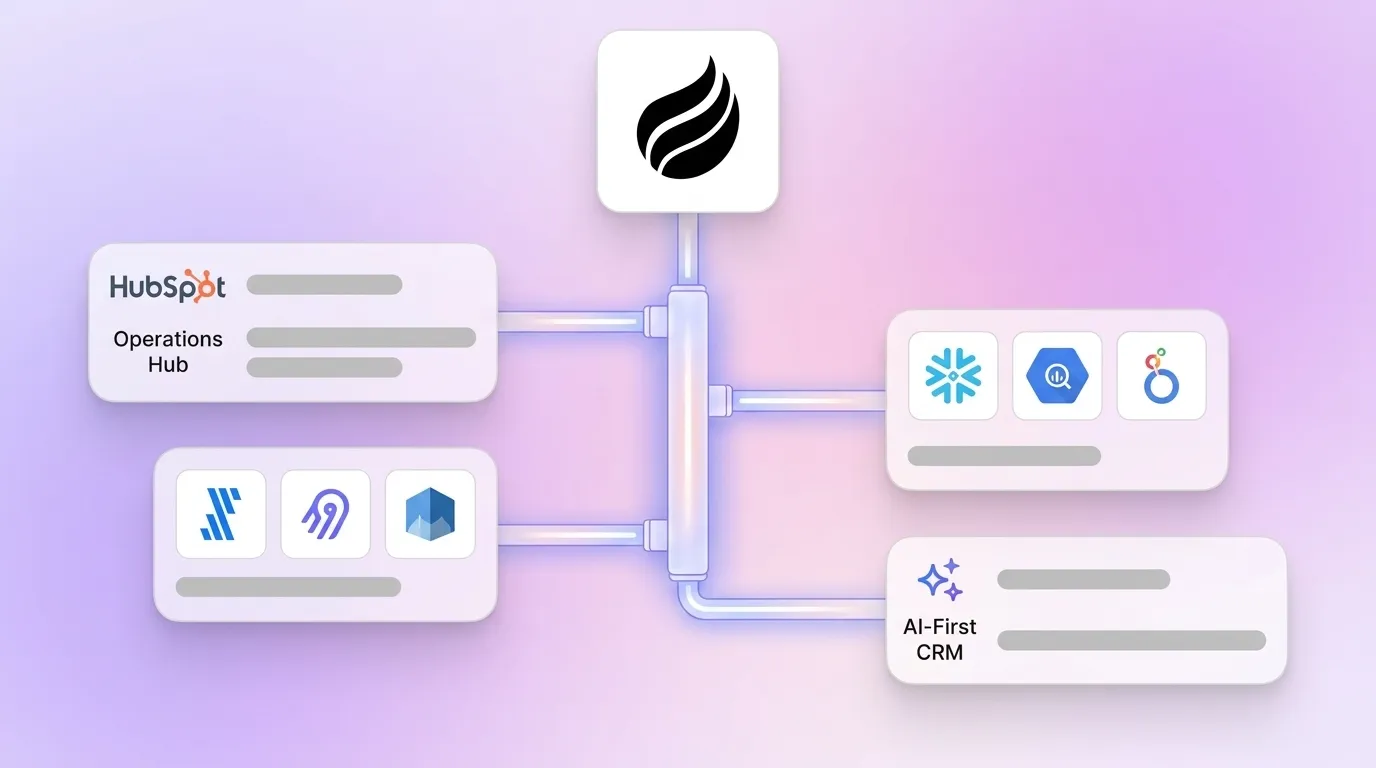
HubSpot data warehouse costs cover everything required to sync HubSpot CRM data to a cloud data warehouse such as Snowflake or Google BigQuery. The stack usually includes four layers: a HubSpot subscription tier that unlocks native sync, a third-party connector or ETL tool to move data, a warehouse service for compute and storage, and a BI tool for reporting.
Teams often underestimate these costs because they arrive on separate invoices and usage-based pricing changes from month to month. The labor cost of maintaining data quality rarely appears in budgets. Manual data transfer carries a 1–5% error rate, and 91% of CRM data is incomplete due to manual logging dependency. A full cost model reveals how each layer contributes to the final bill.
HubSpot Native Pricing Tiers: Data Hub And Operations Hub
HubSpot’s main native option for data warehousing is Data Hub, launched at INBOUND 2025 as the evolution of Operations Hub. Each tier unlocks different levels of connectivity and automation.
- Free ($0/month): Basic one-way data sync and limited data management tools.
- Starter (~$15–$20/user/month): Two-way data sync with tools such as Salesforce, Mailchimp, and Google Contacts, plus basic data formatting.
- Professional (~$800/month flat, one seat included): Includes 5,000 HubSpot Credits per month, AI-powered dataset creation via Data Studio, data quality automation, and programmable automation. Does not include native data warehouse connections.
- Enterprise (~$2,000/month flat, one seat included): Adds bidirectional connections to Snowflake, BigQuery, and Amazon Redshift, Reverse ETL, advanced datasets, and 10,000 HubSpot Credits per month.
Native warehouse sync sits exclusively behind Data Hub Enterprise. This setup looks simpler than a third-party stack at first glance. However, Data Studio actions consume 25–200 HubSpot Credits each per sync action, which makes costs hard to predict at high refresh frequencies. The price gap between Data Hub Professional and Enterprise is $1,200/month, or $14,400/year before any extra seats.
Third-Party Connector Costs: Fivetran, Airbyte, And Datawarehouse.io
Teams that cannot justify a move to Data Hub Enterprise often turn to third-party connectors. These tools provide warehouse connectivity at a lower starting price, with different pricing models and tradeoffs.
- Datawarehouse.io: Fixed subscription pricing based on sync frequency, not data volume. Plans range from $79/month for daily sync to $429/month for near real-time sync, with unlimited records on every tier and no usage-based overages.
- Fivetran: Usage-based pricing on Monthly Active Rows (MAR), free up to 500,000 MAR, with a $5 base charge per month for Standard connections up to 1 million MAR. Bills can climb 2–3× during high-activity periods because of variable consumption.
- Airbyte: Open-source with a free self-hosted version. Cloud pricing starts at about $10/month plus $2.50 per credit, with roughly 6 credits per million rows. The Standard cloud tier caps syncs at hourly intervals.
Third-party connectors support multiple data sources and give more flexibility than native sync. Their usage-based pricing can still scale in unpredictable ways. They also require separate management of the warehouse and BI layers, which adds operational overhead that never appears on a software invoice.
Warehouse And BI Tool Costs: Snowflake, BigQuery, And Looker
The warehouse and visualization layers introduce significant variable costs. Data volume, query frequency, and configuration discipline all influence the final bill.
Snowflake bills compute per second with a 60-second minimum. Per-credit prices are approximately $2.00 (Standard), $3.00 (Enterprise), and $4.00 (Business Critical), with storage at about $23/TB/month. A lean mid-market analytics stack often lands near $250/month. A multi-source platform with hourly syncs runs $700–$750/month on Standard. The same workload can cost $5,800–$8,800/month if auto-suspend is disabled. Configuration alone can create a 10× spread.
BigQuery uses on-demand pricing at $6.25 per TiB scanned, with the first 1 TiB per month free. Storage is billed at $0.02/GB for active data. A team scanning 10 TiB per day pays roughly $1,900 per month. SQL LIMIT clauses do not reduce billed scan size, so unoptimized queries increase spend quietly.
BI tools add another recurring cost. Power BI Pro costs $14/user/month, and Looker Studio is free. Tableau’s standard per-user licenses range from $15/user/month (Viewer) to $75/user/month (Creator), billed annually, with Enterprise editions from $35/user/month up to $115/user/month. A full Looker deployment for 50–100 users often reaches $60,000–$120,000 annually before implementation services.
Total Cost Scenarios: Realistic Monthly Budgets
The table below models three realistic monthly stacks and highlights how total costs rise once every layer enters the picture. Every figure comes from published pricing as of mid-2026.
| Component | SMB | Mid-Market | Enterprise (Native Sync) |
|---|---|---|---|
| HubSpot Tier | Data Hub Professional: $800/mo | Data Hub Enterprise: $2,000/mo | Data Hub Enterprise: $2,000/mo |
| Connector / ETL | Airbyte Cloud: ~$250/mo | Fivetran: ~$500/mo | Native sync (included in Enterprise) |
| Data Warehouse | BigQuery on-demand: ~$100/mo | Snowflake Standard: ~$500/mo | Snowflake Enterprise: ~$1,000/mo |
| BI Tool | Looker Studio: $0 | Tableau: ~$500/mo | Power BI Pro: ~$1,000/mo (70+ users) |
| Total Monthly | ~$1,150/mo | ~$3,500/mo | ~$4,000/mo |
The enterprise native-sync scenario looks straightforward but hides extra effort and spend. HubSpot Operations Hub’s native data sync lacks historical sync on the Free tier, with historical sync starting at Starter. Data cleanup before migration alone runs 10–20 hours for a typical mid-market team, and that labor never appears on a software invoice.
These costs compound quickly once teams scale. Coffee’s built-in data warehouse can replace this entire stack and consolidate spend into a single per-seat price. Start your free trial today.
Hidden Costs And Gotchas: What Your CFO Will Ask About
Several cost categories usually surface only after contracts are signed and data starts flowing.
- Credit consumption: Data Studio actions cost 25–200 HubSpot Credits each, billed per sync action whether or not new data moved. Additional credits cost $10 per 1,000 per month, or $0.010 per credit on pay-as-you-go plans.
- Warehouse compute overruns: Compute typically accounts for 80–90% of a Snowflake bill. Leaving a warehouse running without auto-suspend can multiply costs by 10×.
- API rate limits: HubSpot allows 40,000 API calls per day on most plans. Approaching this limit forces architectural changes or a plan upgrade, which both add cost and delay.
- Manual data quality labor: The 1–5% error rate mentioned earlier scales quickly. In a database of 50,000 contacts, that means 500–2,500 records with bad data that affect segmentation, reporting, and forecasting. Human hours are required to find and fix those issues.
- Connector row-count spikes: Fivetran bills can spike 2–3× during high-activity periods because of MAR-based pricing, which makes monthly budgeting harder.
Decision Framework: Native Sync Vs. Third-Party Vs. AI-First CRM
The right approach depends on team size, data volume, historical tracking needs, budget predictability, and internal technical skills. Use this framework as a starting point.
- Native sync (Data Hub Enterprise): Works best for teams already on the Enterprise tier for other reasons and supported by dedicated RevOps engineers. Those teams can manage credit consumption and warehouse configuration. Native sync rarely functions as a cost-efficient standalone warehouse solution.
- Third-party connectors (Fivetran, Airbyte, Datawarehouse.io): Provide better flexibility and a lower entry cost than native sync. Fixed-fee connectors like Datawarehouse.io remove usage-based surprises, while MAR-based tools like Fivetran require active monitoring. These options still demand separate warehouse and BI management.
- AI-first CRM (Coffee): Removes the need for a separate warehouse stack for most SMB and mid-market teams. Coffee’s agent automatically captures data from emails, calendars, and call transcripts. It stores that data in a built-in data warehouse and surfaces pipeline intelligence natively. This setup removes the HubSpot tier, connector, and warehouse line items from the budget.
Scaling B2B SaaS teams that want accurate pipeline intelligence without four separate vendor relationships benefit most from Coffee’s agent-led approach. It removes complexity at the root and keeps costs predictable. Ready to eliminate data stack chaos? Let the agent handle your data and start with Coffee today.
Frequently Asked Questions
How Much Does HubSpot Data Hub Cost?
HubSpot Data Hub (formerly Operations Hub) comes in four tiers. The Free tier costs $0 and includes basic one-way data sync. Starter costs about $15 per seat per month and adds two-way sync with popular tools. Professional is a flat $800 per month (one seat included, additional seats at $50/month) and unlocks Data Studio, AI-powered dataset creation, and data quality automation. Enterprise is a flat $2,000 per month (one seat included, additional seats at $75/month) and is the only tier with native data warehouse connections to Snowflake, BigQuery, Amazon Redshift, and Databricks. Professional and Enterprise tiers also include HubSpot Credits (5,000 and 10,000 per month respectively) for Data Studio actions, which follow the credit consumption mentioned earlier.
What Is A Cheaper Alternative To HubSpot For Data Warehousing?
Teams focused on accurate pipeline reporting and forecasting can often skip a separate warehouse stack by using an AI-first CRM like Coffee. Coffee’s agent automatically captures data from emails, calendars, and call transcripts, stores it in a built-in data warehouse, and delivers pipeline intelligence natively at a predictable per-seat price. This approach removes connector fees, warehouse compute bills, and most BI tool licenses. Teams that stay on HubSpot can use fixed-fee third-party connectors such as Datawarehouse.io (from $79/month), which usually cost less than upgrading to Data Hub Enterprise only for warehouse access.
Why Is HubSpot So Expensive For Data Warehouse Integration?
Native data warehouse connectivity sits behind Data Hub Enterprise at $2,000/month, which creates the $1,200/month gap mentioned earlier. Beyond the tier cost, Data Studio actions consume HubSpot Credits at the same 25–200 credit rate, and high refresh frequencies can exhaust the included allowance quickly. Extra credits cost $10 per 1,000. The warehouse itself (Snowflake, BigQuery) and any BI tool add more variable costs. The result is a stack where the HubSpot subscription represents only one of several invoices, and the total monthly cost often exceeds early estimates.
What Is The Cheapest Way To Get HubSpot Data Into A Warehouse?
Teams on tight budgets usually find third-party connectors with fixed pricing the most predictable option. Datawarehouse.io starts at $79/month for daily sync with unlimited records, and Airbyte’s open-source self-hosted version is free, although it requires infrastructure and maintenance. Both options cost less than a move to Data Hub Enterprise. These approaches still require a separate warehouse, though BigQuery’s free tier covers 1 TiB of queries per month and can support small teams, plus a BI tool. For most scaling teams, an AI-first CRM like Coffee becomes the lowest long-term cost because it includes a data warehouse natively and removes connector and warehouse bills.
Conclusion: The Final Verdict On HubSpot Data Warehouse Costs
The total cost of a HubSpot data warehouse stack is complex, hard to predict, and often higher than initial estimates. Native sync requires a $2,000/month Enterprise tier and still introduces variable credit consumption. Third-party connectors add $79–$500+/month in connector fees, plus separate warehouse compute and BI tool costs. Across realistic scenarios, the total monthly bill for a full DIY HubSpot data warehouse stack (Fivetran + Snowflake + Tableau) runs approximately $3,200–$7,100/month for tools alone, before the labor cost of maintaining data quality in a system that depends on human data entry.
Coffee addresses this problem at its source. Coffee deploys an agent that automatically captures, enriches, and structures data from emails, calendars, and call transcripts. This data flows into a built-in data warehouse and removes the need for a fragmented four-vendor stack. Teams gain cleaner data, accurate pipeline intelligence, and a predictable per-seat cost without connector invoices or warehouse compute bills.
Ready to get accurate pipeline intelligence without the data stack headache? See Coffee’s pricing and start your trial.


