
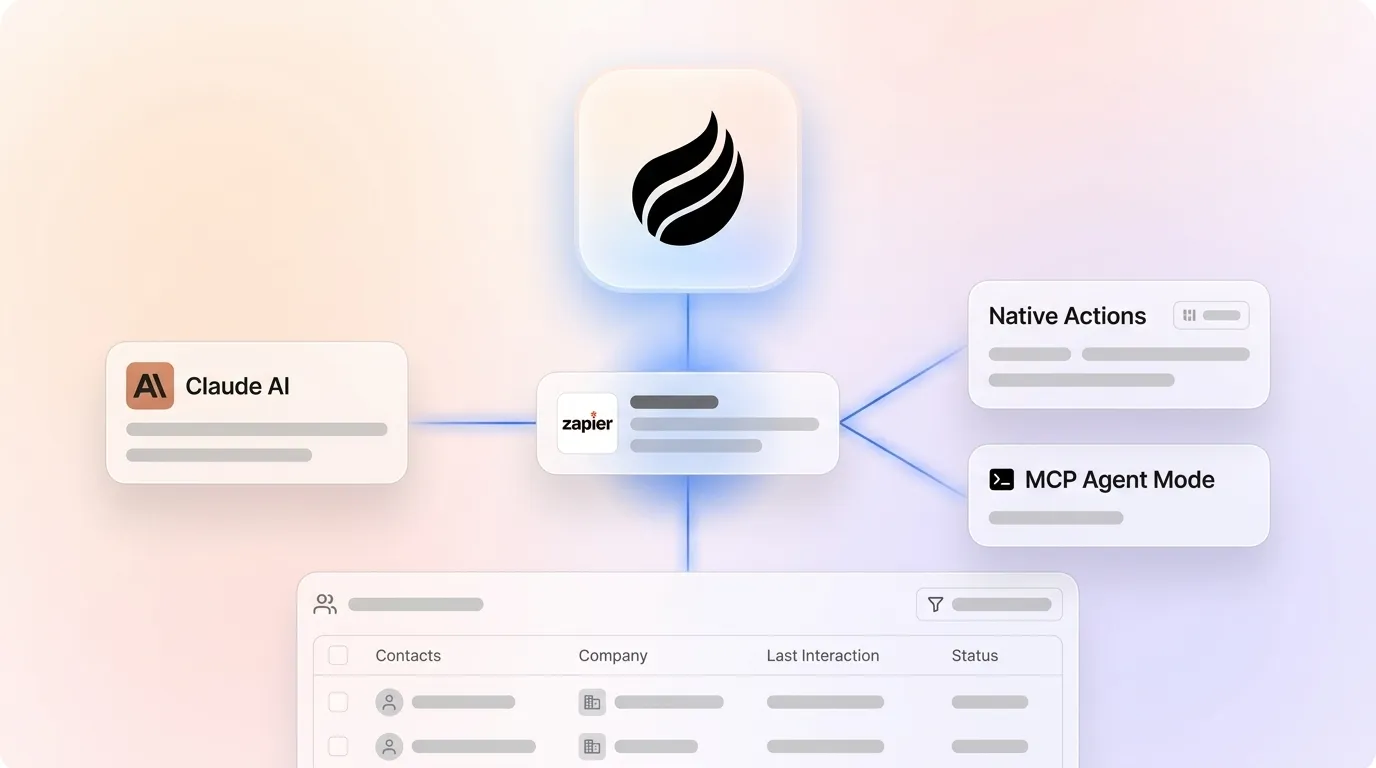
Written by: Doug Camplejohn, CEO & Co-Founder, Coffee
What You Will Get From This Claude–Zapier Guide
- Revenue teams lose hours manually moving data between Claude and CRMs, email, and project tools, which fragments records and causes missed follow-ups.
- Native Zapier Claude actions give you a fast way to ship stable workflows that use standard triggers and Send Message steps.
- MCP Agent Mode provides governed access to thousands of apps and actions through a single managed Zapier server with scoped permissions.
- Both integration paths need ongoing maintenance, prompt updates, and output checks so CRM data quality stays high as models and formats change.
- For teams ready to eliminate manual data movement entirely, see how Coffee’s autonomous CRM Agent writes validated records directly from emails, calendars, and transcripts.
Readiness Checklist Before You Start Connecting Claude
Confirm a few prerequisites before you configure either integration path so your setup goes smoothly. You need paid Anthropic API access because free-tier accounts cannot authenticate with Zapier. After you have API access, log into the Anthropic Console at console.anthropic.com, create an API key, and copy the generated value, since this key authenticates every request between Zapier and Claude. Your Zapier plan level controls which integration features you can use, because multi-step Zaps, premium apps, and MCP server creation at mcp.zapier.com all sit behind supported paid plans. If you plan to use MCP agent mode, verify that your Claude workspace allows third-party MCP connections, since some enterprise workspaces restrict external tools. Finally, establish a security baseline by starting with narrow permission scopes, then expand as trust increases, and never grant send-level email access before you validate output quality.
Step-by-Step Setup for Native Zapier Claude Actions
The native Anthropic (Claude) integration on Zapier follows standard Zap logic, where a trigger fires, Claude processes a prompt, and the output routes to a destination app.
- In Zapier, open the Apps page and click + Add connection.
- Search for and select Anthropic (Claude).
- Enter your Anthropic API key in the Connect an Account form and click Yes, Continue.
- Set your trigger, such as a Google Sheets row added, Airtable record created, or Gmail label applied.
- Add a Send Message action step, map trigger fields into the prompt body, choose the Claude model, and set max tokens that match your expected output length.
- Add a destination action like Google Docs, Slack, Gmail, WordPress, or your CRM, then map Claude’s response field to the correct destination field.
- Test in a live Zap run. The same configuration that fails in the preview environment often succeeds in a live production run, especially with larger models like Opus.
Token limit callout: Claude’s context window reaches 1M tokens, but long sessions accumulate competing information that increases hallucination risk. Keep prompts tightly scoped and outputs structured. Authentication failure callout: If the connection fails, regenerate the API key in the Anthropic Console and re-enter it in Zapier’s connected accounts panel.
See how Coffee handles CRM data entry without Zapier workflows, with no triggers, prompts, or field mapping.
Step-by-Step Setup for MCP Agent Mode in 2026
The Model Context Protocol reached 97 million monthly SDK downloads by March 2026, and every major AI provider now supports it. Zapier MCP gives Claude governed access to the full Zapier app directory through a single managed server.
- Go to mcp.zapier.com and create a new MCP server.
- Select Claude as the client.
- Browse Zapier’s app directory and add the tools and actions your workflow needs, such as Gmail draft creation, Notion page updates, Salesforce record writes, or Outlook follow-ups.
- Authenticate each connected account within the Zapier MCP dashboard. Credentials remain in Zapier’s infrastructure rather than the agent’s environment, which provides scoped permissions, audit logging, and single-point credential rotation.
- Configure each action’s permission scope, grant draft-only access before send access, and hold back destructive operations like record deletion or bulk updates until you validate output quality.
- Copy the MCP server endpoint URL and paste it into your Claude account’s MCP connections settings.
- Run a test command in Claude to confirm the tool call resolves correctly and the target app reflects the action.
Security note: Zapier MCP does not include prompt-injection protection by default, so add a security filter in your workflow before external content reaches the agent.
Copy-Paste Workflow Templates You Can Ship Today
Email summarization (Gmail → Claude → Notion): Trigger on Gmail label “Needs Summary.” Prompt: “Summarize this email thread in three bullet points, identify any action items, and note the sender’s primary request.” Route the output to a Notion database page mapped to the sender’s company.
Outlook follow-up drafts: Trigger on Outlook calendar event end. Prompt: “Draft a follow-up email based on this meeting subject and attendee list. Include a summary of likely discussion points and propose a next step.” Route to the Outlook draft folder for human review before sending.
Notion content drafting: Trigger on Notion database status change to “Ready to Draft.” Prompt: “Write a 300-word blog section on [title field] targeting [audience field]. Use a direct, factual tone.” Route the output back to the Notion page body field.
CRM record creation: Trigger on new inbound email from an unknown sender. Prompt: “Extract the sender’s name, company, role, and stated need from this email.” Route structured output fields to your CRM’s contact creation action.
Native vs. MCP: Side-by-Side Comparison
The choice between native actions and MCP agent mode depends on your workflow complexity and governance needs. Use the table below to compare capabilities, security, maintenance effort, and scalability so you can match the approach to your team’s maturity.
| Dimension | Native Zapier Actions | Zapier MCP Agent Mode |
|---|---|---|
| Capability | Send Message, Upload File, Download File, Delete File, Get File Metadata, List Files | Broad access to Zapier’s app directory callable directly from Claude |
| Credential handling | API key stored in Zapier connected accounts | Centralized credential management with scoped permissions |
| Maintenance | Each Zap maintained individually, with static trigger logic | One MCP server governs tool access, and permission changes apply centrally |
| Scalability | Works well for stable, well-understood, event-driven workflows | Higher token costs at scale, which require usage monitoring |
Limitations, Troubleshooting, and 2026-Specific Workarounds
Rate limits: Anthropic enforces rate limits on API requests used through Zapier, so high-volume Zaps will throttle. Use event-based triggers instead of polling to cut unnecessary API calls.
Timeout errors: 504 CloudFront errors appear with large prompts or multiple knowledge sources on Opus-class models. Shorten prompts, switch to Sonnet for routine tasks, and test in live runs instead of the preview environment.
Token cost escalation: Roughly half of GTM operators surveyed cite credits and usage limits as their most universal frustration with Claude. Sonnet costs approximately 60% of Opus based on current $3/$15 vs $5/$25 per million token pricing, so use it for email triage, summarization, and routing, and reserve Opus for complex reasoning.
Output formatting: Downstream Zap steps need structured outputs. Specify JSON or delimited formats clearly in your prompt, and confirm that field mappings in destination apps match Claude’s output schema before you enable production runs.
Context degradation: Long Claude sessions experience context degradation as token limits are approached. For multi-step workflows, open fresh sessions for each task instead of chaining long conversation histories.
Scaling Claude–Zapier Workflows by Team Size and CRM Maturity
Small teams with fewer than ten people and no formal CRM should start with three to five native Zaps that target the highest-friction manual tasks, such as contact creation from inbound email, meeting follow-up drafts, and pipeline status updates. Keep those Zaps in a trial phase for about four weeks so you can validate output quality before you expand scope.
Teams with an established CRM and a RevOps function are strong candidates for MCP agent mode, where Claude can call multiple apps in sequence. The recommended rollout is to implement simple no-code workflows first, identify processes that need unstructured data handling, and then layer in a context-aware agent to orchestrate those tools. Enforce centralized permission governance from the start so you keep control as usage grows.
At any scale, manual Claude–Zapier connections require ongoing maintenance, including prompt updates when source data formats change, re-authentication when API keys rotate, and output validation when model versions update. Teams that want to remove that maintenance burden entirely can choose an alternative that handles CRM data entry as a native capability.
Eliminate Zapier maintenance overhead with Coffee’s autonomous CRM Agent, with no prompt updates, field remapping, or output validation required.
Frequently Asked Questions
Who should own the Claude–Zapier integration setup?
A RevOps lead, marketing ops manager, or technically capable founder usually owns this setup. The native Zapier path needs no coding but does require skill with prompt design and field mapping. The MCP path adds server configuration and permission scoping, which suits someone comfortable with API authentication concepts. In both cases, one owner should document the integration, hold the API credentials, and monitor output quality in production.
How long does it take to launch a working Claude–Zapier automation?
A native Zap with a single Claude Send Message step can go live in under an hour for someone familiar with Zapier. MCP server setup adds configuration time, so expect two to four hours for a first workflow that includes multiple tools, scoped permissions, and a security filter. Production readiness, which means validated output quality across real data, usually takes one to two weeks of monitoring and prompt iteration.
Is it secure to connect Claude to business apps through Zapier?
The MCP path keeps credentials in Zapier’s infrastructure instead of exposing them to the AI model directly, which is more secure than passing API keys into a prompt. Zapier handles authentication, encryption, and audit logging in one place. Prompt-injection protection does not come by default in Zapier MCP, so workflows that process external content, such as inbound emails or web form submissions, should include a sanitization step before that content reaches Claude. Coffee is SOC 2 Type 2 and GDPR compliant, and does not use customer data to train public models.
What happens to CRM data quality when Claude writes directly to records?
DIY Claude–Zapier CRM integrations carry a real risk to data quality. Claude’s output quality depends on prompt design, input data structure, and model consistency across versions. When any of those variables change, such as a source email format, a model update, or a field mapping, CRM records can degrade silently. Teams often discover the problem weeks later during pipeline reviews. Coffee’s autonomous CRM Agent addresses this at the architecture level by ingesting ground-truth data from emails, calendars, and call transcripts directly, structuring it against the CRM schema, and writing validated records without a fragile prompt-to-Zap chain.
How do these workflows evolve as the team grows?
Native Zaps do not scale gracefully because each new use case needs a new Zap, a new prompt, and new field mappings. MCP reduces per-app setup but introduces token cost growth and permission complexity as you add more tools. Teams that start with five Zaps often end up managing thirty within a year, with no centralized view of what Claude writes to which system. The scalable path uses an agent-led CRM that handles data orchestration natively, which removes the need to maintain individual workflow definitions as the business grows.
Conclusion: Move Beyond Manual Connections
Native Zapier Claude actions and MCP agent mode both solve the immediate problem of moving AI outputs into business apps. Native actions are faster to configure, and MCP provides broader app access with stronger credential governance. Both approaches still need human oversight to maintain output quality, manage token costs, and update prompts as data formats change.
The deeper problem, which includes fragmented CRM records, unreliable pipeline data, and hours spent on data entry, does not disappear with a better Zap. 71% of sales reps report spending too much time on data entry, leaving only 35% of their time for selling. Coffee’s autonomous CRM Agent removes that burden by capturing contacts, logging activities, drafting follow-ups, and writing validated records directly from emails, calendars, and call transcripts, without a Zapier workflow in the middle. The result is good data in and accurate insights out at every stage of the pipeline.
See Coffee’s autonomous CRM Agent in action and replace manual data movement with validated records written directly from your communication channels.

