Written by: Doug Camplejohn, CEO & Co-Founder, Coffee
Key Takeaways for Enterprise CRM Buyers
- Enterprise AI CRM platforms should be evaluated on security certifications, autonomous agent depth, total cost of ownership at scale, and realistic implementation timelines.
- Salesforce Einstein offers strong compliance credentials but carries high licensing costs and requires dedicated admin resources for large deployments.
- Microsoft Dynamics 365 Copilot delivers deep native integration for Microsoft-centric stacks, while HubSpot Breeze provides accessible AI features with variable credit-based pricing.
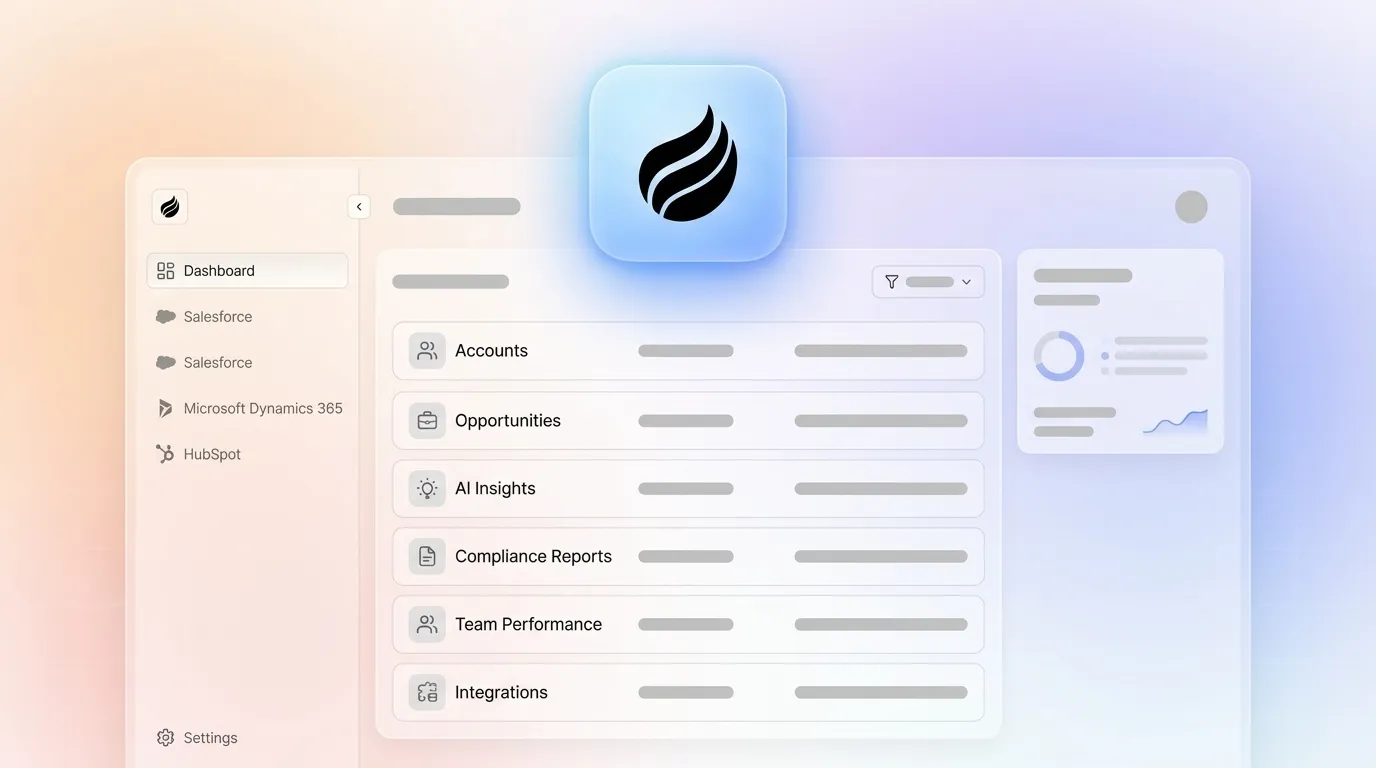
- Coffee Companion App overlays existing Salesforce or HubSpot instances to automate data entry, enrichment, and pipeline tracking without migration or rip-and-replace projects.
- Explore how Coffee can transform your enterprise CRM operations by visiting our pricing page for Companion App details.
Salesforce Einstein for Regulated Enterprises
Salesforce Security and Compliance Coverage
Salesforce Einstein maintains multiple security and compliance certifications, which makes it one of the most credentialed platforms for regulated-industry deployments. Permission inheritance, which ensures the AI can only access data the user is authorized to see, is the critical security control that Salesforce enforces through its sharing model and role hierarchy.
Salesforce Autonomous Agent Strengths and Risks
Salesforce Einstein’s 2025 Agentforce release added autonomous agents that qualify inbound leads, send follow-ups, schedule meetings, and update CRM records without rep intervention. However, autonomous AI agents for CRM hygiene in Salesforce can fail by writing incorrect data to contact records or logging erroneous research notes. Enterprises typically respond with approval gates and phased rollout before granting full write access.
Salesforce Integration with Microsoft Stacks
Salesforce integrates with Microsoft 365 via MuleSoft and native connectors. Dependence on third-party APIs and middleware development can extend migration and integration schedules significantly, which adds both time and services cost.
Salesforce Cost of Ownership and Admin Load
Enterprise plans run $165 per user per month for Enterprise and $330 per user per month for Unlimited, with advanced Einstein AI priced as an additional cost. Professional services and setup costs vary, and the platform’s steep learning curve demands ongoing dedicated admin resources. At 1,000 seats, Salesforce Sales Cloud license costs alone reach $1.98M for Enterprise or $3.96M for Unlimited annually before AI add-ons.
Salesforce Implementation Timelines and Change Management
Enterprise CRM migrations typically take 3 to 7 months. Poor data quality without early cleanup can add 2 to 3 months to that timeline. Many enterprise CRM projects experience 30–50% cost overruns, with scope creep among the contributing factors.
Salesforce Scalability at 5,000+ Users
Autonomous AI agents often perform well individually, yet the overall system becomes unpredictable when deployed at scale due to misalignment across cognitive specialization, coordination architecture, real-time control, and organizational governance. Salesforce’s multi-tenant architecture handles large user counts, but agentic feature reliability at 5,000 or more seats requires dedicated governance investment.
When Salesforce Einstein Fits Best
Salesforce Einstein suits regulated-industry enterprises in financial services, healthcare, and government that require FedRAMP and HIPAA coverage. It works best for organizations already deeply invested in the Salesforce ecosystem with budget for dedicated admins and professional services.
For organizations already invested in the Microsoft ecosystem, Dynamics 365 Copilot offers a different value proposition centered on native Azure and Teams integration.
Microsoft Dynamics 365 Copilot for Microsoft-Centric Stacks
Microsoft Copilot Security and Compliance
Microsoft Copilot maintains security and compliance certifications including GDPR. Microsoft Copilot Studio provides enterprise-grade security and compliance built into the Microsoft ecosystem, which simplifies procurement for existing Microsoft customers.
Dynamics 365 Copilot Agent Capabilities
AI agents in 2026 own end-to-end processes by interpreting context, adapting to changing inputs, and coordinating across dynamic enterprise environments, and Dynamics 365 Copilot applies this model across ERP, CRM, and Teams. However, large language models show an average 39% drop in performance in multi-turn settings compared to single-turn interactions, which increases complexity for multi-step sales workflows.
Depth of Integration Across the Microsoft Stack
Dynamics 365 Copilot is native to the Microsoft stack, including Azure, Teams, Power Platform, and Microsoft 365. This gives Microsoft-centric organizations the deepest out-of-the-box integration available among the three legacy platforms.
Dynamics 365 Cost of Ownership
Dynamics 365 AI features are available in higher-tier plans. At 1,000 seats, annual license costs are significant before middleware, customization, and change management, so finance teams should model multi-year spend carefully.
Dynamics 365 Implementation Timelines
Enterprise software implementations commonly range from a few weeks for focused pilots to 6–12 months for full enterprise-wide rollouts when integration, data migration, and user adoption are included. Integration with CRM, ERP, and e-signature systems is typically a 4–12 week phase within broader rollouts.
Dynamics 365 Scalability at 5,000+ Users
Microsoft’s Azure-native infrastructure scales elastically. The main risk at 5,000 or more users is organizational rather than infrastructural, because underinvesting in the control layer of an agentic operating model allows small errors to propagate rapidly across interconnected agents, creating brittle systems that fail under stress.
When Dynamics 365 Copilot Fits Best
Dynamics 365 Copilot fits Microsoft-centric enterprises already licensed on Azure and Microsoft 365 that want native Copilot integration across Teams, Outlook, and Power BI. It also suits organizations that prefer not to manage a separate CRM vendor relationship.
HubSpot Breeze for Mid-Market and Growth Teams
HubSpot Breeze Security and Compliance
HubSpot holds SOC 2 Type II and GDPR certifications as of March 2026. It does not hold FedRAMP or HIPAA certifications, which limits its suitability for federal or healthcare deployments.
HubSpot Breeze Agent Capabilities and Data Quality
HubSpot Breeze AI agents automate prospecting research, lead qualification, email drafting, and CRM data hygiene natively within Sales Hub. The credit-based consumption model introduces variable cost unpredictability at scale, and poor CRM data quality remains a direct blocker to production deployment of AI-powered automation because AI agents scale bad data rather than fix it.
HubSpot Integration Depth and Architectural Limits
HubSpot integrates with Microsoft 365 and hundreds of tools via its App Marketplace. Its architecture, originally a marketing platform with a CRM bolted on, creates structural limitations for unstructured data processing such as call transcripts and email threads.
HubSpot Breeze Cost of Ownership
HubSpot Sales Hub Enterprise has seat-based pricing with onboarding fees. Breeze AI credits cost $0.01 each, adding roughly $1–$100 per month for 100–10,000 credits, which creates a variable usage-based cost layer on top of per-seat licensing. At 1,000 seats, annual license costs are substantial before AI credit consumption.
HubSpot Implementation Timelines
Complete enterprise AI CRM implementations that include multiple integrations with existing systems take 2–6 weeks for the technical layer, though they still require bidirectional CRM integration plus initial calibration. Full organizational rollout with change management extends this timeline to the 3–6 month range for large teams.
HubSpot Scalability and Credit Risk at 5,000+ Users
Brittle workflow automation fails when inputs are missing or APIs impose rate limits, causing entire automation scenarios to fail silently. HubSpot’s credit model also creates budget unpredictability as agent call volume scales.
When HubSpot Breeze Fits Best
HubSpot Breeze suits mid-market to enterprise organizations in non-regulated industries that are already on HubSpot and want native AI features without a separate vendor. It works best when AI usage volume is predictable enough to model credit costs accurately.
Coffee Companion App on Top of Salesforce and HubSpot
Coffee Companion App deploys an autonomous agent as an intelligent layer on top of an existing Salesforce or HubSpot instance. It removes the manual data entry burden and avoids migration, rip-and-replace, or retraining users on a new system of record.

The agent automatically creates and enriches contacts and companies from emails and calendars, logs all activity autonomously, joins calls to record and transcribe, generates post-meeting summaries and follow-up drafts, and tracks pipeline changes week over week. All outputs write back to the incumbent CRM. Coffee saves sales reps 8–12 hours per week that would otherwise be spent on data entry, directly addressing the reality that AI-augmented sales teams close 31% more deals according to one 2026 analysis.

Coffee is SOC 2 Type II and GDPR compliant, and customer data is not used to train public models. Pricing is seat-based with no per-token metering, so the agent’s labor is included in the seat cost and removes the variable credit-consumption risk that inflates HubSpot Breeze total cost of ownership at scale.

See enterprise Companion App pricing and deployment options.

The table below summarizes the core deployment and pricing differences that shape total cost of ownership and implementation risk across the four platforms.
| Platform | Requires Migration | Data Entry Automation | Pricing Model |
|---|---|---|---|
| Salesforce Einstein | Yes (if switching) | Partial, Agentforce requires Enterprise or Unlimited plus $75 per user per month add-on | Per-seat plus AI add-on, up to $500 per user per month for full Einstein |
| Dynamics 365 Copilot | Yes (if switching) | Semi-autonomous, available in Premium plans | Per-seat, AI included in Premium tiers |
| HubSpot Breeze | Yes (if switching) | Native in Sales Hub, credit-based consumption adds variable cost | Per-seat plus credit metering, roughly $1–$100 per month for 100–10,000 credits |
| Coffee Companion App | No, overlays existing Salesforce or HubSpot | Fully autonomous for contacts, enrichment, activity logging, meeting notes, and pipeline tracking | Seat-based, no per-token metering, agent labor included |
Enterprise Objections and Procurement Considerations
Regulated-industry constraints. Enterprise AI deployments in regulated industries should treat GDPR, HIPAA, SOC 2, and financial audit standards as architectural constraints from day one, shaping deployment choices, retention policies, and system design. Procurement teams in healthcare or financial services must verify FedRAMP and HIPAA coverage before shortlisting, and only Salesforce Einstein carries both among the three legacy platforms evaluated here.
Multi-year roadmap stability. Only 28% of AI use cases in infrastructure and operations achieve ROI expectations according to Gartner, and McKinsey State of AI 2025 reports that 39% of organizations are experimenting with agentic AI. When evaluating multi-year roadmap stability, three procurement red flags signal hidden risk. First, per-token pricing models make multi-year total cost of ownership unpredictable because usage scales with adoption. Second, agent features gated behind top-tier license tiers force payment for capabilities you may not need just to access the AI layer. Third, implementation timelines that assume clean data set you up for failure, as the data cleanup phase mentioned earlier can blow both schedule and budget.
Autonomous agent governance. Autonomous agents have a larger blast radius for errors because they can take many actions before a human sees the result, making governance and guardrails essential. The 2024 Moffatt v. Air Canada decision established that companies remain liable for misinformation provided by an AI chatbot on their website, which makes audit logging and role-based access controls non-negotiable procurement requirements.
Decision Framework Checklist for Platform Selection
Regulated verticals (healthcare, federal, financial services). If your organization operates under FedRAMP or HIPAA mandates, compliance certification becomes a binary filter that eliminates most options before you evaluate features. Salesforce Einstein is the only platform in this comparison that satisfies both certifications, which makes it the default choice for regulated industries. Once Einstein is in place as your compliant system of record, Coffee Companion App, which is SOC 2 Type II and GDPR compliant, can overlay it to automate data entry and enrichment without disrupting the certified environment.
Microsoft-centric stacks. Organizations already licensed on Azure, Teams, and Microsoft 365 gain the deepest native integration from Dynamics 365 Copilot. Evaluate whether the $150–$195 per user per month Premium tier is justified compared with a Coffee Companion App overlay on an existing HubSpot or Salesforce instance.
Salesforce-heavy or HubSpot-heavy organizations with low CRM adoption. The main root cause is manual data entry burden rather than platform capability gaps. Highest-ROI sales automation deployments require clean CRM data foundations before activation. Coffee Companion App creates that foundation autonomously on top of the existing system and avoids a migration project.
Non-regulated mid-market organizations on HubSpot. HubSpot Breeze is the lowest-friction native AI option, but model credit costs at scale carefully and account for the absence of FedRAMP and HIPAA coverage. Coffee Companion App adds autonomous agent depth without replacing HubSpot.
Explore Companion App plans built for Salesforce and HubSpot teams.
Frequently Asked Questions About Coffee Companion App
How long does it take to deploy the Coffee Companion App on an existing Salesforce or HubSpot instance?
Deployment uses a simple authentication step that connects the Coffee Agent to an existing Salesforce or HubSpot instance. Because no migration or data transfer is required, the agent begins capturing contacts, logging activity, and enriching records within hours of connection. Full team onboarding, including meeting bot configuration, pipeline tracking setup, and sales methodology alignment with BANT, MEDDIC, or SPICED, typically completes within days rather than months. This contrasts with net-new CRM implementations, which commonly take 3–7 months for enterprise organizations.
How many admin FTEs does the Coffee Companion App require to maintain?
Coffee Agent is designed to eliminate the admin burden that makes legacy CRMs expensive to operate. Because the agent handles data entry, enrichment, activity logging, and pipeline tracking autonomously, organizations do not need dedicated CRM administrators to maintain data quality. The agent’s labor is included in the seat-based price, so there is no separate operations cost for running the AI layer. This directly contrasts with Salesforce, which requires ongoing dedicated admin resources due to its configuration complexity, and HubSpot Enterprise, which requires onboarding investment and ongoing credit management.
What data-residency and security options does Coffee offer for enterprise deployments?
Coffee is SOC 2 Type II certified and GDPR compliant. Customer data is not used to train public AI models, which addresses a primary procurement concern for organizations handling sensitive commercial or personal data. For organizations in heavily regulated industries such as healthcare or federal government that require FedRAMP or HIPAA certification, Coffee is transparent that those certifications are not currently part of its compliance posture. In those cases, Coffee Companion App is best positioned as the autonomous agent layer on top of a Salesforce Einstein deployment, which does carry FedRAMP and HIPAA coverage, rather than as a standalone compliance solution.
Does Coffee impose API rate limits or per-token costs at high user volumes?
Coffee uses seat-based pricing with no per-token metering. The agent’s processing, including data enrichment, meeting transcription, summary generation, and pipeline analysis, is included in the seat cost regardless of usage volume. This removes the budget unpredictability associated with HubSpot Breeze’s credit-based consumption model, where costs scale with agent call volume and can become a dominant cost driver at 1,000 or more seats. Organizations can model Coffee’s annual cost precisely from day one using headcount alone.
Can the Coffee Companion App replace point solutions like ZoomInfo, Gong, and SalesLoft?
Coffee Agent consolidates several point-solution functions into a single seat-based cost. It handles contact and company enrichment, which replaces ZoomInfo for most use cases, meeting recording and transcription, which replaces Gong for call intelligence, and automated follow-up drafting and activity logging, which reduces reliance on outreach sequencing tools. The agent also includes visitor identification that turns anonymous website traffic into named, qualified prospects with suggested outreach targets, which replaces standalone tools like RB2B or Warmly. For organizations currently paying separately for enrichment, conversation intelligence, and visitor identification on top of Salesforce or HubSpot licensing, the Companion App consolidates that stack into one agent layer and reduces both cost and the manual stitching between tools that degrades data quality.
Learn how Coffee consolidates your enterprise CRM stack into one autonomous agent layer.