
Written by: Doug Camplejohn, CEO & Co-Founder, Coffee
Key Takeaways
- Website visitor session tracking turns anonymous traffic into sales-ready intelligence by combining behavior data with identity for B2B teams.
- Three primary approaches exist: session replay, IP-based company identification, and full pixel-based visitor identification, each with different data depth, privacy obligations, and CRM usefulness.
- Legal compliance in 2026 requires clear consent flows, data masking, and documented assessments, especially for person-level tracking under GDPR and U.S. state privacy laws.
- A lightweight JavaScript pixel enables rapid implementation, and Coffee adds automatic verification, consent gating, and real-time Slack and CRM routing for identified visitors.
- Full visitor identification paired with Coffee turns anonymous sessions into pipeline-ready leads; start routing named prospects directly into your CRM with Coffee.
What Is Website Visitor Session Tracking?
Website visitor session tracking covers three technical approaches: session replay and heatmaps for behavior, IP-based company identification for firmographics, and full pixel-based visitor identification for individuals. Each path delivers different data quality, privacy requirements, and CRM actionability. Up to 98% of B2B website visitors leave without filling out a form, so the tracking approach directly affects revenue for any SaaS team.
Is It Legal to Track User Activity on a Website?
Before rolling out any tracking program, teams need a clear view of the legal rules that govern visitor data collection. Tracking is legal in the United States and most jurisdictions when you use proper notice, consent architecture, and data governance. The compliance landscape tightened considerably in 2025–2026.
2026 Privacy Compliance Checklist
- GDPR (EU/UK): Person-level visitor identification requires explicit consent. Company-level IP identification may qualify under legitimate interest for B2B use cases, but a documented Legitimate Interest Assessment is required. RB2B’s person-level identification is US-only; its company-level identification via Demandbase does not process EU/UK data.
- CCPA and 19 US State Laws: If tracking data is used for personalized targeting, audience segmentation, or behavioral prediction, users must be able to opt out. Purely measurement-only use cases are more likely to be exempt.
- Sensitive Data: Sensitive personal data such as precise geolocation within a half-mile, health, sexual orientation, race, or religious beliefs requires heightened consent standards in 18 states. Visitor tracking systems should suppress these fields by default.
- Federal Direction: The SECURE Data Act (HR 8413), introduced April 21, 2026, would grant consumers rights to access, correct, delete, and port personal data, plus opt out of targeted advertising and fully automated profiling. Controllers should build opt-out infrastructure now.
- Consent Banner: Display a consent banner before any tracking fires and respect global opt-out signals (GPC) to meet baseline consent requirements. Beyond the banner itself, 2026 best-practice programs require audit trails, automated data maps, DPIAs, and continuous monitoring to demonstrate ongoing compliance.
- Data Masking: Mask or hash PII fields such as email, name, and phone in session replay tools. Device identifiers, persistent identifiers, and probabilistic identifiers all qualify as personal data under US state privacy laws.
- Vendor Contracts: Use tiered vendor risk assessments and strengthen contract language that restricts data use, sharing, and subprocessors for all real-time tracking vendors.
- Data Protection Assessment (DPA): Targeted advertising activities using personal data require a formal DPA under most comprehensive state privacy laws passed since 2023.
How Do I Track Visitors on My Website?
The fastest path to visitor identification is the pixel approach described earlier, placed in the <head> tag. Coffee generates a custom pixel on signup and verifies installation automatically. A generic implementation pattern looks like this:
<!-- Visitor Identification Pixel --> <script> (function(c,o,f,f2,e,e2){ c['CoffeeVisitorObject']=e2;c[e2]=c[e2]||function(){ (c[e2].q=c[e2].q||[]).push(arguments)},c[e2].l=1*new Date(); f2=o.createElement(f),e=o.getElementsByTagName(f)[0]; f2.async=1;f2.src='https://pixel.coffee.ai/v1/track.js'; e.parentNode.insertBefore(f2,e) })(window,document,'script','', 'cvq'); cvq('init', 'YOUR_PIXEL_ID'); cvq('track', 'PageView'); </script>Once the pixel is live, a short configuration checklist protects compliance, improves data quality, and connects identified visitors to sales in real time.
5-Step Implementation Checklist
- Pixel placement: Paste the pixel into the
<head>of every page or deploy it through Google Tag Manager. Confirm that it fires in the browser’s network tab. - Consent banner: Gate pixel activation behind consent acceptance and respect GPC signals. Do not fire tracking before you record consent.
- Data masking: Configure the pixel to suppress or hash sensitive fields. Turn on form-field masking in any session replay layer so recordings never capture PII.
- Slack and CRM routing rules: Define ICP filters such as company size, industry, and page visited so only high-fit visitors trigger real-time Slack alerts and automatic CRM record creation.
- Testing: Use an incognito browser to simulate a new visitor. Confirm that the Slack notification fires, the CRM record is created with enrichment pre-filled, and masked fields remain blank in any replay.
Drop in Coffee’s pixel and start routing named leads to your CRM within minutes.
Implementation steps look similar across vendors, but the underlying tracking approach changes data quality, compliance effort, and how quickly sales can act. Tool selection matters once you understand how the pixel and routing work.
What Is the Best Website Visitor Tracking Tool in 2026?
How the Main Tracking Approaches Compare
The three tracking approaches differ in the type of data they capture and how quickly that data can drive sales action. The table below compares each approach across data quality, implementation effort, privacy complexity, and real-time CRM value.
| Criterion | Session Replay / Heatmaps | IP / Company Identification | Full Visitor Identification (Pixel + Enrichment) |
|---|---|---|---|
| Data Quality | High behavioral fidelity, Session replay tools can reproduce CSS, dynamic content, and SPA transitions in many cases but have documented limitations with Canvas, WebGL, Web Animations API, and certain conditional CSS features. No identity data. | 30-65% B2B match rate for IP/company identification at the company level (US traffic). Company-level only and degraded by VPNs and remote work. | RB2B combined with Demandbase achieves 70-80% person-level resolution (or up to 65%+) for US website visitors. Provides name, title, email, and LinkedIn. |
| Implementation Effort | Low to medium. Single script tag. Adds approximately 11 ms to mutation processing during page interactions. | Low. Single script or GA4 integration. Snitcher adds GA4 enrichment via Spotter API. | Low. Single script tag, with enrichment and routing configured after install. |
| Privacy Compliance Complexity | Medium. Requires PII masking in recordings and a consent banner. | Low to medium. Company-level data may qualify under legitimate interest for B2B. Person-level data requires explicit consent under GDPR. | High for GDPR markets. US-focused tools operate under the CCPA opt-out framework. A DPA is required if data is used for targeting. |
| Real-Time CRM Actionability | None. Behavioral data needs manual analysis before sales can act. | Low to medium. A company record appears, but a rep must still find the right contact. | High. Data can reach Slack in under 5 minutes, and the individual routes directly to the CRM with enrichment. |
B2B Use Case: From Pixel Hit to Pipeline
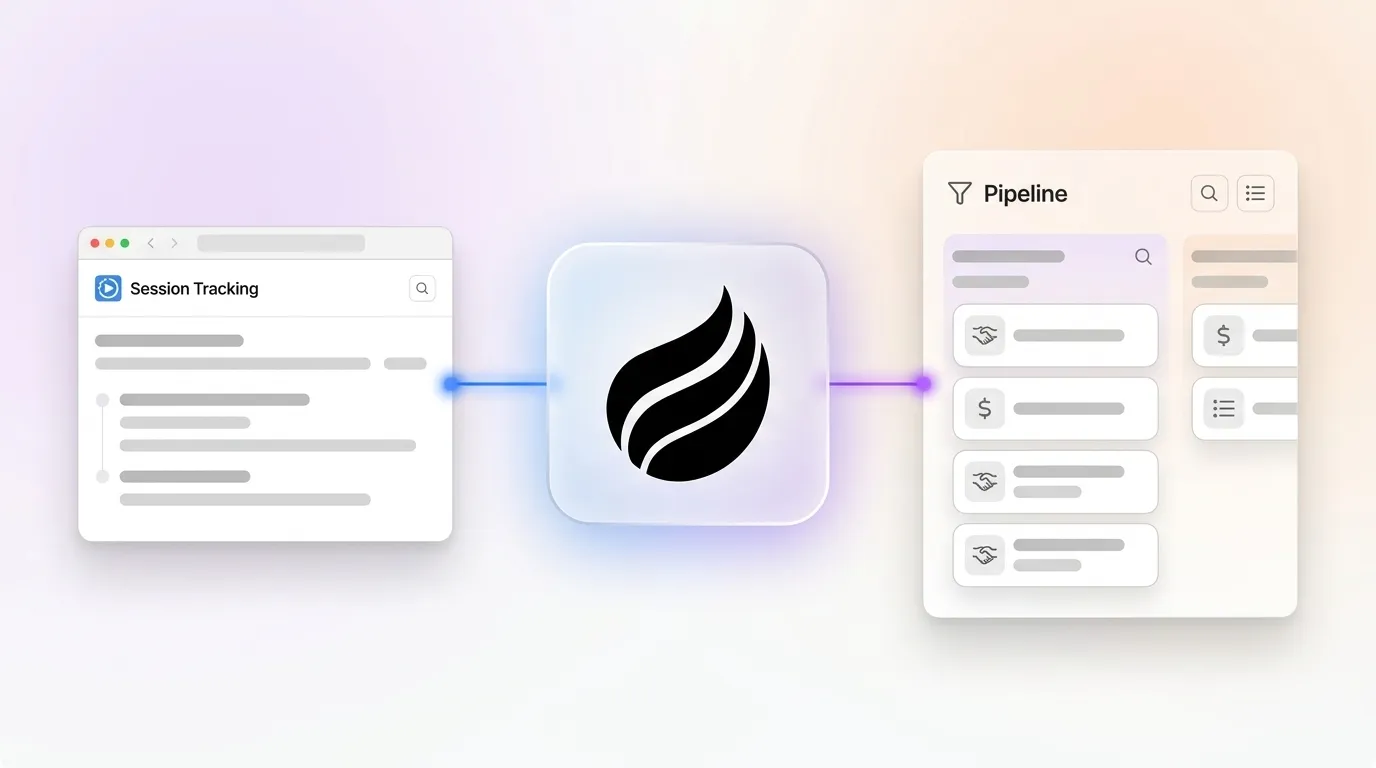
A VP of Engineering at a 40-person SaaS company visits your pricing page twice in three days. With session replay alone, sales never sees that intent signal. With IP identification, the company name appears but no individual contact surfaces. With full visitor identification inside Coffee, the pixel fires, Coffee infers the visitor’s name, title, email, and LinkedIn profile, and then cross-references the company’s firmographic data.
Within minutes, Coffee sends a Slack alert. One click adds the prospect to Coffee with all enrichment pre-filled. Coffee’s Suggested Leads feature then recommends two or three additional contacts inside that company who match your buyer persona. The workflow closes the loop from anonymous session to outbound sequence without manual research or spreadsheets.
See how Coffee routes named prospects to your CRM automatically.
Tool Comparison: 2026 Pricing and CRM Hand-Off
The tools below apply these approaches in different ways, with tradeoffs in cost, data sharing, and how cleanly they hand off to your CRM.
- Microsoft Clarity: Free with unlimited session recordings. Microsoft Clarity retains playback and recordings data for 30 days, while labeled or favorited sessions and other data types are retained for 13 months. Shares visitor data with Microsoft for AI training and offers no CRM routing.
- Hotjar: Freemium model. Uses session sampling that may miss recordings during peak traffic. Provides no native CRM hand-off for identified leads.
- FullStory: Enterprise pricing. Annual contracts start from around $10,000. Strong autocapture with CRM integrations available, although they require configuration.
- Lead Forensics: Company-level IP identification with pricing on request. Routes company records to the CRM but provides no individual-level enrichment.
- RB2B: Person-level US identification. Person-level US match rates appear in the comparison table above. Includes Slack push but no Suggested Leads or autonomous CRM agent.
- Warmly: Entry pricing at $900/month. Uses waterfall enrichment across more than 20 providers with CRM and Slack integrations. Does not include persona-matched lead suggestions.
- Coffee: Seat-based pricing with pixel-to-pipeline handled by a single agent. Visitor Identification plus Suggested Leads surfaces two or three individuals inside a visiting company who match your buyer persona. One click creates a CRM record with enrichment pre-filled, and real-time Slack routing keeps reps responsive. Coffee can run as a standalone CRM or as a companion layer on Salesforce or HubSpot.
Decision Framework for Choosing a Tracking Approach
Your company size, tech stack, and automation capacity determine which tracking approach delivers the highest return with the least friction. Use the framework below to match your profile to a practical implementation path.
| Company Profile | Tech Stack | Automation Need | Recommended Approach |
|---|---|---|---|
| 1–20 employees, no CRM | Standalone | High — no ops bandwidth | Full visitor ID plus Coffee Standalone CRM |
| 10–50 employees, HubSpot/Salesforce | Existing CRM | High — RevOps wants auto-routing | Full visitor ID plus Coffee Companion App |
| Any size, UX optimization focus | GA4 plus analytics stack | Low — behavioral insights only | Session replay with Clarity or Hotjar |
| 10–50 employees, international traffic | Any | Medium — GDPR-safe company signals | IP or company ID such as Leadfeeder or Visitor Queue for EU, plus full visitor ID for US |
The business case for real-time routing is measurable. Responding to B2B leads within 60 seconds can boost conversions by 391%. Eighty percent of the close rate advantage disappears within the first 30 minutes. Teams using AI to automate lead operations report higher conversion rates because they remove delay from the marketing-to-sales handoff.
Frequently Asked Questions
How long does it take to implement website visitor tracking?
A JavaScript pixel can be placed in under 10 minutes via Google Tag Manager or direct <head> insertion. Consent banner configuration, CRM routing rules, and ICP filters typically add one to two hours of setup. Coffee verifies pixel installation automatically and begins surfacing identified visitors immediately after confirmation, with Slack notifications and CRM record creation active the same day.
Is visitor tracking data secure?
Security depends on the vendor. Coffee is SOC 2 Type 2 and GDPR compliant, and visitor data is never used to train public AI models. When you evaluate any tracking vendor, confirm SOC 2 certification, data residency options, subprocessor restrictions in the DPA, and whether the vendor’s AI systems train on customer data. Data masking for PII fields in session recordings is a baseline requirement regardless of vendor.
What consent language should I use on my tracking banner?
A compliant banner clearly states what data is collected, why it is collected, who it is shared with, and how users can opt out or withdraw consent. Example language: “We use tracking technologies to identify companies and individuals visiting this site for sales and marketing purposes. You may opt out at any time by clicking ‘Manage Preferences.’ For EU visitors, we rely on your explicit consent before activating person-level identification.” Legal counsel should always review banner copy against the specific state or national laws that apply to your traffic.
How do I measure pipeline ROI from visitor tracking?
Track four metrics: identified visitors per month, visitors converted to CRM records, CRM records that enter an active opportunity, and closed-won revenue attributed to visitor-identified leads. Properly scored and qualified leads usually convert at higher rates than unqualified prospects, so the difference between identified and unidentified lead cohorts provides a clear ROI signal. Coffee’s Pipeline Compare feature tracks week-over-week changes automatically, which turns attribution reporting into a standard output instead of a manual export.
Does visitor identification work for international traffic?
Person-level identification tools such as RB2B are US-only. For international B2B traffic, company-level IP identification remains the compliant option under GDPR’s legitimate interest basis, provided you document a Legitimate Interest Assessment. Coffee’s Visitor Identification is optimized for US traffic. Teams with significant EU or APAC traffic can layer a GDPR-compliant company identification tool for those segments while using Coffee for US visitors.
Conclusion: Turn Every Session Into Pipeline
Session replay delivers behavioral depth but no identity. IP-based company identification narrows the field but still leaves sales teams without a named contact. Full visitor identification with individual enrichment and real-time CRM routing becomes the only approach that turns an anonymous session into a named prospect ready for outreach, without manual research or fragmented tooling.
For 10–50 person SaaS teams, a single agent that handles pixel deployment, identity resolution, persona-matched lead suggestions, and CRM record creation in one workflow is the practical choice. Coffee’s Visitor Identification and Suggested Leads features provide that workflow whether Coffee runs as your system of record or as a companion layer on top of Salesforce or HubSpot.
Start converting anonymous visitors into pipeline with Coffee’s Visitor Identification.


