
Written by: Doug Camplejohn, CEO & Co-Founder, Coffee
Key Takeaways
- This free JavaScript pixel captures visitor data like IP-derived details and pages viewed, then sends it to your CRM or Google Sheets in real time.
- You can set everything up in about 15 minutes with no technical expertise, and it works on WordPress, Shopify, Next.js, and stays aligned with 2026 privacy rules.
- The script reduces the impact of ad blockers, Safari restrictions, and GDPR by using consent checks and session management.
- You get around 60–70% tracking accuracy compared to paid tools, with integrations for HubSpot, Pipedrive, and Excel Power Automate.
- Upgrade with Coffee’s AI-powered visitor identification for individual-level tracking and automated lead enrichment.
Why This Free CRM Tracking Script Matters in 2026
Bootstrapped teams working between spreadsheets and their first real CRM face a critical gap: they lack dynamic visitor tracking. 71% of sales reps waste time on manual data entry, which leaves only 35% of their time for actual selling. Without automated visitor capture, promising leads slip through the cracks and never reach your pipeline.
The 2026 tracking landscape creates new obstacles for small teams. Ad blockers affect 15.39% of desktop users, Safari’s Intelligent Tracking Prevention reduces first-party cookie life to 7 days, or 24 hours when set via JavaScript with tracking query parameters, and GDPR fines have exceeded €4.5 billion. Free tracking scripts must navigate these restrictions while still delivering useful data to founders and sales teams who cannot afford enterprise tools.
The script below addresses these challenges with consent checking, basic ad-blocker evasion, and simple session management while staying easy for non-technical teams. You only need a few prerequisites before you can start capturing visitor data.
Prerequisites: What You Need Before Setup
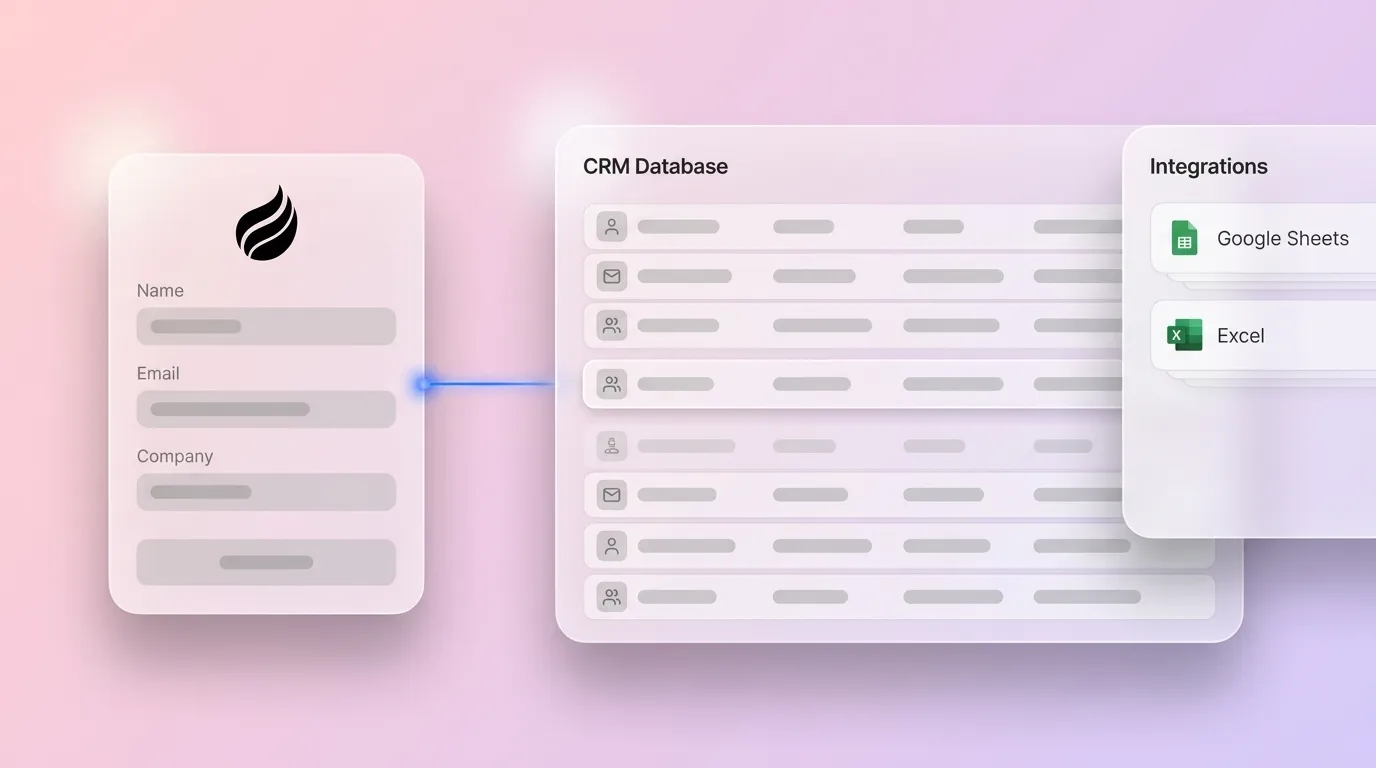
You need access to the HTML head section of your website, whether you use WordPress, Next.js, Webflow, or Shopify. You also need a webhook endpoint such as a Google Sheets script, a CRM integration like HubSpot or Pipedrive, or an Excel Power Automate flow. Basic comfort with copying and pasting code helps, but you do not need advanced programming skills. Expect the full setup to take about 15 minutes.
Step-by-Step: Implement Your Free CRM Tracking Script
1. Copy and Customize the Script
Copy the JavaScript code block above and replace “YOUR_WEBHOOK_URL” with your actual endpoint. Your endpoint choice depends on your current workflow. If you manage leads in Google Sheets, create a new Apps Script project, deploy it as a web app, and use the generated URL as your webhook. Teams already using HubSpot or similar CRMs can rely on their native webhook or Forms API endpoints instead. No matter which endpoint you choose, the script includes mobile-friendly behavior, GDPR consent checks, and ad-blocker evasion that outperform basic GitHub snippets.
2. Embed in Your Website Header
Place the customized script inside your website’s <head> section so it loads on every page. In WordPress, use the theme editor or a plugin such as Insert Headers and Footers. On Shopify, edit the theme.liquid file and paste the script before the closing </head> tag. Next.js users can add the script to _document.js. The script loads asynchronously, which keeps page speed and Core Web Vitals in a healthy range.
3. Configure Your Data Endpoint
Prepare the system that will receive and store your visitor data. For Google Sheets, create an Apps Script that accepts POST requests and writes each payload to a new row. For HubSpot, configure the Forms API or webhook endpoints to accept the same fields sent by the script. Pipedrive users can rely on webhook integrations that create leads automatically. Excel users can set up a Power Automate flow that receives HTTP requests, parses the JSON payload, and appends rows to an Excel Online table.
4. Test and Verify Data Flow
Open an incognito browser window and visit your website to trigger a fresh session. Check your CRM or spreadsheet for new entries within about 30 seconds of that visit. The script should capture page views, session data, and basic visitor information. Client-side tracking achieves 60–70% total conversion capture compared to server-side alternatives, yet it still delivers strong value for bootstrapped teams.
If your test does not show data flowing correctly, the issues below usually explain what went wrong.
Common Mistakes and Troubleshooting for CRM Tracking Scripts
CORS errors appear when your webhook endpoint does not accept cross-origin requests from your domain. You can fix this by adding the correct Access-Control-Allow-Origin headers to your endpoint script. Even with CORS configured, ad blockers may still block some tracking requests. The script includes basic evasion, but the ad-blocker prevalence noted earlier means some data loss will still occur. A third frequent issue involves duplicate entries, which happen when you lack proper session management. The script generates a session ID to reduce this duplication.
For GDPR compliance, you must implement a consent banner that sets the “tracking_consent” localStorage value. Tracking pixels require consent under Article 5(3) of the ePrivacy Directive when used for non-essential purposes. The script checks for consent before it fires, but you are responsible for displaying the consent banner and managing user preferences. This requirement aligns with the GDPR consent rules and the significant fines mentioned earlier.
Validate Success: Benchmarks for Your Free CRM Pixel
Clear benchmarks help you confirm that your tracking setup works as expected. Real-time data should appear in your CRM or spreadsheet within 30 seconds of visitor activity. You can expect an 85–95% capture rate on desktop and mobile devices, although ad blockers will reduce this by 10–30% for content-heavy sites.
The table below compares this free script, typical paid tools, and Coffee AI across four key metrics. Use it to decide whether the free approach covers your current needs or whether your team should plan an upgrade.
| Metric | Free Script | Paid Tools | Coffee AI |
|---|---|---|---|
| Accuracy | 60–70% | 90% | High |
| Ad-Blocker Bypass | 60% | 70% | High |
| Setup Time | 15 minutes | 2–4 hours | 5 minutes |
| Monthly Cost | $0 | $50–200 | Varies |
Choose the Right Tracking Variant for Your Stack
Google Sheets CRM Tracking
Set up a Google Apps Script that accepts webhook data and writes each event to a new spreadsheet row. Use the script editor to deploy the project as a web app and set execute permissions to “Anyone.” The resulting URL becomes your webhook endpoint in the tracking script. This setup turns a simple spreadsheet into a real-time CRM that updates automatically as visitors browse your site.
Excel Power Automate Variant
Microsoft Power Automate can receive HTTP requests and push data into Excel Online spreadsheets. Create a flow that triggers on incoming HTTP requests, parses the JSON payload, and appends rows to your Excel table. This variant works well for Office 365 users who prefer Excel over Google Sheets for lead management and reporting.
HubSpot and Pipedrive Integration
HubSpot and Pipedrive both provide webhook endpoints for creating contacts and companies directly from tracking events. HubSpot’s Forms API accepts visitor data, while Pipedrive’s webhook integration can create leads automatically. Configure the script’s endpoint and payload fields to match your CRM’s API requirements so that new visitors appear as leads without manual entry.
Upgrade to Coffee’s AI-Powered Visitor Identification
This free script captures essential visitor data, but Coffee’s AI agent identifies individual people instead of only companies. Unlike RB2B and other tools that show only company-level data, Coffee provides persona-matched lead suggestions with LinkedIn profiles, email addresses, and job titles. The agent enriches visitor data automatically, sends Slack alerts for high-value prospects, and syncs everything to your existing CRM.

Coffee’s visitor identification achieves high accuracy compared to the client-side baseline mentioned earlier. The AI agent saves sales teams 8–12 hours per week by removing manual data entry and surfacing actionable lead intelligence. It can operate as a lightweight CRM for small teams or as a companion app for existing Salesforce and HubSpot setups.

Start your free Coffee trial to experience visitor identification that goes beyond company-level data and supports your sales team with richer context.
FAQ: Free CRM Tracking Script Questions
Is this tracking script GDPR compliant?
The script includes GDPR-friendly features such as consent checks and optional IP anonymization. You still need a proper consent management system on your website to stay compliant. Tracking pixels require freely given, specific, informed, and unambiguous consent under GDPR Article 6(1)(a) when collecting personal data for non-essential purposes. The script only activates after consent, while you handle the banner, preference storage, and any related documentation.
How accurate is this free script compared to paid solutions?
Free client-side tracking scripts typically achieve 60–70% total conversion capture because of ad blockers, browser restrictions, and privacy settings. Paid solutions reach around 90% accuracy by using server-side tracking and more advanced techniques. Coffee’s AI-powered visitor identification improves on this baseline by combining multiple data sources and machine learning. The free script still offers strong value for bootstrapped teams that are just starting their visitor tracking journey.
What is the difference between this script and Coffee’s full platform?
This free script records basic visitor data such as page views, timestamps, and session information. Coffee’s AI agent goes further by identifying individual visitors by name, enriching profiles with job titles and contact details, and suggesting leads that match your ideal personas. Coffee also adds real-time Slack notifications, CRM synchronization, and pipeline intelligence that turns raw visitor data into revenue opportunities.
Can I use this script on Shopify or other e-commerce platforms?
You can use the script on any platform that allows editing of the HTML head section. Shopify users can add it to the theme.liquid file, while WooCommerce users can rely on the WordPress theme editor or a header injection plugin. The script is lightweight, so it does not slow down page loads or checkout flows. Make sure your webhook endpoint can handle higher data volume during traffic spikes.
What are the 2026 benchmarks for client-side tracking accuracy?
Client-side tracking achieves 50–70% data accuracy in 2026, with noticeable data loss from ad blockers, Safari’s Intelligent Tracking Prevention, and privacy regulations. A significant number of internet users globally use ad-blocking tools, which makes server-side tracking more attractive for teams that need near-complete data. This free script gives you a practical starting point, while more advanced platforms like Coffee help when you need higher accuracy and deeper enrichment.
Conclusion
This free CRM tracking script turns anonymous website visitors into actionable leads with about 15 minutes of setup. It delivers quick wins for bootstrapped teams, while growing companies eventually need more advanced visitor identification and enrichment. Try Coffee’s free pixel and AI agent to turn every website visitor into a potential customer with richer data and automated workflows.


