
Written by: Doug Camplejohn, CEO & Co-Founder, Coffee
Key Takeaways for Apollo.io Prospecting in 2026
- Apollo.io enables targeted prospecting with 210M+ verified contacts and 65+ filters, achieving 91% email accuracy for high-quality lead lists.
- AI-powered features in 2026 include natural language search, real-time verification, and multichannel sequences with personalization.
- The 7-step workflow covers ICP definition, list building, enrichment, LinkedIn prospecting via Chrome extension, and CRM automation.
- Teams save 8-12 hours weekly on manual tasks, while multichannel outreach boosts reply rates and lowers cost per lead by 31%.
- Sales teams can supercharge Apollo workflows by automating CRM sync and enrichment with Coffee’s AI agent, which is available through a free trial.
Why Apollo.io Prospecting Matters in 2026 and What You Need in Place
Small and mid-market businesses face increasing pressure to hit quotas while managing fragmented sales technology stacks. Apollo.io serves as a central prospecting hub, but it only delivers full value when it connects cleanly to your CRM and productivity tools.
Without proper integration, teams create new data silos and add manual reconciliation work instead of removing it. To build an integrated prospecting system, you need an active Apollo account, Google Workspace or Microsoft 365 integration, and a primary CRM system like Salesforce or HubSpot.
While Apollo offers native CRM integrations, teams also benefit from Coffee’s free trial to automate the data flow between Apollo and their system of record. Coffee closes gaps in native integrations by eliminating manual export and import processes and maintaining consistent records.
Core Apollo.io Prospecting Features You Will Use in 2026
Apollo.io functions as a comprehensive B2B prospecting platform. It enables users to search its database of 210+ million contacts using 65+ filters to build targeted prospecting lists in minutes rather than hours, supported by 91% email accuracy.
The table below shows how Apollo’s core features work together in 2026 to deliver faster, more accurate prospecting.
| Feature | Benefit | 2026 Enhancement |
|---|---|---|
| Contact Database | 210M+ verified contacts for ICP targeting | Natural language search queries |
| Data Enrichment | High email accuracy for reliable outreach | Real-time verification |
| Sequence Automation | Multichannel email and LinkedIn outreach | AI-powered personalization |
| Chrome Extension | LinkedIn prospecting and contact capture | Enhanced social signal detection |
How to Master Apollo.io Prospecting: 7-Step Workflow
Step 1: Configure Dashboard and ICP Filters
Start by defining your ideal customer profile with Apollo’s 65+ filters, including industry, company size, technology stack, and funding stage. This clear ICP keeps your lists focused on accounts that match your best customers.

Teams using human-verified contact lists achieve 7x higher reply rates than those using database scraped emails, so invest time in getting your ICP right before scaling outreach.
Step 2: Build Targeted Lists with Natural Language Search
Use Apollo’s 2026 AI enhancement to search with natural language queries like “VPs of Sales at SaaS companies with $10M+ funding in North America.” This feature replaces complex filter combinations with simple phrases that match how you already think about your market.
This approach accelerates list building and reduces setup errors, so reps can move from research to outreach much faster.

Step 3: Enrich and Verify Contact Data
Apollo automatically enriches contacts with job titles, company information, and verified email addresses, maintaining the accuracy rates mentioned earlier. Accurate enrichment improves deliverability and ensures reps spend time on real prospects instead of bounced emails.
Waterfall enrichment across 15+ providers achieves 98% email accuracy, which surpasses typical single-source accuracy rates and further strengthens your lists.
Step 4: Use the Chrome Extension for Live LinkedIn Prospecting
Once you have a strong, enriched core list, you can expand it in real time with Apollo’s Chrome extension for LinkedIn prospecting. Install the extension to capture LinkedIn profiles and Sales Navigator results directly into your prospecting lists.
This workflow supports live social selling by letting reps identify prospects during LinkedIn sessions and add them to Apollo without manual copy and paste.
Step 5: Launch Multichannel Sequences with Personalization
Next, create email and LinkedIn sequences that use the enriched prospect data and buying signals you have collected. Tailor messaging by role, industry, and trigger events so each touch feels relevant rather than generic.
Multichannel approaches lower cost per lead by 31% compared to single-channel outreach, so combine email, LinkedIn, and occasional calls for better coverage.
Step 6: Connect Apollo with Your CRM System
Apollo provides native integrations with Salesforce and HubSpot, which helps keep basic contact and activity data in sync. Many teams still face delays in updating deal stages and logging activities, because some steps require manual work or batch updates.
These synchronization gaps create reporting blind spots and slow follow-up, especially when reps rely on spreadsheets or exports to move data between systems.
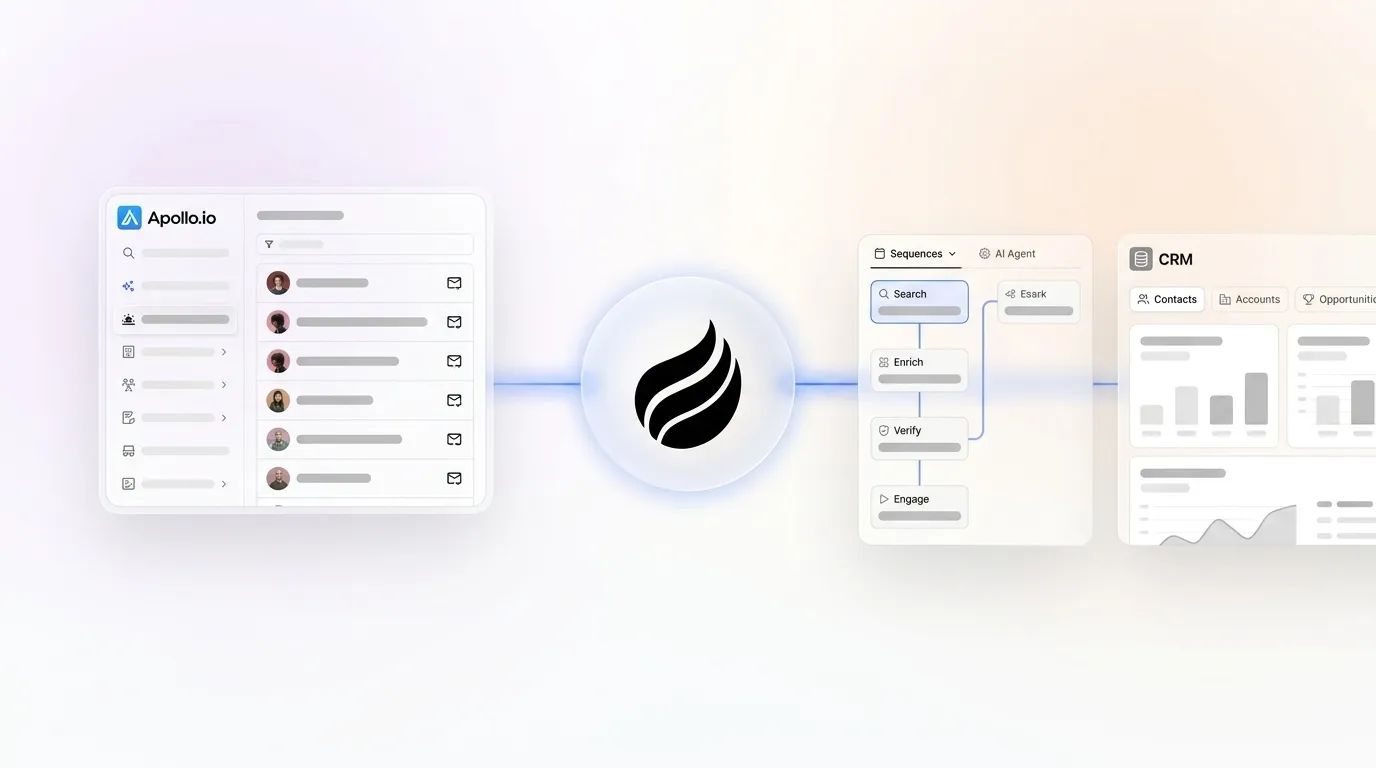
Step 7: Automate Apollo-to-CRM Workflows with Coffee’s AI Agent
Coffee’s AI agent removes those synchronization gaps by automatically ingesting Apollo prospect lists and writing clean records to your CRM. It also performs additional enrichment through licensed data partners, which keeps your CRM more complete than Apollo alone.
Teams using Coffee achieve the time savings mentioned earlier by eliminating manual export and import processes, prospect research, and email drafting. See how Coffee can streamline your Apollo workflow with a free trial.
The table below summarizes typical time investment, expected output quality, and common mistakes for each major step in this workflow.
| Step | Time Investment | Output Quality | Common Mistake |
|---|---|---|---|
| ICP Definition | 30 minutes | Targeted prospect pool | Overly broad criteria |
| List Building | 15 minutes | 100-500 qualified contacts | Skipping verification |
| Data Enrichment | 10 minutes | High email accuracy and complete records | Single-source reliance |
| Coffee Automation | 5 minutes setup | Continuous CRM sync | Manual data entry |
A company generating tens of millions in revenue automated Apollo-like leads via Coffee’s AI agent, eliminating spreadsheet management and manual CRM updates while maintaining data accuracy. This example shows what a fully automated Apollo-to-CRM workflow can deliver at scale.
Apollo.io Prospecting Tips and 2026 AI Agent Best Practices
Pairing Apollo’s prospecting capabilities with Coffee’s visitor identification turns anonymous website traffic into named prospects. This combination creates a complete lead generation system that captures both outbound prospects and inbound intent signals.
Apply the 80/20 rule by focusing on the top 20% of prospects that match your highest-converting customer profiles. B2B SaaS companies using this focused approach have increased their lead-to-opportunity conversion rates by automating data enrichment and validation for their top-tier prospects, which ensures the highest-value leads receive the most accurate data.
Use Coffee’s List Builder feature to execute natural language prospecting commands like “Find me decision-makers at companies that visited our pricing page in the last 30 days.” This workflow combines Apollo’s database with real-time intent signals, which raises conversion rates and shortens sales cycles.
Validation and Success Metrics for Apollo-Focused Prospecting
Clear metrics help you confirm that your Apollo prospecting strategy is working. Monitor email open rates above 20% and reply rates exceeding 5% to validate prospect list quality and messaging effectiveness.
Track time savings through Coffee’s automation features, where teams typically recover several hours per week from manual data entry and research tasks. To see how those time savings translate into pipeline growth, use Coffee’s Compare feature to visualize week-over-week pipeline changes and identify deals progressing through your sales process.
Measure CRM data accuracy by monitoring bounce rates below 3% and checking for complete contact records with enriched firmographic data. Teams using signal-based AI prospecting platforms report saving several hours per rep per week on account research alone, which reinforces the value of automated enrichment.
Apollo.io Sales Prospecting FAQ
Is Apollo a prospecting tool?
Apollo.io is a comprehensive B2B prospecting platform that provides access to over 210 million verified contacts, advanced search filters, email sequences, and CRM integrations. It serves as a complete solution for identifying, enriching, and engaging prospects across multiple channels including email and LinkedIn.
How does Apollo’s Chrome extension work for prospecting?
Apollo’s Chrome extension captures contact information directly from LinkedIn profiles and Sales Navigator search results, then adds prospects to your Apollo lists with enriched data. The extension streamlines the process of building prospect lists while you browse LinkedIn, which removes manual data entry and keeps data quality consistent.
What is the difference between Apollo and Coffee for prospecting?
Apollo provides the prospecting database and outreach tools, while Coffee’s AI agent automates the data flow between Apollo and your CRM system. Coffee removes manual export and import processes, performs additional data enrichment, and maintains clean CRM records automatically so teams can focus on selling instead of administration.
Which CRM integration works best with Apollo?
Apollo offers native integrations with Salesforce and HubSpot, and Coffee’s Companion App adds a more advanced automation layer on top of those connections. Coffee handles bidirectional data sync, activity logging, and enrichment, which keeps your CRM as the single source of truth and removes manual reconciliation work.
What are the key Apollo updates for 2026?
Apollo’s 2026 enhancements include natural language search queries, improved AI-powered personalization in sequences, and enhanced Chrome extension capabilities. These updates work closely with Coffee’s AI agent to create a seamless prospecting workflow that improves efficiency and data quality.
Conclusion: Turn Apollo.io into a Fully Automated Prospecting Engine with Coffee
Apollo.io provides powerful prospecting capabilities through its extensive database and automation features, yet manual CRM synchronization still slows many teams down. The 7-step workflow in this guide gives you a clear structure for effective prospecting, and Coffee’s AI agent removes the administrative burden that prevents teams from scaling outreach.
By combining Apollo’s prospecting tools with Coffee’s automation capabilities, sales teams gain the efficiency and data consistency they need to compete in 2026. Start your free Coffee trial to automate your Apollo prospecting workflow.


