
Written by: Doug Camplejohn, CEO & Co-Founder, Coffee
Key Takeaways for Lusha and Coffee Users
- Lusha enriches LinkedIn profiles with verified emails and phone numbers, helping sales reps reduce administrative work that consumes 71% of their week.
- Use this 5-step workflow: install the Chrome extension, apply smart filters, reveal contacts, export to your CRM, then launch outreach sequences.
- Lusha’s free plan offers 40 email reveals per month, while paid plans support higher volume but still require hands-on credit and data management.
- Track clear KPIs such as 50 or more new leads daily, over 95% email delivery, and 15–25% response rates to gauge prospecting performance.
- Automate Lusha workflows with Coffee’s Agent for zero manual data entry and consistent weekly time savings.
How Lusha Prospecting Works and Why It Matters in 2026
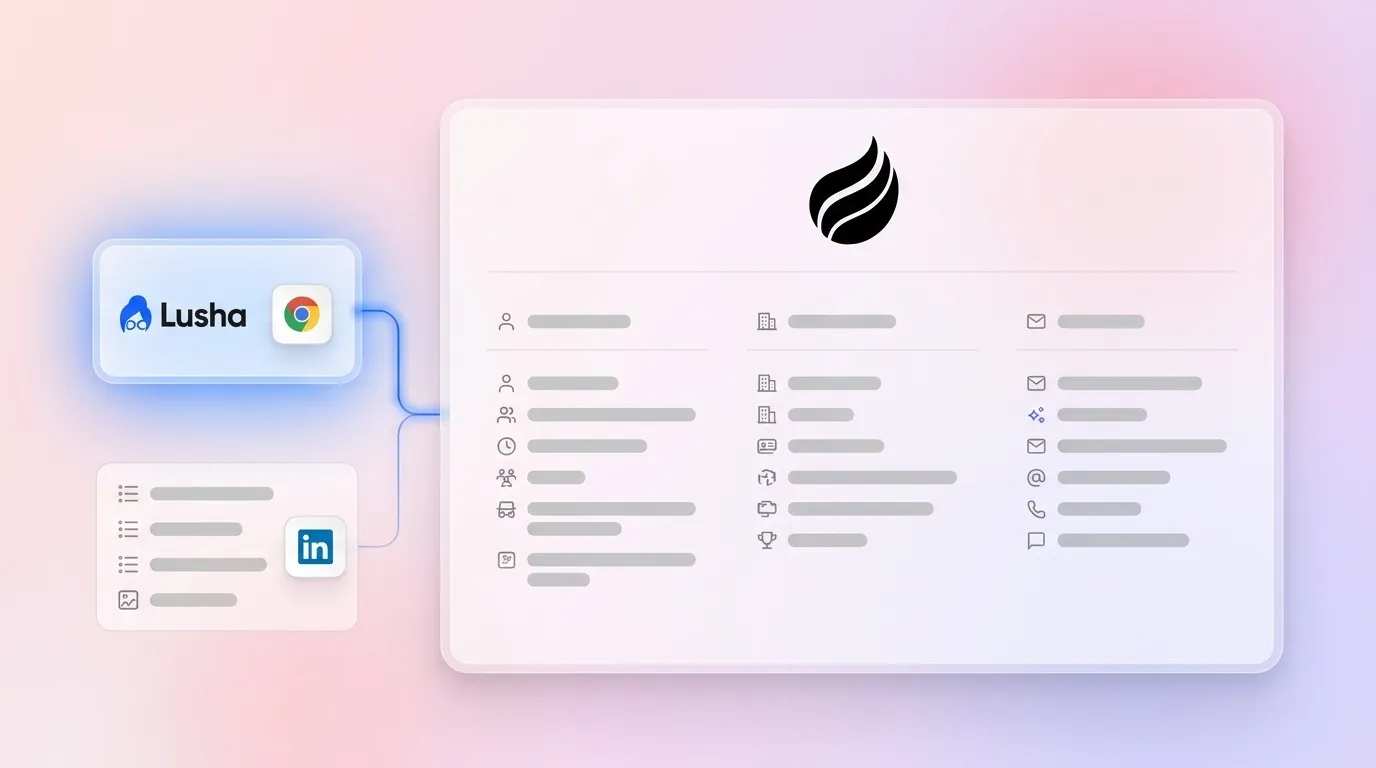
Lusha sales prospecting centers on enriching LinkedIn profiles and company pages with verified contact information that powers outbound campaigns. The platform offers accurate data across a database of more than 66 million contacts, with strong coverage in North American and European markets.
Sales teams lose significant time to manual data gathering and admin work. As noted earlier, administrative tasks dominate sales reps’ time, while B2B contact data decays at 22.5% annually. Lusha addresses these challenges by automating contact discovery and maintaining fresher data through:
- Verified emails and direct-dial phone numbers
- One-click LinkedIn profile enrichment
- CRM integration capabilities
- Bulk contact discovery and export
- GDPR and CCPA compliance
Coffee’s Agent removes even more manual work by auto-enriching contacts from emails and calendars, logging activities on its own, and surfacing pipeline intelligence without human input. Get started with Coffee to shift from manual prospecting to automated workflows.

Prerequisites for a Smooth Lusha Prospecting Setup
Set up a few essentials before you launch Lusha sales prospecting campaigns.
- Lusha account with the right credit allocation (Free plan and Pro plan provide 600 credits per month)
- Chrome browser for extension support
- LinkedIn Sales Navigator or standard LinkedIn access
- CRM system such as Salesforce, HubSpot, or another alternative
- Defined ideal customer profile (ICP) criteria
- Working knowledge of GDPR for international outreach
Common setup pitfalls include underestimating how quickly reveals consume credits and dealing with complex CRM integration options. These integration challenges often require manual mapping, testing, and ongoing maintenance to keep data in sync. Coffee’s Companion mode removes these hurdles by unifying fragmented tech stacks and providing seamless enrichment regardless of your current CRM setup.
5-Step Workflow: Using the Lusha Chrome Extension for Prospecting
Use this step-by-step workflow to get strong results from Lusha while keeping credit waste under control.
1. Install and Configure the Lusha Chrome Extension
Download Lusha’s Chrome extension from the Chrome Web Store and sign in with your account credentials. The extension connects directly with LinkedIn profiles, Sales Navigator, and company websites. 2026 setup tutorials walk through the installation process, which usually takes less than five minutes.
Set credit usage preferences so you focus on high-value prospects. Revealing contact details always consumes credits, so reserve phone data for decision-makers and other priority contacts.
2. Apply Strategic Filters for LinkedIn Prospecting
Open LinkedIn Sales Navigator or standard LinkedIn search and look for prospects that match your ICP. Lusha’s 2026 prospecting platform includes job change filters that highlight people who recently changed roles or companies, which creates timely outreach windows.
Use advanced filters such as industry, company size, job title, and location before you reveal any contact data. This focused approach reduces credit waste on low-intent prospects and improves the return on your outbound campaigns.
3. Reveal and Enrich High-Quality Contact Information
Click the Lusha icon on qualified LinkedIn profiles to reveal verified contact details. The platform shows email addresses, phone numbers, and extra firmographic data when available. In one test with 250 leads, users saw 54% open rates and 3% bounce rates, which signals strong data quality for outbound email.
Avoid the 19% email bounce rate that some users report by spot-checking data quality before large exports. Prioritize recently updated profiles because fresher records are less likely to contain outdated or invalid email addresses.
4. Export Enriched Contacts to Your CRM
Send enriched contacts directly to your CRM or export CSV files for later processing. Salesforce and HubSpot users can connect Lusha for basic contact push functionality.
Coffee enriches contacts from Lusha exports and records all related activities without manual work, which keeps your CRM current with zero data entry. Best CRM for Lusha prospecting? Get started with Coffee to automate this part of the workflow.

5. Launch and Refine Outreach Sequences
Import contacts into your sales engagement platform or email tool and start your outreach sequences. Lusha’s Engage feature offers AI-powered email templates with adjustable tone and scheduling controls.
Track campaign performance and refine your targeting based on reply rates and meeting conversions. Leads contacted within 5 minutes are 21 times more likely to qualify, so fast follow-up significantly improves your results.
Measuring Results and Choosing Between Free and Paid Lusha Plans
Monitor a few core metrics to understand how well your Lusha prospecting works.
- Contact discovery rate, with a goal of 50 or more new leads per day
- Email deliverability, aiming for over 95% delivery and under 5% bounce
- Response rates, with a typical cold outreach range of 15–25%
- CRM data accuracy and completeness over time
Lusha’s free plan offers a small monthly credit pool that works for testing but not for ongoing high-volume prospecting. Paid plans increase credit limits and support scaling, while still relying on manual reveals and exports.
Coffee scales beyond these manual limits through natural language List Builder queries such as “Find VPs of Sales at companies with more than $10M in funding” and Visitor ID technology that converts anonymous website traffic into named prospects automatically.

Comparing Lusha and Coffee for Prospecting and CRM
| Feature | Lusha (Manual) | Coffee (Automated Agent) |
|---|---|---|
| Data Entry | Manual reveals and exports | Automatic capture from emails and calendars, plus enrichment of Lusha exports with the time savings noted above |
| Prospecting | LinkedIn filters | Natural language List Builder and Visitor ID that suggests new leads |
| CRM Integration | Salesforce and HubSpot integration | Companion for Salesforce and HubSpot, plus a standalone CRM option |
| Pipeline Intelligence | Basic analytics on Premium and higher tiers | AI search for questions like “Which deals are stuck?” and a Compare feature in the 2026 update |
Coffee turns manual Lusha workflows into autonomous operations that run in the background. Lusha still requires credit management and exports, while Coffee’s Agent handles enrichment and activity logging automatically, delivering the time savings referenced earlier. An AI services firm scaled its sales operation without spreadsheets by using Coffee’s Agent for complete workflow automation.

Frequently Asked Questions About Lusha and Coffee
Is Lusha a prospecting tool?
Lusha functions as both a contact enrichment and prospecting platform. The Chrome extension reveals verified emails and phone numbers from LinkedIn profiles, and the prospecting platform lets users search and filter contacts by company, role, location, and industry. Lusha does not automate workflows, so teams still manage sequences and follow-ups manually. Coffee’s Agent fills this gap by automating prospect identification, enrichment, and pipeline management.
What companies use Lusha?
Many teams rely on Lusha for sales prospecting, including companies such as Amplitude, Autodesk, Google, Snowflake, WalkMe, and Zendesk. These organizations use Lusha’s contact database and Chrome extension to support LinkedIn-based prospecting. The platform serves sales teams, recruiters, and business development professionals across multiple industries, with especially strong coverage in North American and European markets.
What are Lusha free plan limits?
Lusha’s free plan includes a small monthly credit allowance that supports 40 email-only reveals. Users gain access to the Chrome extension, basic prospecting filters, and CRM integrations. The free tier works well for testing data quality but does not provide enough volume for ongoing prospecting campaigns that require steady contact discovery.
What is the best CRM for Lusha prospecting?
Coffee offers a strong CRM solution for teams that rely on Lusha prospecting workflows. Lusha still needs manual data entry and credit management, while Coffee’s Agent enriches contacts, records activities, and surfaces pipeline intelligence automatically. Coffee can operate as a standalone CRM or as a companion app for existing Salesforce or HubSpot instances, which removes many of the manual steps that slow Lusha users. The Agent’s Visitor ID feature also identifies anonymous website visitors, creating new prospecting opportunities beyond LinkedIn.
Conclusion: Run Lusha Manually or Automate with Coffee
Lusha sales prospecting gives teams a clear five-step process for LinkedIn contact enrichment, from extension setup through outreach execution. The approach works well for manual prospecting but still demands careful credit management and hands-on effort to scale.
Coffee’s Agent converts these manual steps into automated workflows by enriching contacts from emails and calendars and answering natural language questions about your pipeline. The AI services firm example shows how teams can remove spreadsheet-heavy processes and achieve the time savings mentioned earlier through agent-driven automation.
Ready to move beyond manual prospecting limits and constant data entry? Get started with Coffee and experience fully automated, zero-entry prospecting.


