
Written by: Doug Camplejohn, CEO & Co-Founder, Coffee
Key Takeaways
- Bypass LinkedIn’s 80–100 weekly connection limits with precise Boolean search strings and second-degree connections, even without Sales Navigator.
- Apply the 5-3-2 engagement framework to stay under LinkedIn’s detection thresholds while keeping your profile visible every day.
- Combine free tools like Apollo.io, Snov.io, and Coffee’s unlimited List Builder to extract verified emails with 65–95% accuracy.
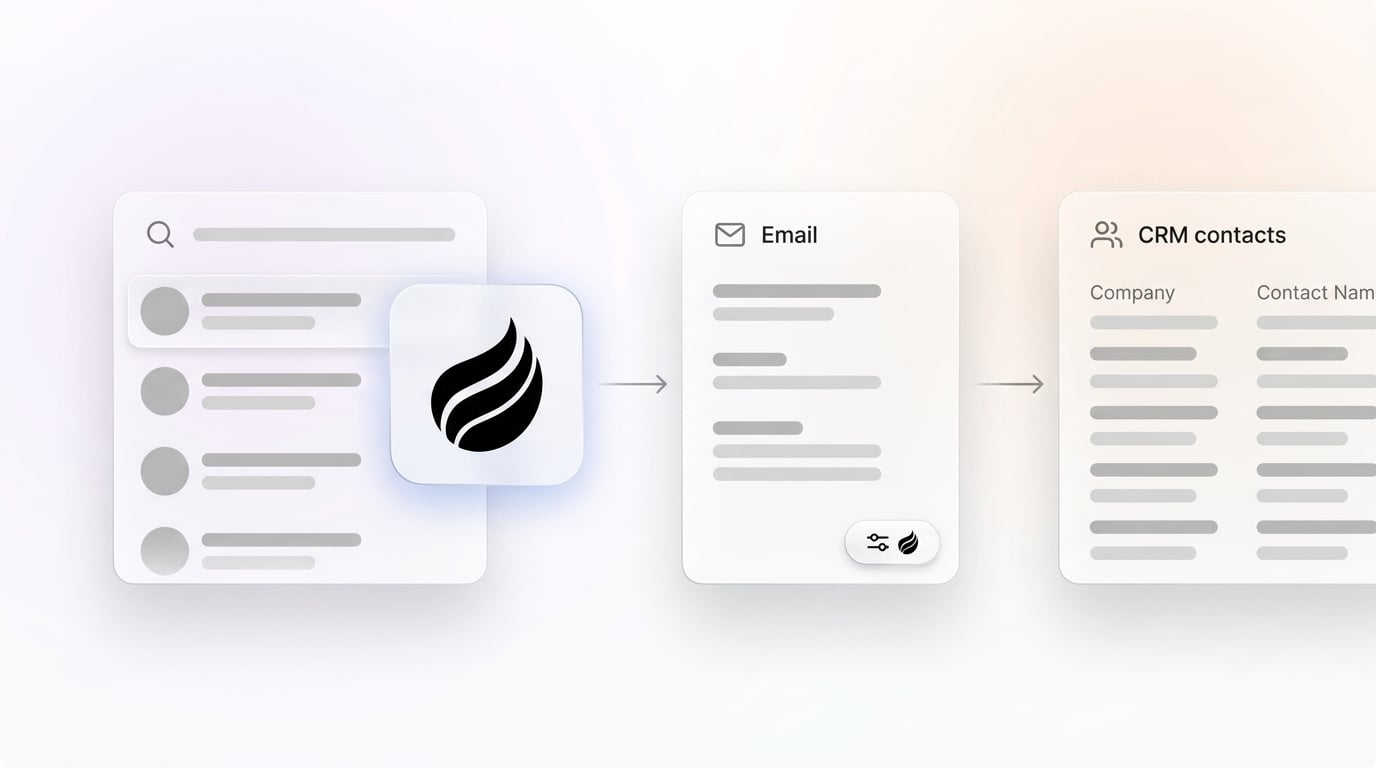
- Automate lead enrichment and CRM export with Coffee’s Agent, a Chrome extension that captures LinkedIn prospects directly into your CRM, saving 8–12 hours weekly on data entry and increasing pipeline velocity by 35%.
- Book 10+ qualified meetings weekly. Start your free Coffee trial to turn LinkedIn prospecting into scalable pipeline growth.
Prerequisites and Setup
Start with free LinkedIn, Google Workspace, and a Chrome browser because these three tools power the entire workflow. Once these basics are in place, install Coffee’s Agent, which works as a Standalone CRM for SMBs or a Companion for existing HubSpot and Salesforce setups. Authenticate in about 2 minutes to enable instant lead logging from LinkedIn into Coffee. Plan for roughly 1 hour of initial setup, and expect leads to begin flowing into your CRM the same day.
Start your free trial to complete setup in under 2 minutes.
The 7-Step LinkedIn Prospecting Workflow
With your tools configured, the next step is finding the right prospects. LinkedIn search becomes far more powerful when you use Boolean operators correctly, so you can surface buyers who actually match your ideal customer profile.
1. Master Boolean Search Strings
LinkedIn’s 2026 search uses uppercase Boolean operators (AND, OR, NOT) with no wildcard support. Target SaaS executives with a focused query such as "VP Sales" AND (SaaS OR "software") AND ("Series A" OR funding) NOT (jobs OR careers). Combine this with second-degree connections and relevant groups to work around the maximum of 250 results per search or 25 pages of search results for free and Premium members.
Effective strings vary by target persona. For marketing leaders, use (CMO OR “VP Marketing” OR “Head of Marketing”) AND (SaaS OR B2B) to capture common senior marketing titles. For technical decision-makers, switch to skill-focused filters like (CTO OR “VP Engineering”) AND (Python OR “machine learning”) to find leaders with specific technical expertise.
2. Choose Your Email Extraction Tool
Select an email extraction tool that fits your volume and accuracy needs so every LinkedIn profile you find can turn into a reachable contact. Compare these three options on monthly credits, how they integrate with LinkedIn, and how accurate their emails are. The table below highlights why Coffee’s unlimited List Builder removes the hassle of juggling limited credits from Apollo and Snov.io.

| Tool | Free Credits/Month | LinkedIn Integration | Email Accuracy |
|---|---|---|---|
| Apollo.io | 10 export credits per month | Chrome extension | 65-80% from real-world testing |
| Snov.io | 50 credits | Chrome extension | High |
| Coffee List Builder | Unlimited | Natural language search | 95%+ with enrichment |
Coffee’s List Builder accepts natural language queries such as “VPs of Sales at $10M+ funded companies using Salesforce” and returns enriched contacts without credit limits.

3. Set Up Safe Engagement Limits With the 5-3-2 Framework
Configure your daily LinkedIn activity using the 5-3-2 framework so you stay under LinkedIn’s detection thresholds while remaining visible to your market. The idea is simple: focus on a small number of thoughtful engagements, a moderate number of connection requests, and a higher volume of direct messages to existing connections.
| Daily Action | Safe Limit | Purpose |
|---|---|---|
| Likes/Comments | 10-15 | Build familiarity |
| Connection Requests | 20-30 (50-80/week safe) | Stay under weekly limits |
| Direct Messages | 100-150 to existing connections | Engage existing connections |
4. Send Personalized Connection Requests
Lead with short, specific connection messages so prospects see you as relevant instead of spammy. Use templates such as “Saw your post on [topic], loved [insight]. Connecting as fellow [role].” This style references something real and shows you did basic research.
Personalized requests achieve 44% more acceptance than generic messages. Avoid phrases that sound automated or overly salesy because they often trigger both user skepticism and LinkedIn restrictions.
5. Extract Emails From Qualified Profiles
Turn qualified LinkedIn profiles into email-ready contacts so you can follow up outside the platform. Hunter.io and Snov.io extensions provide verified addresses, and Hunter.io has an 88.8% deliverable rate while Snov.io has 85% email accuracy.
Feed these extracted profiles into Coffee’s Visitor ID and Suggested Leads features to enrich them automatically with firmographic and behavioral data.
6. Export Contacts Directly to Your CRM
Push enriched contacts into your CRM without touching CSV files so your pipeline stays clean and current. Coffee’s Agent automatically creates and enriches contacts from LinkedIn URLs, adding titles, funding data, and recent activity.
This automation removes manual imports and repetitive data entry, which often consume hours that should go to selling. Once contacts live in Coffee or your connected CRM, you can track stages, activities, and outcomes in one place.
7. Automate Follow-Up From LinkedIn to Inbox
Turn LinkedIn conversations into timely, contextual follow-ups so prospects move smoothly toward meetings. Coffee drafts personalized emails and meeting summaries based on your LinkedIn interactions, which keeps every follow-up specific instead of generic.

Pipeline Compare then tracks which messages and sequences move prospects forward, giving you clear feedback on what works. Teams using this integrated approach report booking more meetings than teams that rely on manual tracking because they can adjust messaging in real time.

Try Coffee’s automated follow-up to turn LinkedIn connections into booked meetings.
Validation and Success Metrics
Measure results so you know whether the workflow is working and where to adjust. Aim to create at least 10 highly qualified opportunities weekly in Coffee, supported by strong personalized LinkedIn outreach that achieves 20-40% response rates.
Track 8–12 hours saved each week by comparing Coffee’s automated data handling with your previous manual spreadsheet process. Watch pipeline velocity as well, because faster movement from first touch to meeting shows that cleaner data and consistent follow-up are compounding.

Scaling and Workflow Variations
Match your setup to your team size so the workflow stays manageable as volume grows. Solo founders typically use Coffee’s Standalone CRM, while larger teams rely on the Companion mode that connects to existing HubSpot or Salesforce instances.
Advanced users add Visitor ID to route inbound website visitors into LinkedIn outreach, creating an inbound-to-LinkedIn workflow. Coffee then unifies these data streams in one place, while tools like Apollo and legacy CRMs often require separate manual steps to achieve the same visibility.
FAQ
What’s the best free CRM for LinkedIn leads?
Coffee’s Agent automatically captures and enriches LinkedIn prospects without manual data entry. Unlike passive databases, Coffee actively handles the “data in” process so you get accurate insights and reliable forecasts out.
How do I overcome LinkedIn’s connection limits?
Use groups and Coffee’s List Builder to find prospects beyond standard search limits so you always have fresh profiles to contact. Stay within 80–100 invites per week by spacing requests across days and keeping acceptance rates high through personalization.
Is Coffee secure for business data?
Yes, Coffee is SOC 2 Type 2 compliant and GDPR-compliant. Your data is not used to train public AI models, and all integrations rely on secure authentication protocols.
What Boolean strings work best for LinkedIn prospecting?
Follow the uppercase Boolean operators and exact phrase syntax described in Step 1. You can adapt the technical leader example to any industry by swapping “SaaS” for your target vertical while keeping the same structure.
Coffee’s List Builder accepts natural language instead of complex Boolean syntax, which lets you describe your ideal buyer in plain English and still get precise results.
How many meetings can I book weekly without Sales Navigator?
With focused targeting and Coffee’s automation, expect around 10 or more qualified meetings each month without Sales Navigator. Quality beats volume, because personalized outreach to well-researched prospects converts better than high-volume generic messages.
Conclusion
This 7-step workflow turns LinkedIn prospecting from scattered manual tasks into a repeatable pipeline system. Coffee’s Agent removes the data grind so accurate information flows in automatically and qualified meetings flow out consistently.
Shift your time from copy-pasting data to running conversations and closing deals. Start your free trial and eliminate data entry from your prospecting workflow.


