Written by: Doug Camplejohn, CEO & Co-Founder, Coffee
Key Takeaways for Cutting Sales Admin Work
-
Sales reps waste 72% of their time on non-selling tasks because CRM data lives across tools like HubSpot, ZoomInfo, and SalesLoft.
-
Unified CRM data pulls emails, calls, and enrichment into one place, cutting manual work by 41–80% and reclaiming 8–12 hours weekly per rep.
-
The 7-step playbook covers breaking silos, automating entry, centralizing context, scoring leads, generating briefs, improving forecasting, and tracking ROI.
-
Coffee’s AI Agent outperforms legacy CRMs with proactive automation, dual standalone and companion modes, and native Workspace integration.
-
Implement unified CRM data today with Coffee’s AI Agent to turn your team into strategic sellers and increase revenue.
7 Steps to Reduce Sales Work with Unified CRM Data in 2026
1. Break Down Data Silos
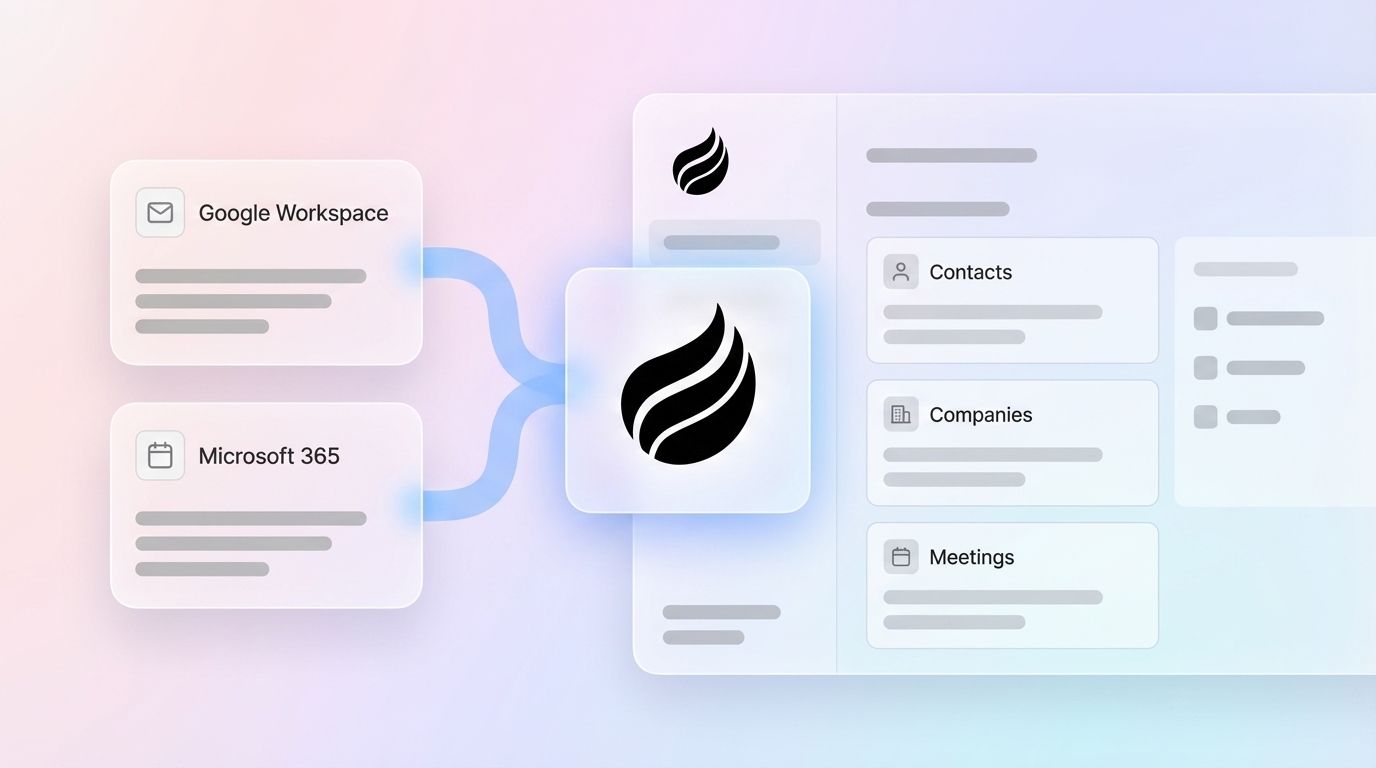
Start by eliminating disconnected systems and integrating HubSpot, ZoomInfo, SalesLoft, Fathom, and other tools into a unified platform. Coffee’s AI Agent scans Google Workspace or Microsoft 365 to identify contacts and companies across email threads and calendar invitations.
This foundational step addresses the core problem where 70% of organizations’ structured, semi-structured, and unstructured data remains trapped in siloed systems. Before integrating these systems, audit your current tool stack to identify redundant data sources so you avoid unifying duplicate or conflicting information that will create downstream data quality issues.

2. Automate Data Entry and Enrichment
Replace manual CRM updates with AI-powered automation that logs activities and adds job titles, funding information, and LinkedIn profiles automatically. Sales representatives using AI for automated CRM activity logging reclaim 5–10 hours per week per rep.
Coffee’s Agent amplifies these savings by continuously enriching contact records with licensed data, which removes the need for separate enrichment tools and constant switching between systems. To capture the full benefit, avoid partial automation and commit to AI-driven data entry, because keeping manual processes alongside automation fragments workflows and reduces efficiency gains.

3. Centralize Customer Context
Bring emails, call transcripts, meeting notes, and historical interactions into a single, comprehensive customer timeline. Coffee’s built-in data warehouse preserves complete interaction history, unlike legacy CRMs that lose context when fields are updated. This unified view gives sales reps complete background information before every meeting, so they stop scrambling through multiple systems to prepare.

4. Implement AI-Driven Lead Scoring and Routing
Use unified data to score leads automatically with BANT, MEDDIC, or SPICED methodologies. Coffee’s AI Agent analyzes combined data points from emails, website activity, and enrichment sources to qualify prospects accurately. AI-powered CRMs automate repetitive tasks such as data entry, lead scoring, follow-up reminders, and lead data collection from various sources, so sales teams can focus attention on the highest-value prospects.
5. Auto-Generate Meeting Briefs and Follow-Ups
Deploy AI agents that join Zoom, Teams, or Google Meet calls to record, transcribe, and create automated summaries with clear action items. Coffee’s Agent prepares pre-meeting briefings with attendee context and drafts post-meeting follow-up emails in Gmail for quick review and sending. This approach removes the manual note-taking burden that consumes valuable selling time.

6. Enable Pipeline Intelligence and Forecasting
Turn pipeline reviews into strategic conversations by using automated week-over-week comparisons instead of manual spreadsheets. Coffee’s Pipeline Compare feature visualizes deal progression, stalled opportunities, and new additions without CSV exports or hand-built reports.
7. Measure ROI and Scale Implementation
Track adoption rates, velocity improvements, and time savings so you can prove value and decide where to scale next. Monitor metrics such as reduced admin time, higher selling time percentage, and improved deal closure rates.
Coffee’s case studies show companies generating tens of millions in revenue after moving from spreadsheet-based sales management to automated CRM workflows, and the table below illustrates how Coffee’s dual-mode approach delivers superior time savings compared to legacy CRMs in both standalone and companion deployments.
|
Feature |
Legacy CRM (Salesforce/HubSpot) |
Coffee Standalone |
Coffee Companion |
|---|---|---|---|
|
Data Entry |
Manual |
AI auto-logs |
AI feeds existing |
|
Unstructured Handling |
Poor (no warehouse) |
Full transcripts |
Syncs to primary |
|
Integration |
Fragmented, Zapier-heavy |
Native Workspace |
Salesforce/HubSpot |
|
Savings |
0 hours/week |
8–12 hours/week |
8–12 hours/week |
Why Coffee Delivers Stronger Unified CRM Data Results
Now that you have the 7-step implementation process, you can see why Coffee outperforms traditional CRMs when you put this playbook into action.
Coffee operates as a proactive AI Agent rather than a passive database, addressing the fundamental flaw in legacy CRMs that carry 25 years of legacy baggage. While Salesforce and HubSpot require constant human maintenance, Coffee’s Agent autonomously handles data entry, enrichment, and activity logging.
The dual-model approach further separates Coffee from competitors like Clarify CRM and Day.ai. Coffee Standalone works as a complete CRM for small teams, and Coffee Companion enhances existing Salesforce or HubSpot installations. This flexibility meets organizations where they are and avoids rigid alternatives that force complete system replacements.
Coffee maintains SOC 2 Type 2 compliance and GDPR standards while offering transparent, seat-based pricing without complex AI usage metering. The platform integrates natively with Google Workspace and Microsoft 365, and Zapier connections cover most additional tools, with deeper native integrations expanding rapidly.
Explore Coffee’s dual-mode pricing to see which deployment model fits your team.
Common Pitfalls and Pro Tips for Unified CRM Data
Successful unified CRM projects avoid shadow systems and close integration gaps that push teams back into manual work. Prevent shadow CRM development by ensuring comprehensive data capture from the start.
Coffee’s automatic activity logging keeps teams from reverting to spreadsheets or Notion for “real” work. Even with strong capture, you still need to address integration challenges proactively, because incomplete tool connections create gaps that tempt teams into side systems. While Coffee currently connects via Zapier for most tools, deeper native integrations are expanding rapidly.
Teams also need to avoid running manual processes in parallel with automation. Partial implementation reduces effectiveness and creates confusion about which system to trust. Commit to full AI-driven workflows so you achieve maximum time savings and higher adoption across the sales organization.
Conclusion: Slash Sales Work Now
Unified CRM data powered by Coffee’s AI Agent cuts workload significantly and turns sales teams from data entry clerks into strategic sellers. The seven-step implementation process usually takes 1–2 weeks and delivers fast gains in reclaimed selling time and clearer pipeline visibility.
Start your Coffee trial today to unify fragmented data sources and reclaim valuable selling time. Stop letting administrative tasks consume your sales potential, and let Coffee’s Agent handle the busywork while your team focuses on closing deals.
FAQ
How does Coffee unify Salesforce data?
Coffee’s Companion App integrates directly with Salesforce through secure authentication and automatically syncs contact information. It enriches records with external data sources and writes AI-generated insights back to your existing Salesforce instance. The Agent manages data entry, activity logging, and enrichment without disrupting current workflows or forcing a system migration.
What’s the ROI on unified CRM data implementation?
Organizations typically achieve substantial reductions in administrative workload, with sales representatives reclaiming the time savings detailed in the comparison table for actual selling activities. These gains translate into faster deal velocity, higher quota attainment, and stronger team productivity. The implementation investment usually pays for itself within months through improved sales efficiency.
How does Coffee compare to point solutions like Gong or ZoomInfo?
Coffee’s AI Agent unifies and automates the entire sales workflow instead of solving a single problem. Gong focuses on conversation intelligence, and ZoomInfo provides data enrichment, while Coffee combines these capabilities with automated data entry, meeting management, pipeline intelligence, and CRM maintenance in one integrated platform.
What’s the typical setup time for CRM data unification in 2026?
Coffee’s implementation process is simple and quick. The Agent starts working as soon as you connect Google Workspace or Microsoft 365 and begins discovering and enriching contacts automatically. Full workflow automation, including meeting management and pipeline intelligence, activates progressively as the system learns your sales processes and preferences.
Can Coffee handle both structured and unstructured data?
Yes, Coffee’s AI Agent processes structured data from CRM fields and unstructured data from emails, call transcripts, and meeting notes. The built-in data warehouse preserves complete interaction history and context, unlike legacy CRMs that lose information when records are updated. This comprehensive data handling supports more accurate insights and forecasting.