Written by: Doug Camplejohn, CEO & Co-Founder, Coffee
Key Takeaways
-
Manual data entry consumes 71% of sales reps’ time. AI automation saves 8-12 hours weekly by capturing interactions from emails, calls, and calendars.
-
Salesforce Flow Builder with AI generation creates no-code flows from natural language, yet still needs maintenance to avoid governor limits.
-
Einstein AI processes unstructured data such as voice-to-form, while Data Loader manages bulk CSV operations efficiently for large datasets.
-
Coffee’s Companion App acts as a fully autonomous agent that enriches records and logs activities without setup work or human intervention.
-
Native tools demand configuration. Try Coffee’s zero-configuration approach for immediate ROI and zero-maintenance Salesforce data entry.
Top 7 AI-Powered Ways to Automate Salesforce Data Entry in 2026
1. Salesforce Flow Builder with AI Generation
Salesforce Flow Builder serves as the platform’s most powerful native no-code automation tool for eliminating manual data entry. The Spring ’26 release introduces Flow Generation V2, which uses Einstein to generate structured draft flows from natural language prompts. This update allows admins to create record-triggered, scheduled, screen, or autolaunched flows without technical expertise.
Implementation involves three key steps that build on each other. First, access the Agentforce panel in Flow Builder, which is now opt-in with zero configuration required. This opens the AI generation interface where you describe your automation need in natural language, such as “Create a flow that automatically updates contact records when emails are received.”
The system then generates a draft flow structure that you review and deploy, completing the automation without writing code. The interface supports collapsible branching elements and enhanced canvas navigation using mouse wheel scrolling and trackpad gestures.
Flow Builder excels at structured data automation and integrates natively with Salesforce objects. It still requires ongoing maintenance to prevent governor limit violations. It also commonly fails due to poor architecture including overloaded flows and insufficient entry criteria.
2. Einstein AI for Unstructured Data Processing
Einstein AI automates activity capture from email and calendar systems, mapping interactions directly to Salesforce records without manual work. The Spring ’26 Voice to Form feature lets mobile workers complete complex forms hands-free using voice commands, which captures information faster and more accurately than typing.
Setup starts with enabling Einstein for Sales in your Salesforce org. You then configure email and calendar integration through your email provider and train the AI on your specific data patterns. Once configured, the system automatically logs activities, creates contact records from email signatures, and updates opportunity stages based on email content analysis.
Einstein excels at native integration and provides automated activity capture from email and calendar integrated natively into Salesforce. Its limitations include dependency on structured email formats, limited customization options for unique business processes, and higher licensing costs for advanced features.
3. Data Loader and Import Wizards for Bulk Operations
Salesforce Data Loader manages bulk imports, exports, updates, and deletes of up to 5 million records via CSV files. The native free desktop tool supports GUI and command-line interfaces, yet it requires local installation and presents a steeper learning curve for non-technical users.
Implementation starts with downloading the Data Loader application and configuring your Salesforce connection with security tokens. You then map CSV columns to Salesforce fields. Advanced users can schedule automated imports using command-line operations on Windows systems. The tool supports INSERT, UPDATE, UPSERT, and DELETE operations with built-in duplicate detection.
Data Loader provides reliable bulk processing capabilities and handles large datasets efficiently. However, it lacks native GUI scheduling, advanced error handling, and data transformation features, and it is limited by Salesforce API calls with no deduplication features. These limitations highlight why many organizations are moving beyond batch processing tools to autonomous agents that handle data entry continuously.
4. Coffee Companion App: Autonomous AI Agent for Daily Salesforce Work
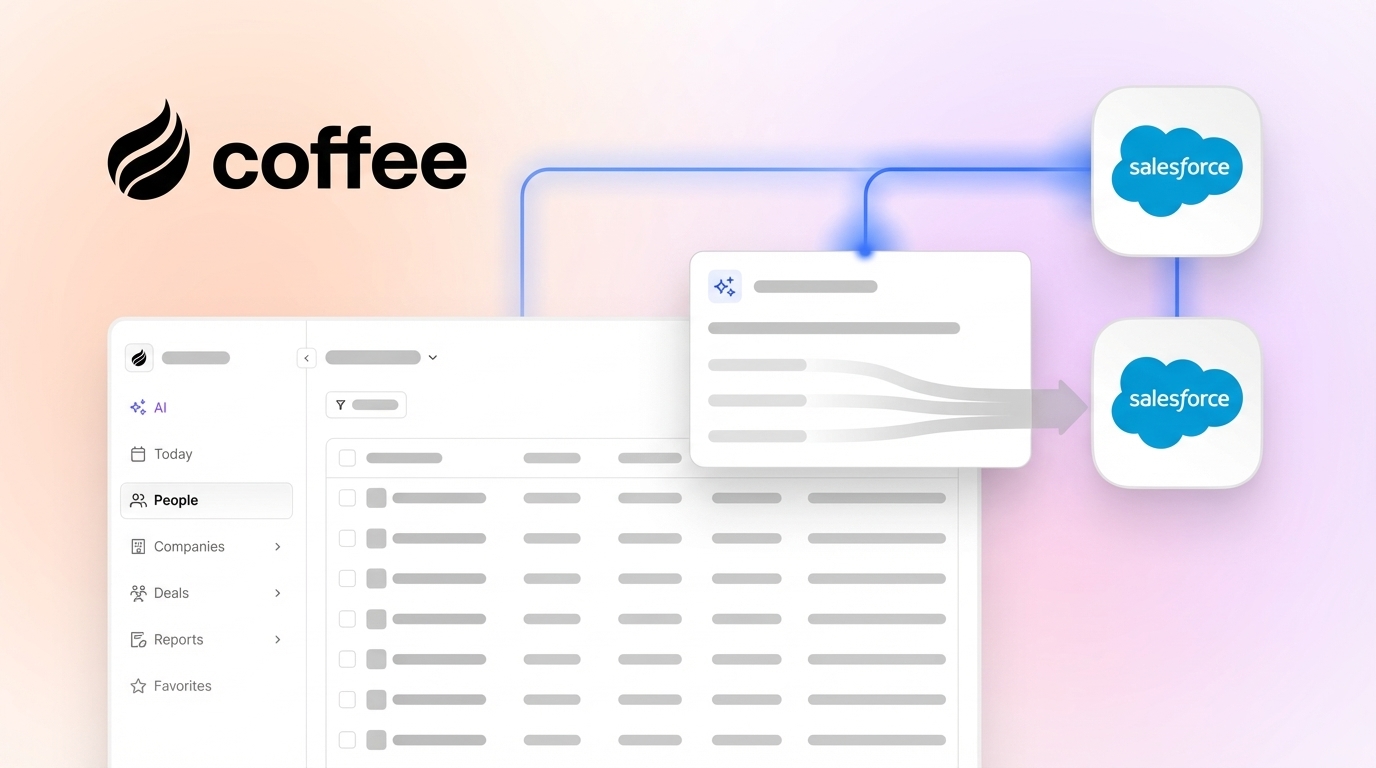
Coffee’s Companion App functions as an autonomous AI agent that eliminates manual data entry by automatically capturing, enriching, and logging interactions from Google Workspace or Microsoft 365, emails, calls, and calendars. Unlike passive tools, Coffee acts as a proactive agent that ensures good data enters Salesforce and then supports better insights and forecasts.

Implementation requires simple authentication to connect Coffee with your existing Salesforce instance and Google Workspace or Microsoft 365. After connection, the agent immediately begins scanning emails and calendars to auto-create contacts and companies.
It enriches records with job titles, funding, and LinkedIn profiles through licensed data partners and logs activities autonomously. Coffee released improved summary templates in November 2025, customizable to match workflows and writable back to Coffee, HubSpot, or Salesforce.

Coffee delivers the time savings mentioned earlier by handling unstructured data from emails and calls that native tools cannot process. The agent consolidates multiple tool functions including CRM management, data enrichment, recording, and forecasting. This addresses the core problem where 71% of sales reps spend time on non-selling tasks, which positions Coffee as the solution that removes the manual grind entirely.
Experience autonomous data entry that transforms your Salesforce instance from a demanding system into an intelligent assistant.

5. Zapier and Third-Party Integration Platforms
Zapier connects Salesforce to over 5,000 applications through no-code automation workflows called Zaps. These connections enable automatic data flow between systems such as Google Forms, email platforms, and marketing tools directly into Salesforce records.
Setup involves creating Zapier account connections to both Salesforce and your source applications, then building Zaps with trigger-action logic. For example, a Zap can automatically create Salesforce leads when someone submits a Google Form, complete with data enrichment from LinkedIn or other sources. Advanced Zaps support multi-step workflows with conditional logic and data transformation.
Zapier excels at connecting disparate systems and requires no coding knowledge for basic automations. It struggles with complex unstructured data processing, has monthly task limits on paid plans, and can become expensive for high-volume operations. Integration delays can also affect real-time data requirements.
6. Custom Apex and API Automation for Complex Logic
Salesforce Apex enables advanced custom bulk data operations and complex integrations through proprietary coding. API-based solutions provide maximum flexibility for unique business requirements and can handle sophisticated data transformation logic.
Implementation requires Salesforce development expertise to write Apex classes, triggers, and batch jobs. Developers must consider governor limits including CPU time, SOQL queries, and DML statements. API integrations require authentication setup, endpoint configuration, and error handling for reliable data synchronization.
Apex provides extensive customization capabilities and can handle complex business logic that no-code tools cannot support. It also requires significant development resources and ongoing maintenance. It is subject to the same governor limits as Flows, causing failures during mass updates or when multiple automations execute together.
7. Validation Rules and Data Quality Best Practices
Validation rules prevent poor data entry by enforcing data quality standards at the point of input. Combined with proper field configuration and user training, these practices reduce the need for manual data cleanup and ensure consistent formatting.
Implementation involves creating validation rules for required fields, format standards, and business logic constraints. You also configure picklist values to standardize entries, implement duplicate management rules, and establish naming conventions. Regular data audits and user training reinforce these standards across the organization.
Validation rules provide proactive data quality control and integrate natively with Salesforce. They support rather than replace comprehensive automation solutions, may frustrate users with overly restrictive rules, and require ongoing maintenance as business requirements evolve. Poor data quality costs businesses $15 million per year in losses from missed opportunities and declining brand equity.
Native vs. Agent Comparison: Why Coffee Wins
The following comparison shows how Coffee’s autonomous AI agent outperforms native Salesforce tools that still depend on configuration and manual effort.
|
Feature |
Native Salesforce Tools |
Coffee AI Agent |
|---|---|---|
|
Time Savings |
Partial automation, manual setup required |
8-12 hours per week fully automated |
|
Unstructured Data |
Requires configuration for email/call processing |
Full email, call, calendar unification |
|
User Adoption |
Requires training, prone to errors |
Zero manual effort, autonomous operation |
|
ROI Timeline |
3-6 months with ongoing maintenance |
Immediate value from autonomous agent |
Coffee’s agent-led approach addresses the fundamental flaw of legacy CRMs that rely on humans for data quality. While native tools require constant configuration and maintenance, Coffee operates autonomously to ensure good data enters the system automatically.

See the difference between passive tools and an active AI agent with Coffee’s free trial.
Real-World Case Study: Scaling Beyond Spreadsheets
A company generating tens of millions in revenue managed sales through spreadsheets and knew manual entry would not scale. They rejected Salesforce and HubSpot because both demanded too much manual work. After implementing Coffee’s AI agent, they achieved automated contact creation from Google Workspace, actionable pipeline insights through the Compare feature, and API access for custom briefings. The agent removed their data entry bottleneck and gave them the flexibility to scale sales operations without adding administrative overhead.

Conclusion: Moving from Tools to Autonomous Agents
These seven methods create a progressive path from basic native automation to advanced AI agent capabilities. Flow Builder, Einstein, and Data Loader offer foundational automation, while Coffee’s Companion App represents the future of CRM management where agents handle the busywork entirely. Top-performing sales teams are 1.7 times more likely to use AI agents for competitive advantage.
The choice between manual data entry and AI automation determines whether your sales team spends time on administrative tasks or revenue-generating activities. Transform your Salesforce into an intelligent revenue engine by eliminating manual data entry with Coffee.
FAQ
What is the best automation tool for Salesforce data entry?
Coffee’s Companion App stands as the leading AI agent for Salesforce data entry automation. Unlike native tools that require manual configuration and ongoing maintenance, Coffee operates autonomously to capture, enrich, and log data from emails, calls, and calendars. The agent removes hours of manual work each week while improving data quality through intelligent processing of unstructured sources.
Can AI completely automate Salesforce data entry?
AI agents such as Coffee can completely automate Salesforce data entry by processing unstructured data from emails, calls, and calendar interactions. These agents automatically create contacts and companies, enrich records with relevant information, log activities, and update opportunity stages without human intervention. This shift moves teams from passive CRM tools that depend on manual input to active agents that maintain data quality automatically.
Which Salesforce automation method provides the fastest ROI?
Coffee’s Companion App delivers immediate ROI by reclaiming the majority of time sales reps currently waste on administrative work rather than selling. Native Salesforce tools such as Flow Builder often need 3-6 months of configuration and training before they reach full value.
Coffee’s agent begins working immediately upon authentication, and its autonomous operation eliminates ongoing maintenance costs while delivering substantial weekly productivity gains.
How do I choose between Flow Builder and AI agents for automation?
Use Flow Builder for simple, structured data automations within Salesforce objects when you have resources for ongoing maintenance. Choose AI agents such as Coffee when you need autonomous operation without manual configuration or when you want immediate productivity gains across diverse sources.
Coffee’s agent approach removes common Flow Builder challenges including governor limit violations, complex maintenance requirements, and extensive setup for external data processing.
What are the main challenges with native Salesforce automation tools?
Native Salesforce automation tools present several critical limitations. They require significant technical expertise for configuration and maintenance and are prone to failures due to governor limits and poor architecture.
They also still rely on humans for data quality assurance. These factors often create more administrative overhead instead of removing it, which is why many organizations now transition to AI agent solutions that operate autonomously.