
Key Takeaways
-
Sales reps spend 71% of their time on admin tasks, and 30-40% of pipelines contain phantom deals that distort forecasts.
-
Healthy Salesforce pipelines in 2026 rely on clear metrics such as 3-4x coverage ratio, upward velocity trends, and 15-25% win rates.
-
Consistent inspection uses Pipeline Inspection, custom list views, coverage reports, velocity dashboards, and flags for deals sitting over 30 days.
-
Manual data entry, deal stagnation, and tool sprawl weaken pipeline health; Coffee’s agent automates logging, enrichment, and summaries to restore data quality.
-
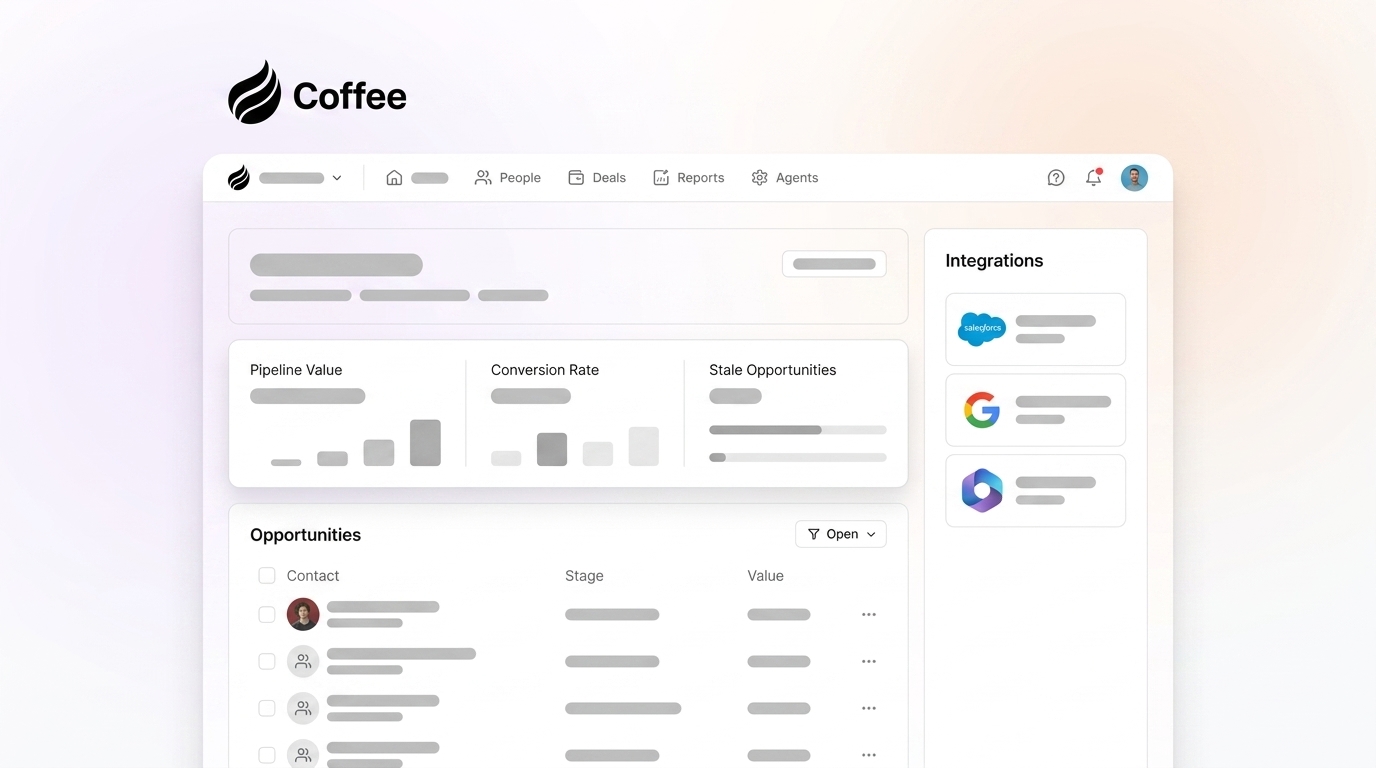
Coffee’s automation connects with Salesforce in one click, captures data automatically, and surfaces Pipeline Compare visuals to save 8-12 hours per rep each week and improve forecast accuracy. Transform your pipeline with Coffee’s agent automation.
Why Salesforce Pipeline Health Matters in 2026
Salesforce pipeline inspection means reviewing deal progression, stage conversions, and data quality on a regular cadence so risks surface before they damage forecasts. A pipeline health score blends coverage ratios, velocity metrics, and data hygiene indicators into a single view of risk. The stakes stay high: 85% of B2B firms regularly miss their monthly sales forecast by more than 5% because their pipeline data is incomplete or misleading.
The practical framework stays simple: measure key metrics, diagnose problems through systematic inspection, then apply Coffee’s agent automation to fix data quality at scale. Try Coffee’s Pipeline Compare to see week-over-week changes without exporting spreadsheets.
Key Metrics That Define Salesforce Pipeline Health
Seven core sales pipeline health metrics shape forecast accuracy and quota attainment in 2026. The coverage ratio sets the foundation, while velocity, win rate, aging, and data quality show whether that coverage can convert into revenue:
|
Metric |
Formula |
Healthy Benchmark |
Red Flag Threshold |
|---|---|---|---|
|
Pipeline Coverage Ratio |
Stage Weighted Value ÷ Quota |
3-4x |
Below 3x |
|
Pipeline Velocity |
(Opportunities × Avg Deal × Win Rate) ÷ Cycle |
Trending upward |
Declining over multiple quarters |
|
Win Rate |
Won Opportunities ÷ Total Opportunities |
15-25% B2B |
Below target range |
|
Pipeline Aging |
% Deals Past Median Duration |
Low percentage of aged deals |
High percentage of aged deals |
|
Data Quality Score |
Email Bounce Rate |
Low error rates |
High error rates |
The 3-3-3 rule in sales adds structure to these metrics. Maintain 3x coverage, balance deals across 3 key stages, and generate 3x more opportunities than quota requires. Coffee tracks these metrics automatically with accurate calculations, which removes the manual spreadsheet work that often introduces errors.
Once you understand which metrics matter and how they interact, you can build a repeatable inspection routine inside Salesforce. The next section walks through a six-step process that surfaces these numbers and highlights problems before they damage your forecast.
How to Check Pipeline Health: Step-by-Step Salesforce Pipeline Inspection
This six-step workflow shows how to inspect Salesforce pipeline health in a consistent, repeatable way.
1. Enable Pipeline Inspection: Go to Setup, then open Pipeline Inspection to turn on movement tracking and health indicators for your opportunities.
2. Configure List Views: Create focused Opportunity List Views such as “This Quarter” and “High-Value Deals” with fields like Owner, Stage, Close Date, Amount, and Last Activity Date.
3. Review Coverage and At-Risk Deals: Use Reports to review your coverage ratio and spot opportunities flagged as at-risk based on long stage duration and low activity. Move those at-risk deals into targeted follow-up sequences or remove them from the forecast if they no longer show real buying intent.
4. Monitor Velocity Through Dashboards: Track deal progression speed with stage conversion dashboards that highlight where opportunities stall. Use these insights to coach reps on specific stages and refine your sales process.
5. Flag Stale Opportunities: Mark deals with no activity for more than 30 days as needing immediate attention and clear next steps. Clean out dead deals so your forecast reflects reality instead of wishful thinking.
6. Analyze Week-over-Week Changes: Compare pipeline movement, new opportunities, and slipped close dates each week to spot trends early. Adjust coverage targets and coaching plans based on these changes.
A healthy sales pipeline shows balanced stage distribution, the 3-4x coverage ratio discussed earlier, and a low percentage of aged deals. Manual inspection often fails because reps forget to log activities and update stages consistently, which hides risk. See how Coffee automates these updates in your Salesforce instance so your inspection reflects complete, current data.
Root Causes of Poor Pipeline Health & Data Quality Fixes
Three primary factors weaken Salesforce pipeline health. Manual data entry and administrative work consume the majority of rep time (as noted earlier), which creates incomplete records and stale information. Deal stagnation appears when opportunities sit without activity for long periods, and close probability quietly drops. Fragmented tools force reps to switch between systems, which introduces data gaps and inconsistent updates.
Coffee Companion addresses these problems through proactive agent automation. Unlike Einstein’s passive approach, Coffee tackles manual data entry by enriching records from email and calendar data without extra clicks. It reduces deal stagnation by logging activities in real time, which keeps opportunities fresh and visible in your reports. It resolves tool fragmentation by writing summaries back to Salesforce so reps can work in a single, accurate system of record. Companies have reported pipeline growth after rolling out automated data quality improvements. Coffee’s agent approach surpasses point tools like Gong and ZoomInfo by unifying all data streams into one reliable pipeline view. Start your free Coffee trial to eliminate manual pipeline maintenance.

Systematic inspection shows what is broken in your pipeline, and understanding these root causes explains why those issues appear. With both views in place, you can apply automation where it removes the most friction for reps and leaders.
Automation Playbook: Strengthen Salesforce Pipeline Health with Coffee Agent
Coffee’s agent-led automation improves Salesforce pipeline health through three practical steps.
1. Authenticate Coffee to Salesforce: One-click authorization connects Coffee’s agent to your Salesforce instance and keeps data synchronized without extra configuration.
2. Enable Automatic Data Capture: Coffee’s agent creates and enriches contact records, logs meeting activities, and writes summaries back to Salesforce without human input.

3. Monitor Pipeline Compare Visuals: Review week-over-week pipeline changes in Coffee’s dashboards that highlight progressed deals, stalled opportunities, and new additions.
Teams see 8-12 hours saved per rep each week and more accurate forecasts because every activity appears in Salesforce. The 3-3-3 rule becomes realistic when Coffee’s agent maintains data quality and pipeline hygiene on a continuous basis. Transform your pipeline with Coffee’s agent automation and shift from manual upkeep to always-on intelligence.
Common Pipeline Pitfalls and 2026 Benchmark Checklist
Several recurring pitfalls undermine pipeline health: low user adoption caused by complex processes, missing historical data for trend analysis, and inconsistent stage definitions across teams. The earlier metrics table showed formulas and red flag thresholds for diagnosis. Use the simplified benchmarks below as your weekly inspection checklist, and keep these four numbers top of mind:
|
Metric |
Benchmark |
|---|---|
|
Coverage Ratio |
3-4x quota (same 3-4x coverage discussed earlier) |
|
Velocity Trend |
Trending upward |
|
Win Rate |
15-25% B2B |
|
Aging Threshold |
Low percentage of stale deals |
The 3-3-3 rule supports these benchmarks by keeping coverage, stage balance, and opportunity volume aligned with quota. Maintain 3x pipeline coverage, balance opportunities across three primary stages such as qualification, proposal, and negotiation, and generate three times more qualified opportunities than your mathematical quota requirement.

Frequently Asked Questions
What is pipeline health score?
Pipeline health score combines coverage ratio, velocity trends, win rates, and data quality into a single metric. Scores above 90% signal a healthy pipeline when stage distribution stays balanced and deals move consistently through your defined stages.
How do you fix a stale Salesforce pipeline?
Fix stale pipelines by turning on automated activity logging, setting stage duration thresholds, and requiring next step updates for every opportunity. Coffee’s agent removes manual logging by capturing email and calendar activities automatically, which keeps the pipeline fresh without extra work for reps.

How does Coffee compare to Gong and ZoomInfo?
Coffee unifies and enriches data through proactive agent automation, while Gong and ZoomInfo operate as fragmented point solutions. Coffee writes complete activity summaries directly to Salesforce, and other tools often require manual data transfer or extra integration management across multiple platforms.
What is the 3-3-3 rule in sales?
The 3-3-3 rule maintains pipeline health through three principles: 3x pipeline coverage relative to quota, balanced distribution across three key sales stages, and generating three times more qualified opportunities than quota math alone would suggest.
How does Coffee integrate with Salesforce?
Coffee connects through simple authentication that allows the agent to read opportunity data, enrich contact records, and write meeting summaries and activity logs directly into Salesforce fields. Existing workflows remain intact, and teams avoid complex configuration projects.
Effective Salesforce pipeline health depends on consistent measurement, regular inspection, and automated data quality management. Coffee’s agent removes manual bottlenecks and delivers accurate pipeline intelligence for confident forecasting. Start your Coffee trial and move from guesswork to reliable revenue prediction.