
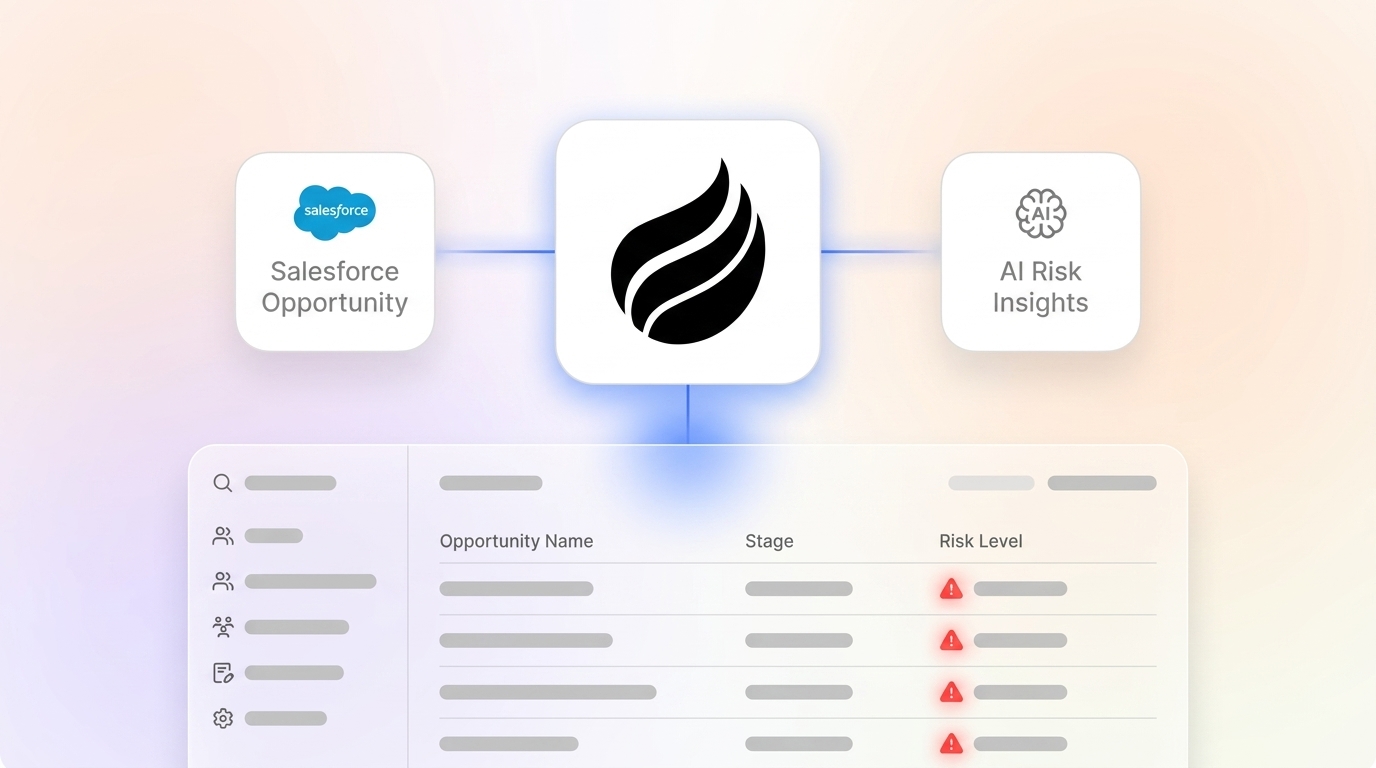
Key Takeaways
-
Salesforce opportunity risk alerts surface stalled deals, slipped dates, and data gaps early so teams can protect revenue.
-
Native Big Deal Alerts handle simple high-value monitoring, while custom Flows support advanced rules such as inactivity periods.
-
Clean data and admin permissions are prerequisites, and Einstein AI accuracy depends on consistent opportunity records.
-
AI agents like Coffee automate data entry, remove manual logging, and give natural-language visibility into pipeline health.
-
Implement alerts with Coffee’s zero-config solution for proactive risk prevention and higher win rates.
Why Salesforce Opportunity Risk Alerts Matter for Your 2026 Pipeline
Pipeline visibility gaps create cascading revenue losses because RevOps teams discover stalled opportunities too late to intervene. This delay stems from a data quality problem: sales reps spend 20% of their time on admin and data entry instead of selling, yet forecast accuracy still remains low for most B2B teams. Manual updates consume time but still leave opportunity records incomplete or outdated.
Proactive risk alerts address this gap by flagging threats as soon as they appear, so leaders can coach reps and rescue deals before they slip away. Modern risk alerts shift teams from reactive firefighting to proactive pipeline management and protect deals worth millions.

Core Requirements Before You Configure Salesforce Opportunity Alerts
Strong foundations make opportunity risk alerts reliable instead of noisy. Setting up effective alerts requires System Administrator permissions, Opportunity object access, and working knowledge of Flow Builder for custom configurations. Clean opportunity data with consistent stage progression and accurate close dates keeps alert triggers meaningful instead of random. Salesforce Einstein AI’s predictive scoring effectiveness depends entirely on complete and consistent data entry within Salesforce, so data quality directly affects how well 2026 AI enhancements can detect risk.

How Salesforce Opportunity Risk Alerts Work
Salesforce opportunity risk alerts are automated notifications that fire when predefined conditions signal potential deal problems. Native Big Deal Alerts watch for high-value opportunities that exceed specific dollar thresholds and probability levels. Custom alerts can track stage stagnation, missing required fields, or critical field changes on the Opportunity record. Common risk scenarios include opportunities inactive for seven or more days, close dates slipping without stage movement, missing decision-maker contacts, or probability drops without documented reasons.
Setting Up Native Big Deal Alerts in Salesforce
Native Big Deal Alerts offer the fastest way to monitor large opportunities without custom development.
-
Navigate to Setup, then Object Manager, then Opportunity, then Big Deal Alerts.
-
Click “New Big Deal Alert” and define criteria such as amount threshold of $50,000 or more and probability minimum of 60%.
-
Configure notification recipients such as the opportunity owner, sales manager, and RevOps team.
-
Set alert frequency as immediate, daily digest, or weekly summary.
-
Activate the alert and test with sample opportunities.
Common mistakes include setting thresholds too low, which creates noise, or too high, which hides mid-market risks. To find the right balance for your pipeline, test alerts with various opportunity scenarios before full deployment.
Designing Custom Salesforce Flow Alerts for Deal Risk
Record-Triggered Flows support sophisticated risk detection when native alerts cannot cover your logic. Before-save Flows run about ten times faster than after-save Flows because they modify records in memory and consume zero DML operations, although many alert patterns still rely on after-save actions.
-
Create a Record-Triggered Flow on the Opportunity object with an “After Save” trigger.
-
Add entry criteria such as ISCHANGED(LastActivityDate) AND LastActivityDate < TODAY() – 7.
-
Use a Get Records element to retrieve opportunity owner and manager details.
-
Configure email alerts with opportunity context and suggested next steps.
-
Add Chatter posts so the account team sees risk updates immediately.
Use the collection-based pattern to keep Flows bulk-safe. Add one Get Records element before loops, use Assignment elements inside loops, and finish with one Update Records element after loops. This pattern helps you avoid governor limits during bulk processing.
Comparing Record Alerts, Chatter, and Third-Party Risk Tools
Salesforce offers lighter-weight options for teams that do not need full Flow complexity. Record alerts provide field-level monitoring through Setup, Object Manager, Opportunity, Fields and Relationships, then the chosen field, then Set Field-Level Security. Chatter alerts support social collaboration through Setup, Chatter Settings, and Feed Tracking, which creates automatic posts when opportunity fields change. Third-party tools extend these basics with additional scoring and automation, so setup time and AI depth become key decision factors.
|
Tool |
Setup Time |
AI Capabilities |
|---|---|---|
|
2-4 hours |
Basic scoring |
|
|
iTools AppExchange |
1-2 hours |
Rule-based only |
|
Coffee Agent |
0 minutes |
Full automation |
This comparison highlights a tradeoff between setup effort and intelligence. Native tools and simple apps require configuration time and mostly rule-based logic, while Coffee focuses on instant setup with deeper automation.
How Coffee’s AI Agent Prevents Salesforce Opportunity Risk
Coffee’s Companion App improves opportunity risk management by fixing the data gaps that trigger most alerts. Instead of waiting for rules to flag problems after they appear, Coffee prevents many risks by automatically logging emails, calls, and meeting outcomes so opportunity records stay current. This proactive data maintenance removes stale information that would normally trigger alerts such as “seven or more days without activity” or “missing decision-maker contacts.” Coffee’s AI search on deals answers natural-language questions such as “Which deals are stuck in negotiation?” or “What is closing this month?” and surfaces patterns that static rules often miss.

The Pipeline Compare feature visualizes week-over-week opportunity changes and highlights stalled deals, progression, and new additions without manual spreadsheet exports. This visual tracking combines with Coffee’s automatic activity logging to give you complete pipeline visibility without the manual work that usually consumes eight to twelve hours each week. Coffee’s SOC 2 compliance and seamless Salesforce integration provide this time savings without sacrificing security or requiring any Flow configuration.
|
Solution |
Proactive Data Entry |
Setup Time |
ROI Impact |
|---|---|---|---|
|
Native Alerts |
No |
Some setup |
Reactive only |
|
Custom Flows |
No |
More setup |
Alert-based |
|
Coffee Agent |
Yes |
None |
Higher win rates |
This table shows how Coffee pairs zero setup time with proactive data entry, which supports higher win rates than reactive alerts alone.
Try Coffee’s automated monitoring to eliminate manual opportunity tracking while improving data quality automatically.
Validate, Scale, and Evolve Your Salesforce Opportunity Alerts
Careful validation keeps risk alerts useful as your pipeline grows. Test alert configurations with sample opportunities across different stages, deal sizes, and timeframes before full deployment. Monitor alert frequency so users avoid notification fatigue while still catching critical risks. Salesforce’s Einstein Predictive AI analyzes historical data for opportunity scoring and generates over one trillion predictions per week, which strengthens risk detection as your data quality improves. Small businesses can use Coffee’s standalone CRM with built-in intelligence, while enterprise teams can run Coffee’s Companion App alongside existing Salesforce investments.
FAQ
What are big deal alerts in Salesforce?
Big Deal Alerts are native Salesforce notifications that trigger when opportunities meet criteria such as dollar amount thresholds or probability percentages. They automatically notify designated users when high-value deals need attention. This focus helps sales managers prioritize coaching and intervention on the most impactful opportunities.
Can Salesforce alert on opportunity risks?
Salesforce supports several alert mechanisms that cover opportunity risk. Native Big Deal Alerts, custom record alerts, Flow-based notifications, and Chatter feed tracking can all monitor indicators such as stagnant stages, slipped close dates, missing required fields, or decreased probabilities. These signals help teams manage pipeline risk proactively instead of waiting for quarter-end surprises.
How do you create opportunity risk alerts in Salesforce?
Admins create basic opportunity risk alerts through Setup, Object Manager, Opportunity, then Big Deal Alerts for simple monitoring. Record-Triggered Flows handle more complex criteria when you need multiple conditions or advanced logic. Configure entry conditions such as inactive periods or field changes, then add email notifications, Chatter posts, or task creation so the right team members respond quickly.
What is the best AI for Salesforce opportunity risk alerts?
Coffee’s Companion App delivers comprehensive AI-powered opportunity risk management by automatically capturing and logging sales activities that usually fall through the cracks. This automation prevents data gaps that hide risk from traditional alerts. Coffee maintains accurate opportunity records, provides natural-language insights, and offers visual pipeline tracking without manual configuration.
What are Salesforce Flow opportunity alerts?
Salesforce Flow opportunity alerts are custom automations built in Flow Builder that trigger notifications when opportunities meet specific criteria or field changes. They provide more flexibility than native alerts because they support complex logic, multiple conditions, and varied actions such as emails, tasks, or record updates. Teams use these alerts when opportunities cross defined risk thresholds.
Conclusion
Effective Salesforce opportunity risk alerts combine native features, custom Flows, and intelligent automation into one coherent strategy. Big Deal Alerts and custom Flows deliver strong reactive monitoring, while Coffee’s AI agent prevents many risks by automating the data entry that keeps opportunities accurate and current. Start your Coffee trial to shift your pipeline management from reactive alerts to proactive intelligence that supports consistent revenue growth.