
Key Takeaways
- Manual CRM work limits selling time, while effective opportunity monitoring reduces deal slippage and supports stronger quota attainment.
- Use 4-6 clear Salesforce opportunity stages like Prospecting, Discovery, Proposal, and Closing with specific exit criteria for each stage.
- Native Salesforce reports track pipeline KPIs but lack historical data, so apply the 3-3-3 rule for opportunity hygiene to keep deals moving.
- Coffee’s Companion App automates activity logging from email and calendar, sends risk alerts for stalled deals, and delivers AI-powered pipeline insights.
- Scale your Salesforce monitoring with Coffee’s pricing to eliminate manual entry and gain real-time visibility, including a free trial option.
Why Salesforce Opportunity Monitoring Matters & Readiness Check
Effective opportunity monitoring directly shapes revenue outcomes. Companies with over 90% quota attainment have sales teams spending 34% of their time actively selling, compared to 23% in lower-performing organizations. Poor monitoring creates stale data, missed follow-ups, and inaccurate forecasts.
To capture the productivity gains seen in high-performing teams, you need the right foundation in place. Before implementing automated monitoring, confirm Salesforce admin access, basic opportunity records, and Google Workspace or Microsoft 365 integration. Coffee’s automation setup takes 15-30 minutes and then removes a large share of weekly manual data entry.
Step-by-Step Guide to Native + Automated Salesforce Opportunity Monitoring
1. Clarify Leads, Opportunities, and Stages in Salesforce
Leads represent unqualified prospects, while opportunities are BANT-confirmed deals with budget, authority, need, and timeline established. Gary Smith Partnership recommends using 4-6 clear stages: Prospecting, Discovery, Customer Evaluating, Closing, Closed Won, and Closed Lost. The table below shows how each stage connects to specific activities and exit criteria so reps move deals forward only when they meet clear standards.
| Stage | Description | Key Activities | Exit Criteria |
|---|---|---|---|
| Prospecting | Initial qualification and discovery | Research, initial contact, needs assessment | Positive answers to qualification questions, customer agrees to Discovery |
| Discovery | Understanding requirements and stakeholders | Needs analysis, stakeholder mapping | Clear understanding of needs, buying process, budget and timeline details |
| Proposal | Presenting solution and pricing | Demo, proposal creation, negotiation | Customer commitment in principle, agreement on proposal essentials |
| Closing | Final negotiations and contract signing | Contract review, final approvals | Signed customer contract and delivery plan agreement |
Common mistakes include using stages for post-sales activities and allowing reps to skip stages without proper qualification. Enable Salesforce field history tracking to detect stage skipping and keep pipeline reporting accurate.
2. Build Salesforce Opportunity Reports and Dashboards That Reveal Risk
Basic Salesforce reports give you a starting point for pipeline visibility. Create custom opportunity reports by navigating to Reports → New Report → Opportunities. Essential reports include pipeline by stage, deals closing this quarter, and stalled opportunities. Track KPIs such as win rate, average sales cycle length, pipeline velocity, and stage conversion rates.
Consistent opportunity hygiene keeps deals from stalling in your pipeline. Implement the 3-3-3 rule for opportunity hygiene: spend 3 minutes researching each opportunity, 3 minutes personalizing next steps, and 3 minutes preparing clear follow-up actions. This time-boxed framework ensures every deal receives focused attention without overwhelming your schedule.
Dashboards should highlight pipeline coverage, stage duration, and at-risk deals so managers can coach effectively. Native Salesforce reporting, however, lacks historical context because field updates overwrite previous values and remove the ability to see trends over time. This limitation becomes critical when you need to understand deal velocity or patterns in stalled opportunities, which sets up the need for automated monitoring in the next step.
3. Automate Activity Logging and Salesforce Opportunity Alerts
Manual activity logging in native Salesforce creates incomplete records and weak visibility. Coffee’s Companion App addresses this gap by automatically capturing emails, calendar events, and call notes from Google Workspace or Microsoft 365.

To set up Coffee automation, authenticate your Google or Microsoft account, connect to Salesforce, and enable auto-logging. Coffee then creates activities and updates last contact dates as your team communicates with prospects. This real-time tracking allows the system to flag stalled opportunities as soon as they go quiet, and the removal of manual data entry frees significant weekly time for selling activities.

Coffee’s risk alerts highlight opportunities with no activity in 7 or more days, missing stakeholder engagement, or extended time in specific stages. These proactive notifications keep deals from slipping through the cracks and support more reliable forecasts.
Set up automated opportunity alerts with Coffee to stop deals from slipping through the cracks.
4. Use AI Insights for Historical Pipeline Visibility and Deal Coaching
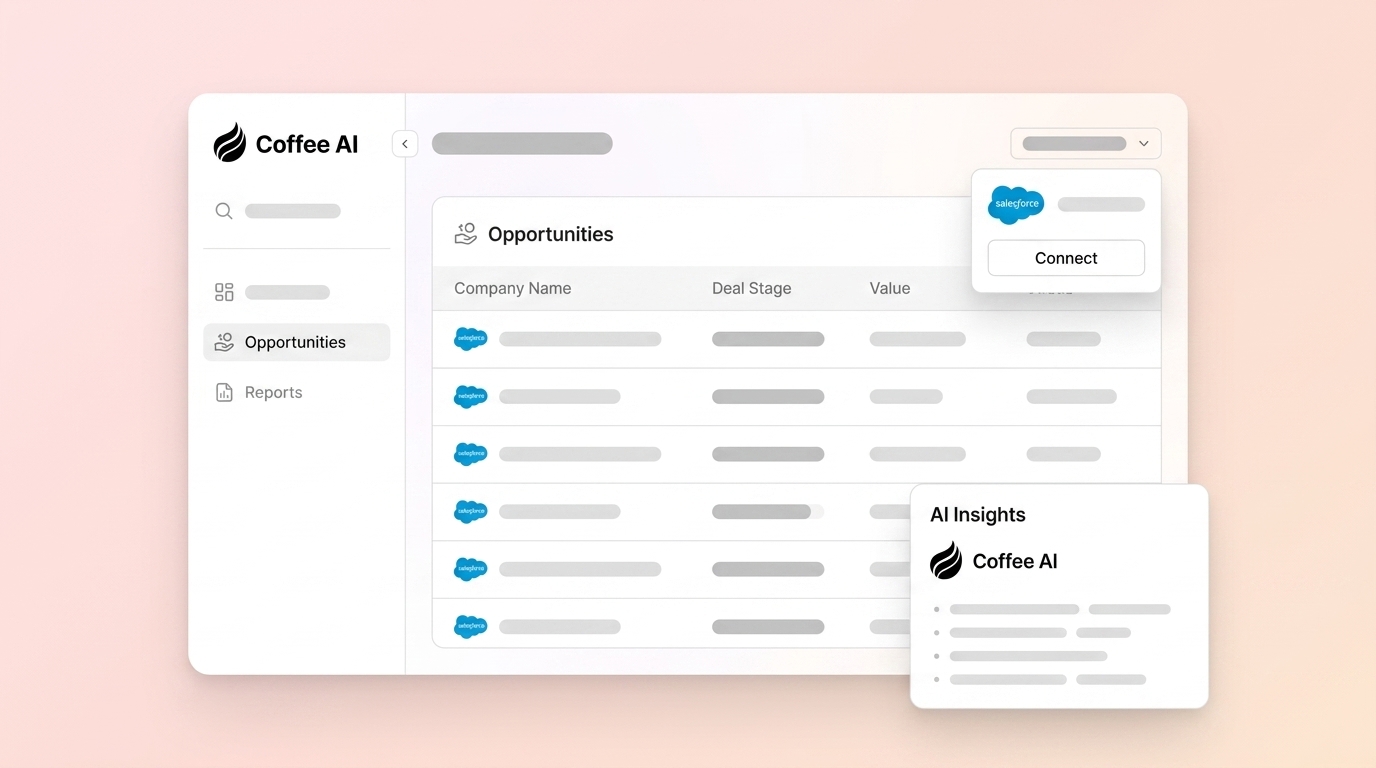
Advanced AI insights turn raw opportunity data into clear guidance for revenue teams. Native Einstein provides basic forecasting, but Coffee’s AI agent adds deeper intelligence through its built-in data warehouse, which preserves complete opportunity history instead of overwriting previous values.
Coffee’s Pipeline Compare feature visualizes week-over-week changes and highlights progressed deals, new additions, and stalled opportunities. Coffee’s AI search functionality answers natural-language questions like “Which deals are stuck in negotiation?” or “What is closing this month?” so leaders can move from spreadsheets to interactive analysis.

A company generating tens of millions in revenue replaced spreadsheet-based pipeline management with Coffee’s automated system and gained real-time visibility. The AI agent supported automated weekly reviews and enabled custom briefings through API access, which helped leadership focus on coaching instead of manual consolidation.
Coffee’s intelligence layer, introduced in February 2026, lets users define business context, ICP details, and competitive positioning for tailored AI suggestions. These inputs improve opportunity qualification and next-step recommendations so guidance reflects your actual sales strategy.
Common Mistakes and Troubleshooting in Salesforce Opportunity Monitoring
Most teams struggle with fragmented data across tools, low CRM adoption, and shadow CRMs like spreadsheets. These issues create blind spots in the pipeline and weaken forecast accuracy.
Coffee addresses these problems by unifying data from emails, calendars, and calls into Salesforce automatically. The AI agent removes the manual data entry burden that pushes reps toward separate systems. Teams that use Gong Smart Trackers for deal execution achieved 35% higher win rates, which shows the impact of AI-driven deal visibility.
Validation and Best Practices for Salesforce Pipeline Visibility
Clear success metrics keep your monitoring system honest. Target 100% activity coverage, accurate close date forecasts, and reduced time in each stage. Monitor deal health by tracking stage duration versus average, engagement frequency, stakeholder coverage, and next step clarity.
Scale your monitoring system with Coffee’s seat-based pricing model, where you pay for human users and receive the AI agent’s labor included. Even with automation handling data entry, keep the 3-3-3 rule for the strategic work that still needs human judgment, such as researching context, personalizing outreach, and defining clear next steps.
Scale your pipeline visibility with Coffee’s seat-based pricing so you can add users as you grow without losing historical insights.
FAQ
How to track opportunities in Salesforce?
Track opportunities with native reports and dashboards, then extend visibility with automated activity logging through Coffee’s Companion App. Create custom reports for pipeline by stage, deals closing this quarter, and stalled opportunities. Coffee captures emails, meetings, and calls automatically so you see complete opportunity history without manual entry.
What are Salesforce opportunity reports best practices?
Focus on actionable metrics like stage conversion rates, pipeline velocity, and deal health indicators. Use the 3-3-3 rule described earlier as a simple discipline for research, personalization, and follow-up planning. Coffee’s Pipeline Compare feature supports week-over-week analysis and historical trending that native Salesforce alone cannot provide.
How to automate Salesforce opportunity alerts?
Coffee’s AI agent flags at-risk opportunities based on activity gaps, extended stage duration, and missing stakeholder engagement. Configure risk alerts for deals with no activity in 7 or more days or opportunities stuck in specific stages beyond normal duration. This proactive monitoring keeps deals visible before they quietly stall.
What is the 3-3-3 rule in sales?
The 3-3-3 rule, covered in Step 2, is a time-boxed framework that balances research, personalization, and follow-up planning. It ensures consistent opportunity management and reduces the chance of deals stalling because of weak preparation or unclear next steps.
What is the difference between an opportunity and a lead in Salesforce?
Leads are unqualified prospects who have not been assessed for budget, authority, need, and timeline, often called BANT. Opportunities are qualified deals that meet BANT criteria and show confirmed buying intent. Leads convert to opportunities at 5-20% rates, while opportunities close at 20-40% rates depending on industry and sales process effectiveness.
Conclusion
Effective Salesforce opportunity monitoring combines native functionality with AI automation so you remove manual data entry and gain reliable pipeline insights. Start with clear opportunity stages and basic reporting, then add Coffee’s Companion App for automated activity logging, risk alerts, and advanced pipeline intelligence.
Try Coffee’s free trial to see how automated pipeline visibility reclaims significant weekly time for selling.