
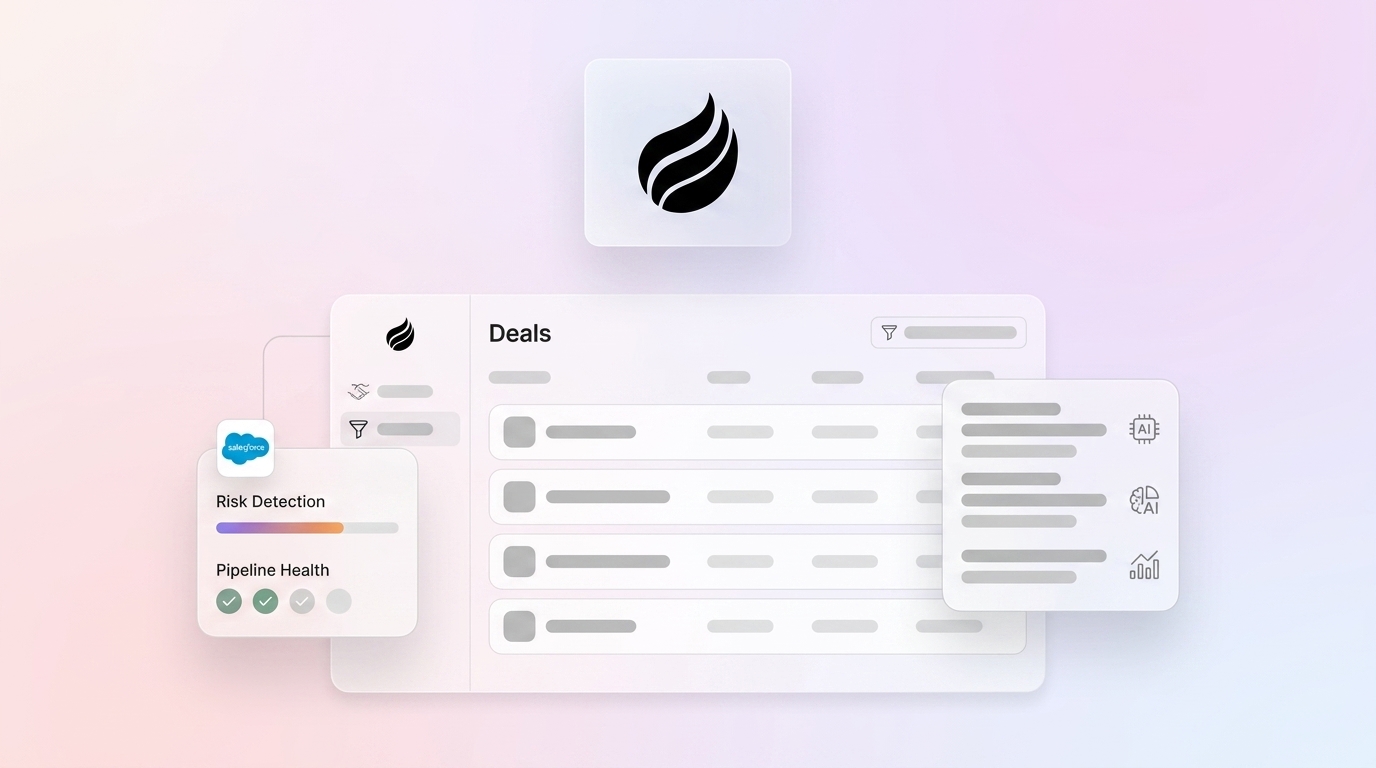
Key Takeaways on At-Risk Salesforce Deals
- Sales pipelines lose millions when deals stall for over 30 days, show no activity for 14 days, or lack decision-makers.
- Salesforce tools like Einstein and Pipeline Inspection often miss real risks because they depend on incomplete, manually entered CRM data.
- Coffee’s AI agent captures data from emails, calls, and calendars, then enriches Salesforce so Pipeline Compare can flag at-risk deals accurately.
- Coffee’s 7-step setup enables auto-contact creation, meeting transcription, and natural language queries that surface slipping deals in seconds.
- Implement Coffee today to rescue at-risk deals and boost close rates: Start building leak-proof pipelines.
Defining At-Risk Deals in Salesforce Pipelines
At-risk deals are Salesforce opportunities that show behavioral patterns linked to pipeline slippage or stalling. These deals need fast attention to avoid revenue loss and forecast misses.
The following table highlights four critical warning signals, their impact on revenue, and supporting research so your team can recognize risk patterns early:
| Signal | Description | Impact | Source |
|---|---|---|---|
| Stalled >30 days in negotiation | No stage progression | Revenue delay | Dear Lucy 2026 |
| No activity last 14 days | Incomplete opportunity logging | Pipeline blindness | Spotlight.ai |
| Dropping Einstein scores | Velocity flags declining | Forecast inaccuracy | Salesforce |
| No decision-maker mapped | Single-threaded relationships | multi-threaded sales approaches close at 130% higher rates | Prospeo |
Salesforce’s native Pipeline Inspection and Einstein Opportunity Scoring try to surface these signals, yet both tools depend on data quality that most teams cannot maintain.
Why Einstein and Pipeline Inspection Miss Real Risk
Einstein Opportunity Scoring analyzes deal velocity and engagement patterns but produces false positives when underlying CRM data is incomplete or outdated. The system relies on manual data entry that consumes nearly 70% of rep time, which creates gaps in activity logging.
Pipeline Inspection tracks backward stage movements and stalled opportunities, yet it requires manual review that eats up manager time without consistent, actionable guidance. The tool cannot read unstructured data from emails or call transcripts, so it misses critical deal context.
Data quality sits at the center of the problem. Nineteen percent of company data remains inaccessible to sales teams, while 85% of B2B firms regularly miss monthly forecasts by more than 5%. Legacy systems cannot close the gap between heavy manual entry and accurate risk detection. This gap is exactly what Coffee addresses.
How Coffee’s Agent Repairs Salesforce At-Risk Deal Detection
Coffee acts as an AI agent companion that captures, enriches, and analyzes deal data so at-risk detection becomes reliable. The system connects to Google Workspace or Microsoft 365 and ingests email communications, calendar events, and meeting transcripts without extra work from reps.
The agent automatically creates contacts and companies from email signatures, then enriches these records with job titles and funding data to provide complete stakeholder context. By logging all activities with timestamp accuracy, Coffee ensures Pipeline Compare visualizations reflect real deal status instead of stale CRM entries.
Coffee’s AI meeting bot joins calls, generates transcripts and summaries, and structures notes using BANT, MEDDIC, or SPICED methodologies. Coffee’s January 2026 AI search feature supports natural language queries like “Which deals are stuck in negotiation?” so revenue teams can surface at-risk opportunities instantly.
The system connects to existing Salesforce instances as a companion app and uses simple authentication to start automated enrichment. Teams see close rate improvements while keeping their current workflows intact.
For mid-market teams struggling with pipeline visibility, automate your at-risk deal detection with Coffee.
Seven Steps to Configure Coffee for At-Risk Deal Detection
Step 1: Authenticate Salesforce and Email Integration
Connect Coffee to your Salesforce instance using OAuth authentication, then link Google Workspace or Microsoft 365 for email and calendar access. This connection powers automatic contact discovery and activity logging.
Step 2: Enable Auto-Contact and Company Creation
Configure Coffee to create contact and company records from email signatures and meeting attendees. The agent enriches these records with job titles, funding data, and LinkedIn profiles so opportunity teams see full buying groups.

Step 3: Connect Meeting Recording and Transcription
Install Coffee’s AI meeting bot for Zoom, Teams, or Google Meet. The bot joins calls automatically, generates transcripts, and creates structured summaries with action items and next steps.

Step 4: Use Pipeline Compare Visualizations
Open Coffee’s Pipeline Compare feature to view week-over-week deal progression. The system highlights stalled opportunities, new additions, and deals moving backward through stages so managers can focus on real risk.
Step 5: Review Auto-Flagged Stalled Deals
Coffee flags deals with no activity in 14 or more days, extended stage duration, or declining engagement scores. Review these alerts daily and prioritize outreach to the highest-impact opportunities.
Step 6: Generate Agent Briefings and Follow-ups
Use Coffee’s AI to generate meeting briefings with attendee context and deal history before calls. Then, post-meeting, the agent drafts follow-up emails in Gmail that reference the discussion, keeping a clear thread from preparation through execution.

Step 7: Track Progress with List Builder
Create targeted lists using natural language commands like “Show me deals in negotiation with no activity last 30 days.” Coffee’s List Builder supports ongoing monitoring of at-risk segments.

Pipeline Compare: Turning Salesforce Risk Signals into Clear Views
Pipeline Compare removes the need for manual CSV exports and spreadsheet analysis by providing real-time visual views of deal movement. The feature automatically highlights opportunities that have stalled in discovery or negotiation stages so teams can intervene quickly.
Unlike Einstein dashboards that require manual interpretation, Pipeline Compare uses color-coding and movement indicators to surface at-risk deals in seconds. Week-over-week comparisons reveal velocity trends and stage progression patterns that point to future slippage.
The system connects to Salesforce pipeline stages and layers Coffee’s enriched activity data on top for complete deal context. This combination enables Rule of 40 analysis and forecast accuracy improvements without extra manual work. But visualization alone does not save deals, so teams also need a consistent intervention approach.
Intervention Playbook for Slipping Salesforce Opportunities
Once Coffee’s Pipeline Compare and automated alerts flag at-risk deals using the signals described above, the next step is intervention. When Coffee identifies at-risk deals, the agent generates intervention recommendations based on deal stage and stall duration. For discovery-stage stalls, the system suggests stakeholder mapping and champion identification activities.
Coffee’s AI creates personalized re-engagement email templates using MEDDIC or BANT frameworks and includes recent meeting context and next steps. The agent can also schedule follow-up sequences and calendar reminders so reps maintain deal momentum.

For negotiation-stage risks, Coffee analyzes conversation transcripts to identify pricing objections or procurement delays. The system then suggests specific talking points and resources that help teams address buyer concerns.
Validation and Metrics from Coffee Customers
Organizations using Coffee report higher close rates driven by better data quality and proactive risk detection. A $10M ARR company saved multiple six-figure deals by spotting stalled opportunities before quarter-end through Coffee’s automated alerts.
The system’s integration with Zapier supports scaling across multiple tools and workflows, while SOC 2 Type 2 compliance protects sensitive deal data with enterprise-grade security.
Ready to prevent revenue leakage from at-risk deals? Automate your Salesforce pipeline intelligence.
Frequently Asked Questions
What does at-risk deal mean in Salesforce?
An at-risk deal is a Salesforce opportunity that shows warning signals linked to pipeline slippage or stalling. These signals include extended time in the current stage, such as more than 30 days in negotiation, no logged activity for 14 or more days, declining Einstein opportunity scores, missing decision-maker identification, or reduced buyer engagement patterns. At-risk deals need fast intervention to protect revenue and maintain forecast accuracy.
How does Coffee integrate with existing Salesforce instances?
Coffee integrates as a companion app through simple OAuth authentication with your Salesforce instance. The system syncs contact, company, and opportunity data while enriching records with information from connected email and calendar systems. Coffee preserves existing Salesforce workflows and customizations and adds automated data capture plus Pipeline Compare visualizations. Teams avoid complex implementation projects or data migrations.
How does Coffee compare to Einstein for at-risk deal detection?
Coffee’s agent addresses the data quality issues that limit Einstein’s effectiveness. Einstein depends on manually entered CRM data that is often incomplete or outdated, while Coffee builds on automated capture and enrichment from emails, calls, and meetings described earlier. This foundation supports accurate risk scoring and reduces false positives caused by poor data quality. Coffee also adds natural language search and visual Pipeline Compare capabilities that Einstein does not provide.
What are Coffee’s pricing and security features?
Coffee uses simple seat-based pricing where you pay for human users while the AI agent’s unlimited labor is included. The platform is SOC 2 Type 2 compliant and GDPR compliant, which ensures enterprise-grade security for sensitive sales data. Customer data is not used to train public AI models, preserving privacy and confidentiality. Pricing details and security documentation are available on the Coffee website.
How can I detect slipping deals in Salesforce using Coffee?
Coffee’s Pipeline Compare feature, detailed in the section above, supports natural language queries like “Which deals are stuck in negotiation?” to surface at-risk deals instantly. Coffee also sends automated alerts for deals with no activity in 14 or more days, extended stage duration, or declining engagement scores so teams can intervene before deals slip away.
Conclusion: Making Salesforce Pipelines Leak-Proof with Coffee
Manual Salesforce pipeline inspection breaks down when data quality is weak. Coffee’s AI agent improves the detection and rescue of at-risk deals by capturing accurate data and applying intelligent risk analysis. The seven-step setup process delivers fast pipeline visibility gains while keeping existing workflows in place.
Build leak-proof sales pipelines today with automated at-risk deal detection.