
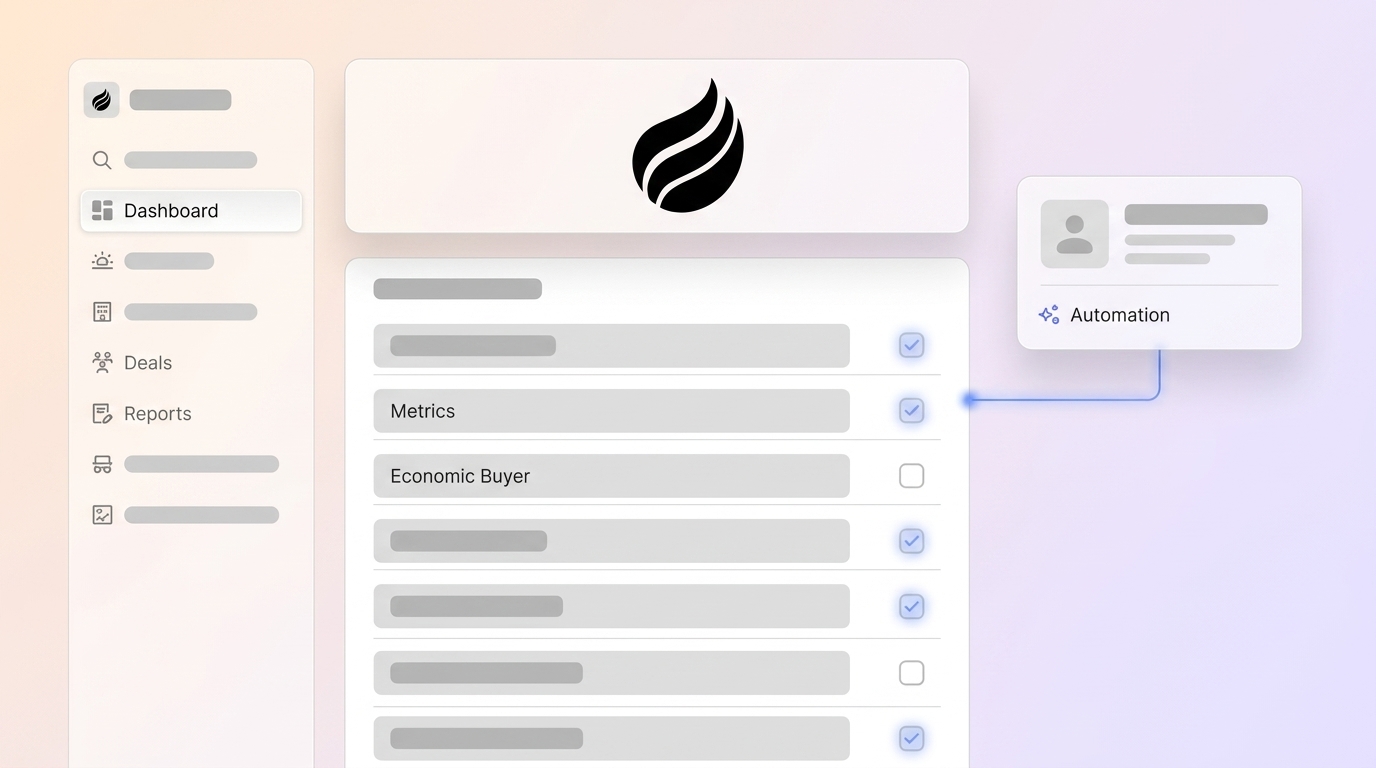
Key Takeaways for MEDDIC
-
The MEDDIC qualification framework uses six pillars (Metrics, Economic Buyer, Decision Criteria, Decision Process, Identify Pain, and Champion) to structure B2B deal assessment and improve close rates.
-
Legacy CRMs like Salesforce and HubSpot rely on manual data entry, which creates outdated data (70% inaccurate) and low MQL-to-SQL conversion (13%), so reps spend too much time on non-selling tasks.
-
Coffee.ai’s autonomous agent automates MEDDIC data capture from emails, calls, and transcripts, which removes manual busywork and supports 28% more revenue growth through accurate pipeline intelligence.
-
You can implement MEDDIC by downloading the free Excel template, mapping fields in your CRM, connecting data sources, and using Coffee.ai features like Pipeline Compare for gap analysis and List Builder for prospecting.
-
Transform your sales process with Coffee.ai’s agent-led CRM and start your free trial for automated MEDDIC qualification and more reliable forecasting.
Why MEDDIC Matters in 2026 CRMs
MEDDIC qualification directly tackles the data and process challenges facing SMB and mid-market teams using Salesforce and HubSpot. 70% of CRM data is outdated, incomplete, or inaccurate, and B2B data decays at 25-30% per year. Traditional CRMs depend on manual data entry, which turns them into productivity drains instead of strategic assets. Coffee.ai’s autonomous agent captures MEDDIC qualification data automatically from meeting transcripts and email interactions, so reps no longer skip qualification steps due to research and logging overhead. Teams that adopt MEDDIC typically see higher close rates and more accurate forecasting once qualification becomes consistent.
Before you use MEDDIC to fix these data quality and forecasting issues, your team needs a solid foundation that supports automated capture and consistent usage.
Readiness and Preconditions for MEDDIC Success
Successful MEDDIC implementation requires three foundational elements: CRM access (Salesforce, HubSpot, or Coffee.ai Standalone) to store qualification data, Google Workspace or Microsoft 365 integration to capture that data from real emails and calendar events, and buy-in from sales leadership to drive consistent adoption. Legacy CRMs often make this setup slow and complex, while Coffee.ai setup takes minutes and connects to existing data sources without extensive configuration. Teams also need a clear commitment to consistent qualification practices and a plan to embed MEDDIC fields into pipeline stages. With regular coaching and reinforcement, most teams reach baseline MEDDIC proficiency within a few months.
Download your free MEDDIC CRM Checklist Template (Excel) optimized for Coffee.ai automation: access the template here
MEDDIC Qualification Checklist Template and Field Mapping
The six-pillar MEDDIC framework provides structured qualification for complex B2B deals and keeps every opportunity aligned with clear criteria.
1. Metrics – Quantifiable business outcomes the prospect expects. Ask, “What specific ROI or KPIs will this solve?” Document expected revenue increase, cost savings, or efficiency gains with measurable targets.
2. Economic Buyer – The person with budget authority and final decision power. Identify, “Whose ‘no’ overrides everyone else’s ‘yes’?” Confirm their involvement and access throughout the sales process.
3. Decision Criteria – The prospect’s evaluation factors and requirements. Ask, “What are your top three non-negotiables?” Map technical, business, and vendor criteria with relative importance.
4. Decision Process – The steps and timeline for making the purchase decision. Ask, “Walk me through how you have made similar purchases.” Document stakeholders, approval stages, and timeline.
5. Identify Pain – The business problem driving purchase urgency. Ask, “What happens if you do not solve this?” Connect pain to measurable business impact and time pressure.
6. Champion – An internal advocate who actively promotes your solution. Ask, “Who internally is pushing for this project?” Confirm they have influence and will take action.
To apply these pillars inside your CRM, you need clear field mappings so Coffee.ai and your system of record stay in sync. The table below shows how Coffee.ai’s auto-populated fields correspond to custom fields in Salesforce and HubSpot for all six MEDDIC elements.
|
MEDDIC Pillar |
Coffee.ai Auto-Field |
Salesforce Field |
HubSpot Field |
|---|---|---|---|
|
Metrics |
Expected ROI (%) |
Custom: ROI_Target__c |
Expected Revenue Impact |
|
Economic Buyer |
Budget Authority Name |
Custom: Economic_Buyer__c |
Economic Buyer Contact |
|
Decision Criteria |
Top 3 Requirements |
Custom: Decision_Criteria__c |
Evaluation Criteria |
|
Decision Process |
Approval Steps |
Custom: Decision_Process__c |
Decision Timeline |
|
Identify Pain |
Business Impact |
Custom: Pain_Impact__c |
Pain Points |
|
Champion |
Internal Advocate |
Custom: Champion__c |
Champion Contact |
Now that you understand the six MEDDIC pillars and how they map to CRM fields, you can move into the practical steps to roll this framework out with Coffee.ai.
Step-by-Step MEDDIC Rollout in Your CRM with Coffee.ai
Step 1: Download and Install the Template – Import the Excel template fields into your CRM as custom properties. Create dedicated CRM dashboards to monitor compliance across active deals, and highlight opportunities that lack Champions or include unqualified Economic Buyers.
Step 2: Map MEDDIC Fields in Coffee.ai – Connect Coffee.ai’s Intelligence layer that allows users to define and store deep context on business model, product specifics, ICP, and competitors for tailored AI suggestions. Use this context to configure automatic field mapping so the agent fills MEDDIC fields from call transcripts and email interactions with accurate, situation-aware suggestions.
Step 3: Connect Email and Calendar Data Sources – Integrate Google Workspace or Microsoft 365 to enable automatic contact creation and activity logging. Coffee.ai’s agent scans emails and calendars, then updates CRM records without manual entry, which keeps MEDDIC fields current as conversations evolve.

Step 4: Train the Agent with Briefings and Summaries – Use Coffee.ai’s improved summary templates, customizable to match workflows and writable back to Coffee, HubSpot, or Salesforce. The agent structures meeting notes according to MEDDIC elements automatically, so reps review and refine instead of writing from scratch.

Step 5: Review Qualification Gaps with Pipeline Compare – Use Coffee.ai’s Pipeline Compare feature to visualize week-over-week changes and find deals with incomplete MEDDIC qualification. The agent highlights progressed deals, stalled opportunities, and missing elements, which guides coaching and next steps.
Step 6: Scale Prospecting with List Builder – Use Coffee.ai’s natural language List Builder to find prospects that match your MEDDIC-informed criteria. For example, say, “Find me VPs of Sales in North America at companies with $10M+ funding using Salesforce.”

Coffee.ai’s agent joins calls autonomously, saves 8-12 hours per week on manual data entry, and keeps MEDDIC qualification consistent across every deal.

Coffee.ai as an Automated MEDDIC CRM Partner
Coffee.ai operates as an agent-led CRM solution, available as both Standalone CRM and Companion App for existing Salesforce or HubSpot instances. Unlike passive legacy systems that depend on manual data entry, Coffee.ai’s autonomous agent handles unstructured data from emails, calls, and transcripts. The platform includes SOC 2 Type 2 compliance and AI search on deals that answers natural-language questions such as “Which deals are stuck in negotiation?” or “What is closing this month?” Coffee.ai’s 2026 Intelligence layer adds ICP and competitive context for richer MEDDIC qualification, so qualification becomes automated intelligence instead of manual logging. You can see Coffee.ai’s agent in action and deploy it as your MEDDIC copilot.
Common MEDDIC Pitfalls and 2026 Best Practices
Teams avoid major MEDDIC failures by treating missing data as a risk, not a minor detail. The most common issue is Champion confusion, where friendly contacts are mislabeled as advocates even though they never take internal action, which can derail deals late in the cycle. A related risk appears when reps advance deals without Economic Buyer access or a clear Decision Process, because they lack visibility into who makes the final call and when. Coffee.ai’s data warehouse tracks qualification completeness over time, addressing the data quality issues discussed earlier and keeping these gaps visible.
Use a phased rollout that starts with two weeks of training and CRM setup, followed by coached deal reviews. Apply AI-enhanced identification to validate Champions through behavioral signals instead of self-reporting alone. Coffee.ai’s Pipeline Compare feature prevents qualification decay by preserving historical context that traditional CRMs lose when fields are overwritten.
Validation and MEDDIC Success Criteria
Teams measure MEDDIC success through faster qualification cycles, higher win rates, and consistent usage across all reps. Coffee.ai’s Pipeline Compare feature helps verify results by tracking deal progression and qualification completeness across the entire pipeline.
Adapting MEDDIC for Different Team Sizes and CRMs
Small teams with 1-20 employees benefit from Coffee.ai’s Standalone CRM, which includes built-in MEDDIC automation without extra configuration. Mid-market companies that stay on existing systems can deploy Coffee.ai’s Companion App for Salesforce or HubSpot, keep their current system of record, and add intelligent qualification capabilities on top.
Frequently Asked Questions
Where can I download a free MEDDIC checklist Excel template?
Coffee.ai provides a comprehensive MEDDIC qualification template that is optimized for CRM integration and agent automation. The template includes all six MEDDIC elements with field mapping for Salesforce, HubSpot, and Coffee.ai’s platform. Unlike basic checklists, this template connects to Coffee.ai’s autonomous agent for automatic data capture from calls and emails, which removes manual qualification busywork.
How do I set up MEDDIC qualification in HubSpot or Salesforce with Coffee.ai?
Coffee.ai’s Companion App integrates directly with existing Salesforce and HubSpot instances through simple authentication. The agent automatically creates custom fields for each MEDDIC element, maps qualification data from meeting transcripts and emails, and writes insights back to your primary CRM. Setup completes in minutes instead of the lengthy manual field creation and workflow configuration that legacy systems require.
What is the difference between MEDDIC and MEDDICC qualification frameworks?
MEDDIC includes six core elements: Metrics, Economic Buyer, Decision Criteria, Decision Process, Identify Pain, and Champion. MEDDICC adds Competition as a seventh element to map alternative vendors and status quo inertia. MEDDPICC extends further by adding Paper Process to cover legal and procurement steps. Coffee.ai supports all variants with customizable summary templates that structure qualification data according to your chosen framework.
How much does Coffee.ai’s MEDDIC automation cost?
Coffee.ai uses seat-based pricing where you pay for human users while the agent’s unlimited qualification work is included. There is no complex metering on AI usage or MEDDIC processes. The platform offers Standalone CRM pricing for small teams and Companion App pricing for existing Salesforce or HubSpot users, with transparent tiers that scale with team size instead of feature usage.
Conclusion: Turning MEDDIC into Always-On Intelligence
Manual MEDDIC qualification drains selling time and creates inconsistent deal data. Coffee.ai’s autonomous agent turns qualification into always-on intelligence by capturing MEDDIC data from every customer interaction. Download the free template and transform your qualification process with Coffee.ai so your team closes deals faster with consistent, automated MEDDIC coverage and reliable data quality.