
Key Takeaways for Choosing a Leadfeeder Alternative
- Leadfeeder relies on company-only identification and Zapier workflows, which limits modern B2B teams that need native HubSpot and Salesforce integrations.
- Coffee stands out with pixel-based named visitor identification, AI persona matching, and agent-driven auto-CRM logging that outperforms tools like RB2B and Warmly.
- Core evaluation criteria include integration quality, individual-level accuracy, automation depth, pricing transparency, and SOC2/GDPR compliance.
- Mid-market teams gain the most from Coffee’s companion app model, which removes manual data entry and includes unlimited agent automation per seat.
- Ready to automate your lead workflow? Start your Coffee trial for seamless HubSpot and Salesforce integration plus instant Slack alerts.
Scope of This Leadfeeder Alternatives Comparison
This analysis focuses on visitor identification tools that connect directly with major CRMs such as HubSpot, Salesforce, and Pipedrive for B2B lead generation. The key shift in 2026 centers on moving from basic company identification to named individual tracking with automated enrichment and CRM syncing. With 71% of sales time wasted on administrative tasks, agent-powered automation now reshapes how revenue teams spend their day.
How We Evaluated Leadfeeder Alternatives
Our evaluation prioritizes several critical factors. We compare native CRM integrations against Zapier dependencies, visitor identification accuracy at both company and individual levels, and automation capabilities such as auto-logging and enrichment. We also review transparent pricing models, setup complexity, real-time notifications through Slack, security compliance (SOC2/GDPR), and verified G2 ratings. We place special emphasis on HubSpot and Salesforce compatibility because these platforms dominate the mid-market segment.

Side-by-Side Comparison of Leadfeeder Alternatives
The table below shows how each tool performs on four key dimensions: HubSpot and Salesforce integration quality, support for named visitors, and depth of auto-CRM logging. Use it to quickly see which platforms only identify companies and which ones actually create usable contact records for your sales team.
| Tool | HubSpot Integration | Salesforce Integration | Named Visitors | Auto-CRM Logging |
|---|---|---|---|---|
| Leadfeeder | Native | Native | Company-only | CRM opportunities |
| Leadinfo | Native | Native | Company | Autopilot add-on |
| RB2B | Native CRM | Native | Named | Sends to Slack, Teams, or CRM |
| Warmly | Native | Native | Named (5-20%) | Hourly batch sync |
| Coffee | Native Companion | Native Companion | Named + Persona | Agent Auto |
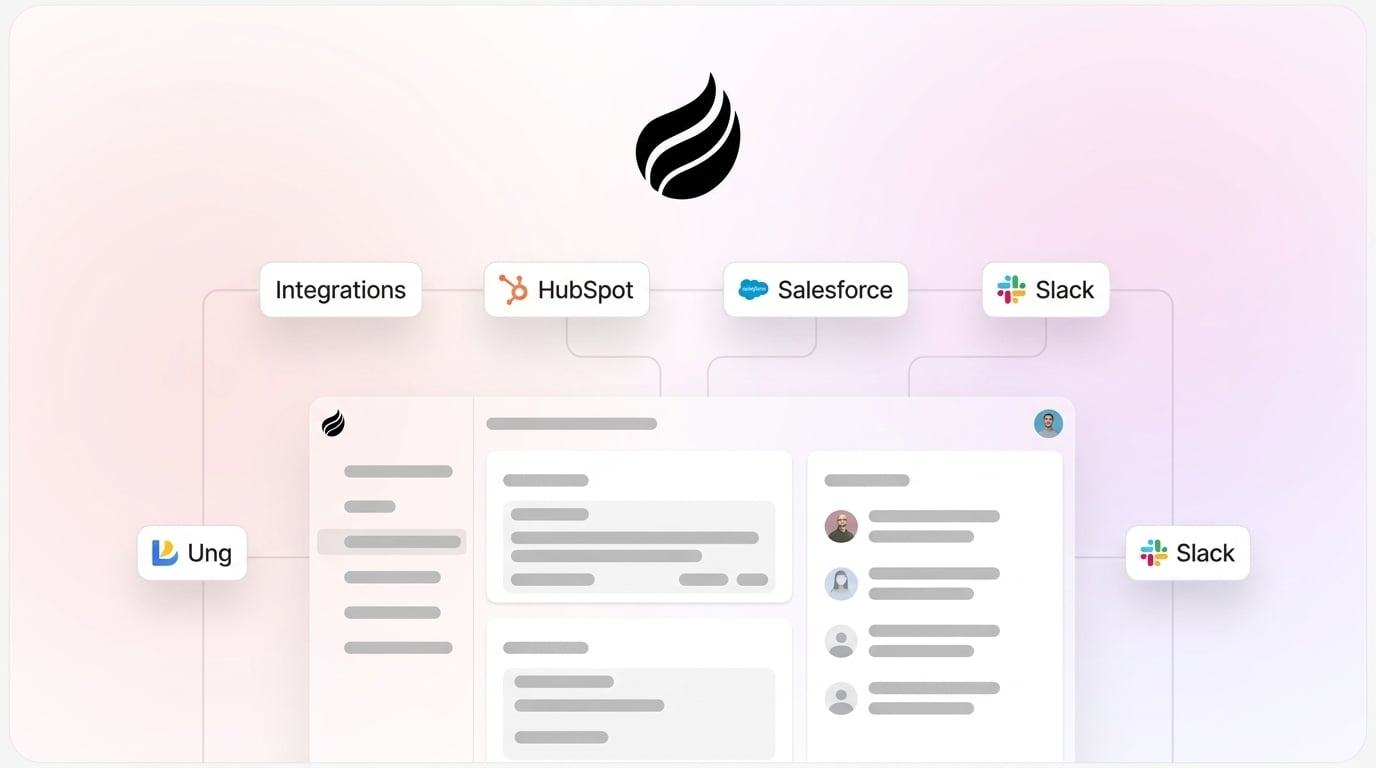
Coffee stands apart through its companion app model, which adds an intelligent agent on top of your existing CRM. Competing tools connect data, but Coffee’s agent enriches visitor details, matches prospects to buyer personas, and creates CRM records with complete contact information.
Ready to automate your visitor-to-CRM workflow? Start your free Coffee trial for instant Slack alerts and intelligent lead suggestions.
Category-by-Category Analysis of Leadfeeder Alternatives
The comparison table gives a quick overview, but the real differences appear when you look at specific use cases. The sections below break down how each tool performs in key head-to-head matchups so you can align your choice with your team’s CRM, budget, and automation needs.
RB2B vs Coffee: Integrations and Pricing Fit
RB2B excels at identifying individual visitors and sending Slack notifications, and it offers native CRM integration. Coffee provides native companion apps for both HubSpot and Salesforce, which reduces integration complexity and keeps data in sync. Coffee also adds AI-powered lead suggestions that match your ideal customer profile, turning raw visitor data into prioritized outreach lists.
Warmly vs Coffee for HubSpot Teams
Warmly identifies 5-20% of visitors at the individual level and includes real-time engagement tools. Coffee goes further by identifying visitors and then using AI to highlight which specific individuals within visiting companies match your buyer personas. The agent then creates enriched contact records in your CRM, which reduces manual research and data entry for your team.

Salesforce-Specific Alternatives and Coffee
Salesforce users gain the deepest integration from Coffee’s companion app. Many tools only push company data into Salesforce, which leaves sales reps to fill in the gaps. Coffee’s agent creates complete contact records, logs activities, and maintains historical context within Salesforce’s data warehouse architecture so your team always sees a full picture of each account.
Best-Fit Use Cases for Coffee and Competitors
Small businesses often benefit from standalone visitor ID tools like RB2B or Snitcher when they only need basic company identification. Mid-market teams that run on HubSpot or Salesforce should focus on Coffee’s companion approach, which delivers seamless CRM integration and richer automation. Sales and marketing teams that depend on pipeline intelligence will find Coffee’s agent automation especially useful for keeping data clean without extra manual work.
A company generating tens of millions in revenue recently adopted Coffee after rejecting traditional CRMs because of heavy manual data entry. The manual entry burden matched exactly what Coffee’s automation removes. Automated contact creation from Google Workspace cleared the data entry bottleneck, and the Pipeline Compare feature replaced their weekly spreadsheet reviews. The team also used Coffee’s API access to build custom briefings that fit their internal workflow.
Operational and Long-Term Considerations
Coffee uses seat-based pricing without complex LLM metering, which gives teams predictable costs as they grow. The platform maintains SOC2 compliance and offers Zapier connectivity for additional integrations when needed. Unlike competitors with usage-based models, Coffee includes unlimited agent labor with each seat so teams can scale automation without surprise overage fees.
Unify your sales stack with Coffee’s intelligent CRM companion. See Coffee’s HubSpot and Salesforce integrations in action.
Risks, Limitations, and Common Misconceptions
Coffee focuses primarily on SMB and mid-market segments rather than very large enterprise deployments. Compared to enterprise platforms such as ZoomInfo, Coffee delivers similar data quality while offering stronger automation for day-to-day workflows. Teams should weigh their integration requirements, security needs, and desired level of automation when comparing Coffee with other Leadfeeder alternatives.
Decision Framework for Leadfeeder Alternatives
Choose Coffee if you want agent-powered visitor identification with suggested leads and native HubSpot or Salesforce integration. Select RB2B if your team has a tighter budget and only needs basic individual identification. Consider Warmly if real-time engagement features matter more than deep CRM automation. Evaluate enterprise solutions like 6sense if your organization runs large-scale ABM programs and requires extensive account-based orchestration.
Transform your visitor tracking with Coffee, the intelligent agent that outperforms traditional visitor ID tools. Explore Coffee’s pricing and features today.
FAQ
What is the best Leadfeeder alternative for HubSpot integrations?
Coffee provides the most comprehensive HubSpot integration through its native companion app. Basic visitor ID tools usually push only company data, which forces teams to complete the record. Coffee’s agent creates enriched contact records, suggests qualified leads based on your buyer personas, and maintains complete activity histories within HubSpot. The integration requires minimal setup and fits smoothly into existing HubSpot workflows.
Does Coffee integrate natively with Salesforce?
Yes, Coffee offers a native companion app for Salesforce that connects directly with your existing instance. The integration automatically creates and enriches contacts, companies, and activities while preserving Salesforce’s data structure. Coffee’s agent handles the manual data entry that usually slows down sales teams, which keeps your Salesforce environment current without extra human effort.
How does Coffee’s pricing compare to RB2B?
Coffee uses transparent seat-based pricing where you pay for human users and receive unlimited agent labor with each seat. RB2B offers a freemium model that starts at $79/month for paid tiers. Coffee’s pricing model removes the complexity of usage-based metering and adds full CRM automation that extends far beyond basic visitor identification.
Which Leadfeeder alternative provides real-time Slack alerts?
Coffee delivers instant Slack notifications when high-intent visitors match your ideal customer profile. Many tools only alert you to company visits, which still leaves you guessing about the right contact. Coffee’s notifications include suggested individual contacts within those companies, complete with LinkedIn profiles and recommended outreach strategies. This support enables immediate, personalized follow-up instead of generic company-level outreach.
What makes Coffee different from other visitor identification tools?
Coffee combines visitor identification with AI agent automation that manages the entire lead-to-CRM workflow. Competing platforms often stop at identifying visitors and leave the follow-up to your team. Coffee’s agent suggests specific individuals to contact, enriches their profiles automatically, and creates complete CRM records. This approach turns visitor tracking from a simple data collection task into a repeatable, automated lead generation system.