
Key Takeaways for MEDDIC in HubSpot
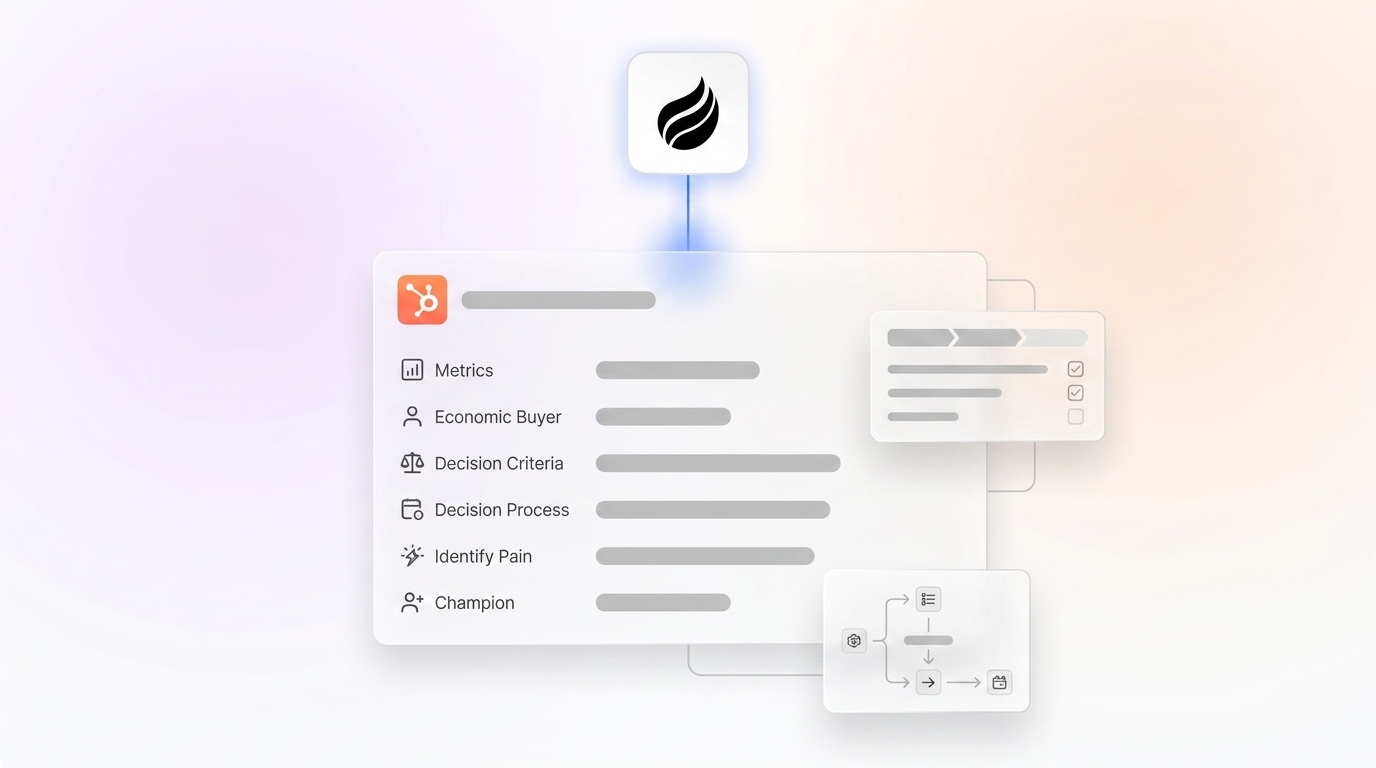
- MEDDIC structures sales qualification in HubSpot with custom properties for Metrics, Economic Buyer, Decision Criteria, Decision Process, Pain, and Champion.
- Follow seven steps: create properties, align deal stages, build playbooks, set auto-scoring workflows, integrate automation, create dashboards, and train your team.
- HubSpot Professional or Enterprise is required, and mandatory fields with stage gates enforce qualification before deals move forward.
- Automation with Coffee captures MEDDIC data from calls, emails, and meetings, removes manual entry, and increases rep adoption.
- Teams see 18% higher win rates and 24% faster cycles, and Coffee automates MEDDIC capture directly inside HubSpot.
Why MEDDIC in HubSpot Matters Now for Revenue Teams
Poor qualification creates cascading problems. Forty to sixty percent of pipeline stalls due to buyer indecision, inaccurate forecasts, and revenue teams working with incomplete data. RevOps and sales leaders face growing pressure from low CRM adoption and shadow spreadsheet systems.
MEDDIC implementation delivers measurable results. Organizations with full MEDDPICC adoption report 18% higher win rates and 24% faster sales cycles. Teams with strong methodology adoption often experience higher quota attainment, which makes a structured MEDDIC rollout inside HubSpot a high-impact initiative.
Readiness Check: Prerequisites for MEDDIC HubSpot Success
Before you can capture these benefits, verify your technical foundation supports MEDDIC implementation in HubSpot.
- HubSpot Sales Hub Professional or Enterprise
- Deal pipelines configured with clear, documented stages
- Google Workspace or Microsoft 365 integration
- Access to HubSpot’s 2026 Claude connector beta
Get started with Coffee’s free HubSpot Companion App trial for instant MEDDIC auto-logging from meeting transcripts and email interactions.

MEDDIC in HubSpot: Step-by-Step Implementation Plan
1. Create Custom MEDDIC Properties in HubSpot
Start by creating dedicated MEDDIC fields so every deal captures the same qualification data. Navigate to HubSpot Settings, then Properties, then Deal Properties, and create the following custom fields.
| Property Name | Field Type | Required | Coffee Auto-Fill |
|---|---|---|---|
| Economic Buyer Name | Contact Lookup | Yes | From transcripts |
| Identified Pain | Long Text | Yes | From discovery calls |
| Metrics/ROI | Number | Yes | From presentations |
| Champion Contact | Contact Lookup | No | From email threads |
HubSpot recommends making key MEDDPICC fields mandatory before advancing deals to late-stage pipeline stages. Coffee automatically populates these fields from call transcripts and email analysis, which removes manual data entry and keeps records consistent.

2. Update Deal Stages to Reflect MEDDIC Progress
Align your pipeline stages with MEDDIC qualification so deals progress only when core elements are in place. Start with foundational discovery in early stages and build toward complete qualification before negotiation.
- Discovery: Identify Pain documented, which confirms a real problem exists worth solving.
- Qualification: Economic Buyer identified and Metrics defined, which clarifies who can approve the deal and how success will be measured.
- Proposal: Decision Criteria and Decision Process mapped, which explains how, when, and by whom the decision will be made.
- Negotiation: Champion engaged and all MEDDIC elements complete, which ensures internal advocacy and full qualification before final terms.
3. Build MEDDIC Playbooks and Sales Templates
Standardized playbooks keep every rep asking the same high-quality questions. Create HubSpot playbooks with MEDDIC-specific discovery questions and call scripts that guide conversations.
Use HubSpot’s template library to standardize qualification emails and notes. This structure ensures consistent data capture across your sales team and reduces variation between reps.
4. Set Workflows for MEDDIC Deal Auto-Scoring
Deal scoring highlights which opportunities are truly qualified. Configure HubSpot workflows to automatically score deals based on MEDDIC completion and visibility into each element.
Create a formula property that calculates MEDDIC health scores using the following weighted distribution. This structure gives the Economic Buyer the highest impact in your qualification assessment.
| MEDDIC Element | Weight | Score Range |
|---|---|---|
| Economic Buyer | 25% | 0-25 points |
| Metrics | 20% | 0-20 points |
| Decision Criteria | 15% | 0-15 points |
| Decision Process | 15% | 0-15 points |
After you configure these weights in your formula property, use HubSpot’s November 2025 Claude connector update for generating insights from full engagement history. The connector can automatically update MEDDIC scores based on call and email analysis, which keeps scores current without extra rep work.
5. Integrate Coffee Agent for Hands-Free MEDDIC Capture
Coffee’s Companion App turns MEDDIC from a manual checklist into an automatic system of record. The integration authenticates with your HubSpot instance and starts logging MEDDIC elements directly from live activity.
- Meeting transcripts and recordings
- Email threads and responses
- Calendar invitations and attendee lists
- Follow-up communications
Coffee addresses the core adoption challenge. Reps lack time for deep account research, which can take hours per account that many simply skip. The agent handles this research automatically and fills MEDDIC fields, which ensures complete qualification data without extra rep effort.
6. Create Dashboards and Reports for MEDDIC Visibility
With MEDDIC data now flowing automatically into HubSpot, dashboards turn that information into daily coaching and forecasting insight. Build HubSpot dashboards to monitor MEDDIC adoption and pipeline health at a glance.
- MEDDIC completion rates by rep and stage
- Deal velocity correlation with MEDDIC scores
- Win rate analysis by qualification thoroughness
- Pipeline forecasting accuracy improvements
7. Train Your Team and Drive MEDDIC Adoption
Training and reinforcement keep MEDDIC from becoming a one-time project. Deploy Coffee’s co-pilot briefings to support rep adoption during real deals.
The agent provides pre-call preparation with MEDDIC context and post-call summaries with qualification updates. This support turns the framework into a productivity tool instead of an administrative burden.

Validation and Success Metrics for MEDDIC in HubSpot
Clear metrics confirm whether your MEDDIC rollout is working. Monitor these key performance indicators to validate MEDDIC implementation success, moving from data quality through adoption to business outcomes.
- Data quality: 80% or higher MEDDIC field completion rates, which confirms your system contains usable information.
- Adoption metrics: Rep usage of qualification fields, which shows whether your team actively engages with the framework.
- Business impact: Win rate and cycle time improvements that match the benchmarks discussed earlier, which proves qualification rigor translates to revenue.
- Forecast accuracy: Reduced variance between predicted and actual close dates, which demonstrates that better qualification data produces more reliable predictions.
Coffee customers report automated qualification reviews and improved pipeline visibility. The agent handles data validation that previously required manual oversight from managers or RevOps.
Scaling MEDDIC in HubSpot for Growing Teams
As your implementation matures, you can expand from basic fields and workflows to more advanced automation. Use advanced HubSpot features and Coffee’s expanded capabilities to deepen MEDDIC coverage.
HubSpot’s enrichment updates support custom property mapping for automatic data population from external sources. Coffee’s Standalone CRM option provides native MEDDIC workflows for teams ready to move beyond HubSpot’s constraints, with deeper automation and AI-powered insights.
FAQ
How do I add MEDDIC deal stages in HubSpot?
Open Settings, then Objects, then Deals, then Pipelines, select your sales pipeline, and edit existing stages or create new ones. Map each stage to specific MEDDIC completion requirements, such as requiring Economic Buyer identification before advancing to the Proposal stage. Configure required properties for each stage so HubSpot enforces your qualification standards.
What is the most complete MEDDIC automation for HubSpot?
Coffee’s Companion App provides comprehensive MEDDIC automation for HubSpot by capturing qualification data from calls, emails, and meetings. Unlike manual workflows or basic integrations, Coffee uses AI to extract MEDDIC elements from unstructured conversation data and populate HubSpot fields without rep intervention.
Should I use MEDDIC or MEDDPICC in HubSpot?
MEDDPICC extends the original MEDDIC framework by adding Paper Process and Competition tracking, which suits complex enterprise sales with formal procurement processes. For most HubSpot users selling to small and mid-market accounts, the core MEDDIC framework provides enough qualification structure without extra complexity.
How do I enforce MEDDIC adoption in my sales team?
Combine HubSpot’s required field functionality with Coffee’s automatic data capture to reduce adoption friction. Make key MEDDIC fields mandatory for stage progression, and use Coffee to populate them automatically from sales conversations. This approach enforces the framework while removing the manual work that usually causes rep resistance.
What MEDDIC properties should I create in HubSpot?
Essential MEDDIC properties include Economic Buyer Name as a Contact Lookup, Identified Pain as Long Text, Metrics or ROI as a Number, Decision Criteria as Long Text, Decision Process as Long Text, and Champion Contact as a Contact Lookup. Use Contact Lookup fields for buyer and champion tracking to support relationship mapping and accountability reporting.

Conclusion: Automate MEDDIC in HubSpot Today
Implementing MEDDIC in HubSpot CRM works best with clear field configuration, targeted workflow automation, and strong adoption support. The seven-step blueprint above gives you a practical foundation for qualification success, yet manual data entry still creates the biggest barrier for many teams.
Coffee’s Companion App removes that barrier by automatically capturing MEDDIC data from sales conversations, which ensures accurate inputs and reliable outputs. Teams save meaningful time while maintaining qualification rigor and forecast accuracy.
Get started with Coffee to automate MEDDIC in HubSpot CRM today and turn your qualification process from an administrative burden into a competitive advantage.