
Last updated: March 30, 2026
Key Takeaways
- Sales teams lose 65% of their time to manual CRM data entry, while Coffee’s agent saves 8–12 hours per rep each week.
- Coffee auto-creates and enriches contacts from email and calendar activity, so teams can reduce reliance on separate enrichment tools.
- The AI meeting bot transcribes Zoom, Teams, and Meet calls, then creates summaries and logs activities without extra effort from reps.
- Coffee works as a standalone CRM or as a companion to Salesforce and HubSpot, with built-in MEDDIC/BANT workflows and pipeline intelligence.
- Ready to automate CRM logging and lift quota attainment? Start automating your CRM today.
How Coffee’s AI Agent Fixes Broken CRM Workflows
Coffee fixes the fundamental flaws of legacy CRM systems by running an autonomous agent that handles data entry, meeting orchestration, and pipeline intelligence. Legacy tools like Salesforce and HubSpot act as passive databases, and limited AI add-ons like Day.ai only patch small parts of the problem. Coffee instead behaves like a proactive teammate that keeps high-quality data flowing in and reliable insights flowing out.
Core capabilities include:
- Automatic creation and enrichment of contacts and companies from emails and calendars
- AI bot for Zoom and Teams transcription with automated summaries and follow-ups
- Pipeline Compare feature for week-over-week pipeline analysis
- List Builder powered by natural language commands
- Support for sales methodologies such as MEDDIC and BANT
Coffee operates in two models: a standalone CRM for teams of 1–20 employees, and a companion app that syncs with existing Salesforce and HubSpot instances. This flexibility lets teams adopt Coffee without disrupting their current CRM stack.
Transform your sales workflow with Coffee.
Why CRM Integrations Break and How Coffee’s Agent Model Solves It
70% of CRM projects fail to meet their objectives, often because reps do not adopt the system and leaders underestimate change management. Technical integration issues then make adoption even harder through API rate limits, data lag from polling, and brittle custom integrations that break frequently due to constant CRM API changes.
Traditional integration approaches create fragmented workflows where shallow CRM integrations miss unstructured data like notes, support tickets, and custom objects. When automation systems cannot access this context, they develop blind spots that weaken their recommendations and reporting. As a result, sales teams lose trust in the official CRM and maintain shadow CRMs in spreadsheets.
Coffee’s agent-based architecture solves these problems by handling both structured and unstructured data through a built-in data warehouse. This unified approach removes the blind spots that limit traditional integrations while maintaining SOC 2 Type 2 and GDPR compliance for enterprise teams. For companies that need to connect Coffee with other tools, integrations are available via Zapier, with deeper native integrations on the roadmap.
The following comparison shows how Coffee’s agent model delivers faster setup and more time savings than legacy CRMs:
| Feature | Legacy CRMs (Salesforce/HubSpot) | Coffee Agent |
|---|---|---|
| Data Handling | Manual and structured only | Autonomous handling of structured and unstructured data |
| Setup Time | Weeks, fragile configurations | 15–30 minutes |
| Time Saved per Rep per Week | 0–2 hours | 8–12 hours |
7 Practical Ways to Automate CRM Activity Logging with Coffee
1. Connect Email and Calendar for Automatic Contact Creation
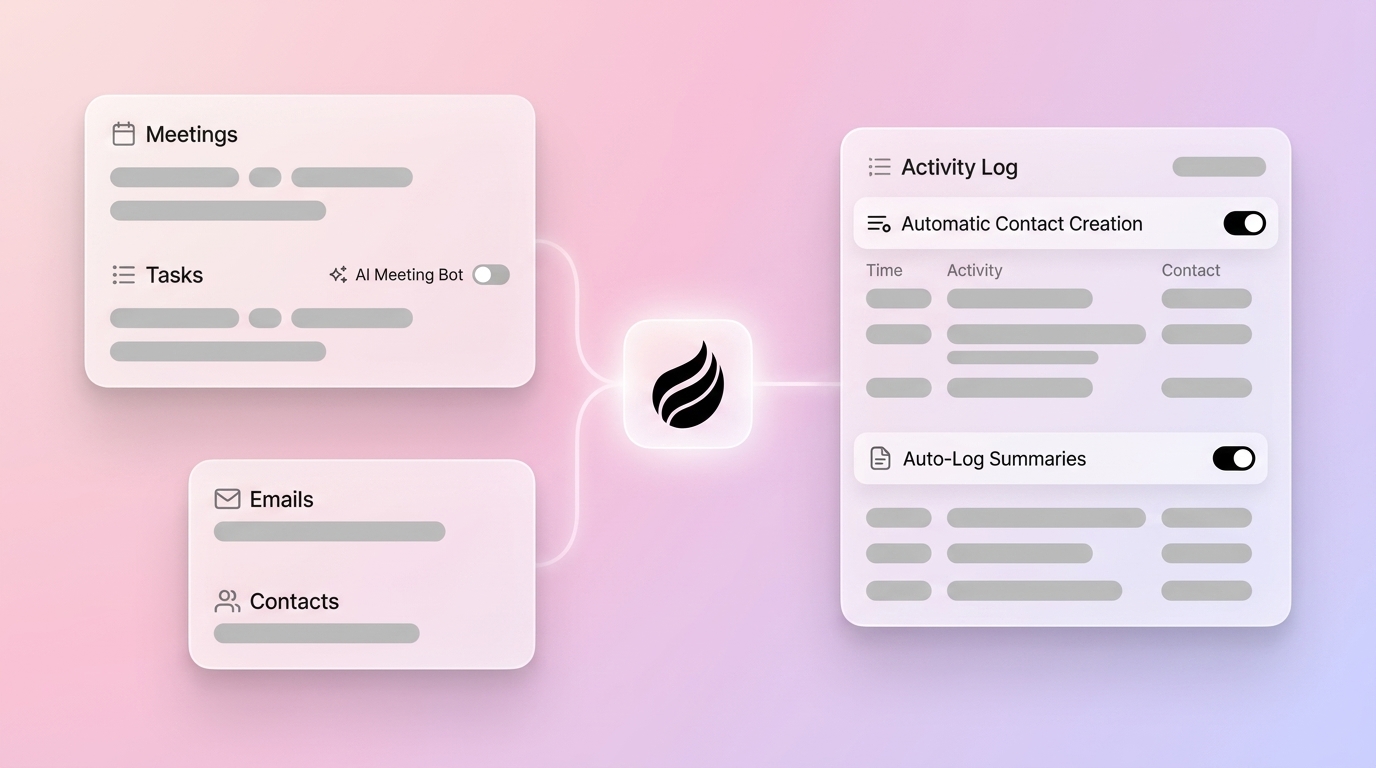
Coffee’s agent scans Google Workspace or Microsoft 365 and automatically populates your CRM with contacts and companies from email threads and calendar meetings. This removes manual contact creation and reduces the need for separate enrichment subscriptions. The agent enriches records with job titles, funding information, and LinkedIn profiles through licensed data partners. As a result, every prospect interaction is captured and enriched without extra work from reps.

2. Turn On the AI Meeting Bot for Zoom, Teams, and Meet
The Coffee agent joins video calls on Zoom, Teams, and Meet to record and transcribe conversations. Coffee expanded call recording options in January 2026 through a Zapier integration with tools like Fathom, Gong, and Fireflies, plus a desktop app for MacOS, Windows, and Linux. These options ensure that no meeting insights are lost and that teams receive accurate transcripts for follow-up work.

3. Auto-Log Summaries, Activities, and Next Steps
Coffee released improved summary templates in November 2025, which teams can customize to match their workflows and write back to Coffee, HubSpot, or Salesforce. The agent generates meeting summaries, identifies action items, and drafts follow-up emails in Gmail for reps to review and send. This workflow replaces manual note-taking and keeps activity logging consistent across the team.

4. Choose Companion Mode for Salesforce and HubSpot or Go Standalone
Teams using Salesforce or HubSpot can run Coffee as a companion app with bidirectional sync. The agent authenticates with your CRM and writes enriched contact data, meeting summaries, and activity logs directly into your system of record. Teams that want a clean slate can instead use Coffee’s standalone CRM, which delivers the same automation benefits without legacy configuration constraints.
5. Apply MEDDIC and BANT Rules to Qualification Data
Coffee’s agent structures meeting notes and qualification fields according to sales methodologies such as MEDDIC, BANT, or SPICED. This structure enforces consistent qualification standards across the team. It also creates clean, comparable data for pipeline analysis and more reliable forecasting.
6. Use Pipeline Compare for Week-over-Week Deal Movement
The Pipeline Compare feature visualizes week-over-week changes in your sales pipeline, highlighting progressed deals, stalled opportunities, and new entries. Because Coffee’s agent stores complete historical data in a built-in data warehouse, leaders can run pipeline reviews as strategic conversations instead of manual data-gathering sessions. Managers see what changed, why it changed, and where to focus coaching.
7. Target Prospects with List Builder and Advanced Prompts
Coffee’s List Builder accepts natural language commands such as “Find me VPs of Sales in North America at companies with $10M+ funding using Salesforce.” The agent uses integrated enrichment to build precise prospect lists that match these criteria. Teams can also use Coffee’s API access to create custom prompts for tailored briefings and advanced automation flows.

How to Set Up Coffee as Standalone or Companion CRM
SMBs that choose the standalone option can complete Coffee setup in 15–30 minutes and immediately start capturing activities from connected email and calendar systems. Companies implementing AI lead enrichment automation save 282+ workdays yearly and recover significant revenue through improved data quality.
The companion setup for Salesforce and HubSpot only requires simple authentication to enable bidirectional sync. Companies implementing agentic AI in CRM reduce manual CRM management time by 30–50%, which frees sales reps to focus on revenue-generating conversations.
Teams track success through a combination of 100% activity logging accuracy, clearer pipeline visibility, and measurable time savings per rep. These improvements support more accurate forecasting and higher quota attainment because leaders can trust the underlying data.
Automate sales activity logging in your CRM today and return selling time to your team. Begin your free trial and reclaim selling time.
Frequently Asked Questions
Does Coffee work with Salesforce and HubSpot?
Yes. Coffee operates as a companion app that provides bidirectional sync with both Salesforce and HubSpot. The agent automatically writes enriched contact data, meeting summaries, and activity logs into your existing CRM while preserving data integrity and alignment with your governance standards.
How accurate is Coffee’s auto-enrichment compared to tools like ZoomInfo?
Coffee’s agent delivers enrichment quality roughly on par with ZoomInfo for most sales workflows through licensed data partnerships. The key advantage is that enrichment runs automatically as part of the agent’s daily work, which removes the need for separate point solutions and manual data entry.
What is Coffee’s pricing model?
Coffee uses simple seat-based pricing where you pay for human users and receive the agent’s unlimited labor as part of that license. There are no complex metering charges for LLM usage or API calls, so costs remain predictable as your team grows.
How does Coffee handle data security and compliance?
Coffee maintains enterprise-grade security standards, including the commitment that customer data is never used to train public AI models. All data processing occurs within secure, compliant infrastructure designed for modern sales teams.
What are the most effective AI tools to automate CRM logging?
Coffee stands out for full CRM automation because it operates as an autonomous agent instead of a passive database. Traditional CRMs depend on manual data entry or narrow AI assistants, while Coffee handles both structured and unstructured data automatically and supports both standalone and companion deployments.
Conclusion: Reclaim Selling Time with Coffee’s CRM Automation
Manual CRM activity logging wastes valuable selling time and produces unreliable pipeline data. Coffee’s autonomous agent removes this burden by handling data entry, meeting orchestration, and pipeline intelligence on behalf of your reps. Whether you choose a standalone or companion setup, Coffee delivers accurate insights and meaningful productivity gains for your sales team.
Achieve accurate pipelines and confident forecasts starting now. See Coffee’s agent in action with a free trial.