
Last updated: March 30, 2026
Key Takeaways for Email-to-CRM Automation
- Manual CRM data entry from emails wastes 60% of sales reps’ time on non-selling tasks and creates bad data and pipeline gaps.
- Native HubSpot and Salesforce integrations sync basic email activity but struggle with messy threads, signatures, and deeper enrichment.
- No-code tools like Zapier and Parsio reach 70–80% accuracy on structured emails yet miss details in complex conversations without custom rules.
- AI agents like Coffee reach 95%+ accuracy, handle messy email content, enrich records automatically, and deduplicate in real time for HubSpot and Salesforce.
- Deploy Coffee’s automated CRM solution to save about 12 hours per week per rep and reach 27% higher close rates through more accurate pipelines.
Why Manual CRM Entry Breaks Down in 2026
Legacy CRM workflows fail because they depend on busy humans to keep data clean. Manual data entry introduces error rates as high as 3.6% per field, while sales reps spend only 28% of their time actually selling. The remaining 72% goes to admin work, including copying details from unstructured emails into CRM fields.
Unstructured email formats, such as long threads, forwarded chains, and inconsistent layouts, make accurate data extraction difficult. Workers spend 28% of their day managing email, which magnifies the burden of manual parsing for CRM entry. In 2026, AI agents cut this workload and save about 12 hours per week compared to pre-AI manual methods.
Given these challenges with manual entry, teams now evaluate four main approaches to automate CRM population from email, starting with the native tools already inside their CRMs.
Method 1: Native HubSpot and Salesforce Email Sync
Native CRM integrations give you quick wins by logging email activities and creating simple contact records directly from Gmail or Outlook.
HubSpot Gmail/Outlook Sync Setup:
- Go to Settings, then Integrations, then Email.
- Connect your Gmail or Outlook account.
- Turn on automatic contact creation and email logging.
- Adjust sync preferences for calendars and contacts.
Salesforce Einstein Activity Capture:
- Enable Einstein Activity Capture in Setup.
- Authenticate your email provider, such as Gmail or Outlook.
- Configure automatic contact and lead creation rules.
- Set up activity logging preferences.
The table below compares native integrations with AI agents across three core capabilities that matter for email-to-CRM workflows.
| Method | Parsing Unstructured? | Enrichment? | Dedupe? |
|---|---|---|---|
| Native HubSpot | Limited | Basic | Yes |
| Native Salesforce | Advanced (via Data Cloud) | Basic | Medium |
| AI Agents | Advanced | Full | Advanced |
Native integrations work well for structured data, such as simple one-to-one emails, but they struggle with complex threads and unstructured content that needs deeper context.
For teams that outgrow these built-in tools and need more flexible parsing, no-code automation platforms offer the next step.
Method 2: Zapier and Email Parsers like Parsio
No-code automation tools like Zapier connect email and CRM systems, while dedicated parsers like Parsio pull specific fields from consistent email templates.
Zapier Gmail-to-CRM Workflow:
- Create a new Zap with Gmail as the trigger for each new email.
- Add a parser step that extracts contact information.
- Map the extracted fields to CRM properties.
- Create or update contact records in HubSpot or Salesforce.
However, inconsistent email templates lead to incomplete data capture without custom parsing rules. Traditional parsing tools become fragile when they face unstructured email content and evolving formats.
Here is how these tools compare on accuracy, speed, and enrichment, which are the metrics that matter most for real-world email data.
| Tool | Accuracy (Unstructured) | Speed | Enrichment |
|---|---|---|---|
| Zapier | 70% | Medium | Limited |
| Parsio | 80% | Fast | Basic |
| AI Agents | 95%+ | Fast | Advanced |
Teams that need higher accuracy on messy email content and less maintenance often move from these tools to AI extraction platforms.
Method 3: AI Extraction Platforms like Sybill
Modern AI-powered extraction tools parse email signatures, pull contact details, and identify key data points from free-form text. These platforms improve on traditional parsers and integrate with major CRMs such as Salesforce, HubSpot, and Microsoft Dynamics.
AI extraction tools like Sybill handle unstructured data more effectively and support workflow automation for CRM population, including direct field updates and light setup.
While AI extraction tools mark a major improvement over template-based parsers, they still behave like passive processors. The next evolution, AI agents, actively manage the full CRM workflow instead of focusing only on extraction.
The Best Way: Run a CRM Agent like Coffee
AI agents provide the most advanced approach to auto-populating CRM from email, because they read, decide, and act on your data. Coffee’s agent works as a standalone CRM or as a companion app for existing HubSpot or Salesforce setups.

5-Step Coffee Agent Setup:
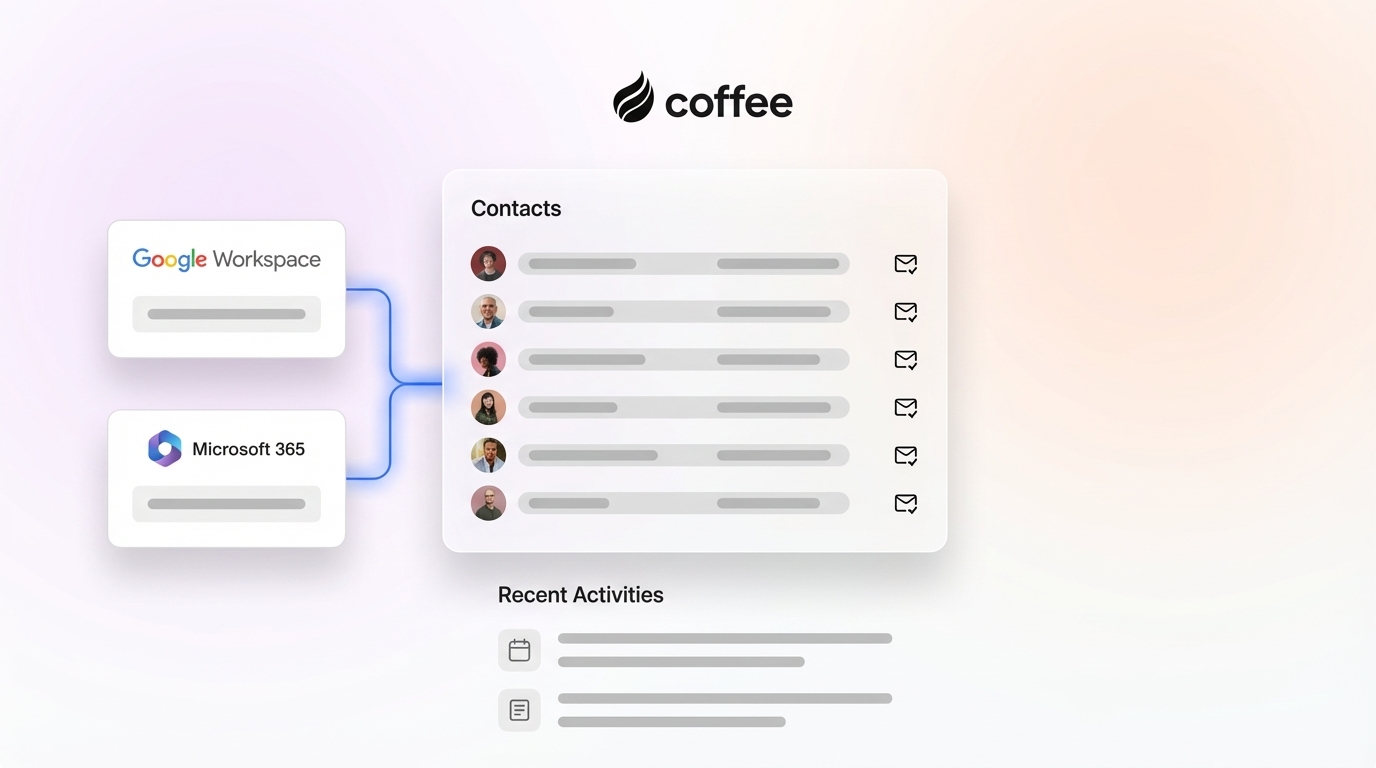
- Connect Google Workspace or Microsoft 365 with a simple authentication flow for email and calendars.
- Authorize HubSpot or Salesforce and grant the agent write access to your CRM.
- Let the agent scan emails and calendars to discover contacts, companies, and activities.
- Auto-create and enrich records with job titles, funding data, and LinkedIn profiles from licensed partners.
- Log activities and deduplicate using real-time matching that keeps records clean as they are created.

The Coffee agent processes both clean and messy email content and runs on a data warehouse that preserves historical context. Coffee’s Stripe integration automatically imports customers and companies, enriches them, and adds paid invoices to deals as Closed Won.

Coffee behaves like a proactive teammate that keeps data accurate instead of a passive database that waits for input. Sales teams using automation save an average of 12 hours per week. The 12-hour weekly time savings mentioned earlier comes primarily from removing the manual cleanup that traditional parsing methods still require.
This time savings translates into real business impact. Consider one company generating tens of millions in revenue that managed sales in spreadsheets and rejected Salesforce and HubSpot because of manual work. After implementing Coffee’s agent, they gained automated data entry from Google Workspace, clear pipeline insights, and smooth team adoption without the usual CRM rollout friction.
Try Coffee’s AI agent free to experience agent-led CRM automation that handles the busywork while your team focuses on selling.
Handle Data Pitfalls: Deduplication, Enrichment, and Multi-CRM
Advanced CRM population requires careful handling of common data quality issues, with duplicate records as the most frequent problem. Implementing duplicate detection at entry with real-time matching rules prevents duplicates when new records are saved and stops conflicts before they spread through your database.
Pro Tips for Clean Data:
- Real-time deduplication – Coffee’s agent matches records instantly using multiple data points, which prevents the duplicate entries that manual systems often create.
- Outlook sync compatibility – Works smoothly with Microsoft 365 environments, so deduplication and logging stay consistent regardless of your email platform.
- Custom field mapping – Handles unique CRM configurations and custom objects, so your specific data model does not break the automation.
- Multi-CRM support – Operates as a companion app for HubSpot or Salesforce or as a standalone system, giving you flexibility while keeping data quality high.
Compared to manual processes, AI agents achieve about 85% error reduction while keeping data consistent across multiple systems. Cleaning CRM data every 30–60 days depending on data volume and team size becomes less necessary when agents handle continuous data hygiene.
Measure Success and Pipeline ROI
Teams need to track the impact of automated CRM population so they can prove ROI and refine their sales process with real numbers.
Key Success Metrics:
- Clean record percentage – Aim for at least 95% complete contact profiles across your CRM.
- Time spent selling – Target 35% or more of rep time on direct selling activities instead of admin work.
- Pipeline accuracy – Monitor forecast reliability and compare projected revenue to actuals.
- Activity logging – Track the share of email interactions captured automatically without rep input.
Sales teams using sales automation report 27% higher close rates and up to 20% gains in pipeline conversion. The close rate improvements mentioned earlier, up to 27%, come from better pipeline accuracy and more time spent on real selling instead of data entry. Coffee’s Pipeline Compare feature adds week-over-week visuals that turn pipeline reviews into strategic discussions instead of status interrogations.
The ROI stays clear over time. Companies investing in sales automation achieve an average return of $5.44 for every $1 spent.
Frequently Asked Questions
How do I link email to CRM automatically?
Use native CRM sync features for basic email logging, or deploy an AI agent like Coffee for full email scanning and contact creation. Coffee’s agent connects to Google Workspace or Microsoft 365 and automatically associates emails with the right CRM records, even when the content is long or inconsistent.
How do I connect my CRM with Outlook?
Most CRMs provide native Outlook integration through Microsoft 365 authentication. Coffee’s agent adds advanced Outlook connectivity that goes beyond basic sync by parsing email content, creating contacts, and logging activities without manual steps. The setup uses simple OAuth authentication and starts working right away.
Can I auto-export leads from emails to my CRM?
Yes. AI agents like Coffee scan unstructured email content to spot potential leads, extract contact information, enrich records with job and company data, and create CRM entries automatically. This approach removes manual lead qualification and reduces the chance of missed opportunities.
How does Coffee compare to ZoomInfo for data enrichment?
Coffee includes built-in data enrichment through licensed partners, which removes the need for separate tools like ZoomInfo. The agent adds job titles, LinkedIn profiles, and funding information as part of the CRM population workflow, without extra per-contact fees or complex integrations.
What is the difference between Coffee and Zapier for CRM automation?
Zapier handles structured data workflows with no-code features for deduplication, enrichment, and storage. Coffee’s AI agent focuses on messy email content and context, while also providing automatic deduplication, broad enrichment, and a built-in data warehouse that preserves history.
Coffee maintains SOC 2 Type 2 compliance and offers transparent seat-based pricing with unlimited agent labor included.
Manual CRM entry from emails drains productivity, and modern AI agents remove this burden. Coffee’s intelligent automation ensures accurate data flows into your CRM, which supports reliable insights and forecasts. Start your free trial today to reclaim your team’s time and transform pipeline accuracy.