
Key Takeaways for Dialpad MEDDIC + Coffee
-
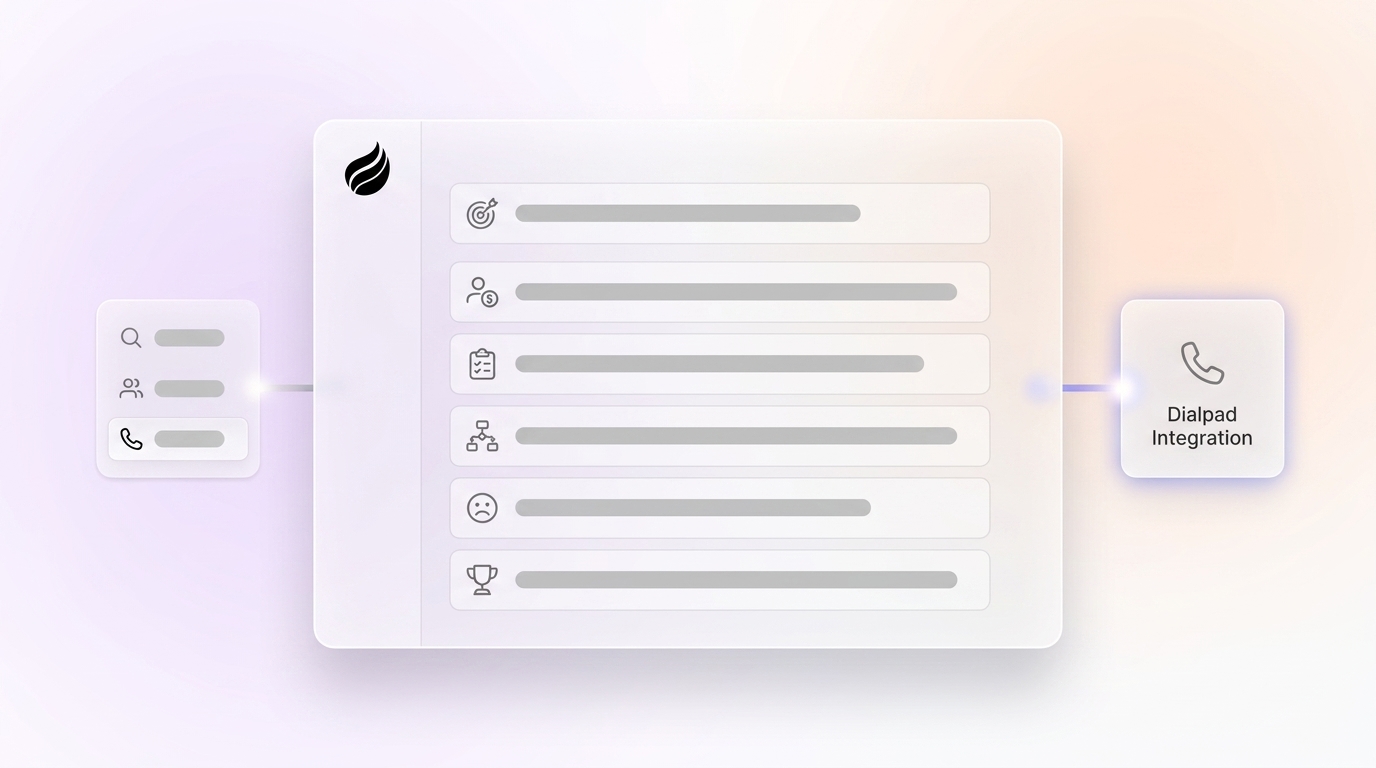
Structured MEDDIC qualification across Metrics, Economic Buyer, Decision Criteria, Decision Process, Identify Pain, and Champion improves Dialpad sales win rates and forecast confidence.
-
Coffee AI captures MEDDIC data from Dialpad calls, emails, and interactions, removes manual CRM entry, and frees reps from hours of admin work each week.
-
Apply MEDDIC consistently by quantifying metrics during demos, identifying Economic Buyers with targeted scripts, and mapping decision criteria against competitors like RingCentral.
-
Coffee organizes pain points into three levels, tracks decision timelines, and drafts personalized follow-ups so you can nurture internal champions with less effort.
-
Teams using Coffee see more reliable forecasts and stronger quota attainment; start a free Coffee trial to experience these MEDDIC improvements in your own Dialpad pipeline.
Why MEDDIC Matters for Dialpad Sales Teams
MEDDIC supports mid-market IT buyers who compare VoIP and UCaaS platforms like Dialpad against legacy phone systems. These complex deals require detailed qualification data to support accurate forecasts and clear next steps. Without a structured framework such as MEDDIC, sales teams struggle with low CRM adoption and garbage-in-garbage-out data in Salesforce and HubSpot.
Organizations with formal sales methodologies achieve higher win rates and quota attainment compared to informal processes. Coffee’s AI system addresses this problem by turning Dialpad conversation intelligence into structured MEDDIC fields, so reps avoid manual logging while leaders gain reliable data.
Readiness and Preconditions for Coffee + Dialpad
Set up a few basics before you roll out MEDDIC with Coffee automation. You need Dialpad with AI transcription enabled, a CRM system such as Salesforce, HubSpot, or Coffee Standalone, and Coffee connected through Google Workspace or Microsoft 365. Installation usually takes 2–4 hours, after which Coffee joins your Dialpad calls automatically and captures qualification data in real time. Once everything is live, you can apply MEDDIC systematically across every deal, starting with Metrics.

1. Metrics: Quantify Value in Dialpad Calls
Metrics describe the measurable business outcomes your Dialpad solution will deliver, such as a 30% improvement in call efficiency or a 25% reduction in communication costs. During Dialpad demos, ask prospects questions like “If this project succeeds, what number changes on your dashboard in 12 months?” Coffee listens to these moments, extracts the metrics from call transcripts, and fills the right CRM fields automatically. The table below shows three common metric categories and how Coffee structures each one based on the outcome you want to measure.
|
Metric Type |
Dialpad Value |
Measurement |
Coffee Automation |
|---|---|---|---|
|
Call Efficiency |
30% faster resolution |
Average handle time |
Auto-logs from transcripts |
|
Cost Reduction |
25% lower telecom spend |
Monthly phone bills |
Structures in CRM fields |
|
Productivity Gain |
20% more calls per rep |
Daily call volume |
Tracks in pipeline notes |
2. Economic Buyer: Find Budget Owners for Dialpad
The Economic Buyer controls budget authority for Dialpad purchases, often a CTO, VP of IT, or CFO in mid-market companies. To identify this person, use discovery scripts such as “Who ultimately approves the budget for this communication initiative?” Once you find them, Coffee enriches their contact records with funding data and LinkedIn profiles so you can tailor your outreach. This context helps you engage the Economic Buyer earlier in the cycle, which often increases win rates.
3. Decision Criteria: Compare Dialpad to Alternatives
Decision Criteria describe the specific requirements your Dialpad solution must satisfy, such as AI coaching capabilities, CRM integrations, or mobile functionality. Coffee prepares briefings that compare Dialpad features against competitors like RingCentral or 8×8, using information captured from your sales conversations. These briefings turn raw competitive details into clear deal insights, so you can show how Dialpad meets or exceeds each decision criterion.
4. Decision Process: Track Steps, Reviews, and Risks
Decision Process outlines the steps a prospect follows to purchase Dialpad, including technical evaluations, security reviews, and integration planning. Common hurdles include IT approval workflows and data migration concerns that can slow or stall deals. Coffee tracks next steps and timeline commitments from every call, then records them in your CRM so follow-ups stay on schedule during complex enterprise sales cycles.
5. Identify Pain: Capture IT Frustrations from Calls
Identify Pain focuses on the business impact behind surface-level complaints. Legacy PBX systems often create productivity losses, communication breakdowns, and maintenance headaches for IT teams. Ask prospects questions like “What’s the gap between where you are and where you need to be?” Coffee listens for these answers and organizes pain into three levels: personal frustrations, organizational problems, and business initiatives that demand action.
6. Build Champion: Support Internal Advocates
Champions act as internal advocates who promote Dialpad inside their organization. You can earn Economic Buyer access by making champions look good with insightful questions and structured business cases. Coffee drafts personalized follow-up emails in Gmail based on each conversation, which helps you nurture champion relationships while you roll out MEDDIC in your Dialpad sales process.

Common MEDDIC Mistakes and How Coffee Helps
The biggest MEDDIC failure modes include champion confusion, missing Economic Buyer access, unknown decision processes, and unquantified metrics. Coffee reduces these risks by flagging qualification gaps in your pipeline when key fields remain incomplete. For example, if you have held several calls with a prospect but still have no identified Economic Buyer, Coffee surfaces that gap in your deal summary so you can address it directly. When prospects give vague responses, Coffee suggests follow-up questions that help you gather specific, quantifiable data and strengthen your MEDDIC coverage.
Validation and Success Criteria with Coffee
Coffee’s Compare feature shows week-over-week pipeline changes and highlights deals that progress through MEDDIC qualification versus those that stall. Teams using Coffee report more time spent selling and improved quota attainment because qualification tracking happens automatically. The table below quantifies these improvements across three operational metrics that matter for Dialpad sales leaders.
|
Success Metric |
Before Coffee |
After Coffee |
Improvement |
|---|---|---|---|
|
Time on Data Entry |
Large portion of work week |
Smaller portion of work week |
Notable reduction |
|
MEDDIC Completion |
Fewer deals |
Most deals |
Significant increase |
|
Forecast Accuracy |
Moderate |
High |
Improvement |
See how Coffee delivers these improvements in your Dialpad pipeline and start your trial today.
Scaling MEDDIC and Coffee Across Dialpad Teams
Coffee supports SMB Standalone CRM deployments and mid-market Companion integrations with existing Salesforce or HubSpot instances, so you can scale regardless of your current tech stack. As your team grows, the List Builder feature helps new reps find qualified Dialpad prospects using natural language commands. Automated MEDDIC scoring then ensures those reps apply the framework consistently, which reduces the quality gaps that usually appear during rapid team expansion.

FAQ
How does Coffee integrate with Dialpad for MEDDIC qualification?
Coffee connects through Google Workspace or Microsoft 365 and joins your Dialpad calls as an AI meeting bot. It transcribes conversations, extracts MEDDIC elements such as metrics and pain points, and then writes this data into your CRM fields without manual entry. The integration works with Salesforce, HubSpot, or Coffee’s Standalone CRM.
Should I use MEDDIC or MEDDPICC for Dialpad sales?
MEDDIC suits Dialpad deals under $25K ACV with sales cycles under 60 days. MEDDPICC fits enterprise deals over $50K ACV that involve procurement teams and complex approvals. Coffee supports both frameworks and adjusts its data capture based on deal complexity and your internal process.
What ROI can I expect from automating MEDDIC with Coffee?
Teams often see 20–30% higher close rates and 40% more accurate forecasting after they adopt structured qualification. Coffee contributes by saving 8–12 hours per week on manual data entry while increasing MEDDIC completion rates. These time savings alone frequently cover the investment within the first quarter.
How do I use MEDDIC effectively during Dialpad sales calls?
Focus on open-ended questions that uncover quantifiable business impact, budget authority, and specific pain points. Coffee tags these moments in your call transcripts and turns them into structured MEDDIC notes without disrupting your natural conversation. When it detects gaps, the system suggests follow-up questions so you can deepen qualification in real time.
Is formal MEDDIC sales methodology training worth the investment?
Yes, organizations with formal sales processes achieve higher win rates than teams that rely on informal approaches. Training alone, however, rarely guarantees consistent execution across every deal. Coffee closes this gap by making MEDDIC qualification automatic instead of relying on rep discipline and memory during busy sales cycles.
Conclusion: Automate MEDDIC for Stronger Dialpad Deals
Applying the MEDDIC framework in Dialpad sales depends on systematic qualification across Metrics, Economic Buyer, Decision Criteria, Decision Process, Identify Pain, and Champion. Coffee turns this manual work into automated intelligence and captures qualification data from every Dialpad interaction while delivering the time savings described earlier. Ready to automate MEDDIC qualification across your Dialpad sales team? Explore Coffee’s pricing and start your trial.