
Key Takeaways: Gong, Essense AI, and Coffee Agent
- Manual Gong transcript review consumes about 65% of reps’ time, while Essense AI surfaces insights 20–30% faster through automated analysis.
- Gong’s native AI covers themes, sentiment, and talk ratios but lacks bulk export flexibility and deep custom NLP configuration.
- The 7-step Essense AI workflow (connect, ingest, prompt, analyze, export, scale, act) supports 15–25% gains in pipeline impact.
- Coffee’s autonomous agent delivers roughly 2x faster insights, saves 8–12 hours per week, and scales without ongoing manual setup.
- Skip complex integrations and try Coffee’s automated call analysis for fully automated call review and rich CRM updates.
How Gong Uses AI for Call Analysis and Where It Falls Short
Gong’s AI engine tracks call themes, next-step mentions, and sentiment trends across opportunities, tying conversation data directly to pipeline performance. Its AI Theme Spotter reviews up to 50,000 calls and surfaces patterns around objections, competitor mentions, and pricing discussions.
Gong’s native tools include topic and keyword detection, sentiment analysis, talk-ratio analytics, and pattern recognition that highlight messaging that drives momentum and topics that correlate with wins. The “Ask” feature summarizes conversations and flags risk signals inside accounts.
These capabilities still leave gaps for advanced teams. Gong does not offer flexible bulk exports for custom NLP work and it lacks the granular theme extraction that specialized tools like Essense AI provide. Sales organizations using AI-driven analysis can increase conversion rates by up to 50%, so pairing Gong with deeper analytics tools becomes a practical requirement for competitive teams.
To close these gaps, many teams add Essense AI on top of Gong. The next section walks through a focused workflow that turns raw Gong transcripts into structured insights your CRM and reps can actually use.
How to Analyze Gong Calls with Essense AI: 2026 Step-by-Step Guide
Step 1: Create Your Essense AI Account and Connect the Gong API
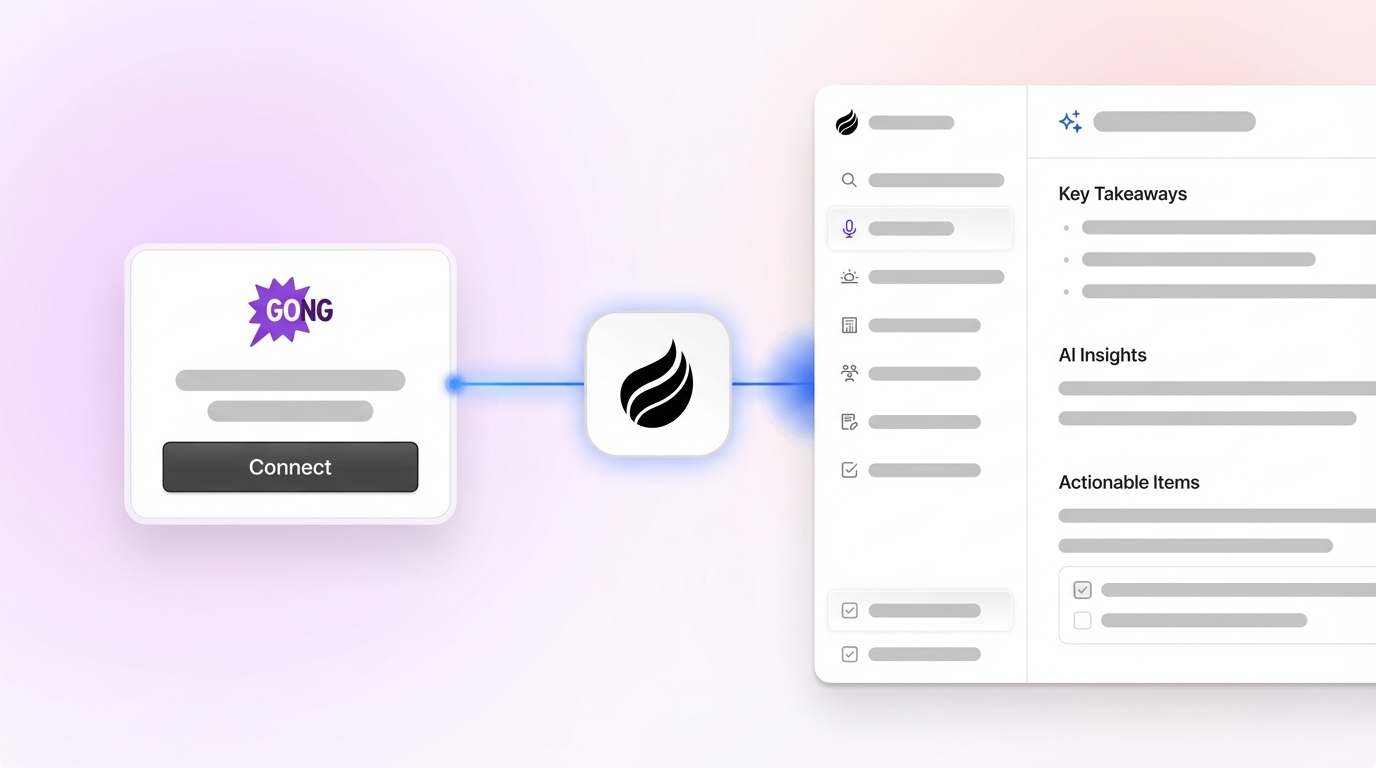
Create an Essense AI account, then open the integrations dashboard and select “Gong” from the connector list. Gather your Gong API credentials, which require admin-level access. Enter your Gong instance URL, API key, and authentication token to establish a stable Essense AI and Gong connection.
Step 2: Turn On Auto-Ingest for Transcript Analysis
Set up automated transcript ingestion so Essense AI can analyze Gong transcripts in bulk. Define date ranges, call types such as demos, discovery, and closing calls, and participant filters. Enable near real-time sync so new calls appear in Essense AI within about 15 minutes of completion. This setup removes manual CSV exports and keeps coverage consistent.
Step 3: Configure NLP Models for Pain Points and Objections
Write custom NLP prompts that target the insights your team cares about most. Example prompts include “Identify pricing objections and competitor mentions,” “Extract technical requirements and integration concerns,” and “Classify buyer personas and decision-making criteria.” Once you define these prompts, configure confidence thresholds to filter noisy results. A 75% or higher threshold keeps insights actionable instead of speculative. For conversations that span several topics, enable multi-label classification so the model can tag multiple themes within a single call.
Step 4: Run Analysis and Visualize Conversation Trends
Run your analysis across historical call data to build a baseline. Essense AI processes transcripts and produces visualizations that show objection frequency, sentiment shifts, and topic clusters. The platform highlights critical moments and discussion points that align with deal progression or stalled opportunities.
Step 5: Push Structured Insights Into Your CRM
Set up automated exports from Essense AI into your CRM. Map each Essense AI field to custom objects or fields in Salesforce or HubSpot so objection themes, sentiment scores, and next-step recommendations appear on deal records without manual entry. Schedule weekly summary reports to support pipeline reviews and coaching sessions.
Coffee Agent Alternative for Hands-Off Call Intelligence
Essense AI adds depth on top of Gong, yet it still relies on integrations and workflow maintenance. Coffee’s autonomous agent removes that overhead. The Coffee agent joins Zoom, Teams, and Meet calls, records and transcribes them, then enriches CRM records automatically. It handles logging and updates without separate API projects or export jobs.

Step 6: Scale Analysis Across Thousands of Calls
Apply 2026 scaling tactics once the core workflow runs smoothly. Use batch processing for older call archives, schedule automated model retraining based on win or loss outcomes, and distribute analysis across multiple Gong instances if your organization runs several. Configure alerts for high-priority patterns such as new competitive threats or deals that show strong risk signals.
Step 7: Turn Insights Into Pipeline Movement
Convert insights into clear workflows so they affect revenue. Build automated follow-up sequences tied to specific objection types, trigger coaching alerts when reps face recurring challenges, and adjust deal stages based on conversation sentiment and clear next steps. These actions move insights out of dashboards and into daily sales execution.
Outcomes From a Mature Essense AI + Gong Setup
Teams that complete this setup reach sub-five-minute visibility into call insights, reclaim 8–12 hours per week, and see 15–25% improvement in how they handle objections across the pipeline.
Coffee vs. Essense AI + Gong: Why the Autonomous Agent Wins
The following table highlights three critical performance metrics where Coffee’s autonomous agent delivers measurable advantages over the Essense AI and Gong combination.
| Metric | Essense AI + Gong | Coffee Agent | Winner |
|---|---|---|---|
| Insight Speed | 30–45 min setup, manual exports required | Roughly 2x faster, logs insights natively | Coffee |
| Time Saved/Week | Fragmented tools and manual workflows | 8–12 hours saved, no data entry | Coffee |
| Scalability | API limits and bulk export constraints | Built-in warehouse, effectively unlimited calls | Coffee |
Coffee’s autonomous agent removes the integration overhead that comes with Essense AI and Gong workflows. Instead of juggling several tools and manual data flows, Coffee delivers auto-generated summaries, action items, and rich CRM updates through a single intelligent agent. The platform can operate as a standalone CRM for smaller teams or as a companion layer that enhances existing Salesforce and HubSpot setups.

Experience Coffee’s autonomous agent to get agent-driven call analysis without the usual integration burden.
Gong AI Agent Tactics and Coffee’s 2026 Scaling Approach
AI agents that analyze Gong transcripts uncover patterns across won and lost deals, then feed coaching recommendations back to managers and reps. Advanced 2026 tactics pair this analysis with Coffee’s Natural Language List Builder, which creates targeted prospect lists from call insights. Teams then launch outbound campaigns that mirror proven conversation patterns and buyer personas identified in transcript data.

2026 Agent Playbook: Coffee in a High-Growth Sales Org
These automation capabilities matter most at scale, as one high-growth company discovered. A business generating tens of millions in revenue still managed sales through spreadsheets and knew manual entry could not keep up. They rejected traditional CRMs like Salesforce and HubSpot because those tools demanded too much manual updating.
Coffee’s agent changed their operating model. It created contacts automatically from Google Workspace, powered Pipeline Compare for weekly deal reviews, and exposed an API for custom briefing scripts. The company moved from spreadsheet chaos to a sales system driven by intelligent automation.

Frequently Asked Questions
Does Essense AI replace Gong’s native AI capabilities?
Essense AI does not replace Gong’s AI. It enhances Gong’s Theme Spotter with deeper NLP analysis and custom insight extraction. Coffee then goes a step further by automating this entire flow through its autonomous agent, so teams avoid juggling separate tools and manual integrations.
How does Coffee integrate with Gong compared to Essense AI?
Coffee’s agent delivers conversational intelligence by joining Zoom, Teams, and Meet calls to record, transcribe, summarize, and log insights directly into your CRM. Gong connects to Coffee through Zapier for teams that want both. Essense AI, by contrast, relies on direct API configurations and ongoing workflow management.
What are the bulk analysis limits for Essense AI vs Coffee?
Essense AI can process thousands of calls but still runs into API rate limits and export caps. Coffee uses a built-in data warehouse that supports continuous, real-time processing without throttling or manual batch jobs.
How does Gong use AI for call analysis in 2026?
Gong relies on AI Theme Spotter for pattern detection, sentiment analysis for tone tracking, and predictive analytics for deal scoring. It maps conversation themes to pipeline outcomes, then surfaces those insights in its interface. Teams that need deeper custom analysis still pair Gong with tools like Essense AI or Coffee.
What is the difference between Gong’s AI agent and Coffee’s approach?
Gong focuses on passive analysis of recorded conversations and leaves action to the user. Coffee deploys an autonomous agent that participates in your sales process by handling data capture, enrichment, and output automatically. Gong users interpret insights and act manually, while Coffee turns insights into system updates and workflows.
What impact can AI call analysis have on close rates?
Gong users often see 15–25% improvement in objection handling as they gain clearer insight into real conversations. Coffee users reach the 50% conversion rate improvements mentioned earlier through AI-driven lead prioritization and automated pipeline intelligence that moves deals forward instead of just describing them.
Conclusion: Move From Manual Review to Autonomous Pipeline Intelligence
The Essense AI and Gong integration delivers strong insights for teams willing to manage complex workflows and exports. Coffee’s autonomous agent represents the next stage of sales intelligence, delivering accurate data capture, continuous call analysis, and pipeline intelligence without integration overhead.
Transform your sales operations from manual transcript review to intelligent automation. Start your Coffee trial today and experience an autonomous CRM agent that handles the busywork while your team focuses on closing deals.