
Written by: Doug Camplejohn, CEO & Co-Founder, Coffee
Key Takeaways
- HubSpot’s native reporting hits a ceiling when you need to join CRM data with product usage, billing, or marketing spend metrics.
- Data quality issues like duplicates, missing activities, and stale records travel directly from HubSpot into your warehouse and corrupt every downstream report.
- Native HubSpot Data Hub Enterprise integrations connect directly to Snowflake, BigQuery, and S3. Third-party ETL tools add more flexibility for complex transformations.
- A three-layer data model (raw, staging, mart) with proper association handling is essential for reliable analytics. That model still depends on clean HubSpot data.
- Start with Coffee so clean data enters HubSpot from day one before you invest in a warehouse pipeline.
What Is a HubSpot CRM Data Warehouse?
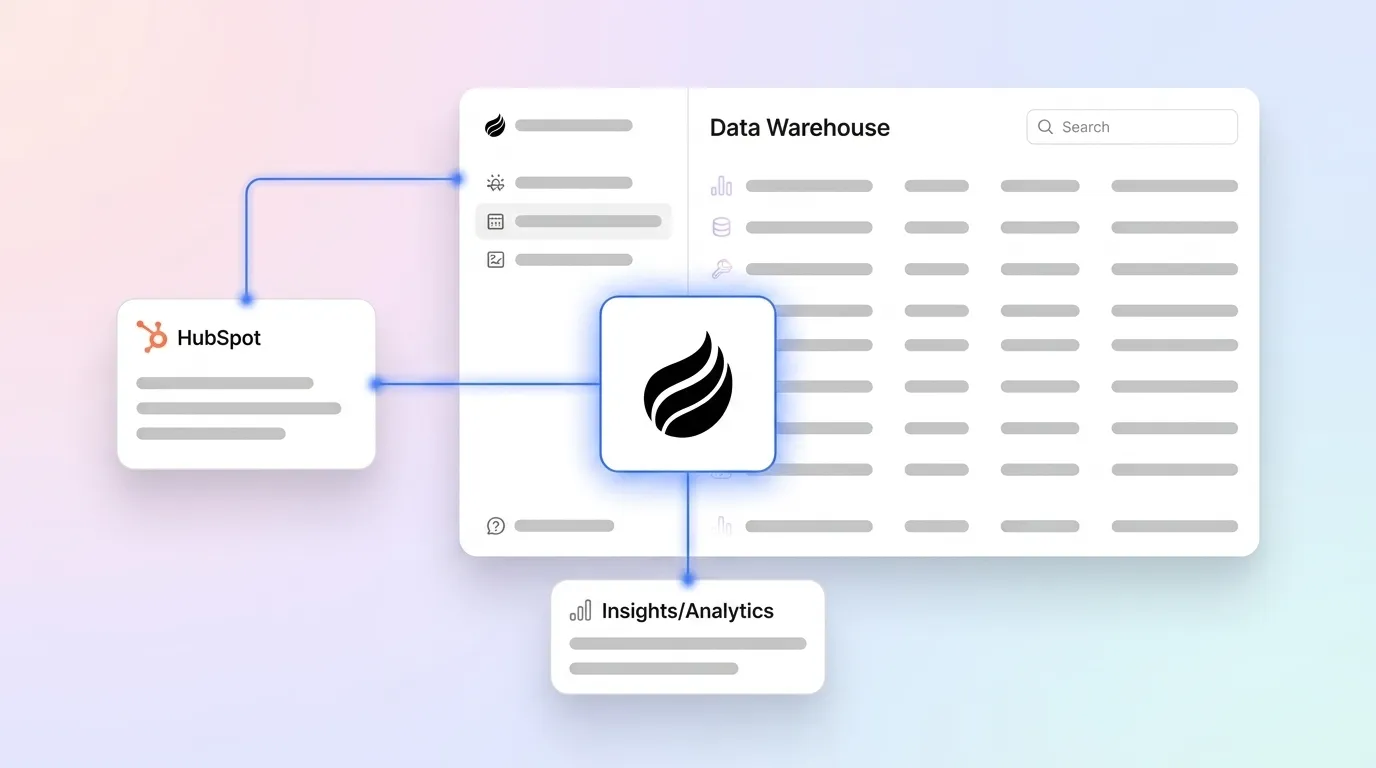
A HubSpot CRM data warehouse is a centralized repository for your CRM data. It stores contacts, companies, deals, activities, and custom objects in a structured format optimized for querying and analysis, typically on a cloud platform like Snowflake, BigQuery, or Amazon S3.
HubSpot’s built-in reporting cannot easily combine CRM data with external sources. A warehouse creates a single source of truth for advanced analytics, custom dashboards, and machine learning models. It enables revenue attribution, cohort analysis, and forecasting that HubSpot’s native tools cannot produce on their own.
HubSpot’s native warehouse offering is called Data Hub, available at the Enterprise tier. Third-party ETL tools provide an alternative path for teams that need more flexibility or already have warehouse infrastructure in place.
Start cleaning your HubSpot data with Coffee so the data flowing into your warehouse is trustworthy before you build anything on top of it.
Native HubSpot Data Hub Integrations
HubSpot Data Hub offers native Cloud Data Storage Integrations that bidirectionally sync data across cloud platforms including Snowflake, BigQuery, and Amazon S3. This native path usually feels simpler and lower maintenance than a full ETL or ELT pipeline. Setup follows a consistent sequence.
- Enable Data Hub in your HubSpot account (Enterprise tier required).
- Connect your warehouse destination: Snowflake, BigQuery, or S3.
- Select which CRM objects to sync, such as contacts, companies, deals, activities, and custom objects.
- Configure sync frequency and schedule.
HubSpot Data Hub pricing runs across four tiers: Free ($0/month), Starter (starts at $10/month per seat), Professional (starts at $800/month, 1 seat included), and Enterprise (starts at $2,000/month, 1 seat included). HubSpot’s native bidirectional data warehouse integrations with Snowflake, Google BigQuery, and Amazon S3 require Data Hub Enterprise (or, for the Snowflake Data Share, Operations Hub Enterprise), though third-party ETL connectors can work on lower tiers. Professional and Enterprise editions include HubSpot Credits for Data Studio usage. Credits are consumed only when syncing data outside Data Studio; all other Data Hub features are included at no extra credit cost.
The native path is straightforward but carries limitations. Historical field-level tracking is incomplete, and complex transformations require additional tooling downstream. Teams with sophisticated modeling requirements often find third-party ETL tools more capable.
Third-Party ETL Tools for HubSpot to Warehouse
Third-party ETL tools like Datawarehouse.io specialize in extracting HubSpot data and loading it into warehouse destinations. Datawarehouse.io, for example, exports over 100 data tables to destinations including PostgreSQL, Azure SQL, and Redshift, which expands the destination options beyond HubSpot’s native integrations.
Native integrations are simpler and bundle into HubSpot’s subscription cost. Third-party tools add a separate line item, typically $500–$2,000/month depending on data volume, but offer granular control over transformation logic, scheduling, and the handling of complex objects like associations. For teams with existing warehouse infrastructure or multi-source pipelines, third-party tools are often the more practical choice.
The critical caveat applies regardless of which path you choose: the quality of data coming out of HubSpot determines whether your warehouse delivers value. Duplicates, missing activities, and outdated records do not get filtered out by ETL pipelines. They get replicated, at scale, into every table and report downstream. Once you have a pipeline in place, the next challenge is structuring that data effectively, which is where data modeling comes in.
Data Modeling Best Practices for HubSpot Data
A three-layer architecture is the standard approach for modeling HubSpot data in a warehouse. Each layer serves a distinct purpose and isolates raw data from business logic.
- Raw layer:
raw_contacts,raw_companies,raw_deals. These tables store unmodified copies of HubSpot objects as they arrive from the sync. - Staging layer:
stg_contacts. These tables hold deduplicated, cleaned, and standardized records prepared for downstream use. - Mart layer:
mart_revenue_by_month. These tables contain business-specific metrics such as monthly recurring revenue by segment, built from the staging layer.
HubSpot’s association model, where contacts link to deals, deals link to companies, and contacts link to custom objects, requires explicit junction tables in the warehouse. Each association type should be modeled as its own table with foreign keys pointing to the relevant object tables. Custom objects follow the same pattern: a dedicated raw table per object type, with association tables linking them to standard objects.
Historical tracking requires deliberate design. HubSpot does not natively preserve all field-level history; it retains up to 45 revisions for contact properties and up to 20 revisions for company, deal, ticket, and custom object properties. Teams relying on slowly changing dimension (SCD) logic need to capture snapshots at the ETL layer rather than assuming the warehouse can reconstruct history from current records.
Modeling stays reliable only when the underlying data is complete and accurate. Incomplete HubSpot records produce misleading marts regardless of how well the architecture is designed. A staging layer full of nulls and duplicates cannot produce a trustworthy mart layer, so teams must address the issue at the source. Once your warehouse is built on clean data, the next step is pushing insights back into HubSpot, which introduces reverse ETL.
Reverse ETL: Syncing Insights Back to HubSpot
Reverse ETL describes the process of sending data from your warehouse back into HubSpot to enrich records or trigger actions. Standard ETL moves data from HubSpot to the warehouse. Reverse ETL closes the loop by pushing derived insights back to the CRM where sales and marketing teams can act on them.
Common use cases include syncing lead scores calculated in the warehouse to HubSpot contact properties, updating deal stages based on predictive models, and enriching contact records with billing or product usage data that lives outside HubSpot. Tools like Census and Hightouch are purpose-built for this workflow.
Reverse ETL amplifies whatever data quality exists in the warehouse. When the underlying HubSpot data is clean as it enters the warehouse, the enriched records flowing back stay accurate and actionable. When the source data is messy, reverse ETL propagates those errors back into the CRM and compounds the original problem.
Cost Considerations: How the Stack Adds Up
The total cost of a HubSpot-to-warehouse stack involves several components that compound quickly. Understanding each layer helps teams make informed build-versus-buy decisions.
- HubSpot Data Hub Enterprise: starts at $2,000/month with one seat included, and warehouse connections require this tier.
- Third-party ETL tools: typically $500–$2,000/month based on data volume and destination count.
- Warehouse platform costs (Snowflake/BigQuery): usage-based and variable, scaling with query volume and storage.
Native integrations bundle warehouse connectivity into HubSpot’s subscription, which reduces vendor count but limits flexibility. Third-party tools add a separate subscription while unlocking more transformation control and destination options. In both cases, warehouse platform costs remain a separate, usage-based expense that scales independently of the integration method.
The most overlooked cost in this stack is the cost of bad data. Every dollar spent on ETL infrastructure, warehouse compute, and BI tooling is partially wasted when the underlying HubSpot records are incomplete or inaccurate. Investing in data quality at the source, before building the pipeline, is more cost-effective than attempting to clean dirty data downstream, where the problem is harder to detect and more expensive to fix.
Protect your warehouse investment with Coffee by ensuring clean data enters HubSpot from day one.
Step-by-Step Implementation Roadmap
A typical revenue reporting implementation follows a sequence that begins with data quality and ends with insights flowing back into HubSpot.
- Audit your HubSpot data quality. Identify duplicates, missing required fields, and incomplete activity logs before touching the pipeline.
- Choose your integration method. Decide between native Data Hub Enterprise and a third-party ETL tool based on destination requirements, transformation needs, and budget.
- Set up the data pipeline. Configure object syncs, select fields, and schedule sync frequency.
- Build your data model. Implement raw, staging, and mart layers with proper association and custom object handling.
- Create dashboards and reports. Connect your warehouse to your BI tool, such as Looker, Tableau, or Metabase, and build the revenue views your team needs.
- Implement reverse ETL. Push warehouse-derived scores and enrichment back to HubSpot to close the loop.
Step one carries the most impact. Teams that skip the data quality audit and proceed directly to pipeline setup discover the problem only after they have invested in infrastructure. Fixing it then requires reworking both the source and the warehouse at the same time.
Common Pitfalls and How to Avoid Them
Several recurring mistakes undermine HubSpot data warehouse projects, and most of them trace back to assumptions made early in the process. These pitfalls fall into two categories: scoping errors and data governance failures.
- Syncing too much data: Pulling every HubSpot field and object into the warehouse drives up storage and compute costs without adding analytical value. Scope the sync to objects and fields your reports actually require.
- Ignoring historical changes: HubSpot does not natively track all field-level history. Teams that assume the warehouse can reconstruct history from current records discover gaps in their time-series analysis after the fact.
- Mishandling custom objects and associations: Custom objects require dedicated modeling. Associations between objects must be captured as explicit junction tables, because treating them as simple foreign keys produces incorrect join results.
- Underestimating ongoing data cleaning: Data quality requires continuous enforcement. Without a system that enforces clean data entry over time, HubSpot records degrade as reps skip fields, create duplicates, and leave activities unlogged.
The unifying theme across these pitfalls is the data quality focus discussed earlier. No warehouse architecture, however well designed, produces reliable analytics from incomplete or inaccurate source data. An agent like Coffee addresses this at the root by automating data entry and enrichment so HubSpot records stay clean and complete without depending on manual rep behavior. Read more about prevention-first approaches in Improve HubSpot CRM Data Quality: A Prevention-First Guide and How to Automate HubSpot CRM Data Entry: A 3-Phase Playbook.
Why Coffee Is the Best First Step
Coffee’s Companion App for HubSpot deploys an AI agent as an intelligent layer on top of your existing HubSpot instance. The agent automatically captures emails, calendar events, and call transcripts, then creates and enriches contacts, companies, and activities in HubSpot without requiring manual input from sales reps. Every interaction is logged, every record stays current, and every field that downstream analytics depend on remains populated.
This approach directly solves the root cause of warehouse data quality failures. When HubSpot records are complete and accurate at the point of entry, the ETL pipeline carries clean data into the warehouse. The staging layer has less remediation work to do, and the mart layer produces metrics that reflect reality. The “good data in, good data out” principle applies at every layer of the stack, and Coffee enforces it at the layer that matters most.
Coffee works alongside HubSpot and complements your existing CRM. Your current workflows and integrations remain intact. The agent handles the data entry work that reps currently skip or do inconsistently, saving an estimated 8–12 hours per week per rep while keeping the system of record accurate enough to support serious analytics.
Let Coffee handle your data entry today so you can build your warehouse on a foundation of clean data.
Frequently Asked Questions
What is a CRM data warehouse?
A CRM data warehouse is a centralized repository that stores data from your CRM system, including contacts, deals, activities, and related objects, in a structured format optimized for querying and analysis. The CRM itself is designed for transactional use. A warehouse is built for analytical workloads such as joining large datasets, running aggregations, and supporting BI tools. Cloud platforms like Snowflake, BigQuery, and Amazon Redshift are the most common destinations. The warehouse becomes the single source of truth when you need to combine CRM data with data from other systems, such as product usage, billing, or advertising platforms.
How much does HubSpot Data Hub cost?
HubSpot Data Hub is available across four pricing tiers. The Free tier is $0/month. Starter starts at $10/month per seat. Professional starts at $800/month with one seat included. Enterprise starts at $2,000/month with one seat included. Data warehouse connections to Snowflake, BigQuery, or Amazon S3 require the Enterprise tier. Professional and Enterprise editions include HubSpot Credits for Data Studio usage. Credits are consumed when syncing data outside of Data Studio, while all other Data Hub features are included at no additional credit cost. Third-party ETL tools add a separate cost, typically ranging from $500 to $2,000/month depending on data volume and the number of destinations.
Can I use Snowflake with HubSpot?
Yes. HubSpot offers a native Cloud Data Storage integration with Snowflake as part of Data Hub Enterprise. HubSpot’s native Snowflake integration, available through Data Hub Enterprise, can bidirectionally sync CRM data (contacts, companies, deals, tickets, and custom objects) without a separate ETL tool, though the native Data Share alone is one-directional and full bidirectional sync requires the separate Data Ingestion integration or reverse ETL tooling. Third-party ETL tools also support Snowflake as a destination and may offer more granular control over transformation logic, scheduling, and historical data handling. The choice between native and third-party depends on your transformation requirements, existing infrastructure, and budget.
What data should I sync from HubSpot to my warehouse?
At minimum, sync the four core CRM objects: contacts, companies, deals, and activities. These objects form the foundation of most revenue reporting use cases. Add custom objects if your reporting requires them, such as subscription records, product lines, or support tickets modeled as custom objects in HubSpot. Include association data so your warehouse can correctly join contacts to deals and deals to companies. Avoid syncing fields or objects that no current or planned report requires, because unnecessary data increases warehouse storage and compute costs without adding analytical value. Revisit the scope periodically as reporting needs evolve.
How do I handle custom objects in my warehouse?
Custom objects should be modeled in the raw layer as their own dedicated tables, mirroring the structure of standard object tables like raw_contacts and raw_deals. Each custom object type gets its own table. Associations between custom objects and standard objects, such as a subscription object linked to a contact, should be captured as separate junction tables with foreign keys pointing to both the custom object table and the relevant standard object table. This approach preserves the flexibility of HubSpot’s association model in the warehouse and allows your staging and mart layers to join across object types correctly. Avoid flattening associations into a single wide table, because this creates fan-out problems in aggregation queries.
Conclusion: Build on a Clean Foundation
A data warehouse unlocks the cross-system analytics that HubSpot’s native reporting cannot deliver. Native Data Hub Enterprise integrations provide a straightforward path to Snowflake, BigQuery, and S3. Third-party ETL tools offer more flexibility for complex transformation and multi-destination requirements. Reverse ETL then closes the loop by pushing warehouse-derived insights back into HubSpot where teams can act on them.
All of these investments depend on the same variable: the quality of data in HubSpot at the moment it enters the pipeline. Clean, complete CRM data produces reliable warehouses. Incomplete, inconsistent CRM data produces expensive infrastructure that generates misleading reports. The most effective first step is ensuring your HubSpot data is trustworthy before a single record leaves the CRM, then choosing an ETL tool that fits your needs.
Keep your warehouse reporting accurate with Coffee and let the agent handle your data entry so your warehouse delivers insights you can trust.


