Written by: Doug Camplejohn, CEO & Co-Founder, Coffee
Key Takeaways
- Salesforce Data 360 (formerly Data Cloud) is a customer data platform for real-time activation and identity resolution inside Salesforce. Snowflake is an enterprise data platform for analytics, data engineering, and cross-functional reporting.
- The platforms play different roles. Data 360 powers customer-facing activation and Agentforce grounding. Snowflake serves as the analytical system of record across business domains.
- Many organizations gain the most value from a dual architecture. Snowflake stays the warehouse of record. Data 360 focuses on customer activation, connected through zero-copy data sharing.
- Both platforms depend on the quality of the data they receive. Incomplete or inaccurate CRM records weaken identity resolution in Data 360 and distort analytics in Snowflake.
- Coffee automates CRM data capture and enrichment so Salesforce records stay clean enough to support any architecture you choose. See how Coffee cleans your CRM data today.
How Salesforce Data 360 and Snowflake Differ
Salesforce Data 360 (formerly Data Cloud): A customer data platform (CDP) built on Hyperforce for real-time customer activation, identity resolution, and powering personalized experiences within the Salesforce ecosystem, now serving as the trusted-context layer for Agentforce agents.
Snowflake: A cloud-native data platform built on a multi-cluster shared-data architecture that separates compute, storage, and metadata into independently scalable layers, supporting SQL analytics, data engineering, machine learning, and secure data sharing across the enterprise.
The distinction is clear. Data 360 focuses on acting on customer data in real time. Snowflake focuses on analyzing data at scale. Data 360 operates as an activation layer. Snowflake operates as an analytical system of record.
Salesforce Data Cloud vs Snowflake: Key Differences
The table below highlights the differences that drive most architecture decisions: purpose, workloads, data model, integration, and pricing. Data 360 centers on real-time customer activation. Snowflake centers on broad, enterprise-wide analytics.
Data 360 is organized around one entity, the customer, and one pipeline: ingest, map, resolve identity, compute segments, then activate. Snowflake is domain-agnostic and supports finance, product, supply chain, and customer teams from a single governed platform. These orientations complement each other.
When Salesforce Data 360 Fits Best
Data 360 is the right primary investment when the focus is customer-facing activation within the Salesforce ecosystem. Choose Data 360 if the organization needs:
- Real-time customer activation such as personalized web experiences, journey triggers, and live agent context
- Deep, native integration with Salesforce Sales Cloud, Service Cloud, and Marketing Cloud without custom ETL pipelines
- Built-in identity resolution and segmentation instead of a composable CDP assembled from separate tools
- A trusted data foundation to ground Agentforce agents with unified customer context
Data 360 functions as the operational layer for customer engagement. Rebuilding company-wide BI on Data 360 queries misuses this activation layer and creates architectural friction.
When Snowflake Fits Best
Snowflake is the right primary investment when the focus is enterprise-wide analytics, data engineering, or cross-functional reporting. Choose Snowflake if the organization needs:
- A central warehouse of record for analytics and BI across finance, product, sales, and supply chain
- Support for massive volumes of structured and semi-structured data for data science and machine learning via Snowpark and Cortex AI
- Secure data sharing with external partners or across business units without duplicating storage
- A platform-agnostic data repository that connects to Tableau, Power BI, dbt, and other BI tools regardless of CRM vendor
Snowflake serves as the analytical system of record for the company. Snowflake supports composable CDP outcomes via SQL, native apps, and reverse-ETL partners, but that approach requires assembling and operating the architecture yourself.
When to Use Both: The Complementary Architecture
These distinct strengths often mean organizations do not need to choose a single platform. Many teams adopt a complementary architecture that uses each platform for what it does best.
The recommended reference architecture keeps Snowflake as the warehouse of record for all domains, scopes Data 360 to customer activation and agent grounding, federates reference data via zero copy, and shares the resolved customer profile back to Snowflake for churn models, LTV analysis, and dashboards. Data 360 handles real-time activation. Snowflake handles deep analytics. Zero-copy data sharing connects them and avoids unnecessary duplication.
How Zero-Copy Data Sharing Connects the Platforms
The zero-copy integration between Salesforce and Snowflake reached general availability in two stages: data sharing out of Salesforce into Snowflake in September 2023 and data federation from Snowflake into Data 360 in April 2024. As of Snowflake Summit 2026, Salesforce integration via Snowflake’s Zero-Copy Integrations has been generally available for over two years, with a reimagined connector experience announced as coming soon.
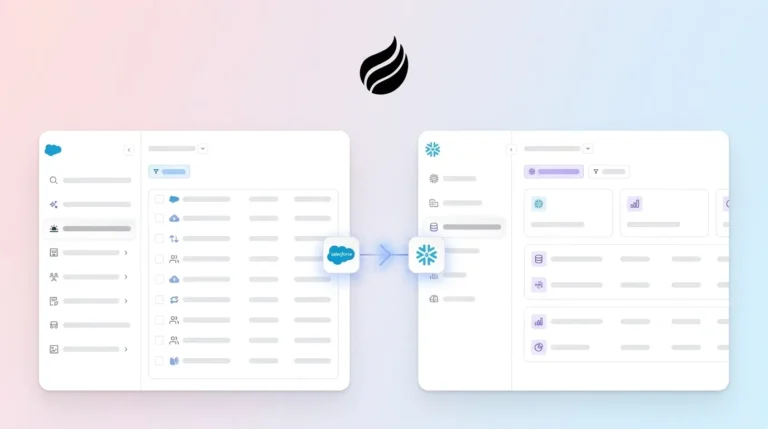
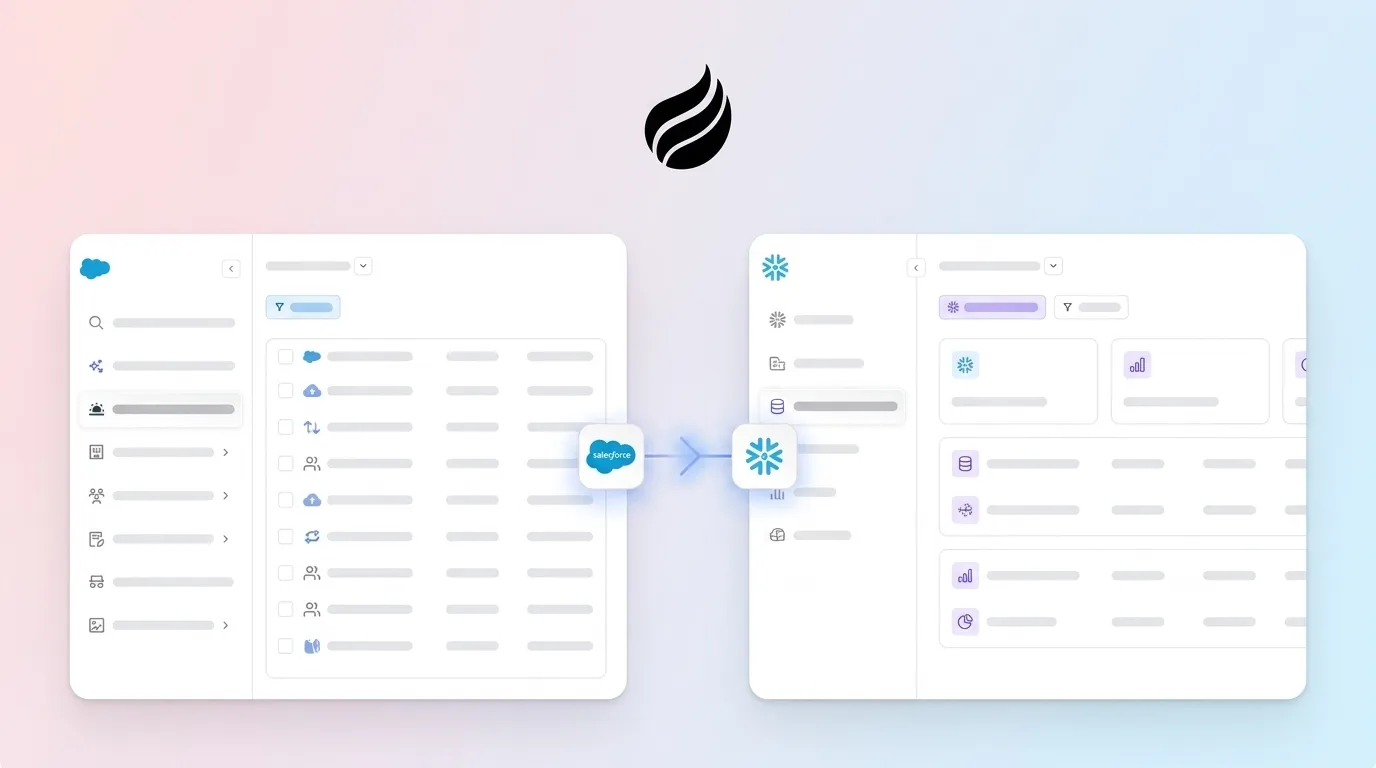
The practical architecture follows a clear flow. Salesforce CRM data first enters Data 360 through the internal connector. When Snowflake data is federated into Data 360, the source data stays in Snowflake. Data 360 pushes queries down to the Snowflake engine, which executes them and returns only the results. Unified profiles and segment membership then move back into Snowflake through a data share authenticated over OAuth, which removes the need for an export pipeline. BI tools such as Tableau or Power BI query Snowflake as the analytical layer and complete the loop.
Three common pitfalls often weaken this architecture:
- Treating Data 360 as a data warehouse. Bulk-ingesting the warehouse into Data 360 “so it is all in one place” burns credits and creates a worse copy of Snowflake.
- Assuming “zero copy” equals “zero cost”. Federated queries consume credits on both platforms at the same time: Data 360 credits for rows accessed and Snowflake credits for the warehouse that executes the pushdown.
- Running two disconnected customer models. Maintaining one resolved customer model in Data 360 and a separate model in Snowflake guarantees mismatched numbers.
Cost Considerations for Data 360 and Snowflake
The two platforms use different pricing models, so direct dollar-for-dollar comparison requires specific workload details. Understanding the structures helps you plan spend.
Data 360 uses a consumption credit model. The Data 360 Starter SKU is publicly listed at $60,000 per year and includes 10 million Data Services Credits plus 5TB of storage. In 2026, Salesforce made structured data ingestion from Sales Cloud, Service Cloud, Marketing Cloud Engagement, Marketing Cloud Personalization, and Commerce Cloud free of credit consumption, while external-source ingestion and most processing still draw credits. Common cost overruns, such as nightly full-segment rebuilds and real-time profile updates for infrequent activations, can push actual consumption to several times the order-form estimate.
Snowflake uses a per-second compute credit model plus separate storage fees. US list prices per credit are $2.00 for Standard, $3.00 for Enterprise, and $4.00 for Business Critical editions, with on-demand storage at approximately $23 per TB per month. Virtual warehouse expenses typically account for 80% of a customer’s Snowflake bill. Teams spending $50,000 or more per year on Snowflake often achieve 30 to 50% below on-demand list pricing through upfront commitments.
Using both platforms raises total spend but can control waste when you federate data instead of duplicating it. The scale of zero-copy usage is already large. Salesforce engineering reported that over one six-month span, Data Cloud queried 4 trillion records in external systems while external platforms accessed 250 billion records back.
The data quality problem increases cost risk on both platforms. Dirty CRM data in Data 360 produces inaccurate segments and weak identity resolution. Inaccurate records in Snowflake corrupt every downstream model and dashboard. Coffee addresses this prerequisite and prevents expensive architectures from running on bad inputs.
Explore Coffee pricing and stop paying for a data stack built on incomplete CRM records.
The Data Quality Imperative for Data 360 and Snowflake
The “Salesforce Data Cloud vs Snowflake” debate consumes planning cycles, yet platform choice rarely causes failure. Manish Sharma, a leader at Accenture, stated at Snowflake Summit 2026 that about 85% of Accenture’s clients have a data problem before they have an AI problem. The same pattern applies to CDP and warehouse investments. The quality of incoming data determines the value of every output.
Legacy CRMs like Salesforce rely on sales reps to manually enter contact records, log activities, and update deal stages. That assumption fails in practice and drains productivity. 71% of sales reps say they spend too much time on data entry, which leaves only 35% of their time for selling. When fields stay blank and interactions go unlogged, the CRM becomes the source of the “garbage in” that weakens both Data 360 identity resolution and Snowflake analytical models.
Coffee is an AI agent that removes this bottleneck. Deployed as a Companion App on top of an existing Salesforce instance, Coffee automatically creates and enriches contacts, logs every email and calendar interaction, captures call transcripts, and writes clean, structured data back to Salesforce without manual input from sales reps. The CRM then serves as a genuine ground-truth system for any architecture above it, including Data 360, Snowflake, or both.

Coffee also offers a Standalone AI-First CRM with a built-in data warehouse for teams that want a modern alternative to legacy systems. In both deployment models, the Coffee Agent delivers the “good data in” that enables “good data out,” from pipeline forecasts to AI-powered customer segments.

Teams building on Salesforce Data Automation gain automated data capture that closes the manual entry gap left by native Salesforce tools. Teams focused on Salesforce data quality automation gain enrichment and activity logging that provide continuous data hygiene instead of a one-time cleanup.

Conclusion: Matching Platforms to Roles and Fixing Data at the Source
The decision framework stays simple. Choose Data 360 for real-time customer activation, identity resolution, and grounding Agentforce agents within the Salesforce ecosystem. Choose Snowflake for enterprise-wide analytics, data engineering, and cross-functional BI. Choose both when the organization needs a clear separation between activation and analytics, linked through zero-copy federation.
The more consequential decision involves data quality. The data flowing into each platform must be accurate and complete before you commit to an architecture. A sophisticated data stack built on a data swamp cannot deliver reliable segments or trustworthy dashboards. Coffee acts as the AI agent that solves this prerequisite by automating capture, enrichment, and logging that sales reps will not perform consistently.
Start with Coffee and build your data architecture on a foundation of clean, reliable CRM data.
Frequently Asked Questions
Can Snowflake pull data from Salesforce?
Snowflake can access Salesforce data through several mechanisms. The most efficient approach for organizations already using Salesforce Data 360 is the bidirectional zero-copy integration, where Salesforce data is shared into Snowflake without copying or moving it. Organizations without Data 360 can use native connectors, ETL tools, or third-party integration platforms to replicate Salesforce records into Snowflake. As of Snowflake Summit 2026, Snowflake’s Zero-Copy Integrations for Salesforce have been generally available for over two years, with a reimagined connector experience announced as forthcoming. The zero-copy approach is often preferred because it removes ETL pipeline maintenance and keeps data current without scheduled exports.
Can Salesforce be used for data analytics?
Salesforce includes native reporting, dashboards, and CRM Analytics (formerly Einstein Analytics and Tableau CRM) capabilities, yet these tools have limits for complex, large-scale, or cross-departmental analytics. Salesforce Data 360 extends these capabilities by adding a CDP layer with calculated insights, segmentation, and AI-powered analysis over billions of rows. However, Data 360 is architected for customer activation rather than general-purpose BI. For heavy analytical workloads such as finance reporting, product telemetry analysis, data science, or cross-functional dashboards, a dedicated warehouse like Snowflake is usually the better fit. Many enterprises use Salesforce and Data 360 for operational customer intelligence while routing analytical workloads to Snowflake or Tableau backed by Snowflake.
What is the difference between Salesforce Data Cloud and Snowflake?
Salesforce Data Cloud, rebranded as Data 360 in October 2025, is a customer data platform designed to unify customer data from CRM, marketing, commerce, and external sources, resolve duplicate identities into a single unified profile, and activate that profile in real time across Salesforce products and Agentforce agents. Snowflake is a multi-purpose cloud data platform designed to store and analyze large volumes of structured and semi-structured data from across the enterprise. Data 360 is organized around the customer entity and the activation pipeline. Snowflake is domain-agnostic and serves every department. The two platforms work best together when Data 360 owns the customer activation layer and Snowflake owns the analytical layer. Running disconnected customer models in each platform creates a known anti-pattern with mismatched numbers.
How do Salesforce Data Cloud and Snowflake work together?
They connect through a bidirectional, zero-copy data sharing integration that reached general availability in two stages, with the bidirectional loop completed in April 2024. In practice, Snowflake tables mount in Data 360 as external Data Lake Objects, so the data remains in Snowflake while queries push down to the Snowflake engine for execution. Unified customer profiles, segment membership, and calculated insights from Data 360 then share back into Snowflake via an OAuth-authenticated data share, without an export pipeline. This pattern supports a reference architecture where Snowflake serves as the warehouse of record, Data 360 owns customer activation and agent grounding, and BI tools query Snowflake as the analytical layer. Zero copy still incurs cost because federated queries consume credits on both platforms, and unfiltered scans of large federated tables appear on two invoices.
What data quality problems undermine Salesforce Data 360 and Snowflake investments?
Both platforms amplify the data quality present in their source systems. For organizations standardized on Salesforce CRM, incomplete and inaccurate CRM records caused by manual data entry gaps create the primary risk. When sales reps fail to log calls, update contact records, or capture meeting outcomes, the CRM becomes unreliable. Data 360 identity resolution then produces fragmented or duplicate profiles. Snowflake models and dashboards then produce inaccurate outputs. The effective solution is an automated agent that continuously captures, enriches, and logs CRM data without relying on human input. Coffee’s AI agent automates contact creation, activity logging, and data enrichment directly from emails, calendars, and call transcripts, which keeps CRM records accurate and complete so both Data 360 and Snowflake deliver reliable results.