Written by: Doug Camplejohn, CEO & Co-Founder, Coffee
What You Will Build With This Playbook
- A zero-data-entry sales pipeline removes manual logging by connecting email, calendar, calls, and web forms to an agent that writes every record automatically.
- Five sequential steps, including email and calendar sync, AI call parsing, objective trigger rules, inbound capture, and data-warehouse unification, create a fully automated pipeline.
- Teams must secure OAuth access, documented stage criteria, and revenue-team buy-in before automation can work at scale.
- Companion deployments on Salesforce or HubSpot and standalone deployments are both supported, and the agent handles all data entry in either mode.
- Get started with Coffee to deploy an agent that keeps your pipeline accurate without any rep data entry.
Readiness Checklist Before You Turn Automation On
Three prerequisites must be in place before any automation is configured.
- Google Workspace or Microsoft 365 access. OAuth-authenticated email and calendar sync act as the primary data source for automatic contact creation and activity logging. Without this connection, the agent has no ground-truth interaction data to read.
- A defined sales process with written stage criteria. Successful pipeline automation requires written stage definitions agreed upon by the sales team and a documented list of trigger events for every transition. Automation built before stage criteria are defined scales ambiguity, not efficiency.
- Revenue-team buy-in. AI works best when data and processes are already well structured, and adoption collapses when reps distrust records they did not create themselves. Align the team on what the agent will write and why before go-live.
With these prerequisites in place, you can build the foundation of a self-updating pipeline. The first step connects your team’s email and calendar so the agent can see every interaction.
Step 1: Connect Email and Calendar to Capture Every Interaction Automatically
Inputs: Google Workspace or Microsoft 365 OAuth credentials, existing contact and company records.
What happens: Once authenticated, the agent scans the inbox and calendar continuously. Activity logging in CRM systems captures interactions from email, calendar, and call systems and automatically writes them to the relevant CRM records without manual entry by reps. The agent auto-creates contacts and companies from email headers, logs last-activity and next-activity timestamps, and associates every note with the correct record.

Decision point: Companion vs. standalone deployment. Teams on Salesforce or HubSpot authenticate the agent as a companion layer, and it writes enriched activity data back to the existing system of record. Teams adopting a standalone system grant the agent full ownership of the record layer from day one.
Ownership: RevOps configures the OAuth connection and sets field-mapping rules. No rep action is required after initial authorization.
Readiness signal for Step 2: Every meeting from the past 30 days appears as a logged activity with an associated contact record and no blank company fields.
Troubleshooting duplicate contacts: Search-first creation paths that surface likely matches before new records are created, combined with pre-import duplicate screening and safe merge controls with preview and rollback, prevent duplicate or inconsistent CRM records. Enable duplicate detection before the first sync completes.
Step 2: Use an AI Call Parser to Transcribe Calls and Fill Structured Fields
Inputs: Call recordings from Zoom, Teams, or Google Meet, plus a defined set of qualification fields such as BANT, MEDDIC, or SPICED criteria.
What happens: An AI meeting bot joins calls, records audio, and runs automatic speech recognition to produce a transcript. Speech recognition via ASR converts call and meeting audio into text transcripts that are then processed by NLP extraction pipelines for entity recognition and structured data output. The agent reads the transcript, extracts structured fields such as budget signals, decision-maker names, stated timelines, and next steps, and writes them directly to the deal record. This approach fits variable, conversational call content.

Decision point: Choose a sales methodology such as BANT, MEDDIC, or SPICED and configure the extraction schema before the first call is processed. A well-structured extraction prompt includes a role instruction, the embedded schema with field descriptions, explicit null-handling rules, and 2–3 few-shot examples for ambiguous fields.
Ownership: RevOps defines the schema, and the agent handles all post-call writing. Reps review the generated summary and send the follow-up draft from their own mailbox.

Readiness signal for Step 3: Qualification fields are populated on at least 90% of deals that had a discovery call in the past two weeks, with no manual rep entry.
Troubleshooting missing buyer-persona fields: Production extraction pipelines should target ≥95% field-level precision and ≥90% recall on required fields, measured against a ground-truth test set of 50–100 manually annotated documents, before deployment. If persona fields are consistently blank, expand the extraction prompt with additional few-shot examples drawn from real call transcripts.
Step 3: Define Objective Trigger Rules That Move Deals Between Stages
Inputs: Written stage definitions from the readiness checklist and activity data from Steps 1 and 2.
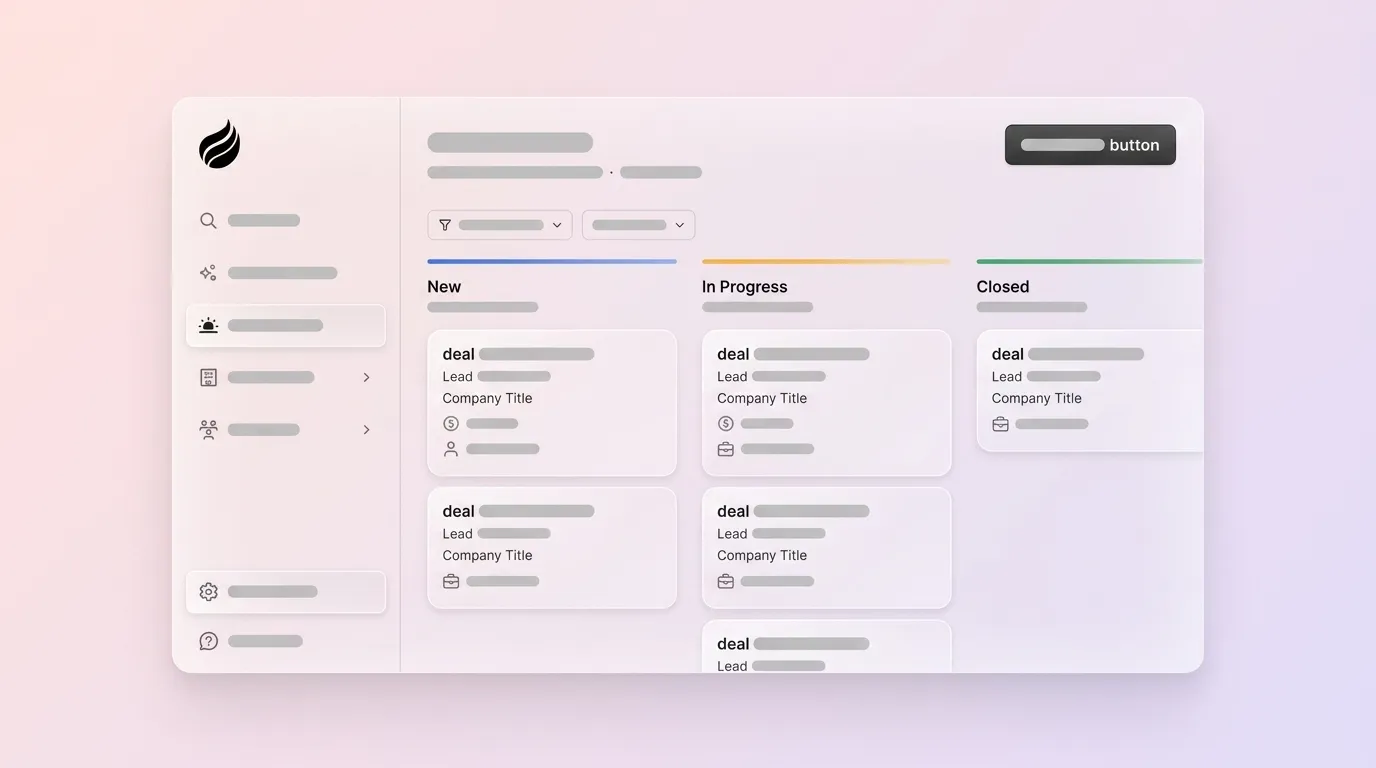
What happens: Each stage transition relies on an observable signal, not a rep’s judgment. Best practice is to define stages and triggers so a deal moves forward only when a defined trigger action is completed, such as moving from Discovery to Qualification when a prospect replies to outreach and expresses interest. A practical trigger model combines three types: time-based triggers such as days without activity, stage-based triggers such as deal enters or exits a stage, and field-based triggers such as changes in lead score, deal size, or company size.
Decision point: Limit the pipeline to 6–8 stages maximum, as each additional stage beyond 8 increases confusion and administrative burden. Within this simplified structure, assign a single trigger event per stage transition, which prevents the complexity that makes stacked automations with ten conditions brittle and hard to debug.
Ownership: RevOps writes and tests every rule. Triggers should be tested before full rollout so conflicting automation does not create duplicate or wrong stage movements.
Readiness signal for Step 4: All deal stages reflect events from the last 24 hours, and fewer than 10% of active deals are untouched for more than 14 days.
Troubleshooting incomplete stage definitions: Without documented signals, persona requirements, and velocity benchmarks, organizations cannot build workflows that automatically flag high-signal accounts, route tasks for missing personas, or alert on stalled deals. Return to the stage-definition document and add explicit entry and exit criteria for any stage that produces unexpected deal movement.
Step 4: Capture Inbound Leads From Forms and Website Visitors Automatically
Inputs: Website tracking pixel, form submission webhooks, and a defined ideal customer profile and buyer persona.
What happens: A single tracking pixel placed in the site’s <head> tag identifies anonymous visitors by name, title, email, LinkedIn profile, company, pages visited, time on site, and visit frequency. High-fit visitors trigger real-time Slack notifications, and one click adds the prospect to the pipeline with all enrichment pre-filled. Form submissions route through webhook-based triggers that create or update records instantly. Every automated routing rule consists of three layers, including a trigger such as form submission or email reply, one or more conditions such as territory match or score threshold, and an action such as rep assignment or CRM field update.
Decision point: Configure lead scoring thresholds before routing rules go live. Lead scores of 80 or above should route to senior or specialist reps, scores of 40–79 enter a standard round-robin pool, and scores below 40 bypass live reps to enter a nurture sequence.
Ownership: Marketing or RevOps installs the pixel and maps form fields to CRM properties. The agent handles all subsequent enrichment and routing.
Readiness signal for Step 5: Every form submission from the past seven days has a fully populated contact record with company, title, and source field, with zero blank required fields.
Troubleshooting low-quality leads: Unmonitored fallback queues are the most common place where genuinely qualified leads disappear; fallback routing should assign unmatched leads to a named sales operations owner, set a 24-hour SLA alert, and review fallback volume weekly. If lead quality is low, tighten the ICP filter on the visitor identification layer before expanding outreach.
Step 5: Unify the Data Warehouse So Pipeline Intelligence Runs Itself
Inputs: All activity data from Steps 1–4 plus historical deal records.
What happens: A built-in data warehouse stores the full history of every record change, unlike relational databases where field updates overwrite prior context permanently. Because every field change is preserved, the agent can reconstruct what the pipeline looked like at any point in time and produce week-over-week pipeline comparisons that surface progressed deals, stalled opportunities, and new additions without spreadsheet exports. Agentic workflows require event-driven pipelines and continuous reconciliation instead of traditional batch-update architectures, because stale context is frequently more damaging to an AI model than incomplete context.
Decision point: Establish golden-record policies before enabling automated reporting. Golden-record policies and survivorship rules should designate authoritative sources for critical fields such as legal account name, renewal window, territory, and consent status before enabling AI automation.
Ownership: RevOps defines the authoritative source for each field, and the agent handles all write operations and reconciliation.
Readiness signal when the pipeline is live: The weekly pipeline review requires no manual CSV export, no spreadsheet, and no rep interrogation to produce an accurate stage-by-stage view.
Troubleshooting stale data: Cross-system reconciliation checks that compare CRM values against support, billing, and contract systems whenever fields affect renewals or entitlement catch stale records before they corrupt forecasts. Run reconciliation checks weekly during the first 60 days.
Validate That Your Zero-Data-Entry Pipeline Works
After all five steps are live, measure three categories of signal to confirm the system is working.
- Data-quality checks: Required fields populated on ≥95% of active deals, zero deals with a blank last-activity date, and a duplicate contact rate below 2%.
- Time-saved metrics: Rep administrative time reduced by 8–12 hours per week.
- Adoption signals: Reps open the pipeline view daily without being prompted, pipeline review meetings shift from data-correction sessions to deal-strategy discussions, and forecast variance versus actual closes narrows within 90 days.
How This Scales on Existing CRMs Versus Standalone Systems
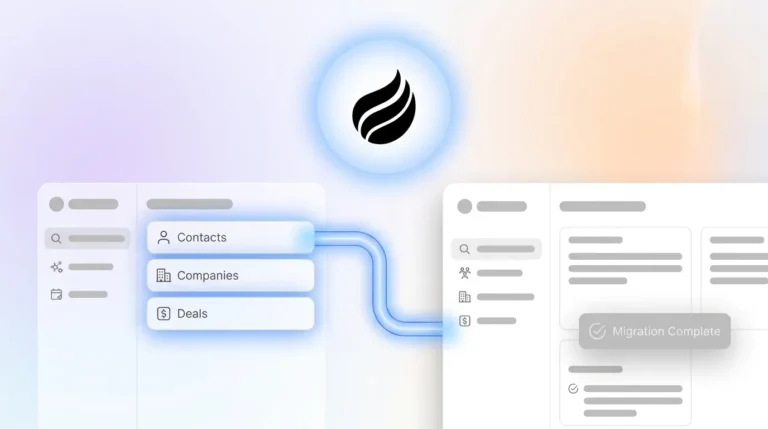
Teams already on Salesforce or HubSpot deploy the agent as a companion layer. Authentication grants the agent read and write access to the existing system of record. The agent populates custom properties and activity timelines without overwriting validated core fields. Writing AI outputs only to custom properties, notes, or timeline events rather than overwriting core fields like lifecycle stages, owners, or pipeline values reduces the need to replace the system of record. Existing Salesforce quotas, forecasting hierarchies, and required-field configurations remain intact. The agent handles the data-in problem, and the existing CRM continues to serve as the reporting layer.
Teams adopting a standalone system grant the agent full ownership of the record layer from day one. There is no legacy schema to preserve, so the agent can apply the data model, stage definitions, and trigger rules designed in Steps 1–5 without compatibility constraints. This path fits teams that have outgrown spreadsheets but find legacy CRMs to be expensive maintenance burdens. AI-native CRM adoption should begin with a narrow pilot on one high-pain revenue workflow, followed by integration with existing systems before any replacement, and expansion only after outputs prove reliable enough to govern.
Legacy Passive CRMs Versus Agent-Native Platforms
| Attribute | Legacy Passive CRM (e.g., Salesforce, HubSpot base) | AI Add-On Layer (e.g., Einstein, Breeze on existing stack) | Agent-Native Platform (e.g., Coffee) |
|---|---|---|---|
| Data entry model | Human-dependent, reps manually log calls, update stages, and fill fields | Partial automation, AI assists but core record updates still require human triggers | Agent-driven, email, calendar, calls, and forms write all records automatically |
| Unstructured data handling | Not supported natively, call transcripts and email bodies are not parsed into structured fields | Supported via add-on modules with additional configuration and cost | Native, generative AI performs call summarization by reading the transcript and writing the summary directly to the CRM |
| Historical data model | Relational database, field updates overwrite prior values and lose historical context | Inherits the underlying CRM’s relational model, so history gaps persist | Built-in data warehouse, full record history is retained and queryable for week-over-week pipeline comparison |
| Deployment flexibility | Single-mode, system of record only | Add-on only, requires an existing CRM subscription as the base | Dual-mode, standalone CRM for SMBs or companion layer on Salesforce or HubSpot for mid-market teams |
| Data quality dependency | 37% of IT leaders identify data quality as a major barrier to AI success, and legacy systems rely on reps to supply that quality | AI accuracy depends on the cleanliness of the underlying CRM data it reads | Agent ingests ground-truth data from email, calendar, and transcripts directly, which reduces dependence on prior data hygiene |
Frequently Asked Questions
How long does initial setup typically take?
For most small-to-mid-market teams, the core five-step architecture of email and calendar sync, call parser deployment, trigger rule configuration, inbound capture, and warehouse unification is operational within one to two weeks. The fastest path is the standalone deployment, where no legacy schema requires mapping. Companion deployments on Salesforce or HubSpot take slightly longer because field mapping and permission scoping must align with existing CRM configurations. A focused pilot targeting one high-pain workflow, such as post-call logging, can go live in days and expand from there.
What security and compliance standards does the agent meet?
Coffee is SOC 2 Type 2 certified and GDPR compliant. Data ingested by the agent, including email content, call transcripts, and calendar events, is not used to train public AI models. All data is processed under strict access controls, and Coffee maintains zero-data-retention agreements with its underlying model providers for customer content. Teams in regulated-adjacent industries should review Coffee’s security documentation directly, because heavily regulated sectors such as healthcare and finance with multi-year compliance review requirements fall outside Coffee’s current target profile.
How does pricing scale with team size?
Coffee uses seat-based pricing. Each human seat is billed at a flat rate, and the agent’s labor, including data capture, enrichment, call summarization, pipeline updates, and campaign execution, is included without additional metering on AI usage, workflow runs, or API calls. This structure means the cost of automation does not increase as deal volume or activity volume grows. Teams pay for the humans on the platform, not for the work the agent performs on their behalf. Current pricing details are available at the Coffee pricing page.
How does the workflow change as headcount grows?
The five-step architecture scales without structural changes. As the team adds reps, each new seat inherits the same trigger rules, stage definitions, and extraction schemas already configured by RevOps. The agent continues to handle all data entry regardless of team size. The primary operational change at scale is governance, so RevOps should review trigger rules quarterly, audit fallback routing queues weekly, and expand the ground-truth test set used to validate call extraction accuracy as new product lines or sales motions are introduced. Teams that grow into Salesforce or HubSpot mid-journey can transition the agent from standalone to companion mode without rebuilding the underlying automation logic.
Conclusion: Put a Self-Updating Pipeline in Place Now
The five steps in this guide form a complete, sequential architecture. You connect email and calendar to capture every interaction, deploy a call parser to extract structured fields from conversations, map objective trigger rules to move deals on observable signals, configure inbound capture to convert anonymous traffic and form submissions into named pipeline records, and unify the data warehouse so pipeline intelligence generates without manual effort. 89% of sales leaders using agentic AI report a positive impact on sales growth. The gap between those outcomes and the status quo comes from engineering choices, not headcount.
Coffee’s agent delivers this architecture in two modes, as the standalone system of record for teams ready to leave legacy CRMs behind and as a companion layer that writes clean data into existing Salesforce or HubSpot instances without disrupting current workflows. Either path removes the manual data entry grind and produces the accurate, real-time pipeline intelligence that reliable forecasting requires.