Written by: Doug Camplejohn, CEO & Co-Founder, Coffee
Key Takeaways
- An agent-based zero-touch pipeline automates the entire lead journey from first signal to CRM record without manual data entry.
- The five stages (Sourcing, Enrichment, Qualification, Sync, and Follow-up) run inside a single execution context, which removes many sync failures and duplicate records common in fragmented Clay + Zapier stacks.
- Reps reclaim 8–13 hours per week previously lost to CRM input and can spend that time selling instead of typing.
- Weekly data-quality checks (duplicate rate, required-field completion, bounce rate) confirm the pipeline produces accurate, forecast-ready records.
- Teams ready to eliminate manual data entry can deploy Coffee’s zero-touch pipeline and run a single agent that closes the full loop.
How an Agent-Based Zero-Touch Lead Pipeline Works
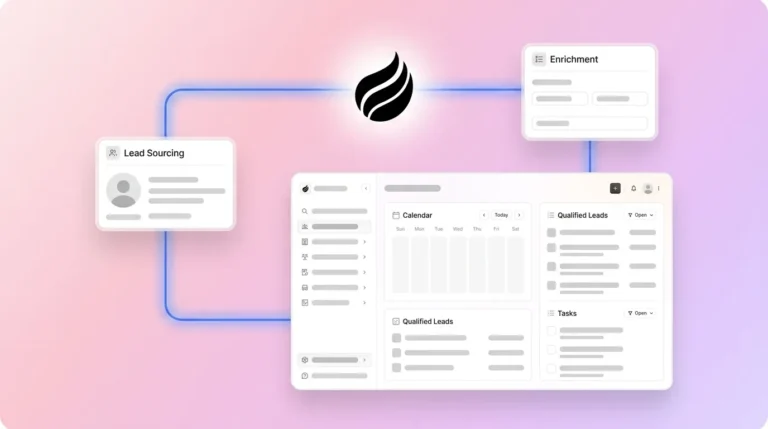
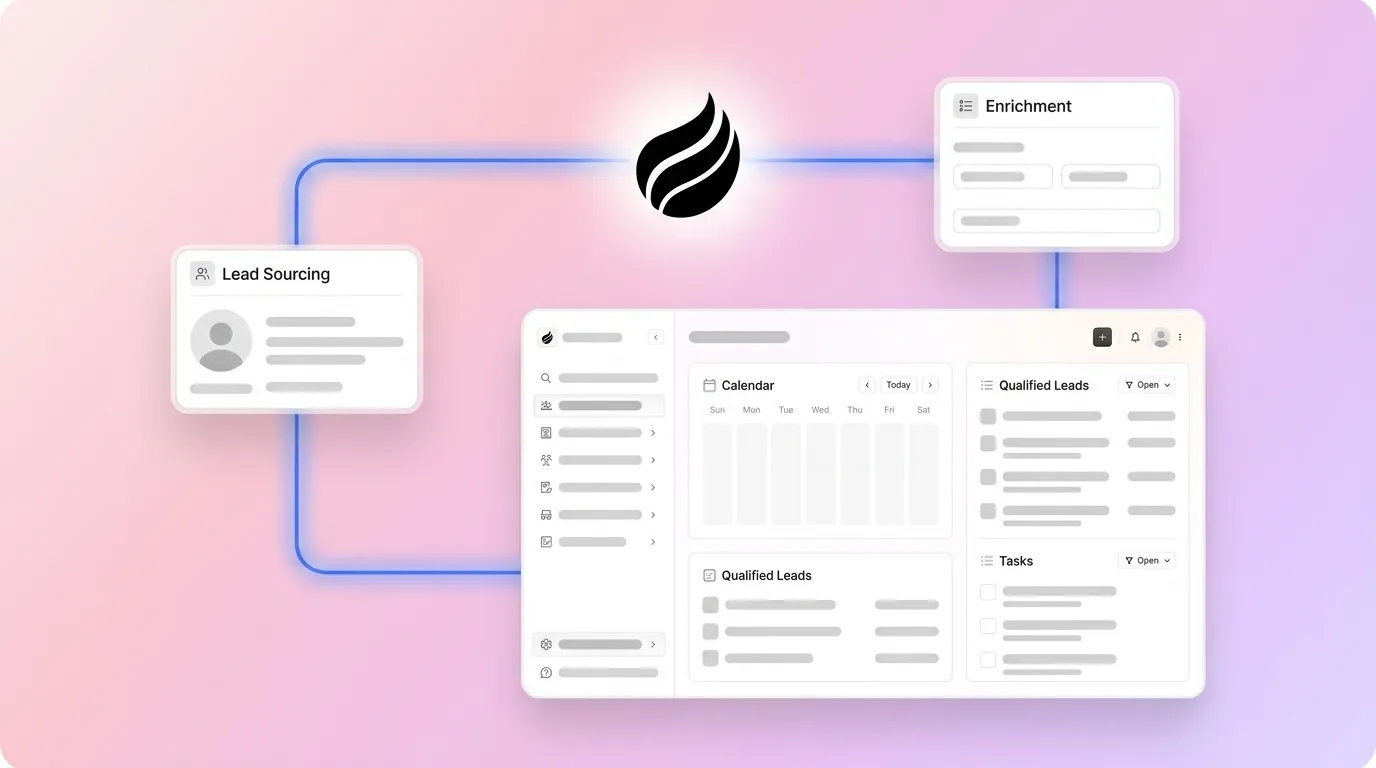
A zero-touch pipeline replaces the human data-entry clerk with an autonomous agent that owns every handoff between stages. In a fragmented Clay + Zapier stack, each tool writes to a different schema, which creates sync failures and duplicate records that force RevOps teams to spend hours reconciling data. A single-agent architecture removes those handoffs by keeping sourcing, enrichment, qualification, sync, and follow-up inside one execution context.
That architectural difference translates directly to time savings. B2B sales reps spend an average of 11.5 hours per week on CRM input, equivalent to 28% of a full working week. Fifty-one percent of sales leaders with AI say tech silos delay or limit their AI initiatives. The fragmented stack is not a configuration problem, it is an architectural one.
Replace your fragmented stack with a single agent that closes the full loop.
Step 1: Sourcing – Capture Anonymous and Intent Signals Automatically
Sourcing turns anonymous traffic and external intent into structured, qualified signals. Inputs: Website traffic, firmographic filters, and intent triggers such as funding rounds or executive changes.
Decisions: The agent checks whether a visitor or signal matches the defined ICP before passing it downstream. High-intent pages such as pricing, demo, and competitor comparisons receive higher priority scores than informational content.
Handoff: Qualified signals are packaged as structured records and passed to the Enrichment stage with source URL, timestamp, and behavioral context attached.
Checkpoints:
- Pixel fires correctly on all target pages
- ICP filter excludes existing customers, competitors, and internal employees
- Intent signal freshness is within the defined recency window
Outputs: A named, partially enriched lead record with visit behavior and a firmographic fit score.

This workflow runs in sequence without human intervention. The tracking pixel fires, the agent cross-references the visitor against its identity graph, applies your ICP filter, assigns a fit score, and queues the record for enrichment. Each step validates the previous one so only qualified signals consume enrichment API credits.
Common mistake: Missing API scopes on the tracking pixel prevent the agent from reading page-level behavioral data, so all visitors appear as homepage hits regardless of actual intent. Verify pixel permissions cover all subdirectories before go-live.
Deterministic person-level visitor identification tools achieve 30–40%+ match rates on US B2B traffic, compared to lower match rates for probabilistic tools. Coffee’s [Visitor Identification resource] uses deterministic matching and surfaces suggested contacts inside the visiting company who match the buyer persona, which closes the gap between anonymous traffic and actionable outreach without leaving the agent.
Step 2: Enrichment – Append Verified Data Without Spreadsheets
Enrichment fills in every critical field so reps never chase missing details. Inputs: Partially enriched lead record from Step 1, licensed data partner feeds, email and calendar signals from connected workspaces.
Decisions: The agent checks which fields are already populated and calls enrichment APIs only for missing values. This approach prevents redundant lookups and unnecessary API rate-limit consumption.
Handoff: A fully populated contact and company record (name, title, verified email, LinkedIn profile, funding stage, employee count) moves to the Qualification stage.
Checkpoints:
- Email deliverability verified before the record advances
- LinkedIn URL populated, which is often missing in manually entered CRM records
- Job title normalized to a standard taxonomy for scoring
Outputs: A verified, complete contact record ready for qualification scoring.

Common mistake: Teams often skip enrichment fields that the CRM schema does not require. Fields like mobile number and LinkedIn URL feel optional until a rep needs them for outreach. Define a minimum enrichment threshold, and require every record to meet it before advancing.
Coffee’s agent appends job titles, funding data, and LinkedIn profiles via licensed data partners, which removes the need for a separate ZoomInfo or Apollo subscription. The enrichment runs automatically on every new contact created from Google Workspace or Microsoft 365 signals.
Step 3: Qualification – Score and Route Leads in Real Time
Qualification turns enriched data into clear routing decisions. Inputs: Fully enriched record, ICP scoring rubric, and behavioral signals from Step 1.
Decisions: The agent applies a two-axis score, firmographic fit plus behavioral intent, and routes the record to the appropriate tier such as immediate SDR alert, automated sequence enrollment, or disqualified suppression list.
Handoff: A scored record with routing decision attached moves to the Sync stage. Disqualified records are archived, not deleted, which preserves audit history.
Checkpoints: Before any record advances to Sync, validate three elements that determine routing accuracy.
- Confirm the score threshold still reflects your current ICP definition so target shifts do not send the wrong leads forward.
- Test routing logic for edge cases such as contacts who match ICP but belong to existing customer accounts so these records suppress instead of triggering outreach.
- Verify your chosen qualification methodology (BANT, MEDDIC, or SPICED) is applied consistently so scores remain comparable across all leads.
Outputs: A tiered, routed lead record with qualification rationale logged.
Common mistake: Duplicate records often enter the qualification stage because the sourcing and enrichment steps used different match keys. CRM duplicate rates of 10–30% are common for organizations without active deduplication programs, and 31% of CRM administrators say poor-quality data costs their organization at least 20% of annual revenue. Use a deterministic match key such as email plus LinkedIn URL, not name alone.
B2B lead scoring adoption rose from 23% in 2024 to 61% in 2026, a 165% increase. Coffee’s agent structures qualification notes according to the methodology your team selects, which keeps data consistent at every deal stage. See the [Pipeline Compare resource] for how scored records translate into pipeline visibility.
Step 4: Sync – Write Clean Records Directly to CRM
Sync protects your CRM from duplicates and rejected records. Inputs: Scored, routed lead record with full enrichment and qualification rationale.
Decisions: The agent performs an upsert operation and checks for an existing record using a deterministic match key before writing. This approach replaces blind create calls that generate duplicates.
Handoff: A clean, deduplicated CRM record with all required fields populated is confirmed before the Follow-up stage triggers.
Checkpoints: These checkpoints work together to prevent the sync failures and duplicate problems described in earlier stages.
- Upsert confirmed so no duplicate record is created
- All required CRM fields populated, which prevents sync rejection by Salesforce validation rules
- Activity log entry written with source, timestamp, and agent action for full traceability
Outputs: A verified CRM record with full provenance, ready to trigger follow-up sequences.
Common mistake: Race conditions occur when two enrichment or sync processes write to the same record at the same time. Microsoft warns that race conditions can create duplicates even with deduplication rules enabled, which is why scheduled detection jobs are necessary in addition to create-time checks. Coffee’s agent serializes writes to prevent this failure mode and reduces the duplicate risk introduced in Step 3.
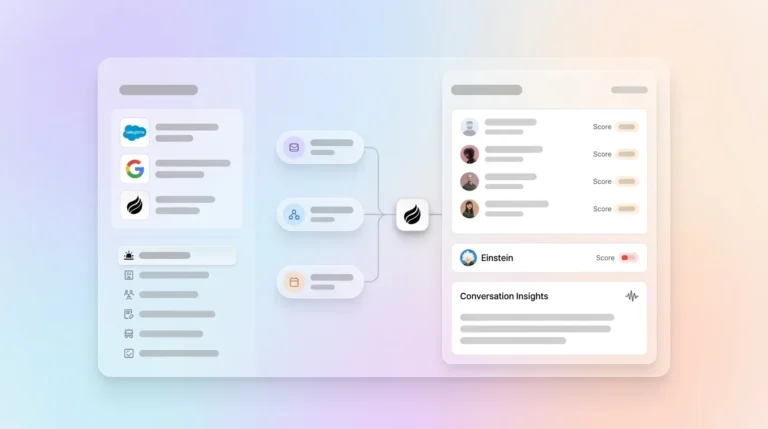
Coffee operates as either a Standalone CRM or a Companion App layered on top of existing Salesforce or HubSpot instances. In Companion mode, the agent handles the data-in process so the system of record stays accurate without human effort and without the broken syncs that plague multi-tool stacks.
Step 5: Follow-up – Trigger Sequences and Briefings Automatically
Follow-up turns clean CRM records into timely, personalized outreach. Inputs: Confirmed CRM record, routing tier from Step 3, and behavioral context from Step 1.
Decisions: The agent selects the appropriate campaign sequence based on routing tier and lead source, personalizes messaging with verified field values, and schedules send timing within the rep’s connected mailbox.
Handoff: Active sequence enrollment is confirmed. If a prospect replies, stop-on-reply pauses the sequence immediately so no automated message follows a live conversation.
Checkpoints:
- Sequence enrolled from the correct sender mailbox, not a bulk-sending domain
- Personalization variables resolved with no blank fallbacks
- Stop-on-reply active before the first send
Outputs: An active, personalized outreach sequence runs from the rep’s own address, with meeting briefings queued for any booked calls.

Common mistake: Broken handoffs often occur when the sequence tool and CRM are separate systems that lose sync after the first send. A prospect who replies can receive a second automated email because the engagement platform did not receive the reply signal in time. Coffee’s [Campaigns resource] runs sequences natively inside the same agent, so stop-on-reply is enforced by the same system that wrote the CRM record.
Personalized emails referencing specific pages visited achieve an 18% response rate versus 3.4% for generic cold emails. Coffee’s agent uses behavioral context from Step 1, including pages visited, session count, and recency, to personalize every sequence step at scale.
Validation: Confirm Data Quality and Time Savings
A zero-touch pipeline only delivers value when the data it produces is accurate and the time savings are real. Run these checks weekly during the first 30 days after deployment.
Data-quality checks: These metrics confirm that each stage of the pipeline works as designed.
- Duplicate rate: target below 2%; world-class performers maintain duplicate rates as low as 0.14%
- Required-field completion rate: target 100% on fields used by qualification and forecasting so no deal relies on missing data
- Email bounce rate: target below 3%; regular database refreshes help keep bounce rates low
- LinkedIn URL population rate: track this as a leading indicator of enrichment depth
Time-saved metrics: Sales teams lose 8–13 hours per rep per week to manual CRM data entry, admin tasks, and tool-switching. A fully deployed zero-touch pipeline targets recovery of that full range mentioned earlier. Coffee’s agent specifically saves reps 8–12 hours per week by automating contact creation, enrichment, activity logging, and follow-up drafting.
Pipeline-accuracy signals: Use these indicators to confirm that your forecasts now reflect reality.
- Week-over-week pipeline change tracked automatically with no manual CSV export
- Stage progression logged with timestamps for accurate velocity measurement
- AI-native platforms that unify sourcing, enrichment, qualification, and CRM sync can reduce time-to-first-qualified-lead compared to approaches without AI tools
Deployment Variations for 5–25 Rep Teams
5–10 rep teams (Standalone CRM): Deploy Coffee as the system of record. The agent creates contacts from Google Workspace or Microsoft 365 automatically, runs enrichment, and manages sequences natively. No Salesforce or HubSpot license is required, and setup time is measured in hours, not weeks.
11–25 rep teams (Companion App): Deploy Coffee as an intelligent layer on top of an existing Salesforce or HubSpot instance. The agent handles data-in tasks such as enrichment, activity logging, and deduplication, while the existing CRM remains the system of record for forecasting, quota management, and required-field validation. Coffee has deep knowledge of Salesforce validation rules, required fields, and quota structures that newer alternatives lack.
Salesforce Companion considerations: These steps keep Salesforce clean while Coffee handles automation.
- Map Coffee’s enrichment output to the existing Salesforce field schema before go-live
- Use upsert with Salesforce External ID to prevent duplicate Account and Contact records
- Configure Coffee’s activity logging to write to the Activity object, not a custom object, to preserve native reporting
HubSpot Companion considerations: These settings align Coffee’s automation with HubSpot’s lifecycle and reporting.
- Enable Coffee’s deduplication against HubSpot’s native duplicate management before the first sync
- Route Coffee’s sequence enrollment through HubSpot’s contact lifecycle stage to preserve attribution
- Use HubSpot’s property history to audit Coffee’s enrichment writes
See which deployment model fits your stack and choose between Standalone CRM and Companion App.
Frequently Asked Questions
Can AI do manual data entry?
AI does not perform manual data entry in the traditional sense and instead removes the need for it entirely. An agent-based system like Coffee automatically creates contact and company records by reading emails, calendar events, and call transcripts. It appends enrichment data from licensed partners and logs every activity without a human touching a field. The result is the same populated CRM record that manual entry would produce, but generated in seconds rather than minutes and without the 1% to 5% per field error rate associated with human data entry.
Is AI eliminating data entry jobs?
AI removes the data entry task from sales and RevOps roles, not the roles themselves. Sales reps who previously spent 8–13 hours per week on CRM updates redirect that time to discovery calls, negotiation, and relationship management, which all require human judgment. RevOps leaders shift from data cleanup to pipeline strategy. The administrative burden shrinks while the strategic function expands.
What is the difference between a zero-touch pipeline and a Clay + Zapier stack?
A Clay + Zapier stack chains multiple single-purpose tools together, such as one tool for sourcing, another for enrichment, a Zap to move data between them, and a separate CRM to receive the output. Each handoff becomes a potential failure point because API rate limits, schema mismatches, and race conditions accumulate across the chain. A zero-touch pipeline runs all five stages inside a single agent with one execution context, one data model, and one place to debug when something goes wrong. Coordination overhead in multi-tool systems can add significant latency and cost compared to single-agent architectures for equivalent tasks.
How long does it take to see results from an agent-based lead pipeline?
Most teams see measurable data-quality improvements within the first week. Duplicate rates drop, required-field completion rates rise, and email bounce rates fall as enrichment replaces stale manual entries. Time savings appear immediately because reps stop entering data on day one. Pipeline accuracy improvements, measured by forecast variance and stage-progression velocity, typically stabilize within 30 days as the agent accumulates enough historical context to surface reliable signals.
Does Coffee work if we already have Salesforce or HubSpot?
Yes. Coffee’s Companion App deploys as an intelligent layer on top of an existing Salesforce or HubSpot instance. A simple authentication allows the Coffee Agent to sync data, enrich records, and write insights back to the primary CRM. Coffee has deep knowledge of Salesforce’s validation rules, required fields, quota structures, and forecasting objects, areas where newer AI CRM alternatives frequently create integration failures for established teams. The existing CRM remains the system of record, and Coffee handles the data-in process that keeps it accurate.
Conclusion and Next Step
The five-stage framework (Sourcing, Enrichment, Qualification, Sync, Follow-up) forms a complete architecture for ai lead generation without manual data entry in 2026. Each stage has defined inputs, decisions, handoffs, checkpoints, and outputs. Each stage also has a documented failure mode that a single-agent architecture prevents by design.
The fragmented Clay + Zapier approach forces RevOps leaders to act as integration engineers and data-entry auditors. A single-agent pipeline like Coffee removes that burden and recovers the 8–13 hours per rep per week referenced earlier, while producing CRM data accurate enough to trust for forecasting, sequencing, and strategic decisions.
Run your first zero-touch pipeline with Coffee and shift your team from data entry to selling.