Written by: Doug Camplejohn, CEO & Co-Founder, Coffee
Key Takeaways for Claude, Salesforce, and Coffee
- Salesforce Hosted MCP Servers let Claude read and write Salesforce data, invoke Apex, and run Flows while honoring your org’s security rules.
- Native MCP connections still rely on manual work or extra tools to log calls, enrich contacts, and keep records current.
- Claude can generate production-grade Apex and Lightning components, and every AI draft still needs human review to avoid governor-limit issues.
- Data-quality gaps such as stale contacts, missing activity, and duplicates remain the biggest blocker to reliable AI performance in Salesforce.
- Deploy Coffee’s autonomous agent to capture every interaction and write clean, enriched data back to Salesforce without extra manual effort.
The Operational Pain of Manual Entry and Fragmented AI Tools
71% of sales reps say they spend too much time on data entry, leaving only 35% of their time for actual selling. That imbalance compounds downstream. Stale contacts, blank required fields, and duplicate accounts feed directly into pipeline forecasts, and Salesforce’s own data and analytics research found that 26% of organizational data is considered untrustworthy.
73% of companies have an AI mandate according to a 2026 survey of 123 RevOps practitioners, yet only one-third of companies have the data to support their AI mandate. This data gap grows when teams rely on fragmented tooling, where enrichment, recording, outreach, and forecasting each live in separate platforms. Every handoff between tools becomes a point where records go unlogged and context is lost.
Close your data gap with Coffee and deploy an autonomous agent without adding another point solution to your stack.

Step-by-Step: Connecting Claude to Salesforce
Salesforce Hosted MCP Servers became generally available on April 29, 2026, and are included in every Enterprise Edition org and above. The full setup usually takes under 30 minutes. Start in a sandbox before you touch production.
- Enable the server. In Setup, navigate to API Catalog → MCP Servers → Salesforce Servers tab. Activate the desired server, and begin with the read-only
platform/sobject-readsserver in a sandbox before you enable servers that expose Flows or Apex actions in production. - Create an External Client App (ECA). Go to Setup → External Client App Manager → New. Enable OAuth 2.0, set the callback URL to
https://claude.ai/api/mcp/auth_callbackfor Claude Desktop orhttp://localhost:38000/callbackfor Claude Code, add themcp_apiandrefresh_tokenscopes, enable JWT-based access tokens, and require PKCE. - Harden the ECA policy. Set Permitted Users to “Admin approved users are pre-authorized” and enforce IP restrictions through the ECA policy to prevent self-authorization. Use narrow scopes aligned to specific integration responsibilities, not broad access.
- Retrieve credentials. Copy the Consumer Key and Consumer Secret from the OAuth Settings section. External Client Apps may take time to become fully active. If Claude’s connection fails immediately, wait briefly and retry.
- Add the server in Claude Code. Run the following command, paste the consumer secret when prompted, then authenticate via
/mcp.
claude mcp add --transport http MY_MCP_SERVER_NAME \ https://api.salesforce.com/platform/mcp/v1/sandbox/platform/sobject-all \ --callback-port 38000 \ --client-id "MY_ECA_CONSUMER_KEY" \ --client-secretPermission flags to review before go-live:
- Every MCP transaction runs under the authenticated user’s identity and existing CRUD, FLS, and sharing rules, so verify that the connected user’s profile does not over-expose sensitive objects.
- Map every object and related object the agent needs, test with production-like user personas, and document the reason for each permission instead of granting broad access when errors occur.
- Before authenticating, log out of all other Salesforce orgs, sign into the target org in your default browser, and keep that window open, because the MCP client opens a new tab during the OAuth flow.
Claude for Apex and Flow Development
Salesforce Skills in Claude Code generate production-grade Apex, Lightning Web Components, and test classes from natural language prompts. These skills automatically enforce the sharing keyword on all classes, prevent SOQL queries inside loops, and generate test classes before completing any task.
Common prompt patterns for Salesforce development include:
- “Generate a batch Apex job using
Database.Statefulfor error tracking that re-scores opportunities older than 90 days.” - “Create a screen flow that routes leads to Enterprise Queue if Annual Revenue exceeds $1M, otherwise to SMB Queue.”
- “Scaffold a service layer class following the Service-Selector-Domain pattern for the Account object.”
Teams should treat AI output for Salesforce development as a first draft that needs human review. Existing orgs often have complex trigger execution order and governor-limit constraints. An AI-generated after-update Account trigger that queries child Contacts can compile and pass tests, yet exceed the 100-SOQL-query governor limit during bulk loads when combined with existing triggers.
The Salesforce DX MCP server (Beta) includes ApexGuru. ApexGuru flags and fixes anti-patterns such as SOQL or DML inside loops and redundant SOQL based on org runtime metrics. Run it before you deploy any AI-generated class to production.
Where Native Claude + Salesforce Integrations Fall Short
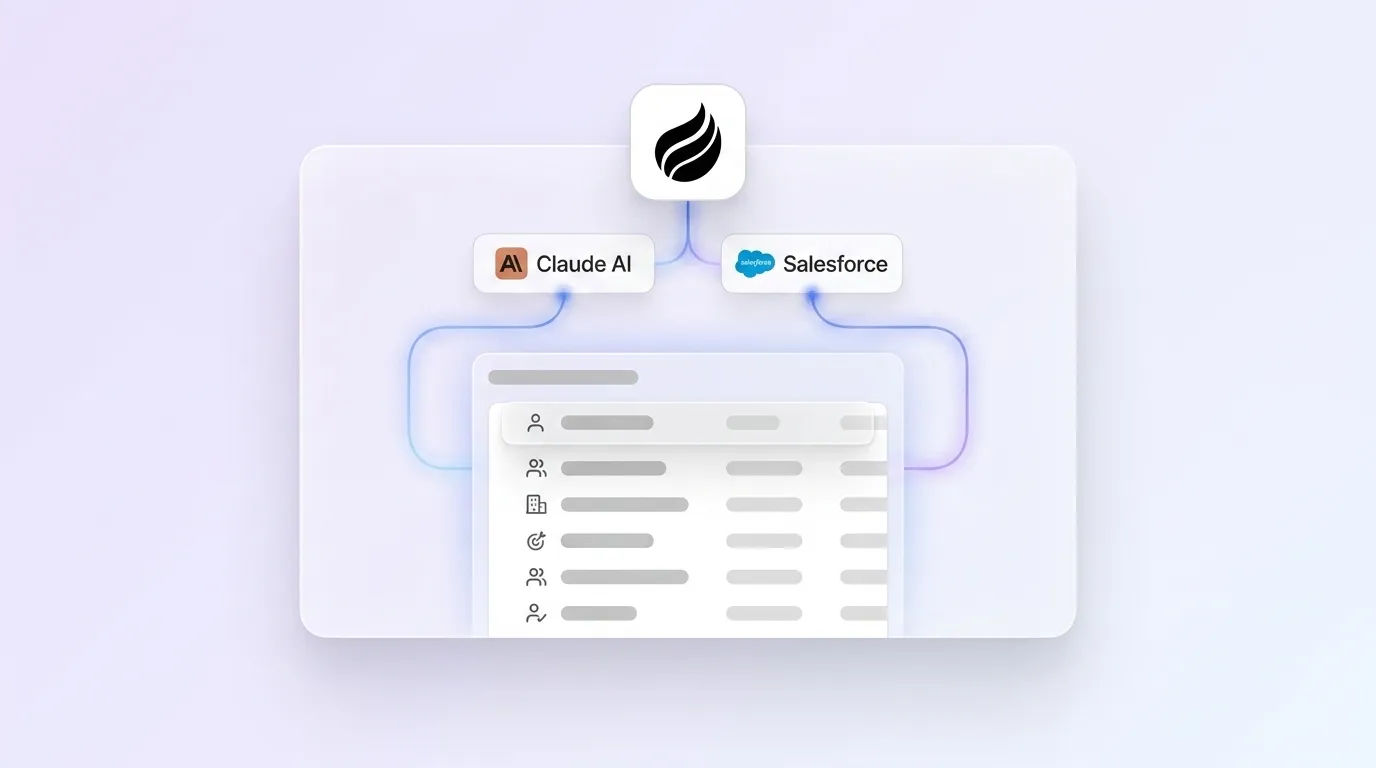
The native MCP connection gives Claude read and write access to SObjects and the ability to invoke Apex actions and Flows. It does not capture activity automatically. Salesforce duplicate rules do not run on Einstein Activity Capture, imports, or API loads, so duplicates enter through nightly syncs regardless of matching rule configuration.
Additional structural gaps include:
- Activity logging: Emails, call transcripts, and meeting notes are not written back to Salesforce records without a separate integration or manual step.
- Enrichment: MCP provides no mechanism to augment contact or account records with firmographic or technographic data from external sources.
- Real-time write-back: Many existing integrations are batch-synchronized, which introduces latency or synchronization risk when AI participates in service workflows, approvals, or routing decisions.
- Unstructured data: Call transcripts, email threads, and meeting summaries remain outside the relational data model that MCP tools traverse.
Data Quality After Claude–Salesforce Integration
Connecting Claude to Salesforce via MCP does not resolve the underlying data-quality debt that accumulates in mature orgs. Data inaccuracies in Salesforce commonly arise from manual entry errors, outdated information, system integration issues that corrupt data in transit, and migration problems, and stale records regularly comprise a third or more of mature orgs.
AI agents perform noticeably worse when Salesforce data lacks completeness. Models miss vital context such as contact stage or previous interactions. Orphaned contacts that are not associated with accounts create relationship gaps that prevent agents from maintaining clear account hierarchies.
This is the gap Coffee’s Companion App is built to close. Upon connecting to Google Workspace or Microsoft 365, the Coffee Agent scans emails, calendars, and call transcripts to auto-create contacts and companies, log last and next activity, and enrich records with job titles, funding data, and LinkedIn profiles, all written back to Salesforce without human input. Coffee’s improved summary templates, released November 2025, are customizable to match existing workflows and write directly back to Salesforce. Every meeting then produces a structured, enriched record rather than a blank field.

Coffee’s Intelligence layer, introduced in February 2026, allows teams to define and store deep context on business model, ICP, and competitors. AI suggestions and enrichment become tailored to the specific org rather than generic.
Eliminate manual cleanup with Coffee and let the agent handle the data-in work so your Salesforce records stay accurate without a manual cleanup sprint.

Claude-Only vs Coffee-Augmented Workflows
| Capability | Claude + Native MCP Only | Claude + Coffee Companion App |
|---|---|---|
| Automatic activity logging | Not included, and requires manual entry or a separate integration. | Autonomous, with emails, calls, and meetings logged to Salesforce without human input. |
| Contact and account enrichment | Not included, and typically requires tools such as ZoomInfo or Apollo. | Built-in enrichment of job titles, funding, and LinkedIn profiles via licensed data partners. |
| Real-time Salesforce write-back | Possible via MCP tool calls, but requires admin-built Apex or Flow tools. | Automatic write-back of summaries, next steps, and enrichment after each call. |
| Forecast data accuracy | Dependent on existing record quality, because MCP does not clean or fill gaps. | Improved accuracy, with pipeline changes tracked automatically instead of manual CSV exports. |
Frequently Asked Questions
What security and compliance guardrails apply to MCP connections in Salesforce?
As mentioned in the setup section, MCP transactions inherit the authenticated user’s permissions, field-level security, and sharing rules. Admins should create a dedicated integration user with a cloned “Salesforce API Only System Integrations” profile, assign narrow permission sets scoped to the objects the agent actually needs, and set the External Client App policy to “Admin approved users are pre-authorized.” PKCE remains required for all OAuth flows, and JWT-based access tokens must be enabled. Data processed by the Coffee Agent is never used to train public AI models.
How is Coffee’s Companion App priced?
Coffee uses seat-based pricing. Organizations pay for human seats, and the Coffee Agent’s labor, including activity logging, enrichment, meeting summaries, and Salesforce write-back, is included without additional metering on LLM usage or individual processes. There are no separate charges for the number of records enriched or actions executed. Full pricing details are available at coffee.ai/pricing.
How do teams migrate from a native MCP-only setup to a Coffee-augmented workflow?
The migration is additive rather than disruptive. Coffee connects to Salesforce via a simple OAuth authentication. After connection, the Coffee Agent begins scanning Google Workspace or Microsoft 365 to backfill missing contacts, companies, and activity history. Existing MCP server configurations and External Client Apps remain in place. Coffee operates as an additional agent layer on top of the existing Salesforce org, not a replacement for it. Admins typically complete the initial connection and see the first enriched records written back to Salesforce within the same session.
Does Coffee’s AI search work alongside Claude’s MCP queries?
Yes. Coffee’s AI search on deals, released in January 2026, answers natural-language questions such as “Which deals are stuck in negotiation?” or “What is closing this month?” against Coffee’s own data warehouse, which stores structured and unstructured data including call transcripts and email threads. This capability complements Claude’s MCP-based SOQL queries by surfacing context that lives outside Salesforce’s relational model, such as call sentiment, meeting history, and deal progression signals, without requiring admins to build custom Apex tools for each query type.
What happens to data quality if reps continue to skip manual entry after MCP is enabled?
As noted in the limitations section, MCP requires manual prompting to log activity. If reps do not prompt Claude to log a call or update a field, the record stays blank. Coffee’s Companion App addresses this directly. The agent joins calls automatically, generates structured summaries aligned to BANT, MEDDIC, or SPICED, and writes them back to Salesforce after each meeting without any rep action required. CRM adoption then becomes irrelevant to data quality, because the agent handles the input regardless of rep behavior.
Conclusion: Clean Salesforce Data Without the Chore
Connecting Claude to Salesforce via Hosted MCP Servers creates a meaningful step toward an AI-assisted sales workflow. The native integration handles on-demand queries, Apex invocation, and Flow execution. It does not handle the continuous background work of capturing activity, enriching records, and writing structured data back to Salesforce after every customer interaction.
Sales professionals are prioritizing data quality to maximize AI returns because AI outputs only match the quality of their data inputs. The MCP setup described in this guide is necessary but not sufficient. The missing layer is an autonomous agent that keeps Salesforce accurate between every Claude query.
Add Coffee’s autonomous layer and give your Salesforce org the agent that makes every Claude integration worth the setup.