Written by: Doug Camplejohn, CEO & Co-Founder, Coffee
What You Will Learn About Chorus and Coffee
- Chorus AI integrations sync call recordings, transcripts, and deal signals into CRMs like Salesforce and HubSpot, yet reps still handle manual data entry.
- Post-sync work such as field mapping verification, deduplication, follow-up logging, and consent checks remains a daily burden for revenue teams.
- Transcription accuracy gaps of 8–12% and AI-generated action items that hallucinate in over one-third of cases create ongoing data-quality risks.
- Chorus operates as a separate sync layer rather than a fully merged workspace, so teams continue managing multiple systems even after integration.
- Coffee eliminates the remaining manual burden by autonomously writing clean, verified CRM records from Chorus data. See how Coffee handles post-sync cleanup.
How Chorus AI Integrations Work in Your Stack
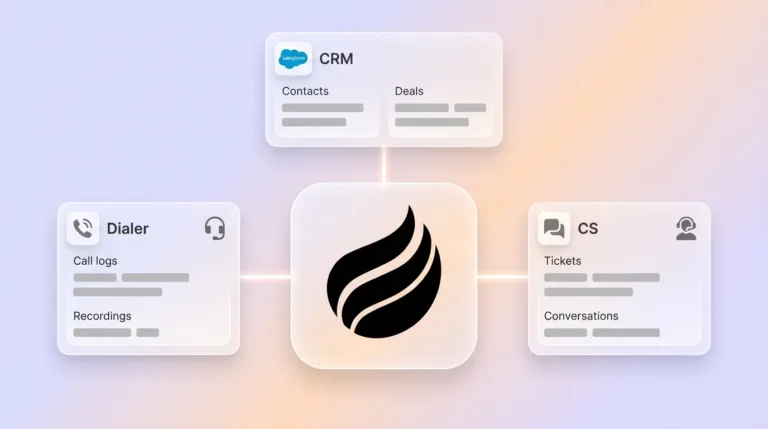
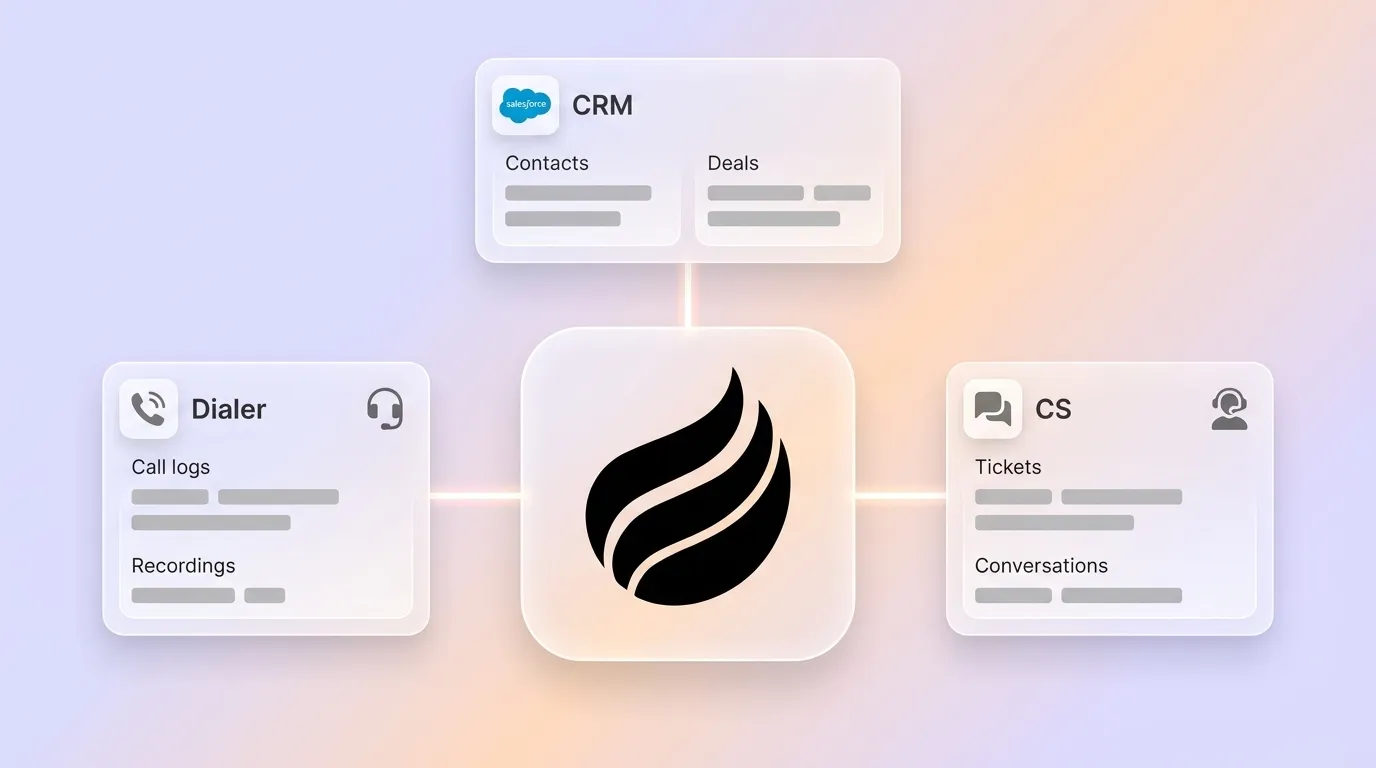
Chorus AI integrations act as bidirectional data bridges that connect Chorus conversation intelligence to CRMs, dialers, sales engagement platforms, and collaboration tools. They move post-call artifacts such as recordings, transcripts, AI-detected topics, deal signals, and coaching insights into external systems of record. This automation reduces the manual step of copying notes after every call. Chorus functions as a sync layer rather than a fully merged workspace, so teams still manage Chorus and the CRM as distinct systems even after integration.
Core Chorus Integrations: 2026 Capabilities and Limits
Ownership of Chorus AI and Effects of the ZoomInfo Deal
ZoomInfo acquired Chorus in 2021 for $575 million, after which Chorus became available both as a standalone product and as a bundled add-on within the ZoomInfo ecosystem. Chorus Limited is a publicly traded New Zealand company and is not owned by ZoomInfo as of 2026.
The acquisition improved several technical aspects. After the deal, Chorus data precision and record load times improved. Momentum Insights became available on ZoomInfo company and contacts pages through the Chorus tab. Recordings made with the ZoomInfo Engage dialer inside Salesforce now flow automatically to Chorus for transcription and analysis through a two-click integration.
The trade-offs are clear as well. Multiple 2025–2026 reviews report that innovation and shipping cadence at Chorus have slowed since the 2021 acquisition, with Gong pulling ahead on deal intelligence and standalone AI features. Chorus is tightly tied to the ZoomInfo ecosystem, making it a strong fit primarily for teams already using ZoomInfo data, where bundling can add $15K–$40K per year on top of Chorus pricing. Chorus also has fewer integrations outside the ZoomInfo ecosystem compared to standalone competitors.
Chorus API Capabilities and Real-World Constraints
Chorus has one of the largest patent portfolios in conversation intelligence, including automatic speech recognition and multi-speaker separation technology. These capabilities become accessible programmatically through the Chorus API. The API exposes endpoints for conversations, media retrieval, sales qualifications, and CRM write-back. Each endpoint carries specific requirements that teams must engineer around.
Key API behaviors teams encounter include:
- Asynchronous polling: operations such as deleting conversations return a task object with an id and status, and callers must poll until completion.
- Media retrieval: the get_single_chorus_media_by_id endpoint defaults to streaming a raw binary file up to 500MB. The Accept: application/json header must be set to receive a metadata object with a secure temporary download URL instead.
- CRM write-back: the chorus_sales_qualifications_writeback_crm endpoint requires the meeting_id, an array of crm_changes, the object_type, and the specific opportunity_id. The agent must first fetch the correct CRM object identifiers or the write-back will be rejected.
- Rate limiting: when Chorus returns HTTP 429, the error passes directly to the caller along with normalized IETF headers that the agent must use to implement its own backoff logic.
- Live-call intercept: the conversations_join endpoint requires a plain-text meeting invitation link in the payload to dispatch the recording bot.
Data Quality Risks That Survive Every Chorus Sync
Syncing data from Chorus into a CRM does not guarantee that data is accurate or complete. The sync process moves artifacts from one system to another, but it cannot validate the underlying quality of those artifacts. Transcription errors, AI hallucinations, and compliance gaps all pass through unchanged. Several categories of quality risk persist after every sync.
Transcription accuracy forms the first layer of risk. Independent benchmarks show real-world sales-call transcription word error rates of 8–12%, while vendor claims such as Gong’s 99% capture and Otter’s 95% reflect capture rate rather than transcription accuracy.
AI-generated action items introduce a second layer of risk. Industry testing found AI-generated action items hallucinated in more than one-third of cases, with recurring patterns including false attribution to the wrong owner, converting hedged statements into firm dates, fabricating consensus, and inflating minor topics.
Sync reliability itself creates a third layer. According to Validity’s State of CRM Data Management report, 76% of organizations report that less than half of their CRM data is accurate and complete. CRM synchronization in Salesforce often fails quietly before it fails visibly, and silent failures such as records that simply do not appear can go undetected for days.
Consent compliance adds a fourth layer of risk. Twelve US states require all-party consent for call recording, and GDPR requires consent or a documented legitimate-interest balancing test. Teams must audit every synced record to confirm consent was captured before the recording was made.
Manual Work That Still Exists After Chorus Syncs
Chorus operates as a separate system and interface rather than a native layer, so the sync moves artifacts but does not eliminate the human decisions required to make those artifacts useful inside a CRM. The tasks that remain after every Chorus sync include:
- Field mapping verification: Incorrect field mapping between systems can cause data to land in the wrong place, be lost entirely, or fail validation, which directly degrades reporting accuracy. Reps or admins must verify that synced fields landed correctly after each update.
- Deduplication: Duplicate records from webhook replay and missing External ID strategies cause integrations to create new records instead of updating existing ones. Someone must merge or delete the duplicates.
- Follow-up logging: Chorus flags deal risks and captures commitments from conversations, but execution and follow-through of those insights occur in external tools outside the platform. Reps must manually log completed follow-ups back into the CRM.
- Consent and compliance checks: Every synced recording requires a human audit trail confirming consent was obtained before the call was recorded and that the record meets applicable state or GDPR requirements.
- Opportunity ID retrieval for write-back: The agent must retrieve the opportunity_id from get_single_chorus_sales_qualification_by_id before calling the write-back endpoint, which introduces a lookup step that requires either manual intervention or custom engineering.
This gap remains open across every deployment. Each of these manual tasks, including field mapping checks, deduplication, follow-up logging, consent reviews, and opportunity lookups, consumes rep time that could go toward selling. Conversation intelligence tools that only surface insights for manual action, rather than automatically updating CRM fields and triggering sequences, keep this data-entry burden on reps. As a result, 71% of sales reps say they spend too much time on data entry, which leaves only 35% of their time for actual selling.
Reclaim your reps’ selling time with Coffee and stop assigning human hours to work an autonomous agent can handle.
How Coffee Clears the Remaining Data-Entry Burden
Coffee is an autonomous CRM agent built to solve the problem that Chorus integrations expose but do not fix. Chorus moves transcripts and summaries into Salesforce or HubSpot. Coffee ingests both the structured output from those syncs and the unstructured source data such as call transcripts, emails, and calendar events, then writes clean, verified records back to the CRM without human intervention.

As a Companion App deployed on top of an existing Salesforce or HubSpot instance, Coffee handles the tasks that persist after every Chorus sync:

- Automatic contact and company creation: Coffee scans emails and calendars to populate the CRM with people and organizations, ensuring every note and interaction is associated with the right record automatically. This approach removes the duplicate and missing-record problems that Chorus write-back can create.
- Structured note output: Coffee agents structure post-call summaries according to BANT, MEDDIC, or SPICED, so consistent qualification data enters the system instead of free-text summaries that require manual cleanup.
- Activity logging: The agent logs last activity and next activity autonomously, which keeps deal state current without rep input after every call.
- Pipeline intelligence: Because Coffee captures history in a built-in data warehouse, it visualizes week-over-week pipeline changes such as progressed deals, stalled opportunities, and new additions without manual CSV exports or spreadsheet work.
Poor CRM data quality directly costs revenue, and AI agents acting on CRM records make duplicate contacts, stale fields, and broken sync logic more consequential by causing incorrect lead routing, wrong quotes, or erroneous follow-ups. Coffee agents prevent those consequences by ensuring good data enters the system before any downstream AI or forecasting tool reads it.
Coffee operates on simple seat-based pricing. Teams pay for human seats, and the agent’s labor is included without complex metering on LLM usage or processes. A straightforward authentication connects Coffee to Salesforce or HubSpot. After that connection, the agent begins syncing, enriching, and writing clean records back immediately.
Deploy Coffee’s agent layer to make your Chorus data actually reliable inside Salesforce or HubSpot.
Frequently Asked Questions
Is Coffee secure and compliant for teams that record sales calls?
Coffee meets SOC 2 Type 2 and GDPR requirements. Data processed by the Coffee agent is not used to train public models. For teams using Chorus alongside Coffee, the agent handles CRM write-back and enrichment without storing raw call recordings, and those recordings remain in Chorus under its own retention and compliance policies. Teams in states with all-party consent requirements should maintain their existing consent workflows in Chorus, because Coffee operates on the post-sync data layer, not the recording layer.
How does Coffee’s pricing work for a team already paying for Chorus and Salesforce?
Coffee uses straightforward seat-based pricing. Teams pay for the number of human users, and the agent’s labor for data entry, enrichment, activity logging, pipeline tracking, and post-call summaries is included in the seat cost without additional metering for AI usage or processes. This model replaces the cost of fragmented point solutions rather than adding to it. A team currently paying separately for enrichment tools, recording tools, and manual RevOps hours to clean CRM data will typically find that Coffee consolidates those costs into a single, predictable line item.
What size team is Coffee designed for?
Coffee is built for small to mid-market companies with growing sales teams. These organizations usually have a Head of Sales or a RevOps leader who owns the CRM and is directly accountable for data quality and forecast accuracy. The Companion App model fits teams already committed to Salesforce or HubSpot that want to eliminate manual data entry without migrating their system of record. The Standalone CRM model serves smaller teams of one to twenty people that have outgrown spreadsheets and want an agent-managed system from day one. Coffee is not designed for large enterprises with complex, custom-built Salesforce architectures or heavily regulated industries that require multi-year security reviews.
Does Coffee integrate with tools beyond Salesforce and HubSpot?
Coffee connects to Google Workspace and Microsoft 365 natively, which allows the agent to capture emails, calendar events, and meeting data to populate and enrich CRM records automatically. Broader integrations with additional tools in the revenue stack are available via Zapier, and deeper native integrations sit on the product roadmap. The agent also includes a meeting bot that joins Zoom, Teams, and Google Meet calls to record, transcribe, and generate structured summaries and follow-up drafts. This coverage matches the call-capture workflow that Chorus handles, while the agent writes clean records directly back to the CRM without a separate sync step.

Can Coffee work alongside Chorus, or does it replace it?
Coffee can operate alongside Chorus. Teams that have invested in Chorus for coaching playlists, ZoomInfo-enriched call analytics, and conversation intelligence reporting can continue using it for those purposes. Coffee’s role in that stack is the agent layer that takes the data Chorus surfaces, including summaries, action items, and deal signals, and ensures it lands cleanly in Salesforce or HubSpot with the correct field mapping, deduplication, and opportunity association. Coffee removes the manual cleanup work that follows every Chorus sync, so teams do not need to abandon the conversation intelligence investment they have already made.
See how Coffee closes the Chorus-to-CRM gap and eliminates the manual cleanup work that follows every sync.