Written by: Doug Camplejohn, CEO & Co-Founder, Coffee
Key Takeaways for Salesforce Teams
- Granola does not offer a native Salesforce connector in 2026. All CRM data must route through Zapier with manual triggers and field mapping.
- Zapier-based workflows add ongoing maintenance, task limits, and risk of incomplete or duplicate Salesforce records.
- Coffee’s agent writes structured meeting summaries directly to Salesforce Opportunities, Contacts, and Tasks without middleware.
- Direct agent automation removes per-note triggers, cuts admin overhead, and improves data quality for 10–50 person sales teams.
- Teams ready to remove Zapier friction can explore Coffee’s direct Salesforce integration today.
How Granola AI Connects to Salesforce in 2026
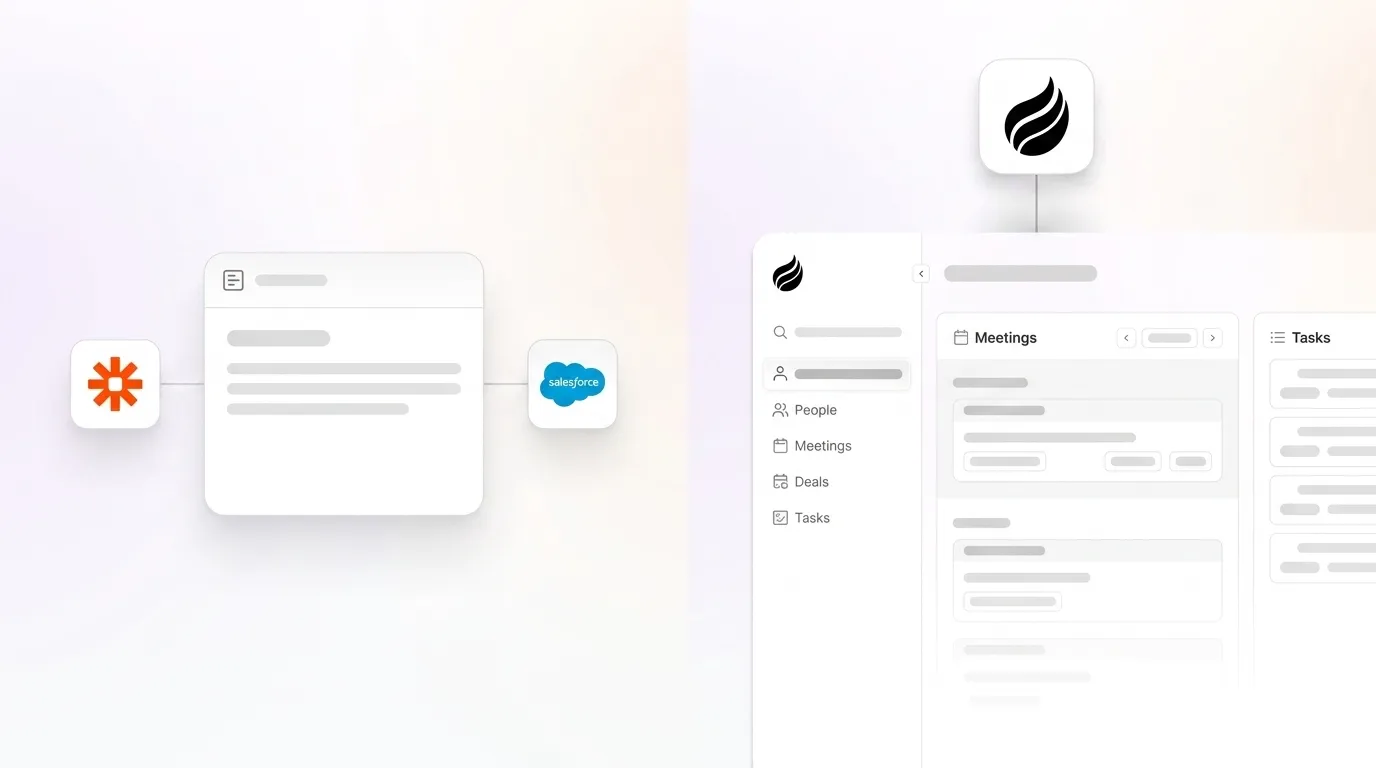
Granola routes enhanced notes into Salesforce objects exclusively through Zapier. A rep runs the meeting, clicks “Enhance notes,” reviews and edits the output, then manually triggers a pre-configured Zapier workflow to push verified data into the correct Salesforce objects. Granola does not automatically update Salesforce fields; users must configure field mapping through Zapier and manually trigger the sync after reviewing each enhanced note. This workflow is available only on the Business plan at $14 per user per month.
The human-in-the-loop step preserves review control but adds friction to every meeting. For a team running 20+ calls per week, that friction compounds into hours of administrative overhead and creates gaps whenever a rep skips the trigger step.
Why Granola’s Notion Export Feels Easier Than Salesforce Sync
To understand why Granola’s Salesforce integration feels cumbersome, compare it with Granola’s most fluid output destination: Notion, where notes export cleanly into pages without middleware. That frictionless experience does not extend to Salesforce. Forcing unstructured data such as meeting notes or transcripts into a relational model like Salesforce either loses critical information or requires heavy manual preprocessing that does not scale. Granola’s Zapier path offloads that preprocessing burden to the rep, not the tool.
Direct CRM sync, where an agent reads the transcript, extracts structured fields, and writes them to the correct Salesforce object, removes that burden entirely. Coffee offers improved summary templates customizable to match workflows and writable back to Coffee, HubSpot, or Salesforce, which confirms agent-level writing to Salesforce objects without a Notion or Zapier intermediary.
Moving Granola Notes into Salesforce Opportunities
As described earlier, Granola’s Zapier-based approach introduces volume and cost constraints that affect production deployments. Zapier’s free plan is limited to 100 tasks per month, a maximum of 5 active Zaps, and 15-minute sync delays, which makes it operationally constrained for production use. Paid Zapier tiers remove volume limits but add monthly cost and require an admin to maintain field mappings as Salesforce schemas evolve. These ongoing costs and maintenance requirements make Zapier a weak long-term solution for production Salesforce syncs.
The alternative is a direct agent that eliminates both the volume constraints and the maintenance overhead. An AI agent is not a standard API integration or automation pipeline such as a Zapier workflow that triggers when an email arrives, because rule-based automation does not reason, adapt, or make decisions when something unexpected happens. Coffee’s agent attends the call, structures the output according to BANT, MEDDIC, or SPICED, and writes directly to the Opportunity record, with no Zapier step and no manual trigger.
Granola + Zapier vs Coffee Agent: Salesforce Integration Comparison
| Category | Granola + Zapier | Coffee Agent (Salesforce Companion) |
|---|---|---|
| Data Quality | Manual per-note sync, where the rep must trigger each push, creating gaps when steps are skipped | Agent writes structured summaries back to Salesforce automatically after each call |
| Implementation Effort | Requires Business plan ($14/user/month) plus Zapier configuration and field mapping | Simple authentication connects Coffee Agent to the existing Salesforce instance, with no middleware configuration |
| Integration Requirements | Depends on Zapier tier, with the free plan capped at 100 tasks per month and 5 active Zaps | Direct agent-to-Salesforce write, with no third-party connector required |
| Ongoing Admin Burden | Sync pipelines accumulate data drift from failed records, schema changes, and out-of-order processing, which requires periodic reconciliation | Agent handles field mapping updates, so no manual reconciliation layer is needed |
See Coffee’s pricing and setup process, with no Zapier required.
Setup and Onboarding Trade-offs for RevOps
A Granola-to-Salesforce Zapier setup requires a Business plan subscription, a Zapier account at the appropriate task tier, field mapping configuration between Granola’s output schema and Salesforce object fields, and rep training on the manual trigger step. Each element is a discrete failure point. Salesforce warns that repeated invocations or non-idempotent handling can create duplicate records or duplicate processing of transactions, a risk that increases when reps trigger syncs inconsistently.
Coffee’s Salesforce Companion onboards through a single authentication step. The agent connects to Google Workspace or Microsoft 365, joins calls via Zoom, Teams, or Meet, and writes structured data to Salesforce after the call. No Zapier account, no field mapping session, and no rep training on trigger steps are required.

Data Capture, Maintenance, and Reporting Visibility
Replication strategies for Salesforce data introduce lag between Salesforce and external systems, where delays of even a few hours can create blind spots, break reporting cycles, and expose the business to operational risk. For a RevOps leader running weekly pipeline reviews, stale Opportunity data from a delayed Zapier sync produces inaccurate forecasts.
Salesforce API limits are a real constraint for data integrations, and a poorly designed integration can consume a significant portion of an org’s daily API allocation just to keep downstream systems current. Coffee’s direct agent write bypasses polling architectures entirely, which eliminates API consumption from the sync layer and preserves the org’s API budget for other integrations.
Frontline Usability and Manager Visibility
Sales reps save an average of 4+ hours per week by eliminating manual note-writing and CRM data entry when using sales-focused AI notetakers that automatically capture and structure meeting data. That saving is contingent on the sync being automatic. Granola’s manual trigger step recovers note-writing time but preserves the CRM entry step, which reduces the realized time savings.
Automating data entry, where every email, call, and meeting syncs to CRM automatically, can save sales teams several hours per week. For a manager, automatic sync means Opportunity records reflect call outcomes in real time, which enables accurate pipeline reviews without chasing reps for updates.
Integration Complexity and Long-Term Flexibility
Before MCP, connecting an AI agent to tools required writing separate integration code for each combination of model and tool, and when a tool’s API changed, every dependent integration had to be updated manually, which made those setups fragile and expensive at scale. Zapier-based Granola workflows carry the same fragility. A Salesforce schema update or Granola API change can silently break the Zap, and the failure may not surface until a rep notices missing Opportunity data.
Native or tightly integrated AI agents are simpler than bolting on separate automation layers for teams already operating within a specific CRM such as Salesforce or HubSpot. Coffee’s agent is built with deep knowledge of Salesforce objects, required fields, quotas, and forecasting structures. Newer CRM alternatives often underestimate this integration complexity.
Best-Fit Use Cases for Granola and Coffee
Early-stage teams (1–10 reps): Granola works well as a standalone note-taker when Salesforce is not yet the system of record. The Zapier path becomes a liability once pipeline reporting depends on Opportunity data accuracy.
Growing sales orgs (10–50 reps): This segment feels middleware debt most acutely. Sales reps spend only 28% of their time actually selling, with the remainder consumed by administrative tasks including CRM updates. At 20 reps, a manual trigger step missed by half the team produces materially incomplete Salesforce data. Coffee’s agent removes that variable entirely.
Established Salesforce instances: Teams with custom objects, required fields, and forecast categories need an agent that understands Salesforce’s data model. Coffee’s Companion App is built for this environment. Zapier workflows require custom field mapping that must be maintained as the org evolves.
Operational Considerations for RevOps Leaders
Middleware solutions for Salesforce carry risks including vendor lock-in, service limitations that require tracking usage against free tier caps, support constraints, and performance issues that necessitate ongoing monitoring and internal documentation. For a 10–50 person company without a dedicated integration engineer, that monitoring burden falls on the RevOps lead or a senior sales admin, which is time that does not produce revenue.
Coffee’s pricing model eliminates these middleware-specific risks entirely. Coffee’s seat-based pricing includes the agent’s labor. There are no task caps, no Zap limits, and no separate middleware subscription to manage. The agent handles data hygiene autonomously, which reduces the change management surface when Salesforce schemas or sales methodologies evolve.
Risks and Limitations of Middleware-Based Syncs
Salesforce is transactional within itself but is not able to participate in distributed transactions or transactions initiated outside of Salesforce, which requires all transactionality, rollback, and compensation mechanisms for multi-system flows to be implemented at the middleware layer. For a small team, building and maintaining that compensation logic in Zapier is impractical.
It is almost impossible to guarantee that a Salesforce-triggered call happens only once, especially when triggered from a user interface event, which increases the risk of duplicates and inconsistent outcomes in middleware-style flows. Duplicate Activity records and duplicate Contacts are the most common downstream symptoms of a misconfigured Granola–Zapier–Salesforce pipeline.
Decision Framework for Choosing Granola or Coffee
Use Granola’s Zapier integration when Salesforce is not your primary system of record, your team has a dedicated admin to maintain Zap configurations, and your Opportunity data requirements are low-stakes or supplementary.
Use Coffee’s Salesforce Companion when Opportunity data accuracy drives forecast reliability, your team cannot absorb middleware maintenance overhead, and you need structured notes written to Salesforce objects automatically after every call, without a manual trigger step, a Zapier subscription, or a field mapping session.
The choice of CRM-integrated AI agent in 2026 depends on the existing CRM ecosystem, and migrating platforms solely for an AI agent is rarely justifiable. Coffee’s Companion model is designed for this constraint. It works on top of your existing Salesforce instance, not instead of it.
Switch to Coffee’s agent-based approach and eliminate your Zapier dependency today.
Frequently Asked Questions
How long does Granola-to-Salesforce setup take in 2026?
As outlined earlier, the setup involves multiple components across Granola, Zapier, and Salesforce. For a team with an existing Salesforce admin, initial configuration typically takes several hours. Ongoing maintenance, including updating field mappings when Salesforce schemas change, monitoring for failed Zaps, and reconciling duplicate records, adds recurring overhead that is difficult to quantify in advance. Teams without a dedicated admin often discover the true maintenance cost only after the first sync failure surfaces missing Opportunity data.
What expertise is required to maintain a Zapier-based Granola sync?
Maintaining a Zapier-based Granola-to-Salesforce sync requires familiarity with Zapier’s workflow builder, working knowledge of Salesforce object relationships and field types, and the ability to diagnose sync failures from Zapier’s error logs. When Salesforce required fields change, when Granola updates its output schema, or when API limits are approached, someone with both Zapier and Salesforce knowledge must intervene. At a 10–50 person company, this responsibility typically falls on the RevOps lead or a senior sales operations hire. The configuration does not operate as a set-and-forget system.
How does Coffee handle migration from existing Granola workflows?
Coffee’s Salesforce Companion connects to an existing Salesforce instance through a single authentication step. It does not require dismantling existing Granola workflows before going live. Teams can run Coffee in parallel during a transition period, which allows reps to compare output quality before fully decommissioning the Zapier path. Coffee’s agent writes to the same Salesforce objects, including Opportunities, Accounts, and Activities, that the Zapier workflow targeted, so Salesforce reporting continuity is preserved. The agent also supports BANT, MEDDIC, and SPICED note structures, which ensures that any qualification methodology already embedded in Salesforce field requirements is honored from day one.
What security and scalability differences exist between middleware and native agent writing?
Middleware approaches introduce additional data transit points, because meeting notes pass from Granola to Zapier’s servers before reaching Salesforce. Each hop is a potential exposure surface for PII contained in call transcripts. Coffee is SOC 2 Type 2 and GDPR compliant, and data is not used to train public models. On scalability, Zapier’s task-based pricing means costs scale linearly with meeting volume, and free or basic tiers impose hard caps that halt syncs entirely when exhausted. Coffee’s seat-based pricing includes unlimited agent labor, so scaling from 10 to 50 reps increases cost only by the number of human seats added, not by the number of calls the agent processes.
Conclusion: Choosing a Sustainable Salesforce Integration Path
Granola’s absence of a native Salesforce connector is a structural limitation that forces every note through a manual trigger and a middleware layer. For a growing sales team where Opportunity data accuracy determines forecast reliability, that limitation produces incomplete records, duplicate entries, and ongoing admin overhead that compounds as headcount scales. Coffee’s agent writes structured meeting data directly to Salesforce Opportunities, Accounts, and Activities, with no Zapier, no field mapping sessions, and no per-note trigger steps. It operates as a Companion on top of the Salesforce instance your team already owns, which preserves existing workflows while removing the middleware debt that Granola’s integration model requires.
Review Coffee’s pricing and put reliable Salesforce data on autopilot.