Written by: Doug Camplejohn, CEO & Co-Founder, Coffee | Last updated: August 6, 2026
Key Takeaways for Salesforce Integration in 2026
- Salesforce integration middleware connects CRM data to tools like Gmail and Slack. The right setup keeps Salesforce accurate instead of turning it into an expensive, neglected database.
- Small businesses in 2026 typically choose among four paths: no-code platforms like Zapier and Make, low-code connectors like Jitterbit, native Salesforce Flow, and AI-native agent layers like Coffee.
- Zapier and Make provide simple visual builders but use per-task pricing that scales with sales activity, which creates unpredictable costs as volume grows.
- Jitterbit and Salesforce Flow require technical expertise and are limited to structured data workflows.
- Coffee’s seat-based agent removes per-task fees and automatically captures emails, meetings, and context, then writes them back to Salesforce. Start with Coffee’s seat-based pricing and keep costs predictable as your team grows.
Zapier vs Make for Salesforce in 2026
Zapier and Make both use visual, no-code builders that let non-technical users connect Salesforce to other apps without writing code. The core difference is architectural. Zapier operates on a linear trigger-action model, where one event triggers one action. Make uses a scenario canvas that supports branching, iteration, and conditional logic within a single workflow.
Zapier works well for simple use cases, such as logging a new Salesforce lead when a form is submitted or posting a Slack message when a deal closes. Make’s scenario builder suits workflows that require filtering, data transformation, or multiple conditional branches that stretch Zapier’s linear model.
Both platforms share a liability around per-task pricing. Zapier charges per Zap run, and Make charges per operation, where a single scenario execution can consume multiple operations depending on the number of modules. At low volumes, costs stay manageable. As task volume grows, the bill scales in direct proportion, which creates a predictability problem for small teams with variable sales activity.
Neither platform was built to capture unstructured data. Email bodies, call transcripts, and meeting notes do not flow through Zapier or Make unless a separate transcription or parsing tool is added to the stack. That extra layer adds cost and introduces another point of failure.
When Jitterbit Beats No-Code Tools for Salesforce
For teams whose integration needs exceed what no-code platforms can handle, low-code solutions like Jitterbit offer a middle ground. Jitterbit targets organizations that need reliable, high-volume, bi-directional data sync between Salesforce and ERP or accounting systems, where Zapier and Make begin to show structural limits. Its low-code templates for common Salesforce integrations reduce initial configuration time compared to building from scratch. The platform still requires a technically capable administrator to manage mappings, error handling, and version updates.
Jitterbit fits SMBs that have a dedicated RevOps or IT resource and a real need to sync Salesforce with a complex back-office system like NetSuite or SAP. Its subscription pricing is not publicly listed for small-business tiers, which signals that the platform is oriented toward mid-market and enterprise buyers. Small teams without a dedicated integration administrator usually find the maintenance burden disproportionate to the problem they are solving.
Jitterbit does not address the upstream data-quality problem. It moves data between systems efficiently, but if sales reps are not logging activities in Salesforce, there is nothing accurate to sync.
Native Salesforce Flow Limits for Small Teams
Salesforce Flow is the platform’s built-in automation engine. It can automate record updates, send notifications, and trigger actions based on field changes, all without an external middleware subscription. For teams already paying Salesforce licensing fees, Flow appears to be the zero-marginal-cost option.
The practical limitations are significant for small teams. Building and maintaining Flows requires Salesforce administrator knowledge. Logic errors in a Flow can corrupt records at scale, and debugging requires familiarity with the platform’s error logs. Salesforce’s governor limits cap the number of Flow interviews that can run per transaction, which creates unexpected failures at higher volumes.
Flow also cannot reach outside Salesforce’s ecosystem without additional configuration. Connecting Salesforce to Gmail, Google Calendar, or Slack through Flow requires Apex code or external services, which often exceeds the capability of most small-business teams. Most critically, Flow has no mechanism to capture unstructured data. It cannot read an email body, parse a call transcript, or enrich a contact record from an external source without a separate integration layer.
Small-Business Budget Reality: Task-Volume Pricing Examples
Per-task pricing models create cost exposure that compounds as sales activity grows. The following scenarios show the budget reality for a small team running Salesforce integrations at two common volumes. Exact 2026 pricing for each platform varies by plan tier and can change, so teams should verify current rates directly with each vendor before budgeting.
At 5,000 tasks per month, a team using Zapier’s Professional plan or Make’s Core plan will typically remain within a mid-tier subscription. The cost stays predictable at this volume because most plans include a fixed operation bundle that covers light usage.
At 20,000 tasks per month, a realistic volume for a 10-person sales team logging calls, syncing contacts, and triggering follow-up sequences, both Zapier and Make usually require upgrades to higher tiers or the purchase of additional operation bundles. The monthly cost can increase by a factor of three to five compared to the 5,000-task baseline, depending on the platform and plan structure. Teams that underestimate their task volume at signup often encounter overage charges mid-month.
Jitterbit’s subscription model removes per-task exposure but introduces a fixed cost floor that is difficult to justify for teams under 20 employees. Coffee’s seat-based model removes the task-volume variable entirely. The agent runs unlimited data capture and Salesforce write-back operations for a fixed per-seat fee, regardless of how many emails, meetings, or contacts it processes.
When to Skip Middleware: The Coffee Agent Alternative
Traditional middleware solves a connection problem by moving data from point A to point B when a trigger fires. It does not solve the upstream problem of data that was never captured in the first place. If a sales rep takes a call, forgets to log it, and never updates the Salesforce record, no middleware workflow will compensate for that gap.
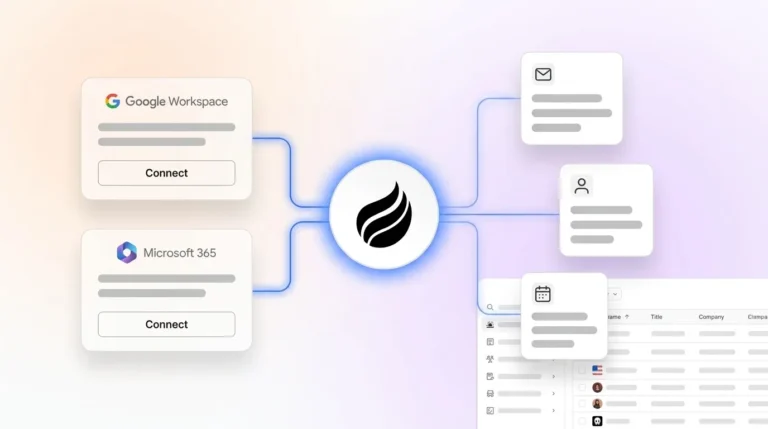
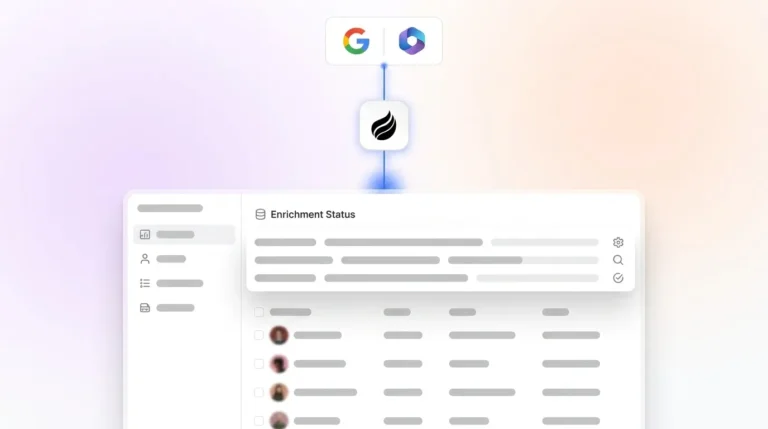
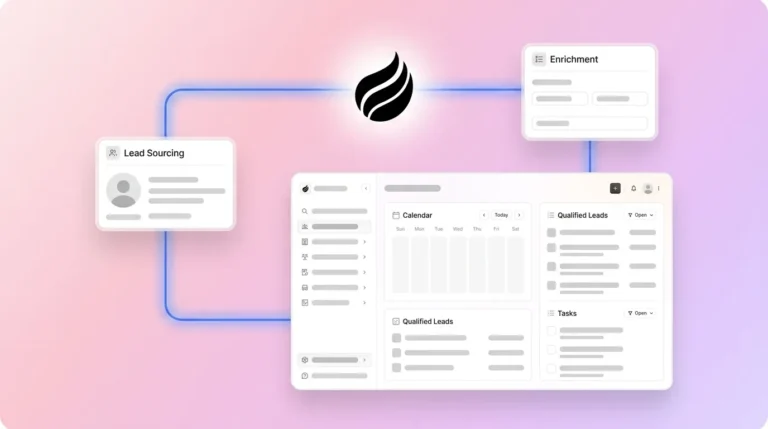
Coffee’s Companion App for Salesforce addresses the upstream problem directly. After a single authentication with Google Workspace or Microsoft 365, the Coffee Agent scans emails and calendar events to auto-create contacts, log activities, and enrich records with job titles, funding data, and LinkedIn profiles. Every interaction is written back to Salesforce automatically, without the rep touching the CRM.

The comparison against traditional middleware on the dimensions that matter most to small teams:
- Pricing model: Coffee charges per seat with unlimited agent operations included. Zapier and Make charge per task or operation, with costs that scale directly with sales activity volume.
- Setup: Coffee requires a single OAuth authentication. Zapier and Make require individual Zap or scenario builds for each connection, and each workflow must be maintained when APIs change.
- Data capture scope: Coffee ingests unstructured data, such as email bodies, meeting transcripts, and calendar context, and structures it into Salesforce records. Unlike the middleware platforms discussed earlier, Coffee handles content that traditional connectors cannot reach.
- Bi-directional sync: Coffee writes enriched data back to Salesforce natively. Middleware platforms require separate trigger-action pairs for each direction of data flow.
- Compliance: Coffee is SOC 2 Type 2 and GDPR compliant. Data is not used to train public models.
- Maintenance burden: Coffee’s agent adapts to changes in connected services. Middleware Zaps and scenarios break when upstream APIs change and require manual repair.
Decision Checklist: Match a Tool to Your Team
Use the following criteria to map your situation to the most appropriate option:
- Choose Zapier if your team has fewer than 5,000 monthly tasks, needs simple trigger-action connections between Salesforce and common SaaS tools, and has no technical administrator on staff.
- Choose Make if your workflows require conditional branching or data transformation and your team has a technically capable operator who can build and maintain scenarios.
- Choose Jitterbit if your primary need is high-volume, bi-directional sync between Salesforce and an ERP or accounting system, and you have a dedicated integration administrator or IT resource.
- Choose Salesforce Flow if your automation needs are entirely internal to Salesforce, you have a certified Salesforce administrator, and you do not need to connect external tools or capture unstructured data.
- Choose Coffee Agent if your core problem is poor Salesforce data quality caused by incomplete rep logging, you want to remove per-task pricing exposure, and you need automatic capture of emails, meetings, and call context written back to Salesforce without manual effort.
Frequently Asked Questions
What is the difference between middleware and a native Salesforce agent?
Middleware is a separate software layer that moves data between Salesforce and other tools when a predefined trigger fires. It requires explicit configuration for every connection and every direction of data flow. A native Salesforce agent, like Coffee’s Companion App, operates as an autonomous layer on top of Salesforce that continuously captures data from connected sources such as email, calendar, and calls, then writes it back to Salesforce without trigger-based configuration. The agent handles data that middleware cannot reach, including unstructured content like email bodies and meeting transcripts.

Will per-task pricing from Zapier or Make become a budget problem for a growing sales team?
Per-task pricing stays predictable at low volumes but scales directly with sales activity. A team that doubles its outbound activity will roughly double its middleware costs. Teams that underestimate their monthly task volume at signup frequently encounter mid-month overage charges or forced plan upgrades. Seat-based pricing models, like Coffee’s, remove this variable by including unlimited agent operations in a fixed per-seat fee, which keeps costs predictable regardless of how active the sales team is.
Can Salesforce Flow replace third-party middleware for a small business?
Salesforce Flow can automate internal Salesforce record operations without an external subscription, but it cannot connect to external tools like Gmail, Slack, or QuickBooks without Apex code or an additional integration layer. Building and maintaining Flows requires Salesforce administrator expertise, and logic errors can corrupt records at scale. For small teams without a dedicated Salesforce admin, the maintenance burden of Flow usually exceeds the cost of a well-configured middleware tool or a native agent solution.
Is Coffee’s Companion App a replacement for Salesforce, or does it work alongside it?
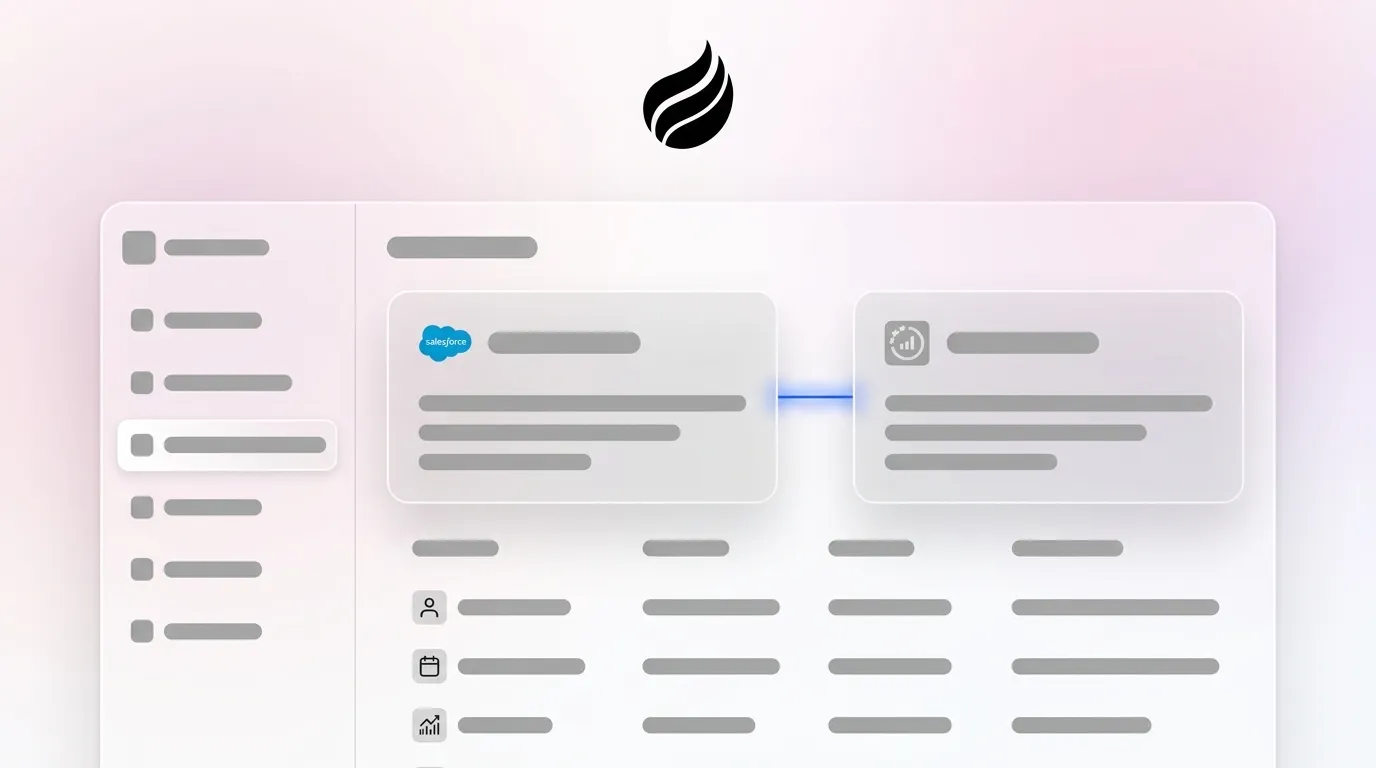
Coffee’s Companion App works alongside an existing Salesforce instance. It does not replace Salesforce as the system of record. The Coffee Agent authenticates with Salesforce and with connected communication tools like Google Workspace or Microsoft 365, then automatically captures contacts, activities, and enrichment data and writes them back into Salesforce. The CRM remains the authoritative record, and Coffee keeps that record accurate without manual data entry from sales reps.

Conclusion: Choosing the Right Path for Salesforce Automation
For small businesses evaluating Salesforce integration middleware in 2026, the choice depends on task volume, technical resources, and the nature of the data problem. Zapier and Make serve teams with simple, low-volume connection needs. Jitterbit serves teams with complex ERP sync requirements and dedicated technical staff. Salesforce Flow serves teams whose automation needs are entirely internal to the platform.
All four options share the limitation described earlier: they require humans to enter data before it can be moved between systems. For small teams where the real problem is incomplete Salesforce records caused by manual logging gaps, Coffee’s Companion App addresses the root cause directly. It automatically captures every email, meeting, and interaction and writes that activity back to Salesforce on a predictable seat-based fee with no per-task exposure.
Automate Salesforce data entry with Coffee so your team can focus on selling instead of manual logging.