
Written by: Doug Camplejohn, CEO & Co-Founder, Coffee
Key Takeaways for Salesforce and HubSpot Teams
- Manual CRM data entry now consumes 5.5 hours per week per rep, while B2B contact data decays 22–70% annually, which creates compounding friction for mid-market sales teams.
- Point-solution companion apps address individual symptoms but do not solve the underlying data-quality problem across Salesforce and HubSpot stacks.
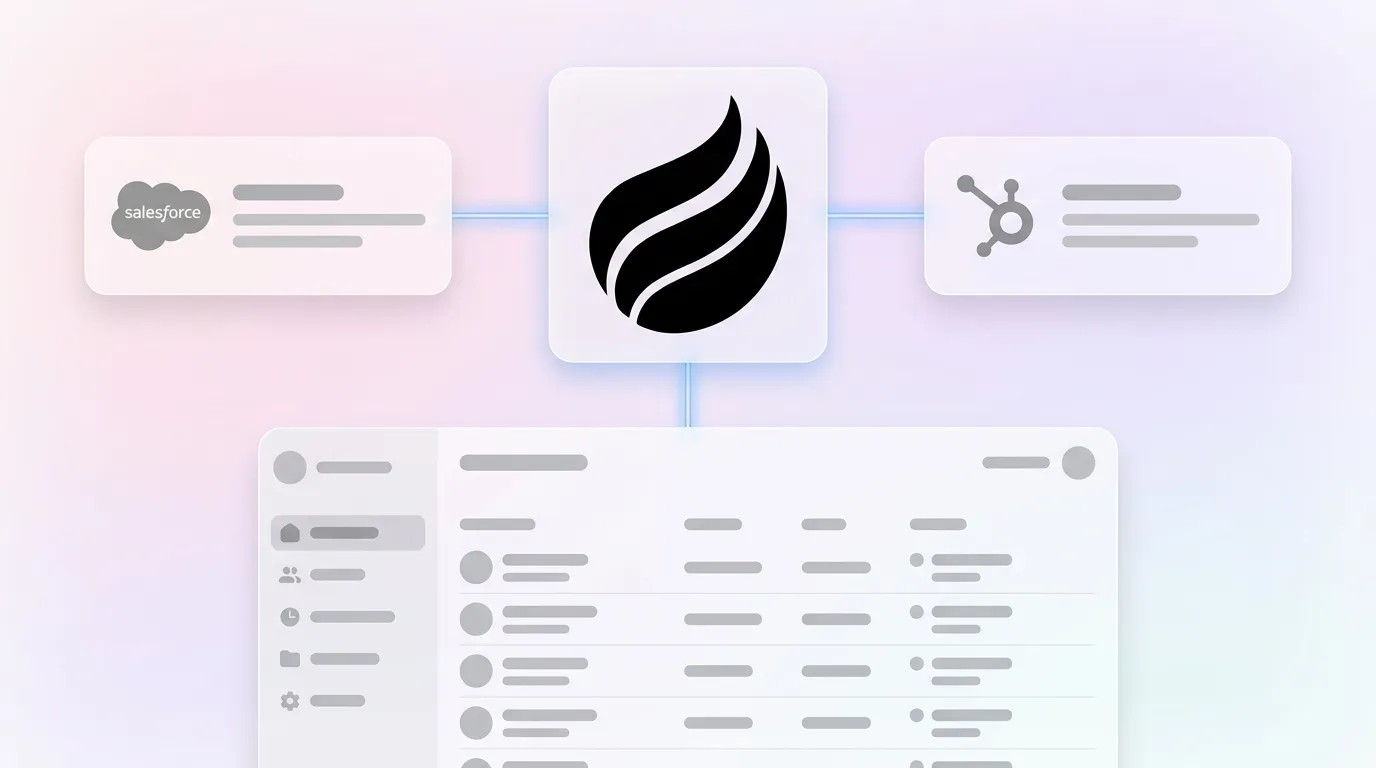
- Coffee’s agent layer ingests emails, calendars, and call transcripts and then writes clean, structured records to both CRMs without middleware or manual mapping.
- Teams using Coffee can consolidate multiple tools, remove 8–12 hours of weekly manual entry, and improve pipeline forecasting accuracy with native dual-CRM integration.
- Start eliminating manual CRM entry with Coffee and reduce busywork across your entire stack.
How We Evaluate CRM Companion Apps
The tools in this comparison are rated against eight criteria that matter to 5–50 seller mid-market teams.
- Native integration depth, which covers whether the tool writes directly to both Salesforce and HubSpot without middleware.
- Manual-entry elimination, which looks at how much structured data entry for fields, contacts, and activities the tool removes automatically.
- Unstructured data handling, which evaluates whether the tool can ingest and structure emails, transcripts, and calendar context.
- Meeting workflow automation, which checks if it supports pre-meeting briefings, in-call recording, and post-call follow-up drafting.
- Pipeline intelligence output, which measures whether the tool produces forecast-ready insights from captured data.
- Stack consolidation potential, which considers whether it replaces multiple point solutions or adds to tool sprawl.
- Security and compliance posture, which includes SOC 2, GDPR, and data governance standards.
- Total cost of ownership (TCO), which combines seat cost, integration maintenance, and admin overhead.
Side-by-Side Comparison of CRM Companion Apps
| Solution | Integration Depth (Salesforce + HubSpot) | Manual Entry Reduction | Pipeline Intelligence |
|---|---|---|---|
| Coffee | Native dual-CRM agent, writes structured and unstructured data to both | Saves 8–12 hrs/week per rep through auto-logging, enrichment, and activity capture | Built-in Pipeline Compare, week-over-week deal tracking without exports |
| Fathom | HubSpot native, Salesforce via connector, transcript write-back only | Reduces post-call note entry, does not auto-create contacts or enrich records | None, meeting summaries only |
| Gong | Both CRMs supported, call data write-back, limited field mapping | Reduces call logging, does not handle email or calendar entry | Deal risk flags, requires clean upstream CRM data to function accurately |
| LinkedIn Sales Navigator | Both CRMs via native sync, contact and account data only | Reduces manual contact research, does not log activities or meetings | Buyer intent signals, no deal-stage tracking |
| Calendly | Both CRMs via native integration, meeting scheduling data only | Removes scheduling back-and-forth, no data enrichment or logging | None |
| Aircall | Both CRMs supported, call logs and recordings synced | Auto-logs calls, does not handle email, calendar, or unstructured data | Call analytics only, no pipeline-level output |
| PandaDoc | Both CRMs supported, proposal and contract data sync | Reduces manual quote entry, limited to proposal workflow | Document engagement signals, no pipeline forecasting |
| Zapier | Both CRMs via workflow triggers, no native agent layer | Automates specific field transfers, requires ongoing recipe maintenance | None, data relay only |
Meeting Intelligence and Notetakers for Dual-CRM Stacks
Fathom and Gong represent two dominant approaches to meeting intelligence. Fathom focuses on transcript capture and summary generation with a HubSpot-native integration and a Salesforce connector. It reduces post-call note entry but does not auto-create contacts, enrich company records, or draft follow-up emails. Gong adds deal-risk scoring on top of call data, but its pipeline intelligence depends on the quality of CRM data already in the system, which is a circular dependency given that 76% of CRM users report less than half of their organization’s CRM data is accurate and complete.
Coffee’s agent handles the full meeting lifecycle by connecting three critical touchpoints. Before the call, a briefing page surfaces attendee history and deal context so reps enter prepared. During the meeting, an AI bot joins Zoom, Teams, or Google Meet to record and transcribe, capturing the conversation that the briefing helped shape. After the call, the agent uses that transcript to generate summaries structured to BANT, MEDDIC, or SPICED and drafts follow-up emails for rep review, which turns each meeting into structured, actionable data. All outputs sync to the correct Salesforce or HubSpot records without manual field mapping.

Dialers and Call Automation for Outbound Teams
While meeting intelligence tools focus on scheduled calls and video conferences, outbound dialing creates a separate workflow with its own automation needs. Aircall and comparable dialers auto-log call records and sync recordings to both CRMs, which addresses one narrow slice of manual entry. Logging the call duration without context leaves reps guessing about what was discussed, what was committed to, and what the next step should be. This gap forces reps to toggle to a notetaker for context, then to the CRM for updates, then to email for follow-up, which reinforces the 35% selling-time constraint noted earlier.
Coffee’s agent-led call logging captures the call, structures the content, and drafts the follow-up in a single automated sequence. For dual-CRM stacks, this sequence removes the context-switching that dialers alone cannot solve and keeps both Salesforce and HubSpot aligned.

Data Enrichment Tools for Salesforce and HubSpot
ZoomInfo and Apollo provide firmographic and contact data that reps manually import or sync into CRM records. The enrichment remains point-in-time, so once a record is created it does not update automatically as email and calendar signals accumulate. The average manual data entry error rate is 1% for skilled, focused operators and 3–4% under typical working conditions, which compounds across thousands of records and triggers the 1-10-100 rule where unresolved data errors cost $100 in downstream impact per record.
Coffee’s licensed data partners augment records continuously from live email and calendar signals. The agent adds job titles, funding data, and LinkedIn profiles without a separate enrichment subscription or manual import step, while keeping Salesforce and HubSpot in sync.

Proposal and Quoting Tools in the Deal Cycle
Beyond contact data and meeting intelligence, sales teams also need visibility into the final stages of the deal cycle where proposals and contracts move back and forth. PandaDoc and Qwilr sync proposal status and contract data to both CRMs, which reduces manual quote entry. Their CRM write-back is reliable within the proposal workflow but does not extend to activity logging, contact enrichment, or meeting data. Teams running PandaDoc alongside a notetaker, a dialer, and an enrichment tool accumulate per-seat costs across four vendors, and each vendor requires its own integration maintenance.
Consolidate your tool stack with Coffee and bring enrichment, meeting intelligence, and pipeline tracking into one agent seat.
Automation and Integration Platforms for Dual CRMs
Third-party integration tools such as Zapier, Skyvia, and Workato are the most common method for connecting Salesforce and HubSpot, and they offer no-code workflow triggers and data transformation logic. These tools work for low-volume, well-defined data flows. The limitation appears in maintenance, because every new field, object, or workflow change in either CRM requires a recipe update. For most businesses in 2026, the cost of integrating separate tools via Zapier or native connectors rarely justifies the complexity once subscription costs, maintenance time, and inevitable data quality issues are factored in.
Coffee uses native dual-platform integrations authenticated directly to Salesforce and HubSpot. There are no middleware recipes to maintain. The agent updates both systems in real time as signals arrive from email, calendar, and call sources, which keeps data consistent without extra admin work.
Best-Fit Use Cases for 5–50 Seller Teams
Scenario 1, dual-CRM stack with low CRM adoption: Marketing runs HubSpot and sales runs Salesforce, while reps log calls in neither system. Coffee’s agent captures all activity from Google Workspace or Microsoft 365 and writes clean records to both platforms simultaneously, which restores adoption without a heavy change-management campaign.
Scenario 2, forecasting accuracy gap: RevOps cannot trust pipeline data because reps under-log. Many organizations report that their CRM data is not prepared for AI use, so expensive forecasting tools produce unreliable outputs. Coffee’s agent ensures ground-truth data enters the system so forecast outputs stay accurate.
Scenario 3, tool sprawl reduction: A team running Gong, ZoomInfo, Calendly, and Zapier pays four per-seat fees and manages four integration maintenance queues. Coffee replaces the notetaker, enrichment, and automation layers while preserving Salesforce or HubSpot as the system of record.
Operational Considerations and Common Risks
Change management is the primary adoption risk for any companion app. Only about 33% of Martech functionality, including CRM, is typically used, and most organizations use less than half of CRM features, with over-engineering identified as a leading driver of abandonment. Point solutions that require reps to learn new interfaces add friction instead of removing it.
Data governance requires close attention when an agent reads email and calendar data. Coffee is SOC 2 Type 2 and GDPR compliant, and data is not used to train public models. Teams in heavily regulated industries should still conduct a full security review before deployment.
Scalability gaps appear in point-solution stacks as team size grows. Each new rep requires provisioning across every tool, which multiplies per-seat costs and integration surface area. A single-agent model scales linearly on one seat count and keeps administration simpler.
Decision Framework and Quick Checklist
- ☐ Your team uses both Salesforce and HubSpot and needs a single agent that updates both.
- ☐ Reps spend more than 3 hours per week on manual CRM entry.
- ☐ Pipeline data is too incomplete to support reliable AI forecasting.
- ☐ You pay for three or more point solutions that each address only one data type.
- ☐ Post-call follow-ups fall through the cracks because reps must manually draft and log them.
- ☐ Your RevOps team spends significant time cleaning or reconciling CRM data before pipeline reviews.
Three or more checked boxes indicate that a unified agent layer will deliver faster ROI than another point solution. Sales leaders in 2026 build tech stacks using a three-layer architecture: a unified platform that replaces 3–5 point solutions, CRM integration for pipeline and deal management, and specialized tools only where they are genuinely needed.
Frequently Asked Questions
How long does Coffee implementation take compared with Zapier setups?
Coffee connects to Salesforce or HubSpot through a simple OAuth authentication that teams typically complete in under 30 minutes. The agent begins scanning emails and calendars immediately after connection and starts auto-creating contacts, logging activities, and enriching records without any field-mapping configuration. Zapier setups, by contrast, require building individual recipes for each data flow, testing trigger conditions, and maintaining those recipes whenever CRM fields or objects change. For a dual-CRM stack with multiple data types, a Zapier implementation can take days to configure and then requires ongoing maintenance as either CRM evolves.
What security certifications does Coffee hold in 2026?
Coffee is SOC 2 Type 2 certified and GDPR compliant. Data ingested by the Coffee agent, including emails, calendar events, and call transcripts, is not used to train public AI models. For mid-market teams handling sensitive deal data, the agent operates as a private, permissioned layer on top of existing CRM infrastructure without exposing proprietary information to third-party model training pipelines.
How is ROI measured on reduced manual entry?
The most direct measurement is time recovered per rep per week. At 5.5 hours of manual entry per rep per week, a 10-person sales team loses 55 hours weekly to administrative tasks that generate no revenue. Coffee’s agent targets 8–12 hours of savings per rep per week by automating contact creation, activity logging, enrichment, meeting summaries, and follow-up drafting. Secondary ROI metrics include CRM data completeness rates, forecast accuracy improvement, and reduction in per-seat costs from consolidated point solutions, which RevOps teams track through pipeline coverage ratios and win-rate changes in the 60–90 days following deployment.
Does Coffee use native integrations or middleware for Salesforce and HubSpot?
Coffee uses native integrations for both Salesforce and HubSpot. The agent authenticates directly to each CRM and writes structured data such as contacts, companies, activities, meeting summaries, and enrichment fields back to the correct records in real time. There is no Zapier layer, no iPaaS middleware, and no recipe maintenance. This native architecture enables Coffee to handle complex CRM configurations including required fields, custom objects, quota tracking, and forecasting hierarchies that simpler companion apps and newer CRM alternatives cannot reliably support.
Conclusion: Choose the Agent That Keeps CRM Data Clean
Point-solution companion apps solve narrow problems while adding per-seat costs, integration maintenance, and new sources of data fragmentation. Data quality and structured, permissioned signal integrity from connected systems will dictate AI efficacy in GTM performance, and poor inputs from siloed or bolted-on tools create a revenue risk described as “garbage in, chaos out.” A notetaker that does not enrich records, a dialer that does not draft follow-ups, and an enrichment tool that does not log meetings collectively leave the same data gaps that degrade forecasting accuracy and CRM adoption.
Coffee’s agent layer addresses the root cause by capturing every signal, including emails, calendars, calls, and web visits, and then structuring that data against BANT, MEDDIC, or SPICED frameworks while updating Salesforce, HubSpot, or both at the same time. The result is good data in and accurate forecasts out, without replacing the CRM your team already runs on.
Give your team an AI agent that handles the busywork so your sellers can focus on conversations that move deals forward.


