Written by: Doug Camplejohn, CEO & Co-Founder, Coffee
Key Takeaways
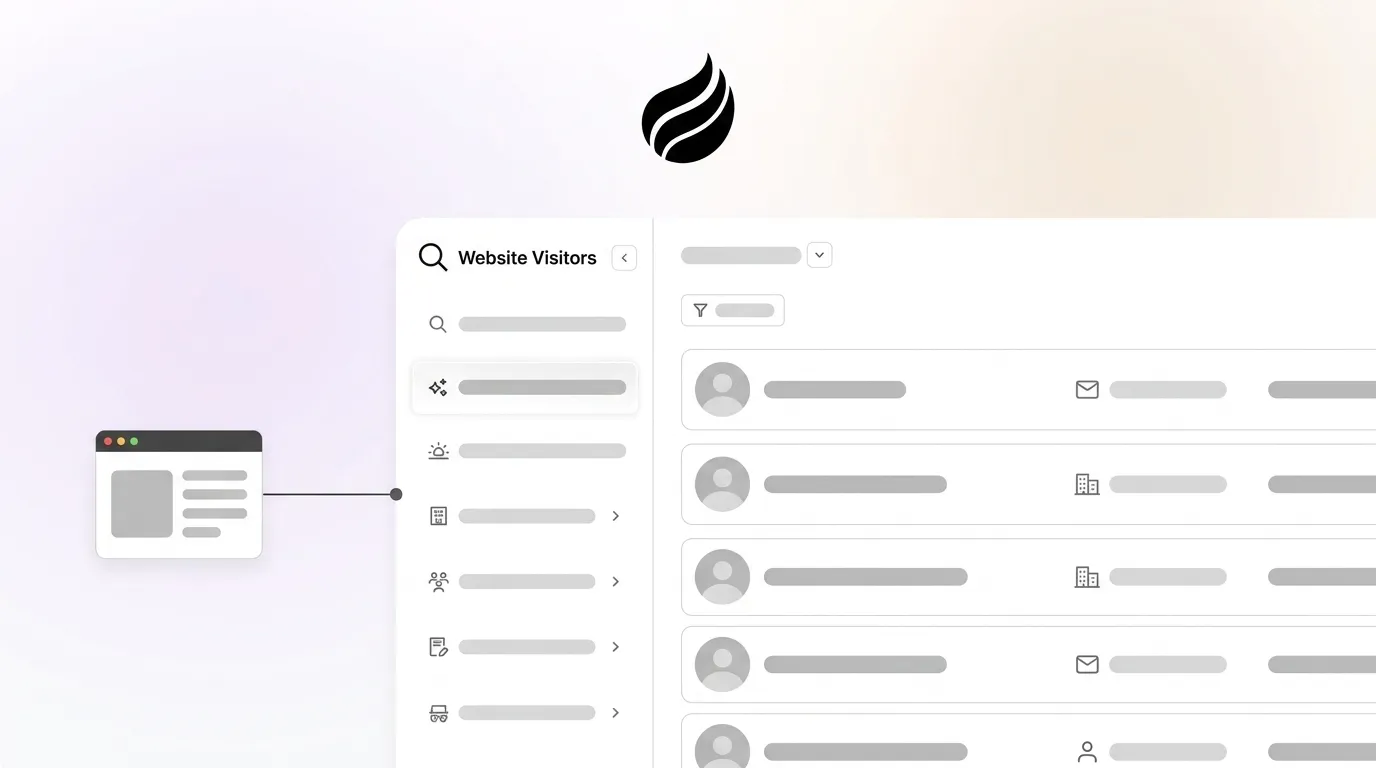
- Website visitor identification in 2026 captures first-party pixel signals and resolves anonymous sessions to company or person records through IP matching and identity graphs.
- 97% of B2B traffic remains anonymous, creating a pipeline gap that most tools fail to close because they stop at company names or raw people lists.
- The six-step workflow of installing a pixel, configuring consent, defining ICP filters, prioritizing high-intent pages, applying buyer-persona matching, and routing to CRM removes manual enrichment and enables real-time agent-driven action.
- Realistic match rates are 30–65% at the company level and 5–15% at the person level, so conservative planning and ICP scoring matter for pipeline projections.
- Coffee turns anonymous traffic into CRM-ready leads today, so get started with Coffee.
The Operational Challenge of Anonymous Traffic
Most B2B website visitors browse, research, and leave without submitting a form. For a 20–200 person SaaS company running Salesforce or HubSpot, that behavior represents a large share of potential pipeline that never enters the funnel.
The gap grows wider because of tooling limits. Many widely deployed solutions, including Leadfeeder, RB2B, and Warmly, resolve traffic to a company name or a raw list of people, then stop. A sales rep still must cross-reference the visitor against ICP criteria, identify the right contact inside the account, enrich the record, and manually create a CRM entry before any outreach can begin. That manual chain introduces hours of delay, and reaching a prospect within five minutes makes them 10x more likely to connect than waiting thirty minutes.
The 2026 best-practice standard closes that gap entirely. Pixel events turn into named leads and CRM actions, driven by an agent, in real time.
Six Steps to Implement Visitor Identification That Actually Drives Pipeline
- Install the tracking pixel. Drop a single script into the
<head>tag of every page. Verify installation before you move on. Without a confirmed pixel, identification and filtering produce no usable data. - Configure your consent banner. The ePrivacy Directive requires consent before placing non-essential cookies, even when legitimate interest is the GDPR legal basis for processing. For EU traffic, gate cookie-based identification behind an explicit accept action. For US traffic, disclose tracking in your privacy policy and provide a CCPA opt-out mechanism for person-level data.
- Define ICP filtering rules. An effective ICP combines firmographic data such as industry, company size, revenue range, and geography with technographic data, behavioral signals, and fit indicators. To operationalize this definition, encode each dimension as a scored filter, for example firmographic match at 40 points, technographic match at 30 points, and behavioral signals at 30 points, so your identification tool can rank every visitor numerically. This scoring model lets you set a clear threshold, where leads scoring 70 or higher represent hot ICP-fit prospects that deserve immediate outreach, while lower scores move to nurture or get discarded.
- Prioritize high-intent pages. Filtering to high-intent pages such as pricing, case studies, and competitor comparisons from identified contacts produces the highest-converting lead pool. Configure alerts to fire only when a visitor lands on these pages, not on every session.
- Surface named individuals with buyer-persona matching. Company-level data tells you which account visited. Buyer-persona matching tells you who to contact inside it. ICP qualification operates at the account level, while persona-based engagement operates at the individual level and must come second. Coffee’s Suggested Leads layer applies your defined buyer persona against the visiting account and surfaces two or three specific humans, including name, title, and LinkedIn profile, who are most likely to be the economic buyer or champion.
- Route to CRM and Slack in real time. Push the enriched, ICP-filtered, persona-matched record directly into Salesforce or HubSpot as a contact and associated activity. Trigger a Slack notification with one-click actions such as LinkedIn connect, email outreach, or auto-enrollment in a drip sequence. This approach removes manual data entry and tab-switching.
Realistic Match Rates You Can Expect in 2026
Company-level identification typically achieves realistic match rates of 30–65% of total B2B traffic, although remote work has reduced pure IP-based match rates because home connections no longer map cleanly to corporate IP ranges.

Person-level identification generally achieves realistic match rates of only 5–15% of B2B traffic, which is lower than company-level, because it depends on probabilistic matching across identity graphs rather than deterministic IP-to-corporate-range resolution.
Vendors often inflate match rates by blending company-level and person-level results or by testing only on enterprise in-office traffic. Plan your pipeline projections against the conservative end of these ranges.
Consent and GDPR Considerations for 2026
Beyond technical match rates, any visitor identification program operating in 2026 must address regulatory compliance, particularly for EU traffic. Under GDPR Article 3, any organization that monitors the behavior of EU residents on its website falls within scope, regardless of the organization’s own location.
A 2026 compliance checklist for visitor identification programs includes several core actions.
- Disclose visitor identification tracking and its legal basis in your privacy policy.
- Execute Data Processing Agreements, or DPAs, with all identification vendors.
- Document a Legitimate Interest Assessment, or LIA, for company-level processing.
- For person-level EU identification, conduct a Data Protection Impact Assessment, or DPIA, and configure a consent management platform so the identification tool activates only after consent is obtained.
- Implement geofencing so EU visitors receive only company-level data by default.
- Under CCPA and CPRA in California, vendors that aggregate cookie graphs and re-identify visitors across sites may trigger regulated sale or sharing definitions, which require opt-out mechanisms.
- Set data retention limits and build a process for handling Data Subject Access Requests.
Coffee is SOC 2 Type 2 and GDPR compliant. Data is not used to train public models.
From Company-Only Data to Named Individuals with Buyer-Persona Matching
The main limitation of company-level identification is that it does not identify the specific person at the company, which forces teams to use additional enrichment to determine the right contact. Many tools and RevOps workflows stall at this point.
A two-layer approach solves this bottleneck. First, apply ICP filters to the visiting account and check whether the company matches on industry, size, revenue, geography, and tech stack. Second, once the account clears ICP thresholds, apply buyer-persona matching to identify two or three individuals inside that account whose title, seniority, and functional role align with your defined buyer.

Coffee’s Suggested Leads feature executes both layers automatically. Where RB2B and Warmly surface either a company name or an undifferentiated list of employees, Coffee cross-references the visiting account against your configured buyer persona and returns only the highest-fit individuals, with LinkedIn profiles pre-loaded for immediate outreach. The result is a named, enriched, persona-matched lead delivered to your CRM without a single manual lookup.
Measuring Pipeline Impact from Visitor Identification
Visitor identification generates real ROI only when you measure it end-to-end. Track these metrics at each stage of the funnel.
- Identification rate: Percentage of sessions resolved to company or person level. Benchmark against the 30–65% company-level and 5–15% person-level ranges above.
- ICP pass rate: Percentage of identified visitors that clear your ICP scoring threshold. A low pass rate signals that ICP criteria need tightening or that traffic acquisition needs adjustment.
- Time-to-contact: Minutes between pixel hit and first outreach action. As noted earlier, speed matters, and outreach within hours of a website visit converts significantly better than delayed or cold outreach.
- Meeting rate per identified lead: Number of meetings booked from identified leads, which serves as a key metric for visitor identification workflows.
- Pipeline created per identified account: Opportunities in Salesforce or HubSpot attributed back to the originating pixel event using UTM parameters and CRM source fields.
- Closed-won revenue from identified visitors: Most marketing attribution platforms capture only 20–30% of LinkedIn’s actual revenue impact because of short attribution windows, while visitor identification extends visibility across the full buyer journey.
Coffee’s Pipeline Compare feature tracks week-over-week changes to every opportunity, including those sourced from visitor identification, without manual CSV exports or spreadsheet reconciliation.
Company-Only Tools vs. Named-Lead Agent Solutions
The table below compares how leading visitor identification tools handle the shift from anonymous session to actionable lead, with a focus on whether they surface named individuals and automate CRM routing or leave manual enrichment and data entry to your team.
| Capability | Leadfeeder (Dealfront) | RB2B | Warmly | Coffee |
|---|---|---|---|---|
| Match type | Company-level only | Person-level in the US and company-level globally | Company and person via a 20 plus provider waterfall | Company and named individual via Suggested Leads persona matching |
| ICP filtering | Manual filter setup in the interface | Limited, with no scored ICP model | Signal-based routing rules | Scored ICP model applied automatically before a lead surfaces |
| Named-individual identification | No | Yes for US traffic, as a raw list with no persona filter | Yes, as an undifferentiated people list | Yes, with Suggested Leads that surface two or three persona-matched humans per account |
| Autonomous CRM routing or manual work required | CRM sync available, but reps select and create records manually | Slack push, and the rep manually enriches and creates the CRM record | Automated sequences available, while CRM write requires configuration | Agent writes enriched contact and activity to Salesforce or HubSpot automatically, with zero manual entry |
Frequently Asked Questions
How accurate is the data Coffee surfaces for identified visitors?
Coffee enriches identified visitor records with job titles, funding data, and LinkedIn profiles via licensed data partners. Data quality is broadly comparable to dedicated enrichment tools like Apollo for most mid-market use cases. Because enrichment is built into the agent, you do not need a separate ZoomInfo or Apollo subscription to get a complete record. The Suggested Leads layer adds a persona-matching step on top of raw enrichment, so the contacts surfaced are not just accurate but also the right people to contact inside the visiting account.
Does Coffee integrate with Salesforce and HubSpot?
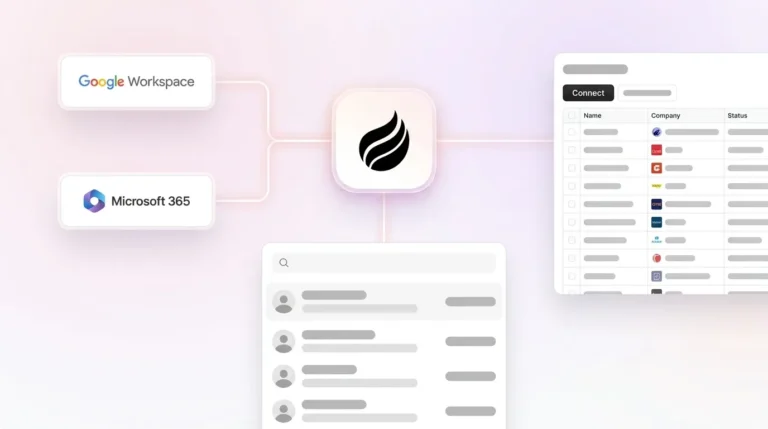
Coffee integrates directly with both Salesforce and HubSpot. It operates in two modes, either as a standalone CRM for teams that want a modern system of record or as a Companion App that sits on top of an existing Salesforce or HubSpot instance. In Companion mode, a simple authentication allows the Coffee Agent to sync identified visitor data, write enriched contact and activity records, and update pipeline fields directly in your existing CRM. This setup preserves current workflows, required fields, and forecasting configurations.
Is Coffee compliant with GDPR and SOC 2 requirements?
Coffee is SOC 2 Type 2 certified and GDPR compliant. Visitor data is not used to train public AI models. For EU traffic, the recommended configuration applies geofencing so that person-level identification is restricted to non-EU sessions, consistent with the compliance framework described in this article. Enterprise buyers that require documented data-handling practices can request Coffee’s SOC 2 report and DPA directly from the team.
What match rate should we realistically expect from Coffee’s visitor identification?
Match rates align with the ranges discussed earlier in this article, where company-level identification typically resolves 20–40% of sessions on a typical B2B site and person-level identification reaches 5–15%. The more important metric for pipeline impact is not raw match rate but ICP pass rate, which measures the share of identified visitors that clear your firmographic and persona filters. Coffee’s scoring layer applies ICP criteria before a lead is surfaced, so the volume delivered to reps is smaller but materially higher quality than an unfiltered people list.
Conclusion
Anonymous traffic represents a workflow problem rather than a data problem. The identification technology to resolve sessions to companies and named individuals already exists. The real gap in 2026 sits in the manual chain between pixel hit and CRM-ready lead, which includes ICP scoring, persona matching, enrichment, record creation, and routing. Coffee’s agent-driven visitor identification closes that chain entirely, moving from a single tracking pixel to a Suggested Lead written into Salesforce or HubSpot with no human acting as a data entry clerk at any step.