Written by: Doug Camplejohn, CEO & Co-Founder, Coffee
Key Takeaways
- Salesforce migration succeeds when teams protect data integrity, drive rep adoption, and keep key integrations running throughout the cutover.
- A clear 8-step migration checklist, paired with a readiness review, reduces surprises and keeps the project on a predictable track.
- Teams can either move fully off Salesforce or layer an agent on top, depending on contracts, integrations, and data-quality problems.
- 2026 CRM options range from passive databases to agent-native platforms, and only agent-native CRMs remove manual data entry at the core.
- For sales teams ready to stop manual logging, explore Coffee pricing and see how an agent-native CRM fits 10–50 person organizations.
Why Manual CRM Data Entry Fails Modern Teams
Information silos cost organizations $7.8 million annually in lost productivity, and employees lose 12 hours each week hunting for information across disconnected tools. At the same time, 71% of sales reps say they spend too much time on data entry, which leaves only 35% of their time for actual selling. MuleSoft’s 2025 Connectivity Benchmark reports that organizations average 897 applications but only 29% are integrated, so the typical Salesforce instance sits inside a fragmented, manually stitched stack.
Legacy CRMs rely on relational databases designed before large language models existed. These systems struggle with unstructured data such as call transcripts, email threads, and meeting notes unless teams buy add-ons or rely on manual entry. In 2026, agent-native CRMs now automate the “data in” problem at the foundation, which turns migration into a strategic upgrade instead of a painful last resort.
Pre-Migration Readiness Checklist
- Admin access confirmed: Verify that your team holds full Salesforce admin credentials and export permissions for all objects.
- Data ownership map completed: Document which objects exist, such as contacts, accounts, opportunities, activities, and custom fields, and assign an owner to each stream.
- Stakeholder buy-in secured: Executive sponsorship is critical to migration success because projects stall when budget or resource conflicts appear. Confirm sponsorship before scoping begins and ensure the sponsor can resolve cross-functional blockers.
- Integration inventory documented: List every tool connected to Salesforce, including marketing automation, enrichment, sequencing, and billing, and confirm either replacements or bridge options.
- Timeline expectations set: CRM migration typically takes from a few weeks to 9 months depending on business scale and workflow complexity. Poor data quality can add 2–3 months if cleanup is deferred.
- Budget buffer allocated: Capterra’s 2026 Software Buying Trends Report contains no CRM-specific budget statistics; a separate 2026 source reports that 62% of CRM implementations exceed budget by 30%+. Build a contingency buffer into your plan.
8-Step Salesforce Migration Checklist
- Audit and scope your data
Purpose: Establish what exists before moving anything. Inputs: Salesforce object list, field inventory, record counts. Outputs: Scoped migration manifest. Owner: RevOps lead. Systems: Salesforce Data Export, Data Loader.
Common pitfall: Common CRM data issues include missing contact details, outdated email addresses, duplicate company records, and deals stuck in old pipelines. Surface these issues before export, not after. - Clean data in the source system
Purpose: Prevent bad data from transferring to the new CRM. Inputs: Raw Salesforce export. Outputs: Deduplicated, normalized dataset. Owner: RevOps or data analyst. Systems: Salesforce, spreadsheet or deduplication tool.
Common pitfall: Data cleansing must be performed in the source CRM before migration because unresolved quality issues cause transformation errors and leave the target system with unreliable information. - Set a data cutoff date
Purpose: Freeze the source system so exports do not become stale mid-migration. Inputs: Project timeline. Outputs: Communicated freeze date. Owner: Project owner. Systems: Salesforce, internal communications.
Common pitfall: Without a cutoff date, teams continue entering records in the legacy CRM, creating a moving target that invalidates the export. - Map fields to the destination CRM
Purpose: Ensure every Salesforce field has a valid destination. Inputs: Salesforce field list, destination CRM schema. Outputs: Field mapping document. Owner: Technical lead in IT or operations. Systems: Both CRMs and a mapping spreadsheet.
Common pitfall: Field mapping must cover standard fields, active custom fields, data transformation rules, and required fields in the new CRM so imports do not break. Retire legacy fields that no longer support active workflows. - Run a pilot migration in a staging environment
Purpose: Validate the process on a subset of records before full execution. Inputs: Sample dataset covering 10–15% of records. Outputs: Validated import and error log. Owner: Technical lead. Systems: Destination CRM sandbox.
Common pitfall: Migration of CRM data must be tested rigorously in a staging environment before production cutover to avoid irreversible adverse outcomes. - Execute full migration with parallel cutover
Purpose: Move all records while maintaining business continuity. Inputs: Cleaned, mapped dataset. Outputs: Fully populated destination CRM. Owner: Technical lead and project owner. Systems: Migration tool or ETL platform and both CRMs.
Common pitfall: A big-bang migration requires source system downtime, while a trickle migration runs both systems in parallel with no downtime but greater implementation complexity. Choose the pattern that matches your team’s risk tolerance. - Validate post-migration data integrity
Purpose: Confirm that records transferred accurately and completely. Inputs: Source record counts and destination record counts. Outputs: Validation sign-off. Owner: RevOps and sales reps. Systems: Destination CRM and audit logs.
Common pitfall: Audit checks must validate that aggregate values such as total pipeline dollar amounts match exactly between source and target. Then spot-check key accounts and active deals manually. - Reconnect integrations and go live
Purpose: Restore the full tech stack on the new platform. Inputs: Integration inventory from the pre-migration checklist. Outputs: Live, connected CRM. Owner: Technical lead and tool owners. Systems: All connected platforms, including email, calendar, sequencing, and enrichment.
Common pitfall: Forrester 2026 lists insufficient training as the third most common cause of CRM failure (22%). Schedule rep onboarding before go-live, not after.
Migrate or Overlay With an Agent Layer
Before executing the migration process above, teams should decide whether a full migration is the right path. The decision depends on how deeply Salesforce sits inside your workflows and whether the core issue is the platform or the data quality feeding it.
Migrate fully when Salesforce licensing costs are unsustainable, customization debt has made the instance hard to maintain, or rep adoption has collapsed and the platform is no longer trusted as a system of record.
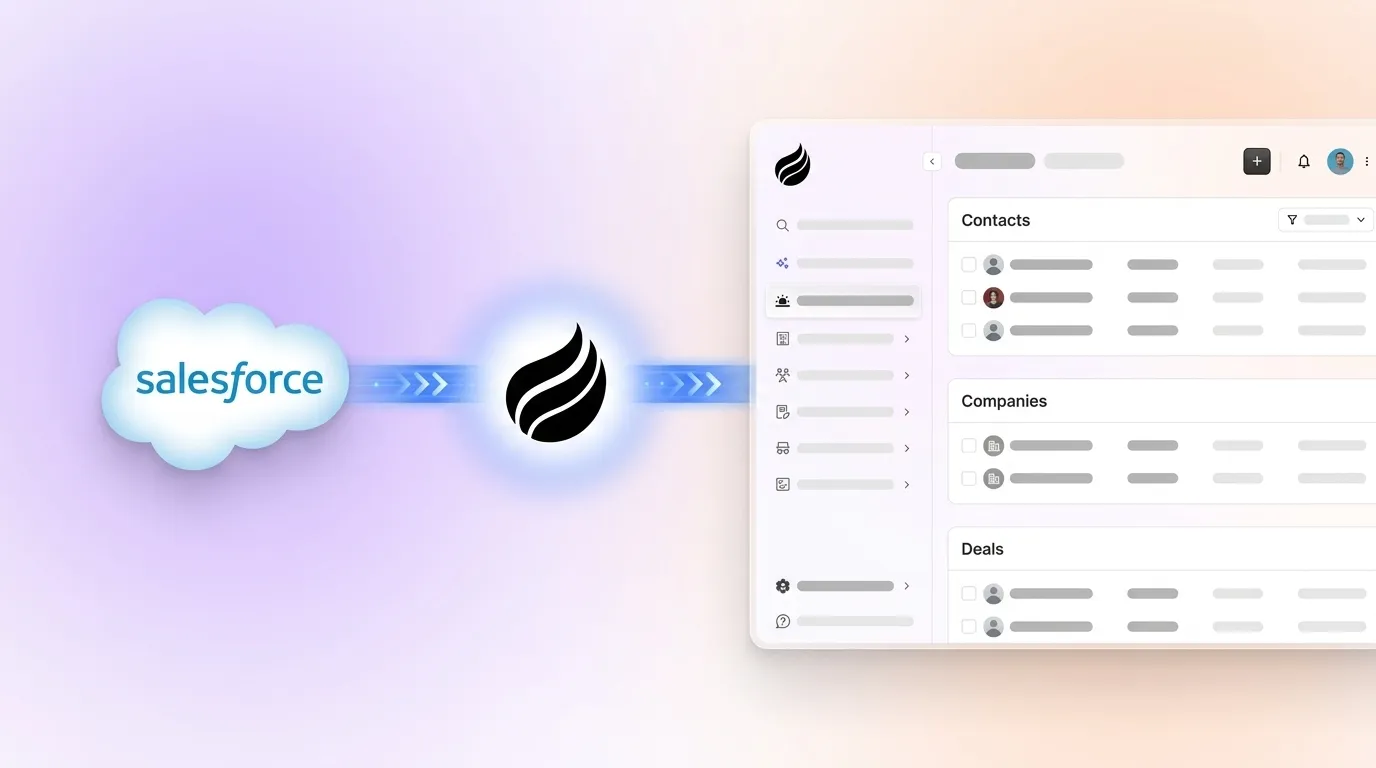
Overlay with an agent when Salesforce is contractually locked in, enterprise integrations depend on it, or the main problem is poor data quality and low rep adoption rather than core functionality. Coffee’s Companion App deploys the Coffee Agent as an intelligent layer on top of an existing Salesforce instance, automatically logging activities, enriching contacts, transcribing calls, and writing structured data back to Salesforce without manual CRM work from reps. This path breaks the “bad data in, bad data out” cycle without a migration project.

2026 CRM Alternatives and Architecture Tradeoffs
The table below compares architecture type and relative cost positioning for leading alternatives and highlights the gap between passive databases that rely on manual entry and agent-native platforms that automate data capture at the infrastructure level. Total cost of ownership varies significantly by team size, integration requirements, and customization depth. The figures below reflect general market positioning rather than fixed per-seat rates, which change frequently.
| CRM | Architecture | Data Entry Model | Cost Positioning (10–50 seats) |
|---|---|---|---|
| Zoho CRM | Passive database | Manual + limited automation | Low |
| HubSpot Sales Hub | Passive database (marketing-first) | Manual + sequences | Medium–High |
| Microsoft Dynamics 365 | Passive database (enterprise) | Manual + Copilot add-on | High |
| Clarify CRM | Post-ChatGPT, limited integrations | Partially automated | Medium |
| Day.ai | Post-ChatGPT, unstructured-data focus | Productivity-oriented automation | Medium |
| Coffee Standalone | Agent-native (structured + unstructured) | Fully automated by agent | Seat-based, no usage metering |
Zoho, HubSpot, and Dynamics use passive database architectures that still rely on humans to maintain data quality. Clarify and Day.ai reflect post-ChatGPT thinking but carry integration limits that constrain established teams. Coffee is the only option in this set built on a data warehouse architecture that ingests both structured records and unstructured data such as emails, transcripts, and calendar events through an autonomous agent. This design solves the “data in” problem at the infrastructure level instead of patching it with bolt-on tools.
Coffee as the Destination CRM for Growing Teams
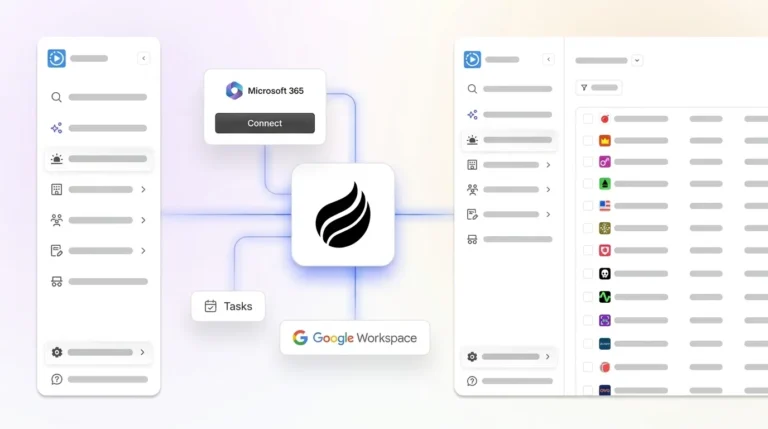
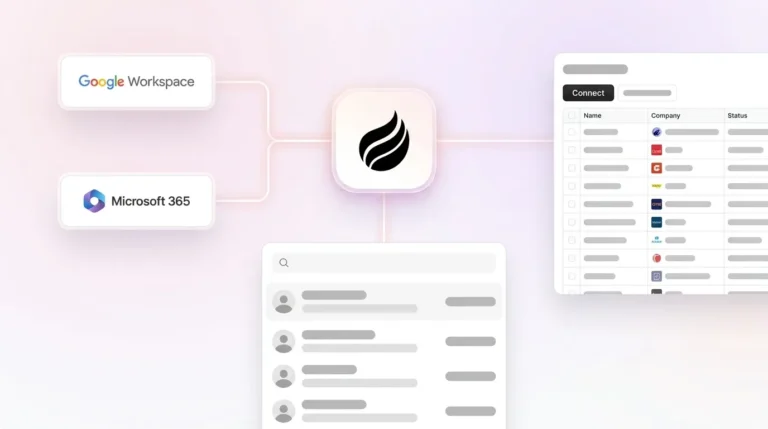
Coffee’s Standalone CRM serves 10–50 person sales teams that have outgrown spreadsheets or plan to exit a legacy platform. After you connect Google Workspace or Microsoft 365, the Coffee Agent auto-creates contacts and companies from email and calendar activity, enriches records with job titles, funding data, and LinkedIn profiles, and logs all activity without rep input. These capabilities deliver the 8–12 hours per week in time savings established as the benchmark earlier.

The Pipeline Compare feature visualizes week-over-week deal movement, including progressed opportunities, stalled deals, and new additions. This replaces manual CSV exports and interrogation-heavy pipeline reviews with structured, agent-generated insights. Meeting briefings, AI call recording, automated summaries, and follow-up drafts come in the same seat-based price. No separate Gong license, no ZoomInfo subscription, and no Fathom add-on.

Pricing is seat-based, and the agent’s labor covers unlimited data capture, enrichment, meeting orchestration, and pipeline tracking. There is no metering on LLM usage or automated processes.
Post-Migration Adoption and Change Management
No Forrester 2026 report states that companies investing in change management are 3.5x more likely to succeed with CRM implementations, yet appointing an internal CRM champion still improves adoption. The following checklist applies regardless of destination platform.
- Designate a named internal CRM champion with authority to resolve adoption blockers.
- Run role-specific training sessions for reps, managers, and RevOps within the first two weeks after go-live.
- Use a phased rollout. No HubSpot data shows phased rollouts are 2.8x more likely to succeed than big-bang implementations, but gradual change still reduces risk.
- Include reps in prototype testing before go-live to reduce resistance to new interfaces.
- Remove access to the legacy CRM on a defined date to prevent shadow-system reversion.
- Establish a feedback loop, such as a weekly Slack channel or office hours, for the first 60 days.
Validate Success After Migration
Three metrics show whether a migration delivered the intended outcome.
- Data completeness score: Measure the percentage of contact and opportunity records with all required fields populated. Capture a baseline on day one after migration and track weekly for 90 days.
- Rep time saved on data entry: Survey reps at 30 and 90 days after migration and compare against the baseline time-waste figure from the opening section.
- Forecast accuracy: Compare pipeline-to-close ratios from the 90 days before migration with the 90 days after. Improved data quality should tighten forecast variance. Organizations with poor data quality see 60% higher project failure rates than those with strong data quality programs, so forecast accuracy becomes a clear lagging indicator of whether the migration solved the underlying problem.
Frequently Asked Questions
How long does a Salesforce migration typically take for a 10–50 person team?
A 10–50 person team with a reasonably clean Salesforce instance usually needs 6 to 14 weeks for a full migration to a modern CRM. This timeline assumes a structured process that includes data audit and cleanup for 2 to 3 weeks, field mapping and pilot migration for 1 to 2 weeks, full migration and integration reconnection for 1 to 2 weeks, and validation plus training for 2 to 4 weeks. If data quality is poor, expect 4 to 8 additional weeks for cleanup. Out-of-the-box SaaS CRM replacements move faster than heavily customized migrations because no custom code needs rebuilding. Teams using Coffee’s Companion App as an overlay can be operational within days, since no data migration is required and the agent enriches and logs data on top of the existing Salesforce instance immediately after authentication.
Is my CRM data secure during and after migration?
Data security during migration depends on the tools and protocols in use. Best practice requires exporting source data to encrypted, access-restricted storage before any transformation or transfer. All migration work should occur over encrypted connections, and staging environments should remain isolated from production systems. For the destination CRM, verify SOC 2 Type 2 compliance and GDPR alignment before committing. Coffee is SOC 2 Type 2 certified and GDPR compliant, and customer data is not used to train public AI models. For teams using the Companion App, Coffee authenticates to Salesforce through standard OAuth and writes enriched data back through the Salesforce API, so no raw data leaves your Salesforce instance for an uncontrolled environment.
What integrations does Coffee support post-migration?
Coffee connects natively to Google Workspace and Microsoft 365 for email, calendar, and contact sync. The AI meeting bot integrates with Zoom, Google Meet, and Microsoft Teams for call recording and transcription. For broader stack connectivity, Coffee currently supports integrations through Zapier, with deeper native integrations on the roadmap. Teams migrating from Salesforce that want to preserve specific workflow automations can often cover them through the Zapier layer, which supports most mid-market use cases. Teams with highly custom Salesforce workflows should inventory automation dependencies during the pre-migration readiness phase and confirm Zapier coverage before locking a migration timeline.
What is the rollback plan if the migration fails or adoption collapses?
A rollback plan must exist before migration begins, not after problems appear. The core requirement is a verified, complete backup of the Salesforce export stored in access-restricted storage with a confirmed record count. If the destination CRM migration fails validation, the team reverts to Salesforce using this backup as the authoritative source. For teams worried about adoption risk, Coffee’s Companion App offers a zero-rollback-risk path. Salesforce remains the system of record, and the Coffee Agent operates as an additive layer. If the agent layer is removed, Salesforce remains unchanged, which makes the Companion App the lowest-risk entry point for teams that want agent-native capabilities without a full platform switch.
Conclusion: Choosing a Path Beyond Manual CRM Work
Salesforce migration becomes manageable when teams follow a structured checklist, clean their data, assign clear ownership, and select a destination platform that fixes the core problem instead of copying it. The central issue with legacy CRMs is not the vendor but the architecture that turns humans into data entry clerks. Moving to another passive database without addressing that architecture recreates the same outcome on a new platform.
Coffee’s agent-native CRM removes manual data entry at the infrastructure level, which protects data quality from day one. Teams ready to migrate fully can use Coffee Standalone, which is built for 10–50 person sales organizations. Teams that must stay on Salesforce can use Coffee’s Companion App to gain the same agent capabilities without a migration project.