Written by: Doug Camplejohn, CEO & Co-Founder, Coffee
Key Takeaways
- Salesforce migration ROI is measured over a three-year window that covers licenses, implementation, data migration, training, and productivity gains versus legacy system costs.
- Legacy CRMs drain productivity because reps spend up to 71% of their time on manual data entry instead of selling; agent-augmented stacks reverse this pattern by automating capture and logging.
- Three primary failure modes, low adoption, dirty data, and integration debt, can destroy expected returns unless you address them with both process discipline and automation.
- Deploying an autonomous agent layer such as Coffee Companion recovers 8–12 hours per rep per week, drives activity capture above 90%, and lifts three-year migration ROI into the 314–341% range.
- Unlock the full financial upside of your Salesforce investment by adding Coffee’s agent automation — get started with Coffee today.
Why Legacy CRMs Lag Behind Agent-Augmented Salesforce Stacks
Legacy CRM environments treat data entry as a human responsibility. The result is predictable: 71% of sales reps report spending too much time on data entry, leaving only 35% of their time for actual selling. When reps must log calls, update fields, and reconcile records across disconnected tools, the CRM turns into a productivity drain instead of a strategic asset.
Agent-augmented stacks run on a different architecture. An autonomous agent handles data ingestion, activity logging, and enrichment continuously, so humans focus on selling. The Salesforce State of Service 2025 reports that 66% of service organizations were running AI agents in 2026, up from 39% in 2025, a 1.7× year-over-year adoption increase. The global AI automation market is projected to grow from USD 129.92 billion in 2025 to USD 1,144.83 billion by 2033 at a CAGR of 31.4%, driven by enterprises that integrate automation directly with existing CRM platforms instead of replacing them.
The practical implication for a mid-market RevOps leader is clear. A Salesforce migration alone does not close the productivity gap. An agent layer is required to capture the full return.
Cost and Benefit Structure for a 100-Seat Mid-Market Salesforce Deployment
To quantify that return, model the full cost and benefit structure for a typical mid-market deployment. The following sample calculation uses a 100-seat organization over a 36-month window. All figures are illustrative benchmarks for modeling purposes. The table below highlights how recurring license fees dominate the three-year total, while one-time implementation and migration costs concentrate in Year 1.
| Line Item | Year 1 Cost | 3-Year Total |
|---|---|---|
| Salesforce licenses (Sales Cloud, ~$150/seat/mo) | $180,000 | $540,000 |
| Implementation & configuration consulting | $75,000–$200,000 | One-time |
| Data migration & cleansing | $25,000–$75,000 | One-time |
| Training & change management | $15,000–$40,000 | Recurring annually |
| Coffee Companion (agent layer, per seat) | Variable | See pricing |
On the benefit side, productivity recapture from eliminating manual data entry at 8–12 hours per rep per week converts into substantial selling time. CRM performance issues and workflow friction compound across sales teams and create material revenue loss. Against this fully loaded cost base, a well-executed migration with an agent layer consistently reaches the 314–341% three-year ROI range cited in mid-market benchmarks.
The Three Failure Modes That Destroy Salesforce Migration Returns
1. Low Adoption. Research consistently shows that 30–70% of CRM implementations fail to meet their objectives, with organizations spending $50K–$500K+ on implementation consulting alone only to see the system become shelfware. Technology accounts for only 20–30% of implementation success; people and process account for the remaining 70–80%. When reps view the CRM as a chore, they log in only when required, enter minimal data, and maintain shadow systems in spreadsheets, the same behavior pattern that drives the 71% data-entry burden cited earlier.
2. Dirty Data. Inaccurate or duplicate data migrated without prior cleansing creates long-term issues for the platform. Users who distrust reports stop updating records, which accelerates the data decay cycle. Users ask “Why should I update Salesforce when the numbers are wrong anyway?”. That mindset creates a self-reinforcing failure loop.
3. Integration Debt. Data mapping from legacy systems to Salesforce fields requires meticulous planning, with Business Analysts spending considerable time on analysis demanding deep understanding of both the source system and target Salesforce architecture. Unresolved integration debt keeps reps toggling between disconnected tools and erodes the productivity gains the migration should deliver. iceDQ’s automated reconciliation testing on a post-M&A Salesforce consolidation reduced project timelines and lowered QA resource requirements, delivering significant direct labor savings. That outcome shows how unaddressed integration complexity carries a quantifiable cost.
Agent Automation as the Adoption and Data Quality Multiplier
Each of these failure modes, low adoption, dirty data, and integration debt, stems from the same root cause: requiring humans to serve the software. An autonomous agent flips that relationship so the system serves the team. Coffee Companion deploys as an autonomous agent layer on top of an existing Salesforce instance. It connects through a simple authentication to Google Workspace or Microsoft 365, then immediately begins capturing contacts, logging activities, transcribing calls, and writing enriched data back to Salesforce, all without manual input from reps.

The measurable outcomes are concrete. Reps recover 8–12 hours per week that they previously lost to data entry, and activity capture rates exceed 90%. Pipeline data starts to reflect reality instead of what reps remembered to log. Teams deploying both front-of-call AI and back-of-call automation achieve 25–50% reductions in average handle time, and industry average ROI on AI customer service tools reaches $3.50 returned per $1 invested, with leading organizations reaching up to 8×.

By removing the manual data entry burden, Coffee Companion directly addresses all three failure modes. Adoption rises because reps no longer serve the software. Data quality improves because the agent captures ground-truth inputs from emails, calendars, and call transcripts. Integration debt shrinks because Coffee consolidates enrichment, recording, and activity logging into a single agent.
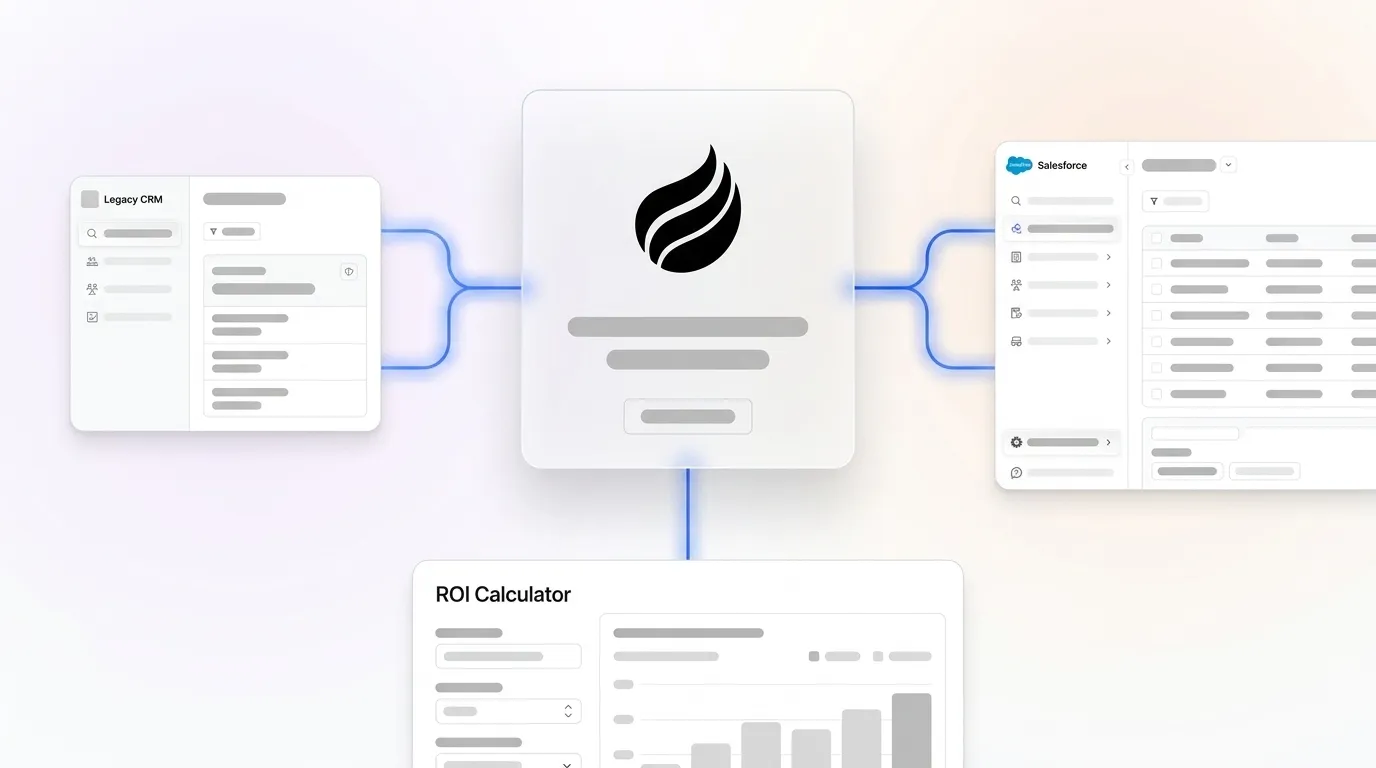
ROI Calculator Walkthrough for a CFO-Ready Model
The table below provides an editable framework. Replace the bracketed inputs with your organization’s actual figures to generate a CFO-ready estimate. The sample column illustrates how a 100-rep team that recovers 10 hours per rep per week creates about $8.6M in productivity value over three years, which yields roughly 310% net ROI against total migration and agent costs of about $2.1M.
| Variable | Your Input | Sample (100 reps) |
|---|---|---|
| Number of sales reps | [X] | 100 |
| Avg. fully loaded rep cost/year | [$Y] | $120,000 |
| Hours/week recovered per rep (agent) | [8–12] | 10 |
| Selling weeks/year | [48] | 48 |
| Productivity value recovered (3 yr) | Calculated | ~$8.6M |
| Total migration + agent costs (3 yr) | [$Z] | ~$2.1M |
| Net 3-Year ROI | Calculated | ~310% |
For a downloadable version of this model with pre-built formulas, visit the Coffee pricing page to speak with a solutions specialist who can tailor the calculation to your headcount and deal velocity.
Lightning-Only vs Full Migration vs Migration Plus Coffee
Not all Salesforce migrations share the same cost profile or return timeline. The table below contrasts three common scenarios using publicly available benchmark ranges. The comparison highlights how adding an agent layer compresses the payback period by removing adoption and data-quality drag.
| Scenario | Typical 3-Year ROI Range | Est. Payback Period |
|---|---|---|
| Lightning UI upgrade only | Lower end of benchmark range | 18–24 months |
| Full legacy-to-Salesforce migration | 314–341% (mid-market benchmark) | 12–18 months |
| Full migration + Coffee Companion agent | 314–341%+ with agent multiplier | 6–12 months (estimated) |
Performance benchmarks show that average Lightning page load times can exceed common targets. A Lightning upgrade without performance monitoring and agent-assisted adoption still leaves significant productivity value on the table.
30-Day Post-Migration Adoption Playbook
A structured 30-day post-migration program is the single highest-leverage action a RevOps leader can take to protect ROI. Users forget much of one-time training content within a week, so a single go-live session rarely sustains behavior change.
- Days 1–7: Deploy Coffee Companion authentication for all reps, and verify that activity capture is live in Salesforce before any manual training begins.
- Days 8–14: Run role-specific micro-training sessions of 30 minutes or less that focus on reading Coffee-generated summaries and pipeline compare views, not on data entry.
- Days 15–21: Have the executive sponsor run the first pipeline review using only Salesforce data. Effective executive sponsorship requires leaders to ask questions that require system data and hold managers accountable for team adoption.
- Days 22–30: Establish a data governance policy that defines Coffee as the system of record for activity logging and assigns human reps responsibility only for deal stage and close date updates. This policy creates a clear division of labor that makes accountability measurable.
- Ongoing: To enforce that policy, run monthly data quality audits using Coffee’s pipeline compare feature to surface stalled deals and missing records before they distort forecasts.
Real-World Coffee-on-Salesforce ROI Story
A mid-market company generating tens of millions in annual revenue and building custom AI solutions faced a familiar problem. Their sales process lived in spreadsheets, and manual CRM entry could not keep up with headcount growth. After evaluating Salesforce and HubSpot, and rejecting both for requiring too much manual maintenance, they deployed Coffee Companion on top of their existing stack.
The outcomes arrived quickly. Automatic contact creation from Google Workspace cleared the data entry backlog within the first week. The Pipeline Compare feature replaced manual CSV exports for weekly reviews and turned what had been an interrogation session into a strategic discussion. Reps recovered the expected 8–12 hours per week, and pipeline accuracy improved because the agent captured every interaction, including calls, emails, and meetings, without relying on rep memory or discipline.

The finance case stayed straightforward. The agent’s labor cost was fixed and seat-based, while the productivity return scaled with every rep added. There was no complex LLM metering and no per-process fees.
Frequently Asked Questions
How long does it take to see ROI after deploying Coffee Companion on Salesforce?
Most teams see measurable productivity gains within the first week of deployment. Coffee Companion begins capturing contacts, logging activities, and writing data back to Salesforce as soon as authentication completes, so reps stop spending time on manual entry from day one. The 8–12 hours per week recovered per rep converts into a quantifiable productivity return that compounds over the first quarter. For a 50-rep team, that recovery alone represents thousands of hours of selling time annually. The payback period on the Coffee seat cost typically falls well under 12 months when modeled against fully loaded rep costs.
Is Coffee Companion secure enough for a mid-market organization with compliance requirements?
Coffee is SOC 2 Type 2 certified and GDPR compliant. Data ingested by the agent, including emails, calendar events, and call transcripts, is not used to train public AI models. For mid-market organizations in non-regulated industries, this certification level is sufficient for standard procurement reviews. Organizations in healthcare or finance with multi-year security review cycles sit outside Coffee’s current ideal customer profile, and the team will say so directly rather than over-promise on compliance scope.
Does Coffee Companion replace Salesforce, or does it work alongside it?
Coffee Companion is explicitly designed to work alongside Salesforce, not replace it. As described earlier, it authenticates once and then continuously enriches your Salesforce instance with contacts, activities, and meeting summaries, with Salesforce remaining the system of record. Coffee acts as the agent that keeps Salesforce accurate without human effort. This approach removes migration risk, avoids retraining on a new platform, and preserves existing Salesforce workflows, dashboards, and integrations.
What integrations does Coffee support beyond Salesforce?
Coffee connects natively to Google Workspace and Microsoft 365 for email and calendar data capture. It integrates with Zoom, Google Meet, and Microsoft Teams for call recording and transcription. Broader tool integrations, including connections to outbound sequencing and enrichment platforms, are currently available via Zapier, with deeper native integrations on the product roadmap. The agent’s API access also allows technically capable teams to script custom prompts and bespoke briefings using Coffee’s underlying data.
How is Coffee priced, and how does it fit into a Salesforce migration business case?
Coffee uses seat-based pricing, so you pay for the human seats and the agent’s labor is included without metering on LLM usage or individual processes. This structure keeps the cost line in a migration business case straightforward, a fixed per-seat fee that scales predictably with headcount. When you model a three-year ROI case for finance, enter the Coffee seat cost as a line item under ongoing administration, and place the productivity recapture of 8–12 hours per rep per week and the pipeline accuracy lift on the benefit side. The net result consistently improves the overall migration ROI multiple compared to a Salesforce-only deployment.