
Written by: Doug Camplejohn, CEO & Co-Founder, Coffee
Key Takeaways for Salesforce Teams
- Manual CRM data entry consumes a large share of a sales rep’s week and costs teams weeks of selling capacity each year.
- Zero-touch capture across all three channels is now the baseline requirement for any serious companion agent in 2026.
- Native Salesforce tools like Einstein and Agentforce demand significant admin configuration and ongoing governance work.
- Coffee’s Companion App delivers low implementation effort and fast time-to-value for most mid-market Salesforce teams.
- Eliminate data entry busywork and reclaim selling time, explore Coffee’s plans today.
Why CRM Automation Decisions Matter in 2026
The average sales rep spends only 35% of their time selling, with the rest lost to email, CRM updates, meeting prep, and data entry. That time drain is measurable, because many reps spend more than 60 minutes daily on CRM data entry alone. For field reps, the cost is even steeper and often reaches 10 to 15 hours per week on manual CRM tasks. Eliminating this work returns the equivalent of several extra weeks of selling capacity per year and improves data quality by removing rushed updates. The financial and competitive cost of inaction is no longer defensible.
How This Guide Evaluates Salesforce Companion AI Tools
Every tool in this guide is assessed against eight criteria:
- Zero-touch data capture, which asks whether the tool captures email, calendar, and meeting data without rep input.
- Data quality and enrichment, which covers automatic firmographic and role enrichment for contacts.
- Implementation effort and time-to-value, which measures configuration steps and weeks to first value.
- Rep adoption and UX, which evaluates whether the interface serves the rep or demands effort from them.
- Integration footprint, which looks at whether the tool consolidates or expands the stack.
- Pipeline visibility, which checks for week-over-week pipeline intelligence without manual exports.
- Data privacy and compliance, which reviews certifications and data handling controls.
- Total cost of ownership, which includes add-ons, maintenance, and admin overhead.
The comparison table below focuses on the three dimensions that vary most for mid-market teams: zero-touch capture scope, implementation effort, and total cost of ownership. The remaining criteria appear in the detailed sections that follow.
Side-by-Side Comparison: Native Einstein vs. Dedicated Companion Agents
| Tool | Zero-Touch Capture (Email / Calendar / Meetings) | Implementation Effort | 2026 TCO Notes |
|---|---|---|---|
| Einstein Activity Capture | Email and calendar sync only, meeting transcription requires separate Einstein Conversation Insights license | Moderate, requires Salesforce admin configuration, field mapping, and data governance setup before activation | Included in some Sales Cloud tiers but full capability (Conversation Insights, Agentforce) requires add-on licensing, custom workflow maintenance adds ongoing cost |
| Agentforce | Structured data automation via Data 360 unified profiles, unstructured capture depends on connected data sources and Flow configuration | High, requires clean CRM data, defined permissions, topic scoping, and governance policies before agents can operate reliably | Consumption-based pricing on top of existing Sales Cloud, admin and architect overhead significant for mid-market orgs without dedicated Salesforce staff |
| Coffee | Full zero-touch capture across all three channels via Google Workspace or Microsoft 365 authentication, auto-creates contacts, logs activities, and writes enriched records back to Salesforce | Low, single authentication step with rapid rollout for mid-market teams, no Salesforce admin required for core deployment | Simple seat-based pricing, agent labor is unlimited and included, consolidates enrichment, recording, and pipeline intelligence into one line item |
| Oliv | Meeting recording and post-call summaries with CRM write-back, email and calendar capture scope varies by integration configuration | Low-to-moderate, meeting bot setup is straightforward while deeper CRM field mapping requires configuration | Per-seat pricing, enrichment and pipeline intelligence typically require additional tools |
| KaraX | Conversation intelligence and meeting summaries with Salesforce logging, email capture depends on connected inbox | Moderate, CRM integration setup and coaching workflow configuration add implementation time | Per-seat pricing, positioned primarily as a conversation intelligence tool rather than a full data capture agent |
See Coffee’s pricing and deployment options
Companion App vs. Native Einstein: Architecture and Data History
Salesforce Data 360 connects structured and unstructured data sources and processes them into structured insights for use by Agentforce, but this pipeline depends on pre-configured data governance, field mapping, and clean upstream records. The underlying architecture adds a second constraint because Salesforce relies on basic relational databases, so updated fields overwrite historical context. This matters for pipeline intelligence because week-over-week deal movement, stall detection, and forecast accuracy all depend on historical state. Coffee’s Companion App uses a data warehouse architecture that preserves every version of a record. When AI lives outside the CRM, reps lose 5–10 minutes each time they switch between platforms, creating data silos that require manual reconciliation. Coffee removes that context switching by writing enriched, structured data directly into the Salesforce record, with no separate login and no manual reconciliation.
Setup Speed and Time-to-Value
Salesforce automation tools deliver predictable costs and faster implementation for standardized tasks, but Agentforce deployments still require clean CRM data, defined lead-scoring criteria, role-based permissions, and governance policies before agents operate reliably. For mid-market teams without a dedicated Salesforce architect, that configuration overhead can extend time-to-value by weeks or months. Coffee’s Companion App connects through a single Google Workspace or Microsoft 365 authentication and uses that connection to start work immediately. The agent begins scanning emails and calendars, auto-creating contacts, and logging activities without Salesforce admin involvement. Most mid-market teams require 3–8 weeks or longer to reach full operational deployment of enterprise software or AI tools, so a single-step connection changes the deployment curve.
Data Capture Workflows from Email, Calendar, and Meetings
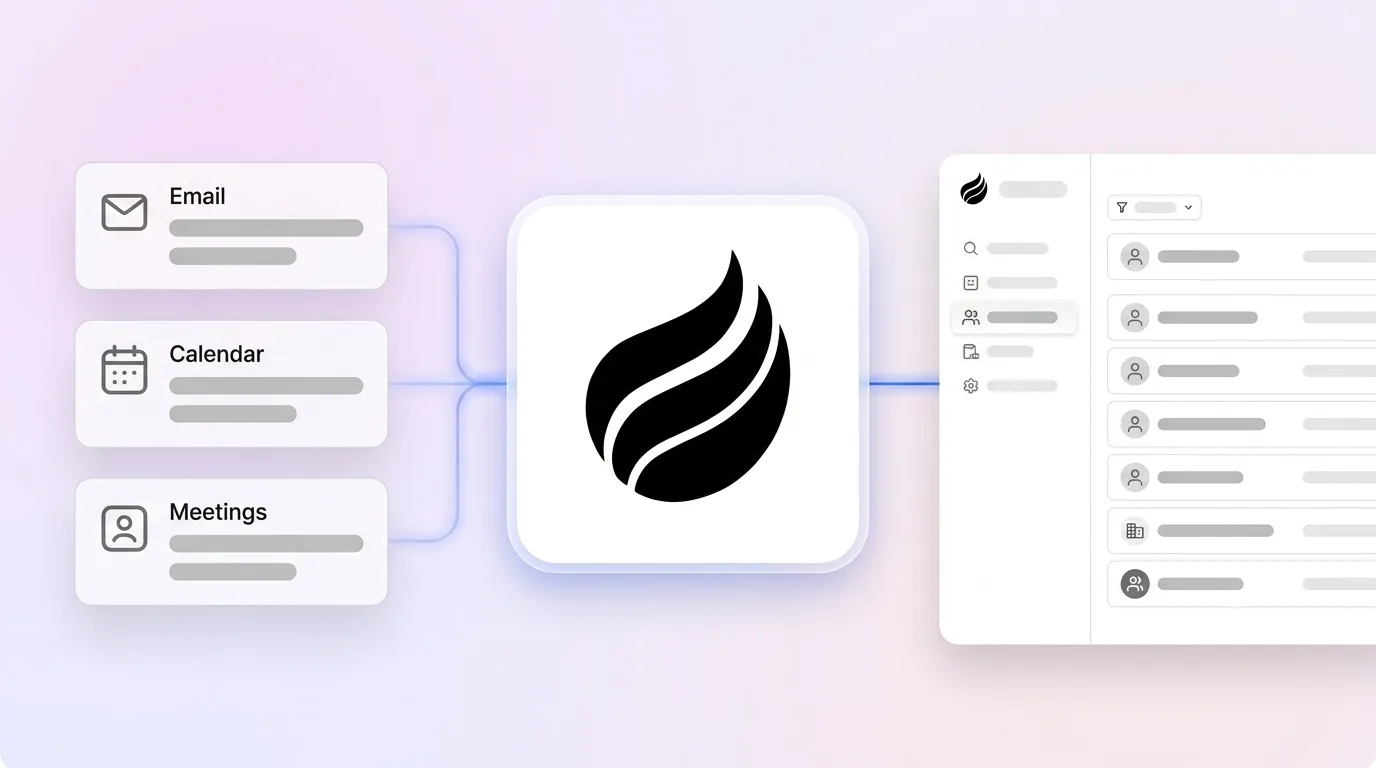
Coffee’s zero-touch workflow runs in three clear phases that mirror a rep’s day.

- Pre-meeting: The agent scans the calendar, pulls existing CRM context, and generates a briefing with attendee roles, past interactions, and suggested talking points, delivered as a “Today” page before the call.
- During meeting: The AI meeting bot joins Zoom, Teams, or Google Meet to record and transcribe the conversation in real time.
- Post-meeting: The agent generates a structured summary in formats such as BANT, MEDDIC, or SPICED, identifies next steps, drafts a follow-up email in Gmail, and writes all activity back to the Salesforce record without rep input.
Einstein Activity Capture handles email and calendar sync natively, while meeting transcription requires a separate Einstein Conversation Insights license. Salesforce lists Activity Capture and Einstein Conversation Insights as distinct features under its Einstein Platform trust documentation, so full coverage relies on multiple licensed components rather than a single agent.

Post-Meeting Automation and Pipeline Intelligence
Coffee’s Pipeline Compare feature visualizes week-over-week deal movement, including progressed opportunities, stalled deals, and new additions, directly from the data warehouse without CSV exports or manual review prep. Companies that adopt AI sales platforms can see higher win rates and faster deal cycles when this intelligence feeds coaching and forecasting. Agentforce can surface pipeline insights through Einstein analytics, yet those outputs depend on the quality and completeness of data already in Salesforce, which is the upstream gap companion agents aim to close.

Best-Fit Use Cases for Mid-Market Salesforce Teams
Prioritizing rep adoption with minimal IT lift: Coffee suits teams that want single authentication, no admin dependency, and a rep-facing UX that removes busywork instead of adding steps.
Prioritizing native Salesforce governance and enterprise compliance: Agentforce fits orgs that accept significant implementation effort and ongoing admin overhead in exchange for deep native control.
Prioritizing meeting intelligence as a standalone layer: Oliv or KaraX work well when teams only need meeting capture, though both usually require additional tools for enrichment and pipeline visibility that Coffee includes in one product.
Operational Considerations and Change Management
Adoption rates are significantly higher when AI is embedded where reps already work, because this approach avoids separate logins and custom integrations. For RevOps leaders, this lowers the change management burden of a companion agent compared with a native Agentforce deployment that touches many admin settings. Coffee’s agent operates as a background worker, so reps receive briefings, summaries, and follow-up drafts inside tools they already use without changing their workflow. As headcount grows, seat-based pricing scales linearly and avoids extra configuration overhead for each new user.
Risks and Limitations Across Tools
Einstein Activity Capture and Agentforce: Poorly scoped topics, over-permissioned actions, and model drift can cause agents to malfunction even without external threats. Agentforce agents inherit over-permissioned user risks and operate at machine speed, making sensitive data exposure a structural risk without least-privilege enforcement. Native tools also require ongoing admin maintenance as org configurations evolve.
Coffee: Deeper custom integrations beyond Google Workspace, Microsoft 365, and Salesforce currently route through Zapier, while native direct integrations sit on the roadmap. Coffee is not designed for large enterprises with complex, multi-org Salesforce architectures.
Oliv and KaraX: Neither consolidates enrichment, pipeline intelligence, and meeting capture into a single agent, so total cost of ownership includes additional point solutions.
Decision Framework and Quick Checklist
This checklist helps connect your constraints to the companion AI that fits best.
- ☐ Need zero-touch capture across email, calendar, and meetings from a single agent? → Coffee
- ☐ Lack a dedicated Salesforce admin? → Coffee or Oliv
- ☐ Need fast deployment with minimal setup? → Coffee
- ☐ Already invested in Agentforce licensing and have Salesforce admin capacity? → Agentforce
- ☐ Require SOC 2 Type 2 and GDPR compliance? → Coffee (certified), Agentforce (Trust Layer with zero data retention)
- ☐ Want pipeline compare without manual exports? → Coffee
- ☐ Prefer enrichment, recording, and forecasting in one line item? → Coffee
Start your Coffee deployment today
Frequently Asked Questions
How long does implementation typically take for a mid-market Salesforce org?
For Coffee’s Companion App, deployment is significantly faster than the 3–8 week timeline typical for enterprise software. The agent starts work after a single authentication to Google Workspace or Microsoft 365, and no Salesforce admin involvement is needed for core setup. Coffee begins capturing emails, calendar events, and meeting data immediately after connection. Native Agentforce deployments take considerably longer because they require clean CRM data, defined permission sets, topic scoping, and data governance configuration before agents operate reliably. Teams without a dedicated Salesforce architect should budget several weeks for a production-ready Agentforce rollout.
What migration effort is required when switching from native Einstein to a companion agent?
Switching from Einstein Activity Capture to Coffee does not require a traditional data migration. Coffee writes enriched data into your existing Salesforce records, so Salesforce remains the system of record throughout. The primary effort involves authenticating Coffee to your email and calendar provider, reviewing field-mapping defaults, and communicating the workflow change to reps. Historical data already in Salesforce stays in place. The Coffee agent begins capturing new activity immediately and enriches existing contacts and companies as it encounters them, without export or re-import steps.
Which security certifications should teams verify before deploying a Salesforce companion AI?
Teams should verify SOC 2 Type 2 certification, GDPR compliance, and CCPA alignment at minimum. For tools that process meeting recordings, confirm that audio and transcript data is not used to train third-party models. Coffee is SOC 2 Type 2 certified and GDPR compliant, and customer data is never used to train public models. For Agentforce, Salesforce’s Trust Layer provides zero data retention by third-party LLMs, PII masking in prompts, and encryption across storage, transit, and use. Teams in regulated industries should also confirm data residency options and the availability of audit logs for agent activity.
How can RevOps leaders evaluate fit without lengthy proofs of concept?
RevOps leaders can run a time-boxed pilot with a single sales pod of 3–5 reps over two weeks and track three metrics. These metrics include hours of manual data entry eliminated per rep per week, CRM field completeness before and after deployment, and rep-reported time spent on meeting prep and follow-up. Coffee’s rapid deployment supports this evaluation model because the agent becomes fully operational before a traditional POC would finish onboarding. For Agentforce, a sandbox evaluation using Data Mask and Seed allows safe testing without exposing production data, although the configuration effort means the sandbox phase itself may take several weeks before meaningful productivity data is available.
Conclusion: Picking the Right Zero-Touch Companion in 2026
Mid-market Salesforce teams in 2026 face a clear reality, because manual CRM data entry consumes several hours per rep per week and compounds into lost selling weeks each year. The real decision centers on which architecture delivers true zero-touch capture with low implementation burden and strong rep adoption. Native Einstein and Agentforce work well in well-governed, admin-supported Salesforce orgs that accept higher overhead. For mid-market teams that need fast time-to-value, consolidated tooling, and an agent that works for reps instead of demanding effort from them, Coffee’s Companion App fits that profile. It connects through a single authentication step, captures every interaction automatically, and writes enriched, structured data back into Salesforce so reps can focus on selling while the agent handles everything else.


