Written by: Doug Camplejohn, CEO & Co-Founder, Coffee
Key Takeaways
- Startups lose 11.5 hours weekly to manual CRM data entry, with reps spending only 30% of time selling.
- Attio offers quick setup and a modern UI at $8,280 per year for 10 seats but still depends on ongoing manual input.
- Salesforce provides enterprise scalability but creates high implementation costs and complexity for small teams.
- Coffee’s autonomous agent removes data entry work and saves 8 to 12 hours per rep each week through automatic capture and enrichment.
- Choose Coffee today for automation that supports growth from seed stage through Series A without disruptive migrations.
How This CRM Comparison Applies to Seed and Series A Teams
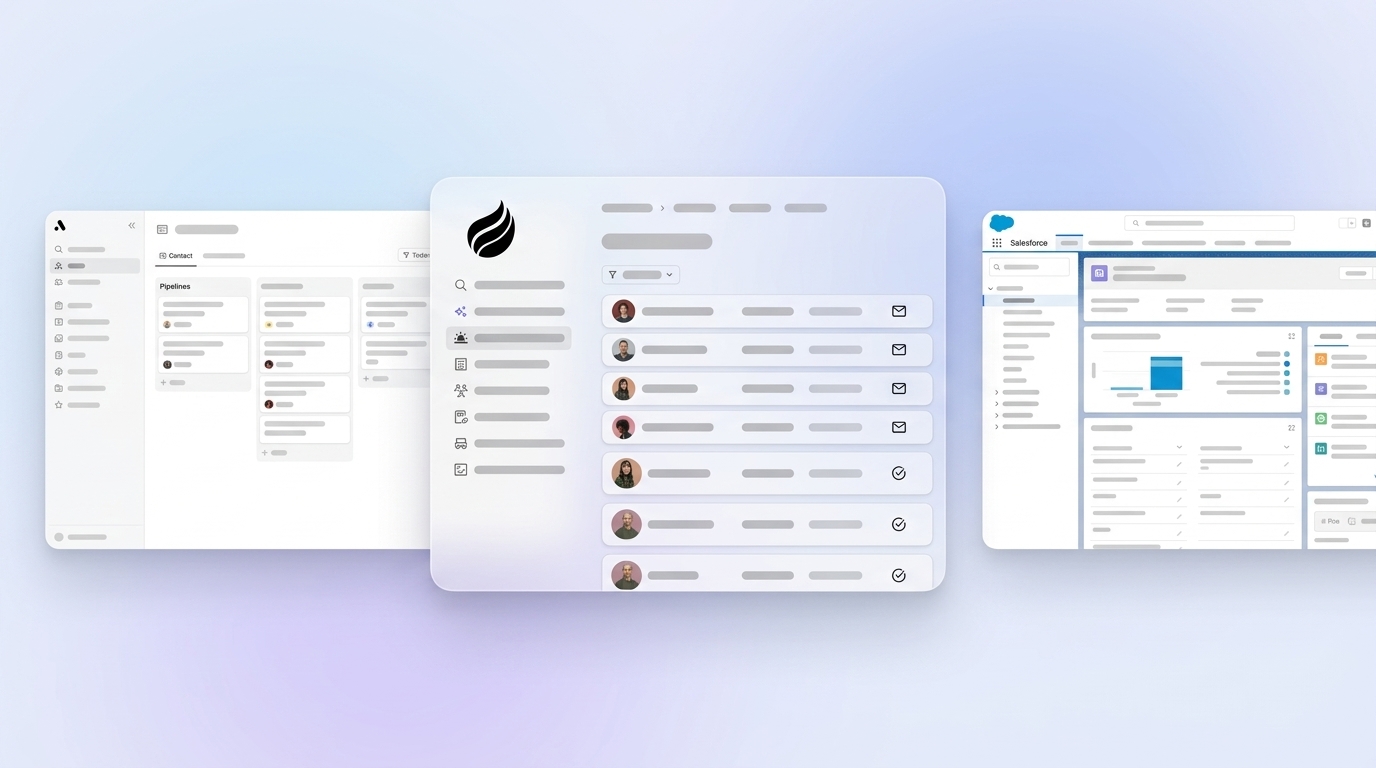
Seed and Series A companies with 1 to 50 employees face a clear CRM tradeoff between automation and manual maintenance. These teams need rapid deployment and predictable costs, yet traditional systems often fail when reps avoid tedious data entry. Attio and Salesforce act as passive databases that wait for humans to type in updates, while Coffee operates as an autonomous agent that unifies email, calendar, and meeting data automatically. This autonomous approach allows Coffee to run as a standalone CRM for small teams and as a companion app that feeds existing Salesforce or HubSpot instances, with the agent handling data capture in both setups.

Evaluation Criteria for Attio, Salesforce, and Coffee
This comparison evaluates eight critical factors for startup CRM selection:
- Setup time and implementation complexity
- 2026 pricing for 10 to 25 seat teams
- Data entry automation capabilities
- User adoption and ease of use
- Scalability beyond 50 employees
- Integration ecosystem (Google Workspace, Zoom)
- Pipeline intelligence and reporting
- Security compliance (SOC 2, GDPR)
The table below focuses on the five most quantifiable differences. Later sections cover adoption, integrations, pipeline intelligence, and security in more depth.
Side-by-Side CRM Comparison for Startup Teams
| Criteria | Attio | Salesforce | Coffee |
|---|---|---|---|
| Setup Time | 1-3 days | Significant implementation time and onboarding costs | Rapid setup with Google Workspace sync |
| 10-Seat Annual Cost | $8,280 (Pro plan) | Higher due to onboarding and implementation | Seat-based, no LLM fees |
| Data Entry | Manual input required | Manual input required | Autonomous agent automation |
| Time Savings | None | None | 8-12 hours/week per rep |
| Scale Limit | No seat limit on paid plans | Enterprise-focused | Scales as standalone or companion |
Coffee’s agent-led architecture delivers immediate value through automated data capture and enrichment, while Attio and Salesforce depend on constant human maintenance. The cost gap widens once hidden labor costs from manual data entry and admin work enter the picture.

Setup Speed and Cost for Startups in 2026
Attio excels at rapid deployment, with users reaching a usable workspace in a couple of minutes through Google or Microsoft email sync. The Pro plan costs $8,280 annually for 10 seats with no onboarding fee, which appeals to budget-conscious startups that can absorb manual upkeep.
Salesforce requires significant upfront investment, with typical onboarding fees via partners driving up total cost even when timelines are short. Implementations can finish in 2 to 4 weeks for small businesses using a single cloud with clean data, minimal customization, and no complex integrations. Even in that best case, professional services fees push first-year costs for a 10-seat team far beyond the base subscription price.
Coffee removes setup complexity through instant Google Workspace authentication that imports contacts, companies, and activities from existing email and calendar data. The agent starts enriching records right away, so teams see value within hours instead of waiting weeks for configuration and training.
Manual Data Entry as the Main CRM Adoption Risk
Manual data entry represents the primary failure point for startup CRM adoption. B2B sales representatives spend an average of 11.5 hours per week on manual data entry, while Salesforce’s State of Sales Report shows that reps spend only 30% of their working time on actual selling. These industry-wide patterns explain why manual CRMs struggle with adoption regardless of interface quality.
Both Attio and Salesforce rely on human input for data quality. Attio’s intuitive interface still requires teams to create contacts, log activities, and update deal stages by hand. Salesforce adds complexity through dense field requirements and rigid data structures that slow down every update.
Coffee’s autonomous agent removes this friction. The agent automatically creates and enriches contacts, companies, and activities, delivering the 8 to 12 hours per week of time savings mentioned earlier. It combines structured CRM data with unstructured sources such as email threads and meeting transcripts, so teams gain complete customer profiles without extra clicks.

See how Coffee’s agent eliminates data entry for your team and returns selling time to your reps.
Scalability and Adoption as Teams Grow
This automation advantage becomes even more critical as companies scale, because manual data entry burdens grow with every new hire. Attio serves startups well at the beginning but faces limitations at scale. Most companies Ziellab works with start on Attio and graduate to HubSpot once they pass 50 employees and $5 million ARR. The platform lacks the deeper automation needed for complex, multi-department workflows.
Salesforce offers strong enterprise scalability but often overwhelms small teams with unnecessary complexity. Its 25-year legacy produces crowded interfaces and configuration layers that discourage adoption among startup employees who expect lightweight, modern tools.
Coffee scales through a dual-model approach that adapts as teams grow. Small teams can rely on Coffee as their primary CRM. Growing companies can shift to a companion model where the agent feeds Salesforce or HubSpot, which removes the need for disruptive migrations while keeping automation in place.
Pipeline Intelligence from Complete, Automatic Data
Traditional CRMs provide basic reporting that depends on manual data exports and dashboard setup. Attio offers up to 100 reports on Pro plans, and Salesforce often requires extra licenses for advanced analytics.
Coffee’s agent captures complete interaction history in a built-in data warehouse, which turns automation into actionable intelligence. Because the agent logs every interaction automatically, features like Pipeline Compare can visualize week-over-week changes without requiring reps to update deal stages. The analysis runs on complete data instead of partial records that humans remembered to enter. The List Builder then allows natural language queries such as “Find VPs of Sales in North America at companies with $10M+ funding using Salesforce,” so teams can act on that intelligence quickly.

Best-Fit CRM Use Cases by Team Profile
The choice between these platforms depends on your team’s tolerance for manual work and your need for automation. Attio suits solo founders and small teams under 20 employees that prefer a modern UI and accept manual data entry for simple sales processes.
At the opposite end of the spectrum, Salesforce serves enterprise organizations with complex requirements, dedicated admin teams, and large budgets for customization and training.
Coffee targets the middle ground, supporting 5 to 50 person teams that need automation to scale efficiently but lack resources for enterprise complexity. A $10 million AI solutions company recently replaced a Salesforce and spreadsheet hybrid with Coffee’s agent and removed manual data entry while keeping sophisticated pipeline tracking and forecasting.
Operational and Long-Term CRM Considerations
Coffee consolidates the typical startup sales stack by replacing separate tools for enrichment, recording, and pipeline management. Recent integrations with QuickBooks and Stripe automatically sync invoices and payment statuses, which gives founders and sales leaders real-time revenue visibility inside the CRM.
The platform maintains SOC 2 Type 2 and GDPR compliance, so it meets security expectations for growing startups. Zapier integration connects Coffee to existing tools, while deeper native integrations continue to expand on the roadmap.
Consolidate your sales stack with Coffee’s all-in-one platform and reduce tool sprawl.
Risks, Limitations, and Common Misconceptions
Attio’s main limitation involves scalability and persistent manual data requirements. Lightweight CRMs like Attio hit a “Reporting Ceiling” and lack robust multi-touch attribution or cross-object reporting for complex queries.
Salesforce introduces risks around adoption, cost escalation, and administrative overhead that can overwhelm small teams. Its complexity often leads to underused features and shadow CRM systems in spreadsheets.
Coffee’s limitations appear mainly in enterprise scenarios that demand intricate approval workflows or heavy customization. The agent’s automation often reduces the need for rigid process enforcement, which softens many of those enterprise-style requirements for startups.
Decision Framework for Choosing Your Startup CRM
Choose Coffee when eliminating data entry sits at the top of your priority list and your team values automation over manual control. Select Attio for teams under 10 employees that want hands-on data management with a modern interface. Consider Salesforce only when enterprise features clearly justify the added complexity and cost.
For 2026 startups, Coffee’s agent-led approach offers a practical balance of automation, scalability, and cost efficiency. The platform removes the manual labor that blocks CRM adoption while still delivering enterprise-grade insights and forecasting.
Start your Coffee trial and experience autonomous CRM for your team.
FAQ
What are the actual costs of Attio vs Salesforce for startups in 2026?
For a 10-person startup team, Attio’s Pro plan costs $8,280 annually with no onboarding fees. Salesforce Pro involves significantly higher first-year costs that include substantial partner onboarding and implementation fees. Attio delivers better sticker value for small teams, but both tools still carry ongoing labor costs from manual data entry that Coffee’s automation removes.
Does Attio require manual data entry like traditional CRMs?
Yes. Despite its modern interface, Attio still requires manual input for contact creation, activity logging, and deal updates. The platform syncs email and calendar data at the start, yet ongoing maintenance depends on human effort, which contributes to the 11.5 hours per week of manual entry highlighted earlier and reduces selling time.
Can Coffee replace Salesforce for growing startups?
Coffee serves as both a standalone CRM for small teams and a companion agent that automates data entry for existing Salesforce instances. This flexibility lets startups begin with Coffee’s full platform and later shift to the companion model if they need Salesforce’s enterprise features, which avoids painful migrations.
What is the best CRM with no data entry for startups?
Coffee stands out by removing manual data entry through its autonomous agent architecture. The platform automatically captures, enriches, and organizes customer data from email, calendar, and meeting sources, and teams gain the 8 to 12 hours per week of reclaimed time referenced earlier. Traditional CRMs like Attio and Salesforce still rely on human maintenance for data quality.
How does Coffee’s agent automation compare to traditional CRM workflows?
Coffee’s agent runs continuously in the background and creates contacts from email interactions, enriches company data, logs activities, and generates meeting summaries automatically. Traditional CRMs wait for humans to perform these tasks, which creates data gaps and resistance to adoption. The agent approach keeps data complete and accurate without interrupting workflows, which supports better forecasting and pipeline management.