Written by: Doug Camplejohn, CEO & Co-Founder, Coffee
Key Takeaways
- Sales reps spend 71% of their time on admin work, which creates incomplete data and weakens Pipedrive AI forecasting accuracy.
- Pipedrive’s AI Sales Assistant and Pulse beta provide deal risk scores and win probabilities, yet both depend on consistent manual data entry.
- Manual entry creates a classic “garbage in, garbage out” problem, with 79% of organizations missing forecasts by over 10% because of poor data quality.
- Coffee’s agent captures data from emails, calls, and calendars automatically, removing manual work and strengthening Pipedrive forecasts.
- Integrate Coffee with Pipedrive to save 8–12 hours per rep each week and reach agent-driven forecasting accuracy.
Executive Overview of Pipedrive AI Forecasting
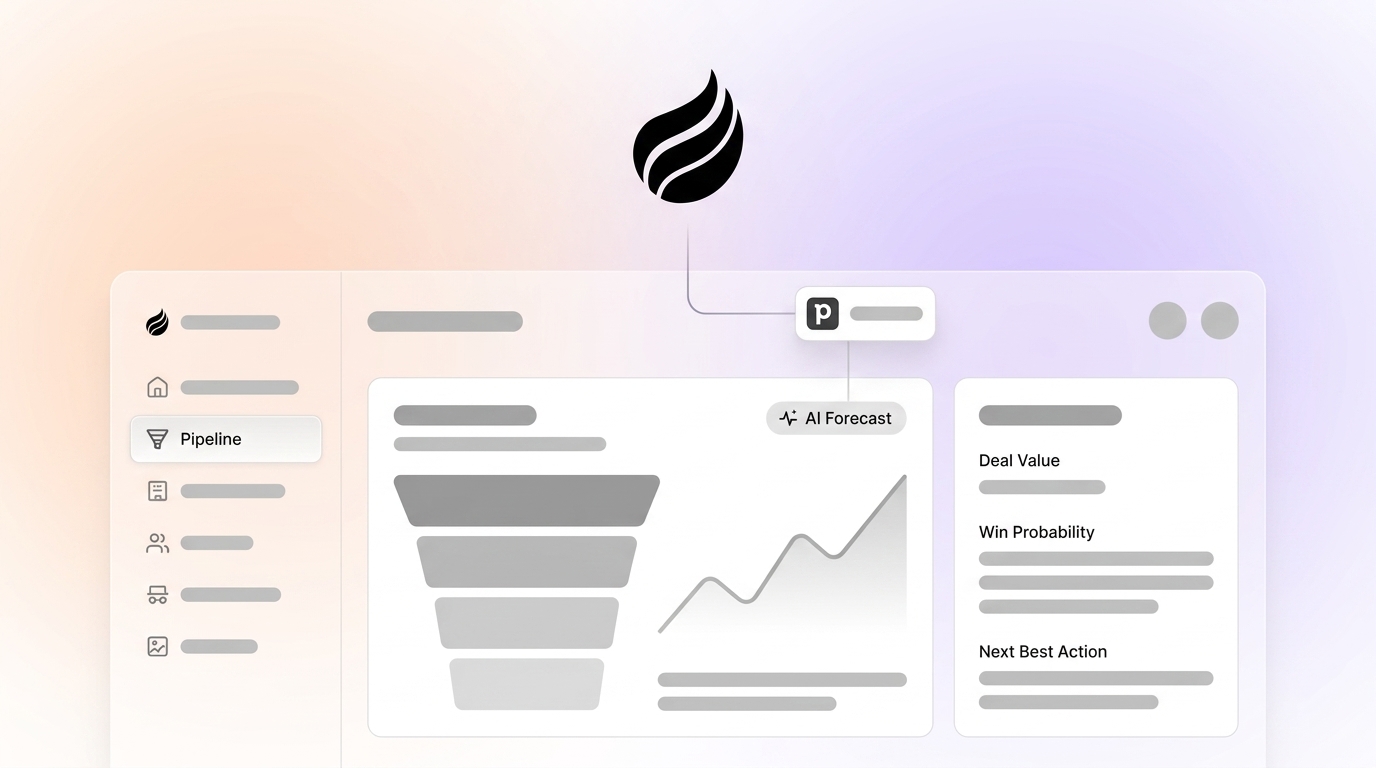
Pipedrive AI pipeline forecasting combines the AI Sales Assistant, weighted pipeline calculations, and the 2026 Pulse beta to predict revenue outcomes. The AI Sales Assistant analyzes deal data to flag at-risk opportunities and suggest next actions. Pulse provides win probability predictions based on historical patterns. These features depend entirely on data quality, and manual entry often limits forecast accuracy. Passive CRMs like Pipedrive can only deliver insights as reliable as the data humans enter.
Market Context and the Shift to Agent-Led CRMs
Pipedrive has evolved significantly from its pre-2026 visual pipeline roots. The platform now includes Vision 3.0 with native AI features like Pulse for deal risk scoring and the AI Sales Assistant for proactive pipeline monitoring. Pipedrive still functions as a passive CRM that depends on human data input, while agent-led systems automatically capture and structure information.
Current forecasting benchmarks highlight the ceiling of passive approaches. Tools such as Pipedrive, Salesforce Einstein, and HubSpot often reach only moderate accuracy. Salesforce Einstein’s forecasting accuracy reaches 79% according to Aberdeen research. Agent-driven platforms that automatically capture structured and unstructured data typically achieve higher accuracy because they start from cleaner input data. Understanding how Pipedrive works clarifies why this data quality gap matters so much.
How Pipedrive AI Pipeline Forecasting Works
Pipedrive AI pipeline forecasting relies on several connected components that analyze deal progression and predict outcomes.
The system follows these key steps:
- Enable AI Features: Account administrators must accept AI Beta terms to activate the Sales Assistant, which is available on Premium and higher plans.
- Configure Pipeline Stages: Teams set up custom stages with probability-based weighting that factors stage position and custom close probability.
- Manual Data Input: Sales representatives log activities, update deal stages, and enter contact information by hand. This step creates the main weakness that limits accuracy.
- AI Analysis: Pulse analyzes pipeline and activity history to provide deal risk scoring, optimal follow-up timing, and win probability predictions.
- Forecast Generation: The system combines weighted deal values with AI insights. It then produces revenue forecasts and highlights at-risk opportunities.
The fundamental limitation appears in step three. When sales reps spend excessive time on data entry, they often skip updates or provide partial information. This pattern creates a “garbage in, garbage out” problem that weakens even advanced AI analysis.
Strategic Pitfalls That Weaken Pipedrive Forecasts
Pipedrive offers an intuitive setup and clear visual pipeline management, which suits many small teams. Several critical pitfalls still limit forecasting reliability.
Manual Data Entry Burden: This administrative burden, the 71% time drain mentioned earlier, leads to incomplete or delayed updates that reduce forecast accuracy.
This time pressure creates a second problem. Unstructured Data Loss: Pipedrive’s architecture cannot effectively process emails, call transcripts, or meeting notes. Valuable signals that influence deal outcomes remain invisible to the AI.
These blind spots then affect context. Historical Context Gaps: When representatives miss updates in high-velocity selling environments, the CRM stops reflecting reality. Forecast quality degrades because the system no longer mirrors actual deal history.
These issues show up clearly in industry data. Industry Benchmarks: The forecast variance problem noted earlier, where nearly 80% of organizations miss by more than 10%, stems from poor pipeline data quality regardless of tool sophistication.
Supercharging Pipedrive with Coffee’s Autonomous Agent
Coffee gives Pipedrive users a practical way to remove manual data entry and improve forecast accuracy. The Coffee Companion App integrates with existing Pipedrive installations and acts as an autonomous agent that enforces “good data in, good data out.”

The integration process requires simple authentication. After that step, Coffee automatically captures emails, calendar events, and call transcripts, then enriches and logs this information directly into Pipedrive. This setup removes the manual data entry burden and supplies Pipedrive’s AI forecasting features with comprehensive, accurate information. The following comparison shows how Coffee’s agent automation addresses Pipedrive’s core limitations.

| Metric | Pipedrive Alone | Coffee + Pipedrive |
|---|---|---|
| Forecast Accuracy | Limited by data quality | Improved with automated capture |
| Data Handling | Manual/Structured Only | Agent (Structured + Unstructured) |
| Time Savings | N/A | 8–12 hours/week per rep |
| Historical Context | Limited | Complete data warehouse |
A company generating tens of millions in revenue previously managed sales in spreadsheets. The team rejected traditional CRMs because of manual work requirements. Coffee’s agent approach removed data entry and delivered automated Pipeline Compare insights for weekly reviews. Start your Coffee integration to bring the same automation to your Pipedrive environment.
Step-by-Step Guide to Stronger Pipedrive Forecasts
Stronger Pipedrive AI forecasting depends on a clear sequence of data quality practices and automation.

- Assess Current Data Gaps: Audit activity logging completeness and identify missing touchpoints that affect deal progression visibility. This baseline shows which data sources require the most attention.
- Integrate Coffee Companion: Deploy autonomous data capture to remove manual entry and maintain a steady information flow. This step builds on your audit and targets the gaps you just uncovered.
- Enable Pipedrive AI Features: Activate Sales Assistant and Pulse through admin settings so AI insights run on clean, complete data. With Coffee handling data quality, you can now trust these AI outputs.
- Automate Enrichment Workflows: Configure Coffee to enhance contact and company records with relevant business intelligence. This enrichment deepens each record and improves the context behind every forecast.
- Establish Weekly Pipeline Reviews: Use Coffee’s Pipeline Compare feature to visualize week-over-week changes without spreadsheets. These reviews help leaders spot risk early and adjust forecasts quickly.
- Benchmark Accuracy Improvements: Track forecast variance against historical performance. This tracking quantifies the impact of agent-driven data quality and guides further adjustments.
- Iterate with 2026 API Capabilities: Use updated integration capabilities to support faster deal progression and new automation scenarios. Each iteration refines both your process and your forecasting accuracy.
Pipedrive vs. Agent CRMs for Forecasting Outcomes
Pipedrive excels at visual pipeline management and user-friendly interfaces. Agent-driven systems like Coffee deliver stronger forecasting outcomes because they automate data quality management. The table below highlights the operational differences that explain Coffee’s forecasting advantage.
| Feature | Pipedrive | Coffee Agent |
|---|---|---|
| Forecast Accuracy | Limited by data quality | Improved with agent automation |
| Data Automation | Manual | Full agent automation |
| Unstructured Data | Poor handling | Excellent processing |
| Time Savings | N/A | Same time savings as above |
The core difference lies in who serves whom. Pipedrive requires humans to serve the software through manual data entry. Coffee serves humans by autonomously managing data quality and feeding Pipedrive with reliable information. Experience agent-driven forecasting with Coffee to see this shift in practice.

FAQ
Is Pipedrive using AI for sales forecasting?
Pipedrive includes AI features such as the Sales Assistant and Pulse beta for deal analysis and win probability predictions. The AI Sales Assistant monitors pipelines and suggests actions. Pulse provides risk scoring and follow-up recommendations. These features still face data quality limits in manual entry systems and usually reach only moderate forecast accuracy compared with agent-driven data automation.
What is Pipedrive AI forecasting accuracy?
Pipedrive AI forecasting accuracy remains constrained when it relies on manually entered data. Accuracy improves when teams pair Pipedrive with autonomous agents like Coffee that remove manual data entry and capture comprehensive structured and unstructured information. Clean, complete data allows Pipedrive’s AI features to perform at a higher level.
How does Coffee integrate with Pipedrive?
Coffee integrates through the authentication process described earlier and maintains SOC 2 Type 2 security compliance while removing manual data entry. This integration preserves existing Pipedrive workflows and significantly improves data quality.

What are the main limitations of Pipedrive’s AI forecasting?
Pipedrive’s AI forecasting faces several key limitations. It depends on manual data entry, which creates incomplete information. It cannot process unstructured data such as email content and call transcripts effectively. It often loses historical context when records are updated. It also offers limited automation and still requires frequent human intervention. Together these factors restrict forecast accuracy despite advanced algorithms.
Can Pipedrive handle both structured and unstructured sales data?
Pipedrive primarily handles structured data through standard CRM fields and forms. It has limited capability for processing unstructured data such as email conversations, call transcripts, or meeting notes. This gap affects forecast accuracy because much sales intelligence lives in unstructured formats. Coffee closes this gap by processing both structured and unstructured data and then feeding clean, organized information into Pipedrive for complete AI analysis.
Conclusion: Turning Pipedrive into an Agent-Ready Forecasting Engine
Pipedrive AI pipeline forecasting supports visual pipeline management and basic deal analysis but remains constrained by manual data entry. Coffee’s autonomous agent solves this core problem by enforcing “good data in, good data out” and delivering the time savings noted earlier. For sales teams committed to Pipedrive that want reliable forecasting, Coffee provides a clear upgrade path to agent-driven revenue intelligence. Transform your forecasting accuracy with Coffee and unlock the full value of your Pipedrive data.