Written by: Doug Camplejohn, CEO & Co-Founder, Coffee | Last updated: July 2, 2026
Key Takeaways for Fixing HubSpot Adoption
- Manual data entry is the primary barrier to HubSpot adoption, consuming 8–12 hours per week and driving reps toward shadow systems like spreadsheets.
- Role-specific workspaces, streamlined dashboards, and reduced property fields lower cognitive friction and make HubSpot feel purpose-built for each rep.
- Automated email and calendar sync combined with AI call logging captures most rep activity without manual input, so logging becomes the exception.
- Tracking four specific KPIs, including activity logging rate and forecast accuracy, gives clear visibility into real adoption progress.
- Deploy the Coffee Companion App to eliminate manual entry entirely and turn HubSpot into a reliable system reps actually use; explore Coffee pricing and plans today.
The Problem: Manual Data Entry Kills HubSpot Adoption
HubSpot started as a marketing platform, and its CRM layer came later. The architecture still reflects that origin. HubSpot stores data reliably, but it does not capture data on its own. Every contact update, call log, meeting note, and deal stage change depends on a rep taking deliberate action inside the platform.
The operational impact is severe. 71% of sales reps report spending too much time on data entry, which leaves only 35% of their working hours available for actual selling. Reps spending the majority of their week on manual logging are not ignoring HubSpot out of laziness. They are making a rational time-allocation decision.
The downstream effects compound quickly. When reps skip logging, deal records go stale. Stale records produce inaccurate pipeline reports. Inaccurate pipeline reports force managers to interrogate reps in forecast calls rather than make strategic decisions. That interrogation dynamic reinforces the perception that HubSpot exists to surveil reps rather than support them, which further suppresses adoption.
This creates a vicious cycle. Bad data in produces bad data out, which reduces trust in the system, which produces even less data in. Shadow CRMs such as personal spreadsheets, shared Notion pages, and sticky notes emerge as the actual source of truth. At that point, the organization pays for HubSpot while operating without it.
Solving HubSpot adoption requires eliminating the manual entry burden at its source, not training reps harder or adding more required fields. The first step is reducing the cognitive friction that makes reps avoid opening HubSpot in the first place.
Design Role-Specific HubSpot Workspaces That Reps Will Use
HubSpot workspace and view configuration tools let administrators strip each rep’s interface down to only what matters for their role. A cluttered dashboard with 40 visible properties creates a major usability barrier. The configuration steps below reduce that friction in a structured way.
Start by navigating to CRM settings and creating a custom default view for each sales role. SDR, AE, and Account Manager roles usually need different property sets. Within each view, remove any field that a rep cannot populate from memory during a call. This simple change immediately lowers the intimidation factor of opening a record.
Next, use HubSpot’s left-panel property editor on Contact and Deal records to surface only the five to seven fields that drive pipeline decisions. Typical examples include deal stage, close date, next activity date, contact owner, and one or two qualification fields. With those record-level views cleaned up, build role-specific dashboards using saved filters so each rep opens HubSpot to a view of their own pipeline instead of the entire team’s data.
Finally, configure task queues so the first action a rep takes each morning is a prioritized call list, not a blank CRM screen. This turns HubSpot into a starting point for the day rather than an administrative chore at the end of it.
These changes reduce the cognitive load of opening HubSpot and make the system feel purpose-built for the rep’s actual job. Clean workspaces are a necessary condition for adoption, but they are not sufficient on their own. The data entry burden must also be removed. Deploy Coffee’s AI agent to keep those workspaces populated without rep effort.
Automate Email and Calendar Sync in HubSpot
HubSpot’s native email and calendar integration can capture a large share of rep activity automatically when configured correctly. In the connected inbox settings, enable two-way sync for Gmail or Outlook so that every sent and received email associated with a known contact logs without manual action. Turn on the HubSpot Sales Chrome extension or Outlook add-in so reps have one-click logging for emails that fall outside automatic capture.
For calendar sync, connect Google Calendar or Microsoft 365 so that meetings with known contacts log automatically as activities on the associated deal or contact record. Configure the meeting outcome property to prompt reps for a single dropdown selection right after a call ends. This keeps the workflow fast while still capturing structured outcomes.
In 2026, AI-powered call logging extends this automation further. Tools that join calls as a meeting bot can transcribe conversations in real time, extract next steps, and write structured summaries directly back to HubSpot deal records. The Coffee Companion App performs this function natively. It joins Zoom, Teams, or Google Meet calls, generates BANT- or MEDDIC-structured notes, and logs the full activity to HubSpot without any rep input.

The combined effect of two-way email sync, calendar logging, and AI call transcription is powerful. Most of a rep’s daily activity gets captured automatically, and manual logging becomes the exception rather than the default.

Evaluate agent-led automation with Coffee and see how automated activity logging changes rep behavior within the first two weeks.
Reduce Clicks Across Core HubSpot Workflows
Every unnecessary click between a rep and a completed action increases the chance they will abandon the task. The changes below reduce friction across the most common HubSpot workflows.
- Set default deal stages to match your actual sales process so reps never encounter stages that do not apply to their motion.
- Use HubSpot sequences to automate follow-up email scheduling so reps enroll a contact once and the system handles cadence execution.
- Create email templates for the five most common outreach scenarios and surface them directly in the compose window.
- Enable predictive lead scoring to surface high-priority contacts automatically, which removes manual list sorting.
- Configure deal board views with mandatory fields highlighted so reps can update a deal stage with a single drag-and-drop action without opening the full record.
- Use HubSpot task automation to create follow-up tasks automatically when a deal stage changes, so reps no longer self-manage their to-do lists.
Once these friction-reduction changes are in place, the next step is measuring whether they actually improve adoption.
Measure Real HubSpot Adoption KPIs
Generic adoption metrics such as logins per week or seats active do not show whether HubSpot functions as a system of record. Real adoption means the CRM contains accurate, complete data that drives decisions. The four KPIs below measure exactly that by tracking activity logging, record completeness, next steps, and forecast reliability.
Activity logging rate: The percentage of deals with at least one logged activity in the past seven days. No specific activity logging rate threshold such as below 70% is defined to indicate reps are working deals outside HubSpot. Adoption is instead measured by targets like 15+ logged activities per rep per week.
Data completeness score: The percentage of contact and deal records with all required fields populated. Track this weekly using HubSpot property completion reports.
Next activity coverage: The percentage of open deals with a scheduled next activity. Deals without a next step remain invisible to forecasting.
CRM-sourced forecast accuracy: The variance between HubSpot’s pipeline forecast and actual closed revenue at the end of each period. Persistent variance often signals data quality issues rather than a forecasting model problem.
Review these four metrics in a weekly RevOps dashboard. Declining scores in any single metric identify where the adoption breakdown occurs and which configuration or automation fix to apply next.
Manual vs. Agent-Automated Workflows
The table below compares the same four core HubSpot workflow steps under a manual process versus an agent-automated process using the Coffee Companion App. Time impact figures are drawn from Coffee internal product benchmarks and show the relative reduction in manual effort across each step.

| Workflow Step | Manual Process | Agent Process (Coffee) | Manual Effort Reduction |
|---|---|---|---|
| Contact and company creation | Rep manually creates record, fills properties, and associates company after each new conversation. | Coffee Agent scans email and calendar, auto-creates and enriches contact and company records with job title, LinkedIn, and funding data. | Roughly 60–70% less rep time on record creation. |
| Call logging and note-taking | Rep writes call notes manually after meetings and copies key points into the HubSpot deal record. | Coffee AI Meeting Bot joins the call, transcribes in real time, generates a BANT or MEDDIC summary, and writes it directly to the HubSpot deal record. | Often 70% or more reduction in manual note-taking. |
| Follow-up email drafting | Rep writes follow-up from memory after each call and manually logs the sent email in HubSpot. | Coffee Agent drafts a follow-up email with action items after the call. The rep reviews and sends, and activity logs automatically via two-way sync. | Roughly 50–60% less time spent on follow-up emails. |
| Pipeline review preparation | Rep exports a CSV and manually updates deal stages and close dates before weekly forecast calls. | Coffee Pipeline Compare visualizes week-over-week deal changes automatically, so no CSV export or manual update is required. | Often 60–70% less prep time before forecast reviews. |
The 90-Day Adoption Playbook Checklist
Days 1–30 — Configure: Audit current HubSpot property usage and remove unused fields. Build role-specific views and dashboards for each sales role. Enable two-way email and calendar sync for all reps. Define and document the five required fields per deal stage. Establish baseline scores for the four adoption KPIs.
Days 31–60 — Automate: Deploy email sequences and templates for the top five outreach scenarios. Enable AI call logging and connect the Coffee Companion App to HubSpot. Configure automatic task creation on deal stage changes. Run the first weekly KPI review and identify the lowest-scoring metric.
Days 61–90 — Optimize: Review data completeness scores and close gaps with additional automation rules. Use Coffee Pipeline Compare to run forecast reviews without manual prep. Measure forecast accuracy variance and compare it to the Day 1 baseline. Confirm activity logging rate is above 70% across all reps.
Roll out Coffee’s Companion App alongside this 90-day checklist to remove manual data entry while you refine processes.
Conclusion: Turn HubSpot into a Tool Reps Actually Use
Low HubSpot adoption is a data entry problem, not a training problem. Role-specific workspaces reduce cognitive friction. Automated email, calendar, and call logging remove the manual burden that pushes reps toward shadow systems. The four adoption KPIs create accountability without guesswork. The Coffee Companion App then acts as the agent layer that keeps everything running, capturing every interaction, enriching every record, and writing structured intelligence back to HubSpot without requiring manual entry from reps.
Organizations that complete this 90-day playbook consistently see reps shift from avoiding HubSpot to relying on it. The system finally works for them instead of demanding constant labor from them.
Deploy Coffee’s agent layer and make HubSpot adoption a solved problem.
Frequently Asked Questions
What is the most common reason sales reps do not use HubSpot?
The most common reason is manual data entry burden. When reps must log every call, update every contact record, and manually sync every activity, HubSpot consumes time that would otherwise go toward selling. As noted earlier, the 8–12 hours per week spent on manual data entry drives reps to make a rational decision to minimize time in the system, which produces incomplete records and unreliable forecasts. The solution is not more training. The solution is removing the manual entry requirement through automation and AI agent tools that capture activity data automatically.
How does the Coffee Companion App improve HubSpot usability without replacing it?
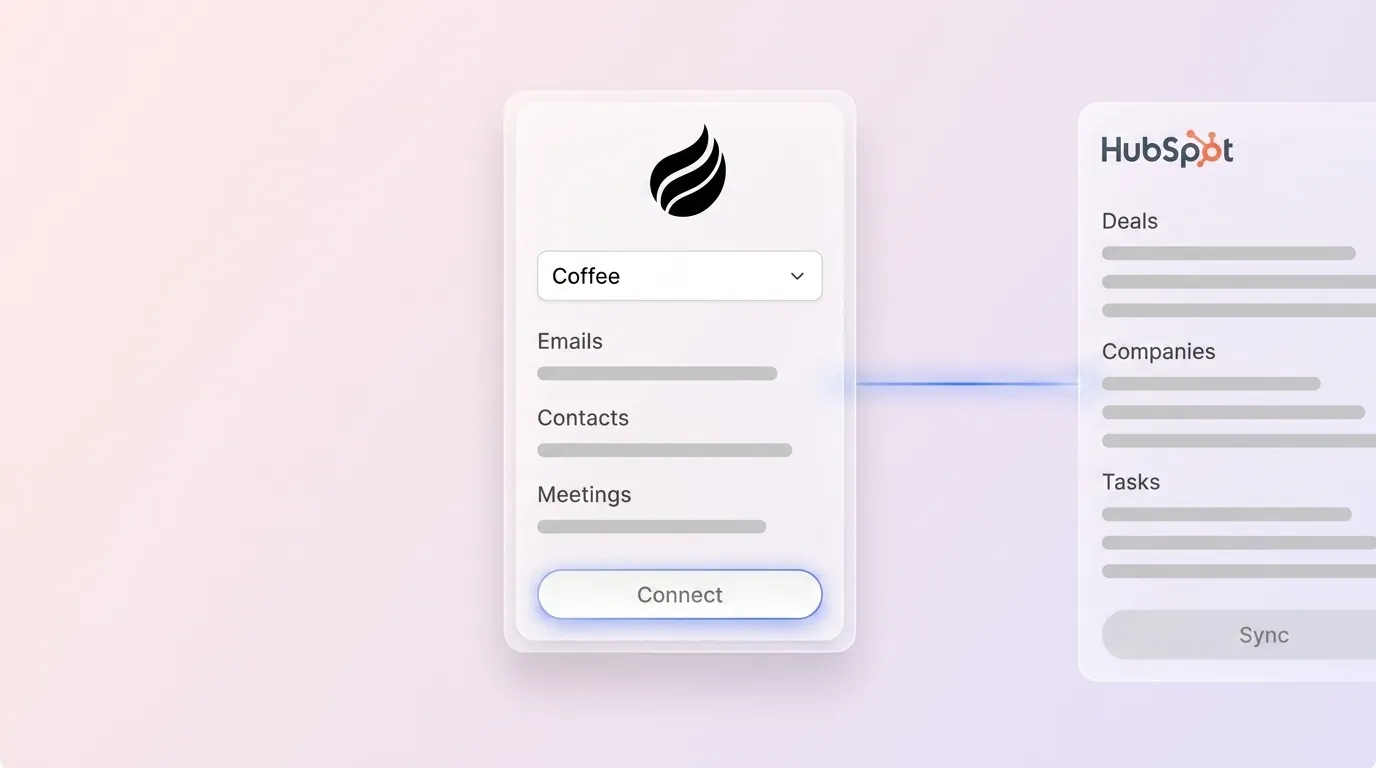
The Coffee Companion App connects to an existing HubSpot instance through a simple authentication and deploys an AI agent that handles the data-in process on behalf of reps. It automatically creates and enriches contact and company records from email and calendar data. It joins sales calls to transcribe and summarize conversations using structured sales methodologies like BANT or MEDDIC. It then writes all of that information directly back to the relevant HubSpot deal and contact records.
Reps continue working inside HubSpot. They simply no longer have to populate it manually. The system of record stays intact, and the labor of maintaining it shifts to the agent.
Which HubSpot adoption KPIs should RevOps track weekly?
The four KPIs that reflect real adoption are activity logging rate, data completeness score, next activity coverage, and CRM-sourced forecast accuracy. These metrics, detailed in the main article, surface exactly where adoption is breaking down and which fixes to apply. Generic metrics like weekly logins do not indicate whether HubSpot is functioning as a reliable system of record.
How long does it take to see measurable HubSpot adoption improvements?
With the configuration and automation steps in this playbook, measurable improvements in activity logging rate and data completeness usually appear within the first 30 days. The most significant gains, especially in forecast accuracy and next activity coverage, emerge in the 60-to-90-day window as automated workflows replace manual habits. As reps begin to trust the system as a reliable source of pipeline truth, they rely on it more.
Organizations that deploy an AI agent layer like the Coffee Companion App in the first 30 days often see faster baseline improvements because the data entry burden disappears before new habits need to form.
Is the Coffee Companion App suitable for teams already invested in HubSpot?
Yes. The Coffee Companion App is designed for small-to-mid-market teams that are already committed to HubSpot and do not want to replace it. It functions as an intelligent layer on top of the existing HubSpot instance rather than a competing system. The agent handles data capture, enrichment, call transcription, and pipeline intelligence while writing all outputs back to HubSpot native records.
Teams retain their existing HubSpot configuration, workflows, and reporting while eliminating the manual data entry that suppresses adoption. Coffee is SOC 2 Type 2 and GDPR compliant, and data is not used to train public models.