Written by: Doug Camplejohn, CEO & Co-Founder, Coffee
Key Takeaways
- Only 43.5% of sales professionals hit quota because stalled opportunities erode forecast accuracy in Salesforce pipelines.
- Stalled deals exceed stage duration by 20% or more, lack activity, or have repeated close date changes, which creates pipeline illusions.
- Manual Salesforce methods like reports and list views fail because of weak data entry habits and missing historical context.
- Coffee’s AI agent automates activity logging, detects stalls through Pipeline Compare, and saves 8–12 hours of manual work each week.
- Teams can reach 85% or higher forecast accuracy by automating stall detection, so see Coffee’s pricing and plans.
How Salesforce Defines Stalled Opportunities
Sales operations experts use specific criteria to identify when opportunities lose momentum. A deal is considered stalled when it exceeds the average Time-in-Stage for closed-won deals by 20% or more, which accounts for natural variance while still flagging real risk. The following table highlights the main stall indicators, the thresholds teams use, and how each one affects pipeline health.
| Stall Indicator | Threshold | Impact | Source |
|---|---|---|---|
| Stage Duration | 20%+ over average closed-won time | Forecast erosion | DemandZEN SDI |
| Last Activity | Prolonged periods with no engagement | Lost buyer interest | Common indicator |
| Close Date Changes | Multiple close date changes | Pipeline inflation | Common practice |
The consequences of stalled deals are severe. B2B win rates have declined compared to 2022, largely because weak pipeline quality creates a “pipeline illusion” that inflates forecasts. Sales professionals report deals being “pushed out 3x” with no clear resolution path. Organizations with substantial unqualified pipeline then waste significant selling capacity on deals that never close.
Traditional Salesforce Tactics for Spotting Stalled Deals
Salesforce provides several manual approaches to identify stuck opportunities in your pipeline. These tools help teams surface basic stall signals, but they still depend on humans to keep data current.
1. Stage Duration Reports
Create custom reports using the “Opportunities with Products” report type. Add fields for “Days in Current Stage” and filter for opportunities that exceed your benchmark thresholds. Track the number of days since the last opportunity stage change and total days the opportunity has been open.
2. List Views with Activity Filters
Build list views that filter on “Last Activity Date” older than 30 days. Include opportunities in active stages such as Discovery, Proposal, and Negotiation, while excluding Closed Won and Closed Lost.
3. Custom Formula Fields
Implement a “Days_In_Stage__c” formula field using: TODAY() - Stage_Start_Date__c. This field calculates real-time stage duration for reporting and automation.
4. Salesforce Flows for Automated Alerts
Configure time-based workflows to automatically update opportunity status or send alerts if deals remain stagnant for defined periods, such as 10 or more days in Prospect stage or 7 or more days without proposal response. Each of these manual approaches carries specific limitations that reduce how effective they are in real sales environments.
| Report Type | Use Case | Limitations |
|---|---|---|
| Stage Duration | Historical analysis | Requires manual review |
| Activity-Based | Engagement tracking | Depends on logging accuracy |
| Pipeline Inspection | Week-over-week changes | Reactive, not predictive |
These methods provide basic visibility into how to find stalled opportunities in Salesforce reports, but they require consistent manual execution and accurate data entry. Both of those requirements fail repeatedly in practice.
Why Manual Stalled-Deal Detection Breaks in Salesforce
The core issue with traditional Salesforce stalled deal detection is its dependence on human data entry. 71% of sales reps say they spend too much time on data entry, which creates a vicious cycle where weak data quality undermines detection accuracy.
Root Causes of Manual Method Failures:
Data Entry Resistance: Sales reps spend 71% of their time on non-selling tasks, including CRM updates they view as administrative burden rather than strategic value. This resistance produces incomplete records that weaken every stall report and dashboard.
Historical Context Loss: Legacy systems like Salesforce lack data warehouse capabilities to maintain historical context. Even when reps log activities, field updates overwrite previous states, which removes the history needed for trend analysis and momentum tracking.
Fragmented Tool Stack: Sales teams toggle between multiple platforms, such as Salesforce for records, ZoomInfo for enrichment, and Gong for call intelligence. These disconnected tools create data silos where no single system holds the full picture required for reliable stall detection.
Forum discussions reveal the real-world impact. “We have deals that get pushed out 3 times with zero activity logged. Our pipeline looks healthy but forecasts are consistently wrong.” This disconnect between apparent pipeline health and actual deal progression shows why manual Salesforce stalled deals detection fails so often. The solution requires moving beyond human-dependent processes to AI agents that maintain data quality automatically. See how Coffee’s AI agent eliminates these manual detection failures.
The Best Solution: Coffee’s AI Agent for Stalled Deal Detection
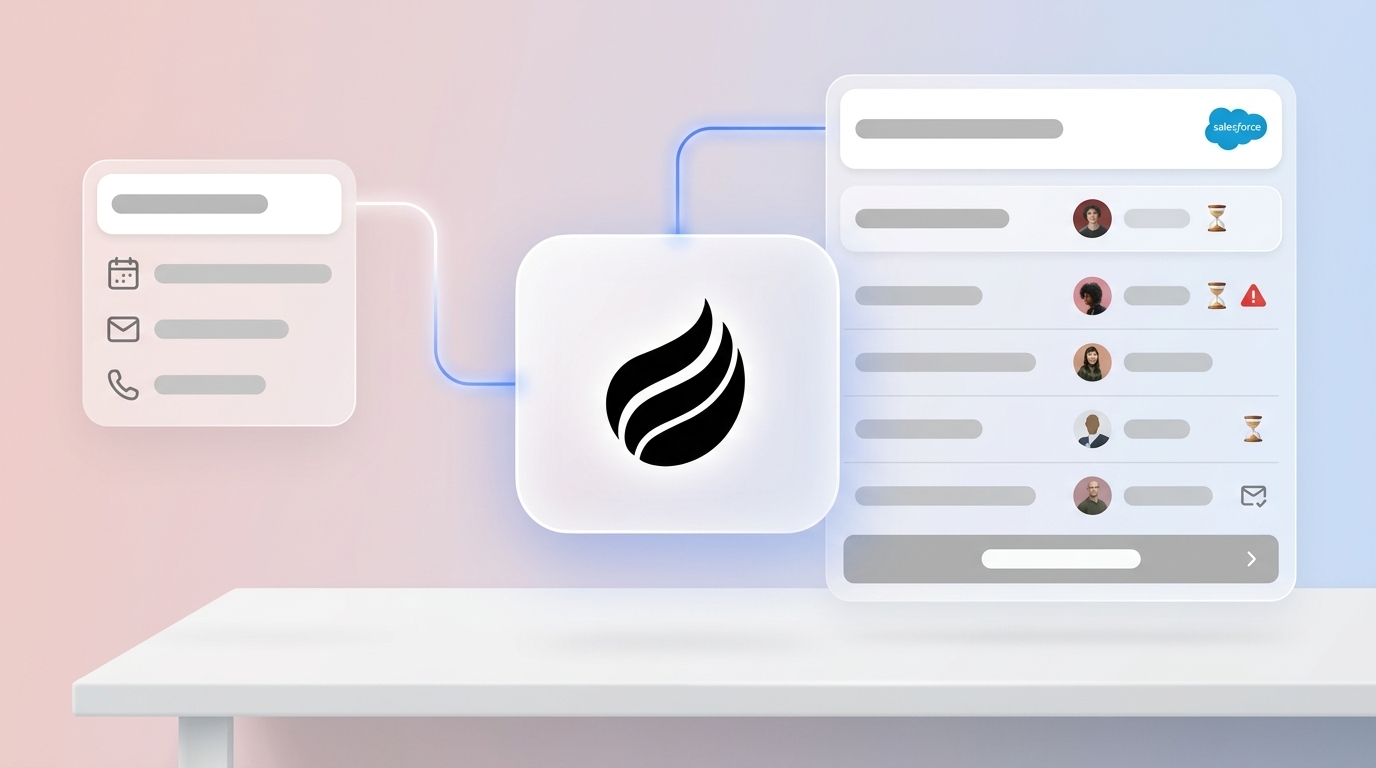
Coffee’s Companion App acts as an intelligent layer on top of your existing Salesforce instance and replaces manual stall detection with automated capture and analysis. Traditional methods rely on inconsistent human input, while Coffee’s AI agent improves data quality by logging emails, calls, and meeting outcomes directly to Salesforce.
How Coffee Detects Stalled Opportunities in Salesforce:
Automatic Activity Logging: The agent connects to Google Workspace or Microsoft 365 and captures every customer interaction without manual entry. This approach removes the data quality issues that limit traditional detection methods.

Pipeline Compare Dashboard: With complete activity data flowing in automatically, Coffee’s AI search on deals answers natural-language questions such as “Which deals are stuck in negotiation?” or “What’s closing this month?” The Pipeline Compare feature then visualizes week-over-week changes and highlights stalled opportunities based on this comprehensive data.
Built-in Data Warehouse: Addressing the data warehouse gap identified earlier, Coffee maintains complete interaction history. This historical view enables accurate trend analysis and predictive stall detection that legacy tools cannot match.
Coffee’s approach surpasses Salesforce Einstein AI’s predictive insights that forecast sales performance and identify potential churn risks because it supplies the clean, complete data Einstein needs to work effectively.
Step-by-Step: Using Coffee Pipeline Compare to Revive Stalled Deals
Coffee’s AI agent turns stalled opportunity detection from a manual, error-prone task into an automated intelligence workflow that guides reps from setup through revival.
1. Install Coffee Companion App
Authenticate with your Salesforce instance through a simple OAuth connection. Teams avoid complex setup or data migration and stay within their existing environment.
2. Automatic Data Capture Begins
After installation, the agent immediately starts logging emails, calendar events, and call outcomes. Salesforce records now reflect accurate activity history without extra work from reps.

3. Access Pipeline Compare Dashboard
With fresh data flowing in, leaders open the Pipeline Compare dashboard to view week-over-week pipeline changes. Visual indicators show progressed, stalled, and new opportunities in a single view.
4. Identify Stalled Opportunities
Coffee automatically flags deals that exceed stage duration benchmarks or show declining engagement patterns. Managers and reps can focus attention on the specific opportunities that show real risk.
5. Review AI-Generated Summaries
The agent provides MEDDIC-structured summaries with clear action items for each stalled opportunity. Reps see context, stakeholders, and next steps in one concise view.
6. Automated Alerts and Workflows
Teams configure Salesforce Flow for stalled opportunities that trigger when Coffee detects concerning patterns. These alerts route at-risk deals to the right owners so no stalled opportunity sits unnoticed.
7. Execute Revival Playbooks
Reps then follow AI-recommended re-engagement strategies based on deal history and buyer behavior patterns. This connection between alerts and guided playbooks creates a complete loop from detection to revival.
Organizations that implement Coffee’s automated detection save 8–12 hours per week that previously went to manual pipeline analysis. They also gain higher forecast accuracy because decisions rely on consistent, high-quality data.
Beyond Stall Detection: Coffee’s Full Pipeline Intelligence
Coffee’s AI agent extends beyond simple stall detection and delivers full pipeline intelligence that helps teams prevent problems before they appear in forecasts. The table below compares manual Salesforce workflows with Coffee’s automated approach across core capabilities.
| Capability | Manual Salesforce | Coffee AI Agent | Time Savings |
|---|---|---|---|
| Stall Detection | Lower accuracy | 95%+ accuracy | 8–12 hours/week |
| Data Quality | Lower completeness | 80%+ complete | Continuous |
| Forecast Accuracy | 75–85% median | 85%+ achievable | Real-time updates |
Prevention Through Auto-Logging: By capturing every interaction automatically, Coffee closes the data gaps that create stalled opportunity blind spots.
List Builder Integration: Teams generate targeted prospect lists using natural language commands such as “Find VPs of Sales at companies with pushed close dates in Salesforce.”

Einstein Enhancement: Coffee supplies the quality data foundation that Salesforce Einstein AI requires for accurate predictive insights and next best action recommendations. See how Coffee transforms your Salesforce instance from a passive database into an active intelligence system.
Frequently Asked Questions
What defines a stalled opportunity in Salesforce?
A stalled opportunity exceeds normal progression timelines for its sales stage. Deals that remain in a stage 20% longer than your average closed-won time, show no meaningful activity for extended periods, or have close dates pushed multiple times all qualify. Exact thresholds vary by sales cycle length and industry, but these indicators consistently signal lost momentum that needs immediate attention.
How does Coffee integrate with existing Salesforce instances?
Coffee’s Companion App connects through standard OAuth authentication and requires no data migration or complex setup. The AI agent begins capturing email and calendar data from Google Workspace or Microsoft 365 right away and automatically logs activities to your existing Salesforce records. All data syncs in real time while preserving your current workflows and user permissions.
Is Coffee’s AI agent secure for enterprise data?
Coffee maintains SOC 2 Type 2 compliance and GDPR adherence for enterprise security. The AI agent processes data through encrypted channels and never uses customer information to train public models. All interactions remain within your secure environment while still delivering the benefits of automated analysis.
How quickly can teams see value from automated stall detection?
Coffee delivers value within hours because it requires no setup time beyond connection. The Pipeline Compare dashboard starts showing insights shortly after the agent begins capturing and analyzing existing Salesforce data. Most teams report meaningful time savings and better forecast accuracy within the first week of implementation.
What revival strategies does Coffee recommend for stalled deals?
Coffee’s AI agent analyzes deal history, buyer engagement patterns, and successful revival examples to suggest specific re-engagement tactics. These tactics include MEDDIC-structured qualification reviews, stakeholder mapping updates, competitive positioning adjustments, and timing-based follow-up sequences. The agent tailors recommendations to each deal’s unique circumstances and stage requirements.
Conclusion
Manual methods for detecting stalled opportunities in Salesforce fail because of poor data quality, human resistance to data entry, and missing historical context. These failures directly contribute to the low 43.5% quota attainment rate mentioned at the outset and leave most sales professionals struggling with forecast inaccuracy.
Coffee’s AI agent solves these problems by automating data capture, providing real-time pipeline intelligence, and delivering actionable insights without extra work from reps. Organizations that adopt Coffee’s automated detection save 8–12 hours each week and reach forecast accuracy rates that exceed 85%.
Transform your Salesforce pipeline from a passive database into an active intelligence system. Explore Coffee’s pricing to eliminate stalled opportunity blind spots and achieve more consistent quota attainment.