Written by: Doug Camplejohn, CEO & Co-Founder, Coffee
Key Takeaways
- Manual CRM data entry drains selling time and weakens revenue forecasts for Salesforce and HubSpot teams.
- Typical problems include duplicates that inflate metrics, incomplete fields, inconsistent formatting, outdated records, and fragmented data.
- This 7-step framework covers auditing, standardization, deduplication, training, automation, cleansing, and AI agents.
- AI agents like Coffee create contacts from emails and calendars, enrich records, and deliver zero-touch automation.
- Teams that shift to AI-powered CRM workflows in 2026 gain cleaner data and more time for selling; get started with Coffee to reclaim that time.

1. Identify CRM Data Entry Problems That Hurt Revenue
CRM data problems only improve when you understand their scope and impact on revenue. 98% of sales leaders recognize the importance of complete and accurate data, while only 35% completely trust their organization’s data accuracy. This trust gap directly affects forecasting and deal progression.
Start your audit process by gathering quantitative data first, then validating it with qualitative feedback from the field.
- Run duplicate detection reports in your Salesforce or HubSpot sandbox to establish a baseline for duplicate records.
- Calculate your duplicate rate by comparing total records to unique email addresses so you have a clear metric to improve.
- Measure completion rates for critical fields like phone numbers, company size, and lead source to see where data breaks down.
- Track time spent on manual data entry versus actual selling activities to quantify productivity loss.
- Survey sales reps about data entry pain points and missing information to understand which issues block deals.
2. Standardize Fields and Validation Rules in Your CRM
Standardized fields and validation rules create consistent data that supports accurate reporting and automation. Inconsistent CRM data formatting creates confusion, complicates data processing, and slows sales teams. Different date formats, phone number variations, and non-standardized addresses break downstream workflows.
Apply clear standards to every new record that enters Salesforce or HubSpot.
- Make critical fields like email, phone, and company mandatory for all new records.
- Replace free-text fields with dropdown menus for industry, company size, and lead source.
- Create validation rules for phone numbers and enforce a consistent format such as +1-XXX-XXX-XXXX.
- Establish company naming conventions to prevent variations like “IBM” and “International Business Machines.”
- Use picklist values instead of open text fields for data that appears in reports.
3. Implement Duplicate Detection and Merging
Duplicate detection becomes the next priority once new data follows consistent rules. Duplicate records are among the most damaging CRM data problems. Duplicates inflate metrics by 10-30% and waste sales teams’ time on repeated calls to the same contacts. Modern matching techniques go beyond exact values and catch subtle variations.
Use advanced matching logic to find and merge duplicates across your CRM.
- Configure fuzzy matching rules that catch spelling variations and typos in names and companies.
- Implement phonetic matching to identify names that sound alike but are spelled differently.
- Set up cross-entity duplicate detection between Leads and Contacts so records do not fragment.
- Normalize phone numbers so different formats register as duplicates instead of separate entries.
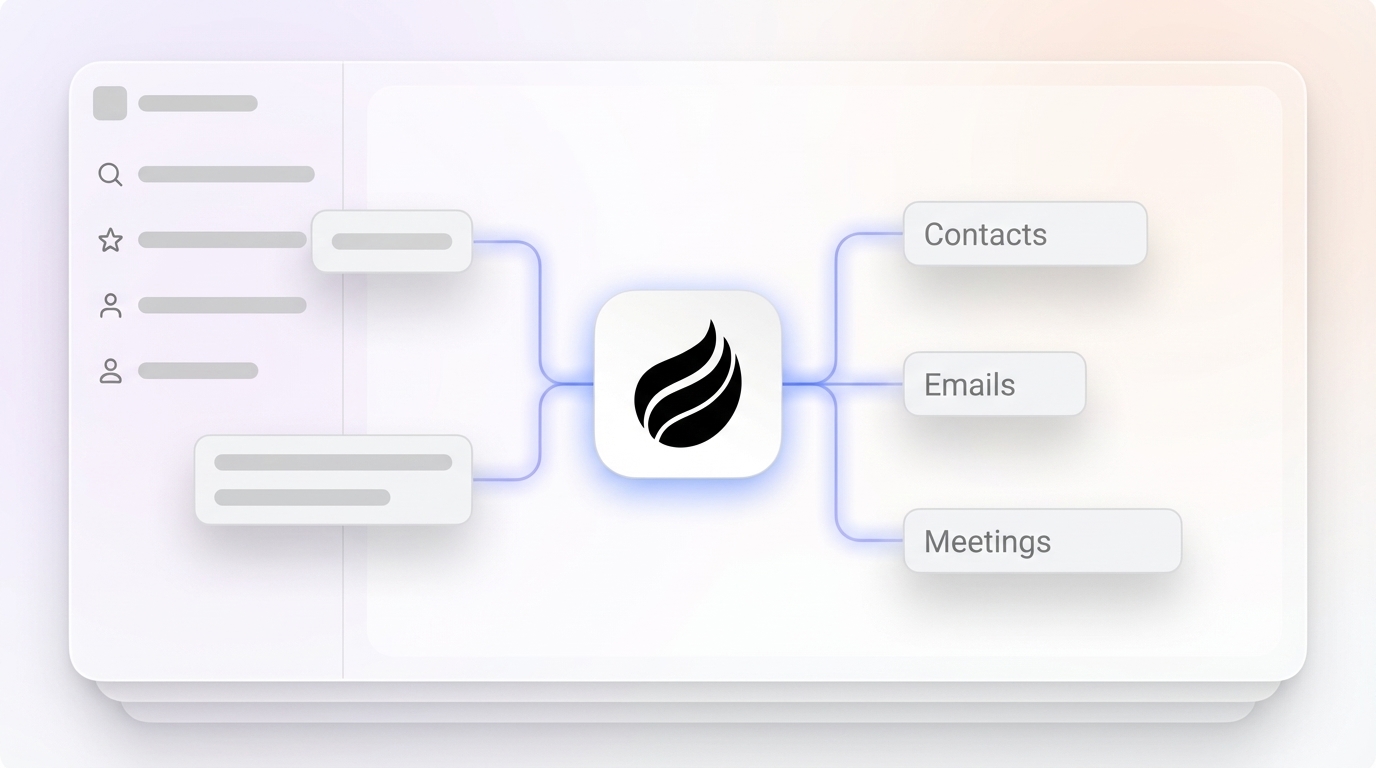
- Coffee’s agent automatically creates contacts and companies from emails and calendars, which keeps records accurate and prevents duplicates at the source.

4. Train Sales Teams Without Hurting Adoption
Effective training improves data quality only when it supports adoption instead of overwhelming reps. Poor user adoption creates a cycle where incomplete data leads to unreliable reports, which then reduce buy-in even further. Sales teams under pressure often skip fields or enter random values when trying to capture too much data too early.
Design training and incentives that make accurate data entry feel simple and worthwhile.
- Implement gamification elements such as leaderboards that highlight data quality scores.
- Simplify the user interface by hiding non-essential fields at first for new or busy users.
- Create incentives tied to data completeness and accuracy, not only closed-won revenue.
- Provide real-time feedback that shows how clean data improves each rep’s pipeline and commissions.
- Start with minimal required fields and expand requirements gradually as habits form.
5. Automate CRM Data Entry with Integrations
Automation between systems removes many manual steps that create errors and silos. Data silos are prevalent in 51% of organizations, fragmenting customer data across sales, marketing, and service systems. Fragmented data blocks coordination and hides revenue opportunities.
Connect your core tools so customer activity flows into Salesforce or HubSpot automatically.
- Connect web forms directly to your CRM so new leads appear without manual entry.
- Integrate email marketing platforms to sync engagement data and campaign responses.
- Use Zapier or native integrations to connect calendars, chat tools, and project systems.
- Coffee Companion syncs Google Workspace or Microsoft 365 data, automatically logging activities and creating contacts from email interactions.
- Set up automated workflows that trigger follow-ups or tasks based on specific customer actions.

See how Coffee’s integrations work with your existing tools to eliminate manual data entry.
6. Schedule Ongoing Data Cleansing
Regular data cleansing keeps your CRM reliable as contacts and companies change. B2B contact data degrades by about 30% annually due to job changes, company closures, and contact information updates. A predictable schedule prevents this decay from undermining sales performance.
Build a recurring maintenance plan that combines audits, archiving, and enrichment.
- Run comprehensive data audits every 30 days to identify and merge new duplicates.
- Archive inactive leads older than 18 months so active datasets stay focused and clean.
- Use real-time verification APIs to validate emails and phone numbers as records enter the system.
- Implement automated workflows that flag records untouched for more than 90 days.
- Coffee’s agent continuously enriches records with data from licensed partners and integrated sources to keep information current (see latest integrations).
7. Deploy AI Agents for Zero-Touch CRM Data
AI agents remove human effort from CRM data entry and create a proactive system of record. Traditional CRMs act as passive databases that rely on fallible human input. AI agents like Coffee shift CRM into an active role that captures, enriches, and interprets data automatically.
Use AI capabilities to handle the repetitive work and surface insights for your team.
- Automatically create contacts and companies from email and calendar interactions without manual logging.
- Enrich records with job titles, funding information, and LinkedIn profiles to support better outreach.
- Process unstructured data such as call transcripts and email content to capture key insights.
- Provide real-time pipeline intelligence with automated forecasting and deal progression tracking.
- Case study: A company generating tens of millions in revenue replaced spreadsheet-based sales management with Coffee’s autonomous agent and gained automated data entry plus live pipeline intelligence.

AI Agents vs Legacy CRMs in 2026
AI agents now offer a different operating model than legacy CRMs that depend on manual work. Legacy systems like Salesforce carry 25 years of architectural baggage, while newer platforms like HubSpot started as marketing tools with CRM features added later. The following comparison shows how Coffee’s AI-first approach changes daily work for sales teams.
| Feature | Legacy CRMs | Coffee Agent |
|---|---|---|
| Data Entry | Manual for most activities | Zero-touch automation |
| Unstructured Data | Limited handling | Unified data warehouse |
| Time Savings | Incremental improvements | Significant weekly time back for reps |
| Forecast Accuracy | Often affected by bad or missing data | AI-powered precision from complete records |
By 2026, companies will rapidly transition to an “orchestrated workforce” model where AI agents handle specialized tasks, which frees humans for strategic work.
Conclusion: Move from Manual Fixes to Autonomous CRM
Manual bandaids and occasional cleanups cannot keep pace with modern sales teams. The companies that win in 2026 will rely on AI agents to handle CRM data entry and enrichment from end to end. Coffee’s autonomous agent keeps accurate data flowing into your system and delivers trustworthy insights and forecasts without extra effort from reps.
Start your free trial with Coffee to fix CRM data entry problems and reclaim the time your team currently spends on manual updates.
Frequently Asked Questions
How can I minimize time spent on CRM data entry?
AI-powered automation provides the most reliable way to cut CRM data entry time. Coffee’s agent automatically creates contacts from email interactions, enriches data from multiple sources, and logs activities without human intervention. This approach reduces weekly data entry work while maintaining higher accuracy than manual processes.
What is the best way to fix a messy CRM system?
A structured framework works better than ad hoc fixes. Follow the 7 steps in this guide: audit your current data quality, standardize fields and validation rules, implement duplicate detection, train your team, automate integrations, schedule regular cleansing, and deploy AI agents. Coffee’s AI agent then automates data entry and enrichment to prevent future problems and improve long-term data quality.
How do I clean up a CRM database effectively?
Effective cleanup combines deduplication, standardization, and ongoing maintenance. Run duplicate detection every 30 days, archive inactive records older than 18 months, and implement real-time validation for new entries. Coffee’s agent automates data capture and enrichment from emails, calendars, and other sources so records stay clean and accurate over time.
Is Coffee secure for handling sensitive CRM data?
Coffee is SOC 2 Type 2 and GDPR compliant. Your data is not used to train public AI models, and all processing happens within secure, encrypted environments. Coffee integrates with your existing security infrastructure and respects existing permissions and access controls in Salesforce and HubSpot.
How does Coffee pricing work compared to other CRM solutions?
Coffee uses simple seat-based pricing where you pay for human users and receive the AI agent’s labor as part of that license. There is no complex metering on AI usage or data processing. This structure is often more cost-effective than maintaining multiple point solutions for data enrichment, automation, and intelligence while delivering better results through unified AI-powered workflows.