Written by: Doug Camplejohn, CEO & Co-Founder, Coffee
Key Takeaways for Automating Your CRM with Coffee
-
Sales reps lose 71% of their time to non-selling tasks like data entry, which costs 8-12 hours weekly and slows revenue growth.
-
Intelligent CRM automation uses autonomous agents to handle data capture, enrichment, and pipeline management without human input.
-
Nine practical steps, from CRM audits to AI meeting orchestration, lead scoring, and workflow tuning, increase selling time and data quality.
-
Coffee connects with Salesforce and HubSpot or runs as a standalone CRM, improving data accuracy and deal closure rates by 23%.
-
Start automating your CRM with Coffee to reclaim selling time and modernize your sales operations today.
Step 1: Audit Your CRM Data Grind
Begin by quantifying time lost to manual CRM tasks across your sales team. Sales reps spend an average of 3.4 hours weekly entering customer information into CRM systems, with 32% spending over an hour daily on data entry alone. This time drain shows up as incomplete records, duplicate contacts, and missing activity logs, which you should document during your audit.
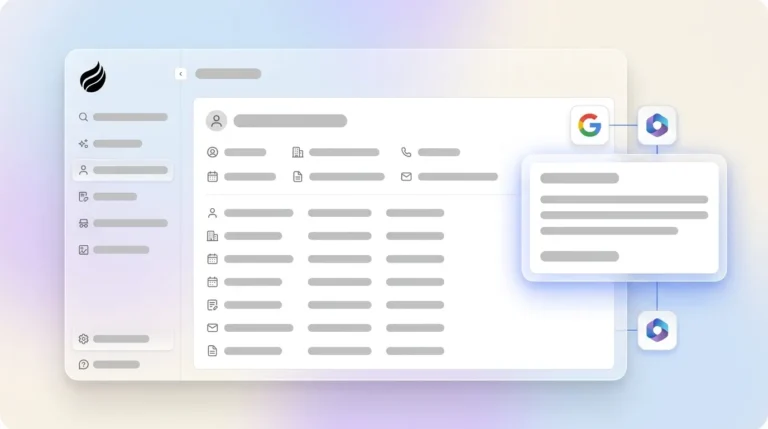
Coffee’s audit process connects to Google Workspace or Microsoft 365 to automatically identify data gaps and integration opportunities. The agent scans existing email communications and calendar events to reveal how much valuable sales intelligence remains trapped outside your CRM. This baseline assessment creates clear metrics for tracking automation impact over the next 30, 60, and 90 days.
Step 2: Automate Data Entry & Enrichment
Deploy intelligent agents to remove manual contact creation and data enrichment from your team’s workload. Automated data entry reduces CRM data entry time by up to 70%, which frees several hours each week for revenue-generating activities.
Coffee’s agent automatically creates contacts and companies by scanning email signatures and calendar invitations. It enriches records with job titles, funding information, and LinkedIn profiles through licensed data partnerships, so teams no longer need separate tools like ZoomInfo. Activity logging occurs autonomously, and deal states stay current without human intervention.
Step 3: Deploy AI Meeting Orchestration
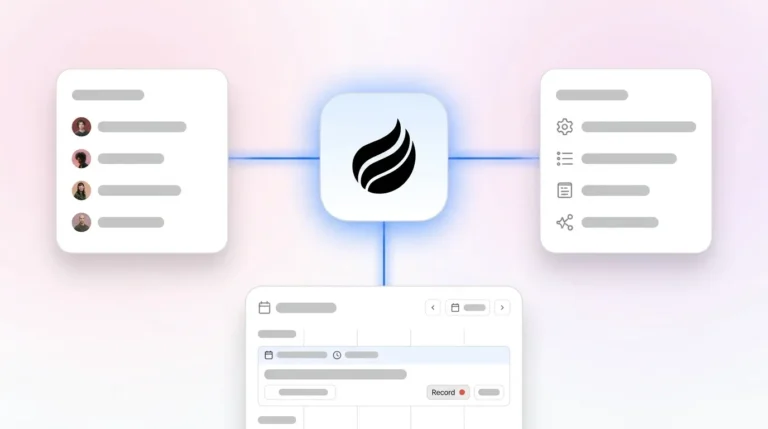
With foundational data capture automated, the next high-impact area is meeting workflows, where sales reps spend significant time on preparation and follow-up. Coffee’s agent prepares briefings with attendee context and historical interactions, joins calls for transcription, and generates structured summaries using methodologies like MEDDIC or BANT.

Post-meeting automation includes drafting follow-up emails in Gmail for review and sending, creating calendar reminders for next steps, and updating CRM records with qualification data. This orchestration removes the administrative burden that typically follows sales conversations. It also ensures consistent data capture across every customer touchpoint.

Step 4: Unify Pipeline Intelligence with Coffee
Implement AI-powered pipeline management that delivers visual insights without manual reporting. Coffee’s Pipeline Compare feature automatically tracks week-over-week changes, highlighting progressed deals, stalled opportunities, and new additions through built-in data warehouse capabilities.
This intelligence turns pipeline reviews from interrogation sessions into strategic discussions. The result is the faster deal closure mentioned earlier, because teams no longer waste time hunting for information across spreadsheets and emails.
Step 5: Implement AI Lead Scoring & Qualification
Use natural language list building so your team focuses on high-potential opportunities. AI-enhanced lead scoring improves conversion efficiency by 31% through predictive analysis of prospect behavior and firmographic data.

Coffee’s agent supports commands like “Find VPs of Sales in North America at companies with $10M+ funding using Salesforce” to generate targeted prospect lists automatically via its List Builder feature. This capability removes manual research and ensures outbound efforts reach qualified prospects.

Step 6: Integrate Coffee as a Companion to Salesforce or HubSpot
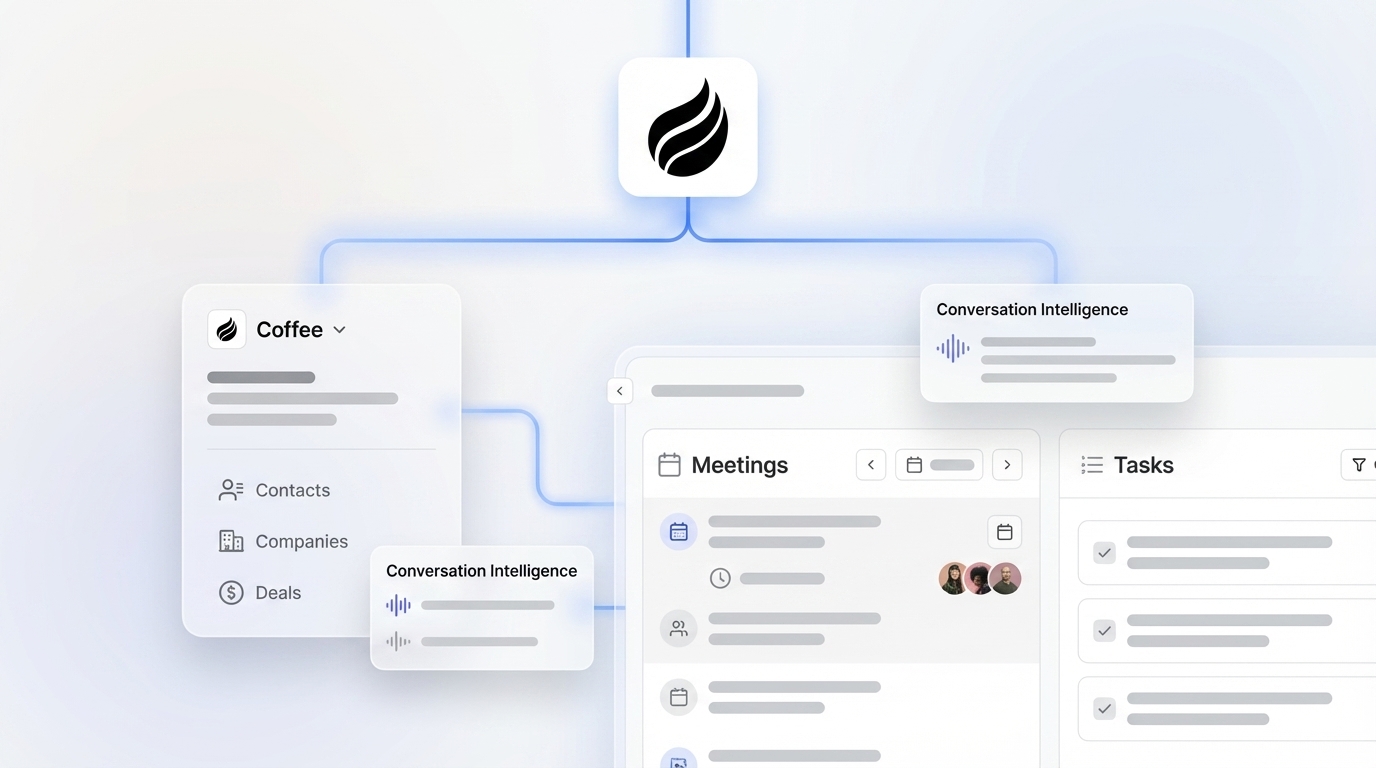
These automation capabilities, from data entry through lead qualification, can enhance your existing CRM investment or replace it, depending on team size and needs. For teams already committed to Salesforce or HubSpot, Coffee works best as an intelligent companion layer that improves data quality without a full system migration.
Coffee’s agent syncs data bidirectionally, enriches records automatically, and writes valuable insights back to the primary CRM. This integration supports accurate forecasting and reporting while avoiding the adoption challenges that plague traditional CRM implementations. Only 40% of businesses achieve 90% CRM adoption rates, and manual data entry remains a primary cause.
Step 7: Set Up Coffee as a Standalone CRM for SMBs
Small teams with 1-20 employees often benefit more from Coffee’s standalone AI-first CRM than from complex legacy systems. This approach delivers modern automation without the overhead of platforms like Salesforce or HubSpot.
The standalone model includes all agent capabilities, such as automatic data capture, meeting orchestration, and pipeline intelligence, in a unified platform built for fast rollout. Teams can launch full CRM functionality within days instead of months. They also avoid the heavy customization work that larger systems usually require.
Step 8: Monitor & Refine Automated Workflows
Set clear metrics to track automation success and user adoption across your sales organization. AI automation in CRM systems reduces manual data work by 41%, and ongoing monitoring helps you maintain that performance.
Key performance indicators include data completeness percentages, activity logging accuracy, and time savings per representative. Coffee provides built-in analytics to measure these KPIs and identify optimization opportunities. Use these insights in regular reviews so automation keeps pace with evolving business processes and continues to support strong data quality.
Step 9: Scale with Advanced Coffee Agent Features
Expand automation through API integrations and advanced workflow customization as your team grows. Coffee’s Intelligence layer allows users to define deep context on business models, ICP, and competitors for tailored AI suggestions that improve over time.
Advanced features include custom meeting briefing formats and natural language querying for pipeline analysis via AI search on deals. These capabilities support sophisticated automation that scales with growing sales organizations while staying simple for end users.
Why Coffee Outperforms Legacy CRMs and Point Solutions
Traditional CRM systems act as passive databases that need constant human maintenance. Coffee functions as a proactive agent that handles both structured and unstructured data through autonomous processing capabilities. The following comparison highlights three architectural differences that enable Coffee’s autonomous operation:
|
Feature |
Coffee |
Salesforce |
HubSpot |
|---|---|---|---|
|
Agent Autonomy |
Proactive data in/out |
Passive database |
Marketing-bolted CRM |
|
Unstructured Data Handling |
Full (emails/transcripts) |
Limited relational |
Basic |
|
Companion Flexibility |
Yes (standalone too) |
Add-ons needed |
Limited |
This comparison shows how Coffee’s architecture addresses fundamental flaws in legacy systems. It processes unstructured data from emails and call transcripts while maintaining historical context through built-in data warehouse capabilities. This approach keeps “good data in, good data out” without relying on fallible human entry.
Measurable Outcomes and a Coffee Customer Story
Organizations that adopt intelligent CRM automation report 30-50% increases in selling time and 2x improvement in data accuracy. Businesses achieving high CRM adoption rates report 300% increases in conversion rates and 29% revenue growth.
A multi-million dollar AI solutions company managed its sales pipeline in spreadsheets, which forced the VP of Sales to spend about 6 hours each week consolidating data manually.
After implementing Coffee’s autonomous agent, contact creation from Google Workspace became automatic, and Pipeline Compare visualizations removed the need for manual pipeline reviews. Custom briefings delivered through API access cut meeting preparation time by roughly 75%.
Within 90 days, the team scaled from 5 to 12 reps without adding administrative headcount. New hires reached full productivity in about 3 days instead of the previous 2-week ramp period, and leadership gained reliable visibility into pipeline health.
Explore Coffee’s pricing to see how intelligent automation can reduce administrative work for your team.
Frequently Asked Questions
How does Coffee reduce CRM data updates?
Coffee’s autonomous agent automatically captures data from Google Workspace and Microsoft 365, creating contacts and logging activities without human intervention. The system processes unstructured data from emails and calendar events to maintain accurate CRM records. This automation removes the manual data entry that consumes hours of sales representatives’ time each week and lets teams focus on revenue-generating activities instead of administrative tasks.
Is Coffee secure for Salesforce and HubSpot integration?
Coffee meets SOC 2 Type 2 and GDPR compliance standards for enterprise security requirements. The platform integrates with Salesforce and HubSpot through simple authentication that preserves data integrity. Customer data is not used to train public AI models. Coffee’s companion app approach keeps existing security protocols intact while enhancing CRM functionality through intelligent automation.
What pricing model does Coffee use for mid-market companies?
Coffee uses seat-based pricing where organizations pay for human users, and the autonomous agent’s unlimited labor is included. This model removes complex metering on AI usage or process automation and gives growing teams predictable costs. Mid-market companies gain transparent pricing that scales with team size rather than feature usage, which simplifies budget planning for sales operations investments.
How much time can sales teams save with Coffee?
Sales representatives typically reclaim the hours previously lost to administrative tasks through Coffee’s automation of data entry, meeting preparation, and follow-up work.
The agent handles routine CRM maintenance that normally consumes a large share of selling time, so representatives can focus on prospect engagement and deal progression. Teams often increase selling time from about one-third of their week to well over half after implementing intelligent CRM automation.
Can Coffee work alongside existing sales tools and integrations?
Coffee connects with existing sales technology stacks via Google Workspace, Microsoft 365, Zoom, Teams, Meet, and Zapier. The platform can operate as a standalone CRM for smaller teams or as a companion application that enhances Salesforce and HubSpot instances. Coffee’s agent creates unified data workflows while preserving established processes.
Conclusion: Move from Manual CRM Work to Autonomous Sales Support
Intelligent CRM automation marks the shift from passive databases to proactive agents that remove administrative burden.
The nine-step implementation process outlined above helps sales teams reclaim significant selling time while improving data accuracy and pipeline visibility. As AI capabilities advance in 2026, organizations that deploy autonomous CRM agents gain a durable advantage through more selling time and deeper customer insight.
Request a Coffee demo to see how autonomous agents can reshape your sales operations in practice.