
Written by: Doug Camplejohn, CEO & Co-Founder, Coffee | Last updated: July 16, 2026
Key Takeaways for Salesforce Automation in 2026
- True automation removes tasks entirely rather than simply speeding them up, and most Salesforce add-ons only compress manual CRM data entry time instead of eliminating it.
- Five categories of Salesforce automation tools — sales engagement, conversation intelligence, enrichment, workflow automation, and companion agents — are evaluated against seven criteria including automation depth, time saved, and data persistence.
- Companion agents like Coffee eliminate data entry at the source by auto-creating records and logging activities from emails, calendars, and transcripts, saving reps 8–12 hours per week.
- Point solutions require ongoing integration maintenance and multiple logins, while companion agents consolidate enrichment, activity capture, and note generation into a single native Salesforce layer.
- Teams ready to eliminate manual Salesforce data entry can reclaim selling time with Coffee and improve data quality.
Evaluation Criteria for Salesforce Automation Add-Ons
Mid-market RevOps and sales leaders consistently apply the following criteria when assessing Salesforce automation tools:
- Automation depth, meaning whether the tool removes the task or merely accelerates it.
- Time saved per rep per week, measured in hours, not percentages.
- Integration effort, comparing native Salesforce record storage with external data stores that require middleware.
- Adoption impact, or whether the tool reduces or increases the number of logins and interfaces reps must manage.
- Data quality outcome, including whether captured data persists in Salesforce after contract cancellation.
- Pricing transparency, such as seat-based versus metered, with a visible total cost of ownership.
- Scalability, or fit across team sizes from 5 to 200 reps without re-implementation.
CRM integration depth for Salesforce add-ons is measured across three tiers: Salesforce-native, bidirectional sync, and external data store, with native architecture required for reportability, custom object support, and data persistence after contract cancellation. Any evaluation that skips this check risks paying for data that disappears when a vendor contract ends.
The table below applies these seven criteria across all five categories and shows that companion agents deliver the deepest automation and highest time savings while requiring the least integration effort.
Quick Comparison Table
| Category | Automation Depth | Time Saved / Rep / Week | Integration Effort |
|---|---|---|---|
| Sales Engagement | Sequences automated, CRM logging still manual | 30–45 min/day on email logging | Bidirectional sync, middleware required for custom objects |
| Conversation Intelligence | Transcription automated, field updates manual | 15–30 min saved per meeting | External data store, limited native record write-back |
| Enrichment | Contact data populated, activity logging still manual | 1–2 hrs on prospect research | API sync, field mapping requires admin setup |
| Workflow Automation | Stage transitions automated, data entry upstream unchanged | ~4 hrs via AI/automation features | Native Salesforce Flow, low effort for standard objects |
| Companion Agent (Coffee) | Data entry eliminated at source across all objects | 8–12 hrs across entry, notes, and research | Native Salesforce write-back via simple authentication |
Sales Engagement Tools for Salesforce Teams
Sales engagement platforms such as Outreach and Salesloft automate outbound sequences, cadence management, and email send scheduling. The ranked winner for Salesforce-committed mid-market teams is Outreach, which offers the deepest bidirectional Salesforce sync among sequence tools.
Time saved: A Salesforce Gmail or Outlook plugin that auto-logs emails and pulls AI-drafted replies grounded in CRM records can save reps time by eliminating tab-switching for activity logging. Deal-field updates such as stage, amount, and close date still require manual rep input after each call, so the root data-entry problem persists.
Integration reality: Outreach syncs activities back to Salesforce as tasks and events, but does not write to custom opportunity fields or populate MEDDIC qualification data without additional configuration. RevOps teams typically spend 20–40 hours on initial field mapping and ongoing maintenance as Salesforce schema evolves.
Conversation Intelligence Tools for Coaching and Risk
Gong and Chorus (now ZoomInfo Chorus) dominate conversation intelligence. Gong is the ranked winner for Salesforce teams that prioritize coaching analytics and deal risk signals derived from call and email data.
Gong vs Outreach for Salesforce: Gong focuses on post-call intelligence and pipeline risk, while Outreach focuses on pre-call sequence execution. They address different parts of the rep workflow and are frequently purchased together, which adds a second external login and a second data model to reconcile with Salesforce. Conversation intelligence platforms such as Gong earn their cost above approximately 50 reps with dedicated coaching teams, while smaller teams can rely on in-CRM voice-note summarization.
Buyer-size fit: Gong is cost-justified for teams of 50 or more with a sales enablement or coaching function. Teams below that threshold pay for analytics depth they cannot operationalize.
Time saved: Pre-meeting briefings generated from Salesforce account records, recent emails, open opportunities, and prior notes save reps 15–30 minutes per meeting when surfaced automatically. Gong automates transcription but does not write structured qualification data back to Salesforce opportunity fields without a manual review step.
Enrichment Tools for Contact and Account Data
ZoomInfo and Apollo lead the enrichment category, populating contact and company records with firmographic and technographic data. Apollo is the ranked winner for mid-market teams on a per-seat cost basis, with a broader data set for North American B2B contacts.
Buyer-size fit: Enrichment tools are justified at any team size where outbound prospecting is a primary motion. The cost-benefit calculation shifts when a companion agent includes enrichment natively and removes the need for a separate license.
Time saved: Industry sources indicate sales reps spend roughly 27% of their time searching for or correcting contact information. Enrichment tools reduce this waste but require reps to trigger lookups manually or configure automated sync rules, both of which demand ongoing RevOps maintenance.
Integration reality: Enrichment API sync requires field mapping in Salesforce, deduplication logic, and periodic refresh schedules. Total cost of ownership for Salesforce automation add-ons includes per-seat licensing, mandatory platform fees, implementation costs, ongoing integration maintenance, training, and savings from consolidating multiple point solutions into a unified platform.
Workflow Automation Tools Inside and Around Salesforce
Native Salesforce Flow, combined with tools like Zapier or Workato for cross-system triggers, represents the workflow automation category. Salesforce Flow is the ranked winner for teams already on Sales Cloud because it requires no additional license and stores all logic as native records.
Buyer-size fit: Native Flow is appropriate at all team sizes. Third-party iPaaS tools like Workato become necessary above 100 reps when cross-system orchestration spans more than three platforms.
Time saved: Reps using AI and automation features return an average of four hours per week to selling activities. Workflow automation addresses downstream process steps such as approvals, notifications, and stage transitions but does not capture the upstream data that triggers those workflows. A rep must still log the call before the flow can fire.
Integration reality: Salesforce orgs can reduce manual data-entry friction at the root by first trimming required Opportunity fields, which can deliver significant reductions in entry time with no added tools or cost. Workflow automation compounds this gain but cannot substitute for it.
Companion Agents That Remove Salesforce Data Entry
The four categories above all assume the rep remains in the data-entry loop and simply make that loop faster or more efficient. Companion agents take a different approach and remove the rep from the loop entirely.
Coffee is the leading companion agent for Salesforce-committed mid-market teams. A companion agent does not automate a single task within the rep workflow; it handles the full chain of capture, enrichment, and logging on the rep’s behalf.
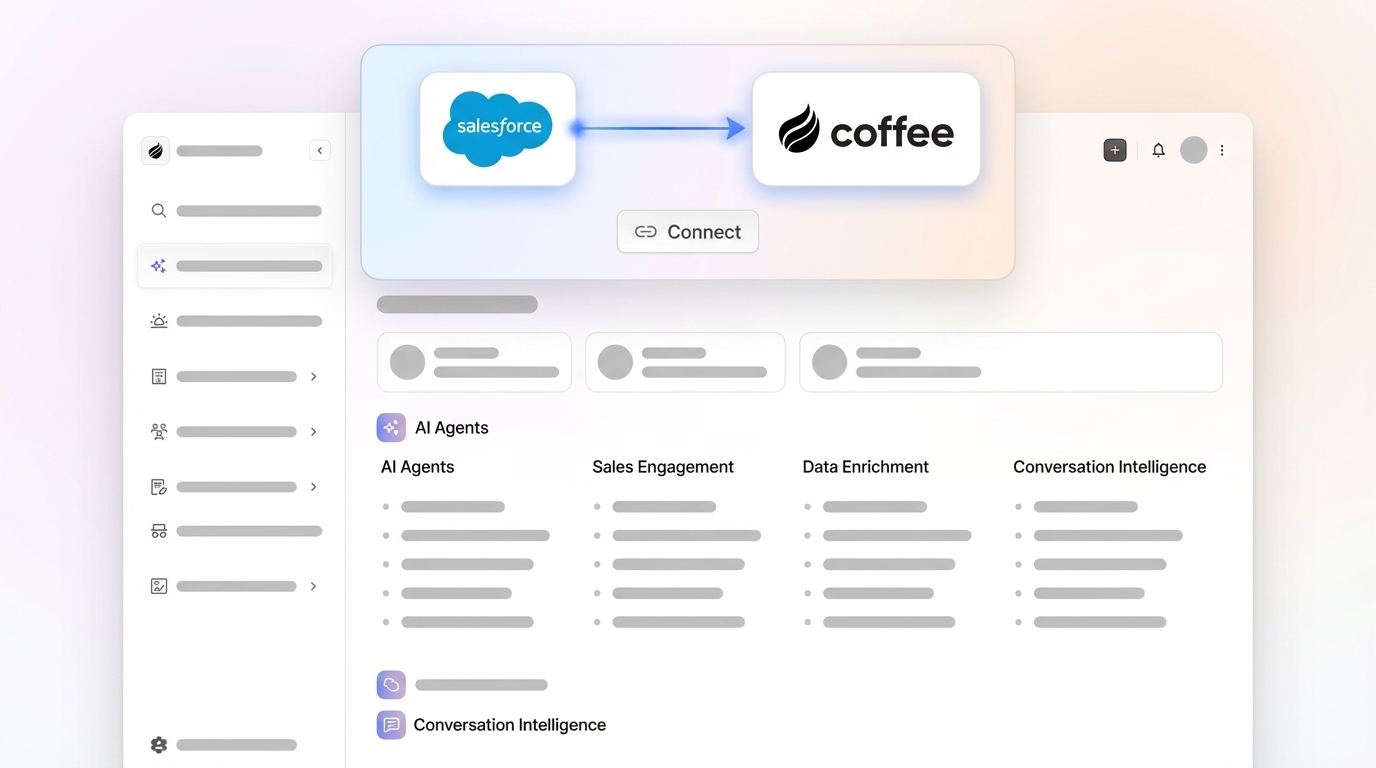
Automation depth: The Coffee Companion Agent connects to Salesforce through a simple authentication, then ingests emails, calendar events, and call transcripts to auto-create contacts, enrich records, log activities, generate meeting summaries, and draft follow-up emails. Reps review outputs rather than produce them.

Time saved: Automating CRM tasks such as contact creation, activity logging, call summaries, and data entry saves each sales rep 8–12 hours weekly. Coffee’s agent-led approach targets the full 8–12 hour range by addressing five primary admin sinks simultaneously: CRM updates, post-call notes, call prep, pipeline reporting, and prospect list building.

Data quality: Because the agent captures ground-truth data from emails and transcripts rather than relying on rep recall, the data quality in Salesforce improves significantly, which reduces forecast error. This improvement occurs because Coffee drives adoption by making the CRM self-maintaining, so reps do not need to remember to log data and records stay current.

Pricing: Coffee uses seat-based pricing. The agent’s labor, including unlimited data capture, enrichment, and note generation, is included in the seat cost with no metering on LLM usage or process volume.
Eliminate manual Salesforce data entry for your team with Coffee’s companion agent.
Companion Agent vs Point Solutions in Your Stack
The core architectural difference between a companion agent and a point solution is where in the workflow intervention occurs. Point solutions intervene after a rep has already decided to log data and simply make the logging faster. A companion agent intervenes before the rep is asked to act and captures the data without the rep’s involvement.
Mid-market Salesforce teams typically run 10–14 sales tools per rep with annual per-seat license costs of around $1,200–$2,400. Each additional point solution adds a login, a data model, and a maintenance obligation for RevOps. A companion agent consolidates the jobs of enrichment, conversation intelligence, and activity capture into one authenticated layer on top of Salesforce.
An implementation checklist for evaluating whether a companion agent replaces point solutions on your stack:
- Does the agent write data as native Salesforce records accessible to reports and Flow?
- Does the agent persist data in Salesforce if the contract ends?
- Does the agent support both standard and custom Salesforce objects?
- Does the agent reduce the number of tools reps must log into daily?
- Does the agent capture unstructured data such as transcripts and emails and structure it into CRM fields?
Coffee meets all five criteria. The tools that survive in a rationalized stack are the ones that took the rep out of the loop entirely, not the ones that shortened the gap between learning and logging.
Pricing Context and Risks of Salesforce Add-Ons
Transparent pricing evaluation for Salesforce automation add-ons must account for costs beyond the advertised per-seat rate. Total cost of ownership includes per-seat licensing, mandatory platform fees, implementation costs, ongoing integration maintenance, training, and savings from consolidating multiple point solutions into a unified platform.
Three risks apply to point-solution stacks that do not apply to companion agents:
- Data loss on cancellation: Salesforce Einstein Activity Capture stores data on AWS outside Salesforce with a six-month default retention limit and deletion upon cancellation, a risk that applies to any tool using an external data store architecture.
- Incomplete automation: Sales reps spend 60–70% of their time on non-selling admin and CRM tasks in 2026 when the underlying architecture still requires rep confirmation of every field.
- Adoption drag: 76% of companies attribute missed sales quotas to poor adoption of sales tools, a figure that rises when reps must navigate multiple interfaces to complete a single post-call workflow.
Coffee’s seat-based model with no LLM metering eliminates the first two risks. The agent’s design, which reduces rep touchpoints rather than adding them, addresses the third.
Decision Framework by Team Size and Constraint
The matrix below matches team size and primary constraint to the most appropriate solution category. It serves as a fit guide rather than a strict ranking.
| Team Size | Primary Constraint | Recommended Category | Notes |
|---|---|---|---|
| 1–10 reps | Data entry consuming selling time | Companion Agent | Point solutions require admin overhead teams of this size cannot sustain |
| 10–50 reps | Low CRM adoption, poor data quality | Companion Agent + native Flow | Agent fixes upstream data, Flow automates downstream process steps |
| 30–100 reps | High-volume outbound sequences | Sales Engagement + Companion Agent | Sequence tool manages cadences, agent handles post-call logging |
| 50+ reps | Coaching and deal risk analytics | Conversation Intelligence + Companion Agent | Gong provides coaching layer, agent removes manual field updates |
See which Coffee plan fits your team size and Salesforce configuration.
Frequently Asked Questions
How long does it take to implement Coffee’s Companion Agent on an existing Salesforce instance?
Implementation uses a simple OAuth authentication between Coffee and your Salesforce org. There is no custom code deployment, no field mapping project, and no professional services engagement required for standard Sales Cloud configurations. Most teams capture data automatically within one business day of connecting their Google Workspace or Microsoft 365 account. Custom object support and advanced pipeline intelligence features may require a brief configuration session with Coffee’s onboarding team, typically completed within the first week.
What happens to data captured by Coffee if the contract is cancelled?
Coffee writes activity data, contact records, and enrichment back to Salesforce as native records, so all captured data remains in your Salesforce org after a contract ends. This behavior reflects a deliberate architectural decision that distinguishes Coffee from tools that store data in an external warehouse with a retention limit. Your Salesforce instance remains the system of record, and Coffee acts as the agent that keeps it current.
How does Coffee handle data security and compliance?
Coffee is SOC 2 Type 2 certified and GDPR compliant. Data processed by the Coffee Agent is not used to train public AI models. The agent operates on your connected data sources such as email, calendar, and call transcripts under the permissions granted during authentication, and does not retain copies of raw communication data outside the structured records written to your CRM.
Can Coffee scale from a 10-person team to a 100-person team without re-implementation?
Yes. Coffee’s seat-based pricing model scales linearly, so additional reps are added as seats without changes to the underlying integration architecture. The agent’s data capture, enrichment, and pipeline intelligence capabilities apply uniformly across all connected seats. Teams that grow from mid-market to upper-market scale can add seats and maintain the same Salesforce write-back configuration without a re-implementation project.
Does Coffee replace tools like Gong, ZoomInfo, or Outreach entirely?
For many mid-market teams, Coffee consolidates the jobs performed by separate enrichment, conversation intelligence, and activity capture tools into a single agent layer. Teams running fewer than 50 reps that do not have a dedicated sales enablement or coaching function typically find that Coffee covers their use cases without additional licenses. Teams above 50 reps with active coaching programs may retain Gong for its analytics depth while using Coffee to eliminate the manual field-update work that Gong does not address. The decision depends on whether the primary constraint is data quality and rep time or coaching analytics.
Conclusion: Why Companion Agents Lead Salesforce Automation
The most effective Salesforce automation add-ons for sales teams in 2026 do not simply make data entry faster; they remove it entirely. Point solutions address one slice of the admin burden. A companion agent addresses the full burden by taking the rep out of the data-entry loop at the source.
Evaluated against the seven criteria in this article, including automation depth, time saved, integration effort, adoption impact, data quality, pricing transparency, and scalability, Coffee’s Companion Agent is the only category that satisfies all seven for mid-market Salesforce teams. Every other category satisfies only a subset of these requirements.
Reclaim 8–12 hours per rep per week by letting Coffee handle your Salesforce data entry.


