Written by: Doug Camplejohn, CEO & Co-Founder, Coffee | Last updated: September 5, 2026
What You Will Learn in This Comparison
- Sales reps lose 65% of their time to manual data entry. Autonomous CRMs reclaim that time by auto-capturing activities from email and calendar.
- Coffee can run as a standalone CRM or as a companion layer on Salesforce or HubSpot. Close and Monaco replace your existing CRM.
- Close fits phone-first outbound teams with native calling and Power Dialer. Below the Growth tier, reps still update many fields by hand.
- Monaco is an AI-native beta platform with flat-fee pricing and strong backing. It lacks published pricing, independent reviews, and a native dialer.
- Teams that want to remove manual data entry and see accurate pipeline insights without a RevOps hire can explore Coffee’s pricing.
How to Evaluate an Autonomous CRM: 5 Criteria That Matter
Autonomous CRMs differ in how they handle data, automation, and rollout risk. For a 5–20 person sales team, focus on these criteria.
- Data Entry Automation: Assess whether reps must log activities, update deal stages, and create contacts, or whether an agent handles those tasks automatically.
- AI Capabilities: Check if AI is built into the core architecture or sold as a bolt-on tier. Native AI can act on email threads and call transcripts. Add-on AI usually cannot.
- Deployment Model: Confirm whether the tool can sit alongside Salesforce or HubSpot or requires a full rip-and-replace. This choice shapes switching risk and implementation cost.
- Pricing Transparency: Prefer published per-seat pricing so you can model total cost of ownership before a sales call. Quote-only pricing hides the real number until late in the process.
- Scalability: Look at how pricing and features behave as you grow from 5 to 50 reps. Some models stay predictable. Others spike with headcount.
The right mix across these dimensions depends on your inbound, outbound, or hybrid motion and whether you already rely on a system of record.
Product-by-Product Comparison
Coffee: The Autonomous CRM Agent
Coffee is an autonomous agent that connects to Google Workspace or Microsoft 365 and immediately begins capturing data. It auto-creates contacts and companies from emails and calendar events, logs every interaction, enriches records with job titles, funding data, and LinkedIn profiles, and tracks pipeline changes week over week without manual input from reps.

Coffee reports that reps save 8–12 hours per week by removing manual data entry. That time savings comes from three main areas. The agent joins calls via an AI meeting bot to generate post-call summaries and follow-up drafts. It structures notes according to BANT, MEDDIC, or SPICED. It also powers Pipeline Compare, which visualizes week-over-week deal movement and replaces manual CSV exports and spreadsheet reviews.

Deployment flexibility sets Coffee apart in this comparison. It runs as a standalone CRM for teams starting fresh. It also works as a companion agent that writes enriched data back into an existing Salesforce or HubSpot instance. Teams on those platforms that struggle with adoption and data quality can add Coffee without changing their system of record. Coffee is SOC 2 Type 2 and GDPR compliant, and it does not use customer data to train public models.
Coffee also consolidates several tools. Lead Finder replaces separate prospecting databases like ZoomInfo or Apollo. Campaigns runs multi-step AI-generated email sequences from the rep’s own mailbox. Visitor Identification turns anonymous website traffic into named prospects with suggested contacts, not just company-level data.

Coffee still has limits. It is newer than Close, which has operated for more than a decade. Integrations beyond Salesforce and HubSpot currently route through Zapier. Teams with highly customized enterprise workflows or strict regulatory needs may find the current integration surface too narrow.
Ideal fit: Teams of 1–50 employees that want to remove manual data entry and see accurate pipeline data without hiring a RevOps person. It also suits teams already on Salesforce or HubSpot that struggle with adoption.
Pricing: Seat-based with unlimited agent labor included. AI processes are not usage metered.
Close CRM: The Calling Machine for Outbound Teams
Close was built for high-velocity inside sales. Its core strength is native communication. Calling, SMS, and email all live inside the CRM, and every touchpoint logs automatically to the lead record. Close reports that 98% of users save at least 3 hours of admin work per week using Workflows, largely because call and email logging happen automatically.
The June 2026 launch of Chloe, Close’s AI sales agent, expanded its automation story. Chloe can call inbound leads, qualify prospects through real conversations, book meetings, update CRM records, and draft follow-ups without rep involvement. During beta, Chloe ran 818,787 calls across 306 businesses. That automation is only available to teams on the Growth plan at $99 per user per month on annual billing. Below that tier, Solo and Essentials customers still work in a CRM that requires significant manual input for deal stages and custom fields.
Close has known limits for teams that care most about pipeline accuracy. Deal stage progression, forecasting accuracy, and certain custom fields still require user updates to keep reports reliable. Close also lacks a native B2B contact database. Teams must import leads via CSV or pay for enrichment tools like ZoomInfo. Telephony usage for calls and SMS sits on top of the seat fee at roughly $0.014 per minute for outbound calls and $0.01 per SMS, which adds real variable cost for outbound-heavy teams.
Ideal fit: Small outbound teams that live on the phone, need Power Dialer and built-in calling, and accept manual data entry for pipeline stages.
Pricing: Solo $19/month, Essentials $49/month, Growth $109/month, Scale $149/month on monthly billing; annual billing reduces each tier to $9, $35, $99, and $139 per user per month. Telephony usage is billed separately.
Monaco CRM: The AI-Native Revenue Engine (In Beta)
Monaco entered public beta in February 2026 and has raised $35 million across a $10M seed and $25M Series A led by Founders Fund, with personal checks from Patrick and John Collison and Garry Tan. The founding team includes the former CRO of Brex, the former CPO of Apollo, and the former Chief Architect of Clari.
Monaco’s architecture is AI-native. It automatically captures emails, calls, and meeting recordings into structured records. It also enrolls accounts in outreach sequences via Autopilot and updates deal stages from real interaction signals rather than manual rep logging. Its flat-fee pricing model creates an advantage as headcount grows because adding reps does not increase software cost.
The trade-offs matter for teams that need a proven system today. Monaco has no native dialer, no LinkedIn automation, and no documented API webhooks or SDKs, so phone-first teams must budget an additional $1,200–$4,500 per month for external dialers. Pricing is opaque, with a 404 on the pricing page and quotes only via demo. As of mid-2026, Monaco has no G2 reviews, no Capterra listings, and no published case studies with metrics. All performance claims come from the company. Monaco’s API and MCP access are labeled beta, with methods and schemas still changing.
Ideal fit: Seed-stage startups with 1–10 person sales teams that want a modern, AI-native CRM and accept a beta product with undisclosed pricing, no independent reviews, and a smaller integration ecosystem.
Pricing: Undisclosed flat fee, currently discounted during beta, with quotes provided after a demo call.
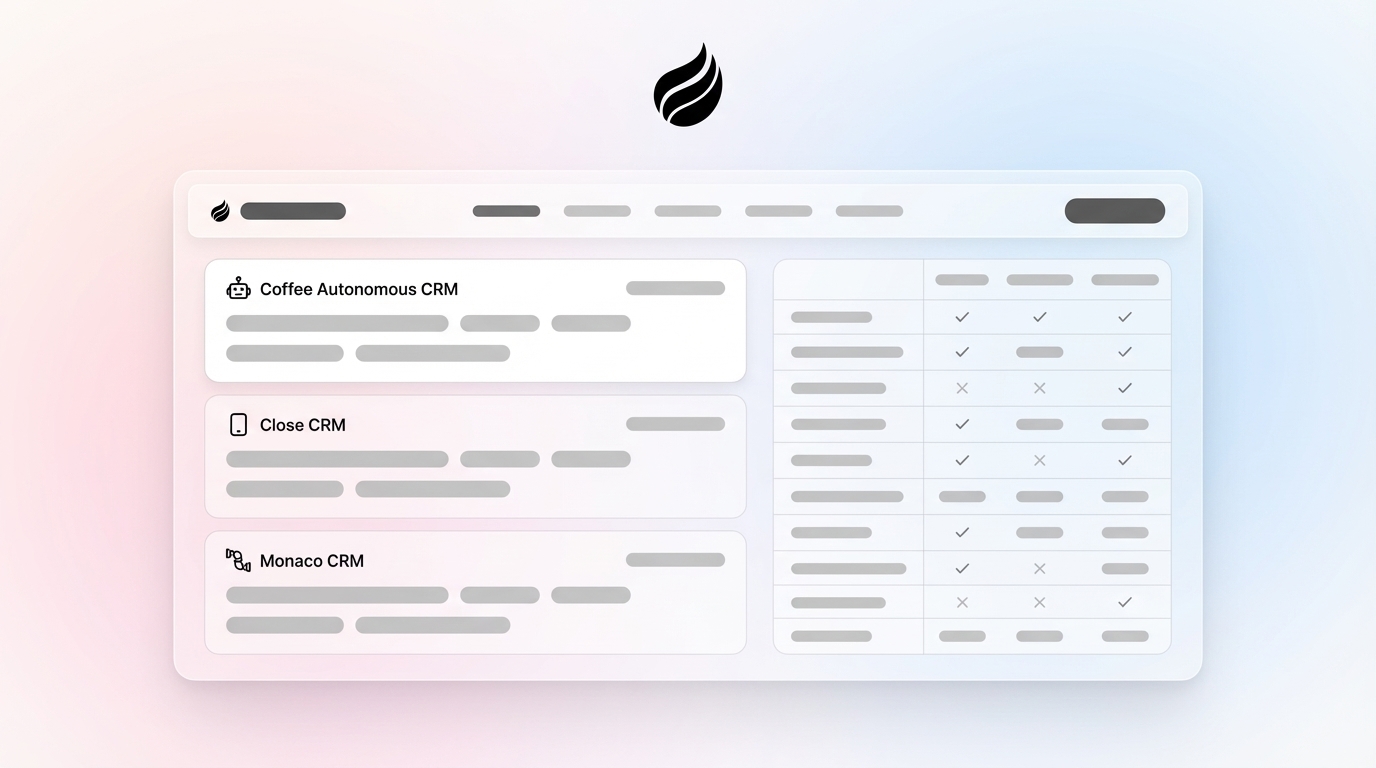
Side-by-Side Comparison: Coffee vs Close vs Monaco
The table below distills the three tools across criteria that matter for a 5–20 person team. Focus on Deployment Model and Pricing Transparency, because those rows highlight the sharpest differences.
Decision Framework: Matching Each CRM to Your Team
Your choice depends on team size, sales motion, and current stack. Use this section to map each product to a clear scenario.
Choose Coffee if you run a team of 1–50 employees and want to remove manual data entry while keeping pipeline insights accurate without a RevOps hire. Coffee also fits if you already use Salesforce or HubSpot but struggle with low adoption and poor data quality, because the companion deployment model keeps your system of record in place. Hybrid inbound and outbound teams that want one agent for prospecting, outreach, meeting intelligence, and pipeline tracking can consolidate that work in Coffee without paying for separate feature add-ons.
Choose Close if you are a small outbound team that lives on the phone and treats Power Dialer and built-in calling as essential. Close works best for teams that run high-volume call cadences, accept manual pipeline updates, and can budget telephony usage on top of seat costs. The Growth plan tier on annual billing is the first level that unlocks Chloe and workflow automation.
Choose Monaco if you are a seed-stage startup with a 1–10 person sales team that wants a modern, AI-native platform and accepts a beta product with undisclosed pricing, no independent reviews, and onboarding managed by a forward-deployed AE. Monaco’s flat-fee model becomes more attractive as headcount grows, yet the missing native dialer, evolving API, and opaque pricing remain real constraints for teams that need to move quickly with confidence.
Teams with complex enterprise needs, strict regulatory requirements, or more than 50 reps with custom approval workflows will likely need a different primary system of record.
Compare your team’s needs against Coffee’s plans.
Common Concerns and Objections
“Is Coffee’s data secure?” Coffee is SOC 2 Type 2 and GDPR compliant, and it does not use customer data to train public models. For regulated industries, Coffee’s security posture aligns with established CRM vendors.
“Is Monaco too new to trust?” Monaco launched in February 2026 and still has no independent third-party reviews on G2 or Capterra. Its own documentation marks the API and MCP server as beta with changing schemas. The founding team and investor backing are strong, and the $35M in funding provides runway. Teams that need a proven system with documented results accept real risk. Monaco works best when you can run a hands-on trial, because published benchmarks do not yet exist.
“Is Close too manual for pipeline accuracy?” Close automates logging for calls, emails, and SMS. For deal stage progression, forecasting, and custom fields, reps still update records manually unless they use the Growth plan with Chloe and Workflows. Teams that want accurate pipeline data without manual input will find Close’s automation incomplete below the Growth tier mentioned earlier.
“What about integrations?” Coffee integrates natively with Salesforce and HubSpot and connects to other tools through Zapier, with deeper integrations on the roadmap. Close integrates with more than 50 applications including HubSpot Marketing Hub, Zapier, Google Workspace, Slack, and Zoom, and offers an open API. Monaco’s API and webhooks remain in beta with no documented SDK, which makes it a data silo for teams that rely on stable integrations.
Conclusion: Align the CRM With Your Real Bottleneck
Your decision among Close, Monaco, and Coffee should track your main constraint. If manual data entry and poor data hygiene slow you down, Coffee’s autonomous agent removes that work and keeps pipeline data current. If outbound call volume is the bottleneck, Close’s native dialer and mature telephony stack create the strongest fit. If you are pre–product-market fit and can tolerate beta risk for an AI-native architecture, Monaco can be worth a pilot.
For teams that feel buried in admin work and want accurate pipeline data without a RevOps hire, Coffee combines the most time savings with the most deployment flexibility in this group.
Let Coffee’s agent take over your data entry.
Frequently Asked Questions
What makes Coffee different from a traditional CRM like Close or HubSpot?
Traditional CRMs store data that humans enter. Coffee acts as an autonomous agent that captures data from emails, calendars, and call transcripts, auto-creates contacts and companies, logs every interaction, and tracks pipeline changes without manual input from reps. Reps reclaim the 8–12 hours per week mentioned earlier, and pipeline data stays accurate without a RevOps function enforcing hygiene. Coffee also runs in two modes: as a standalone CRM for new teams, or as a companion agent that writes enriched data back into an existing Salesforce or HubSpot instance.
Can Coffee work alongside my existing Salesforce or HubSpot, or does it require a full migration?
Coffee supports both approaches. The Companion App connects to your existing Salesforce or HubSpot instance through a simple authentication and then handles data-in tasks. It auto-creates contacts, enriches records, logs activities, and writes insights back to your system of record. No migration is required. This design helps teams committed to Salesforce or HubSpot that still struggle with adoption and data quality.
How does Monaco’s pricing compare to Close and Coffee if I have a growing team?
Close uses per-seat pricing, so cost scales with headcount. A six-rep team on the Growth plan with annual billing pays about $594 per month in seat costs plus variable telephony usage. Monaco uses a flat-fee model, so adding reps does not change software cost, which helps at scale. Monaco’s actual price is not public and requires a demo call, which makes early cost modeling difficult. Coffee uses seat-based pricing with unlimited agent labor and no AI usage metering, so forecasting cost as the team grows stays straightforward. Coffee’s published pricing page is the only one of the three that supports a full self-serve comparison.
Is Coffee suitable for a team that is just starting to build its sales function?
Coffee’s standalone CRM suits small companies with 1 to 20 employees that have outgrown spreadsheets and Notion but find traditional CRMs like HubSpot or Pipedrive too manual and expensive. Setup only needs a Google Workspace or Microsoft 365 connection, and the agent begins populating the CRM right away. Lead Finder supports prospecting, Campaigns runs outreach sequences, and Pipeline Compare automates weekly pipeline reviews. None of this requires a dedicated RevOps or sales operations hire.
What happens to my data if I decide to switch CRMs later?
Data portability should factor into any CRM choice. Coffee stores interaction history in a built-in data warehouse, so email threads, call transcripts, and deal stage changes remain preserved rather than overwritten. For teams that use Coffee as a companion on Salesforce or HubSpot, the incumbent CRM stays the system of record, so removing Coffee does not affect primary data. Close functions as a standalone system of record with a documented API, which keeps exports manageable. Monaco presents the highest lock-in risk. Its API and webhooks are in beta, its data model is proprietary, and a later move from Monaco to Salesforce could lose interaction context that Monaco’s AI captured, a trade-off the company itself notes.