Written by: Doug Camplejohn, CEO & Co-Founder, Coffee
Key Takeaways For HubSpot Admins
- The HubSpot connector for Claude is the official HubSpot-built MCP integration for chat-driven read, create, and update actions on CRM records.
- Setup requires a paid Claude plan (Pro, Max, Team, or Enterprise), admin approval, and individual user authentication inside HubSpot.
- Claude can query contacts, companies, deals, and engagements, but cannot delete records, access sensitive data, or run autonomously without prompts.
- Permissions inherit directly from the connecting HubSpot user’s role, and all write actions are logged in the Audit Log for compliance.
- Teams that want autonomous data quality and enrichment without manual prompting can use Coffee’s Companion App to remove repetitive CRM maintenance.
Explore Coffee’s Companion App For HubSpot
Prerequisites Before Connecting Claude To HubSpot
Confirm these requirements before you start the connection process:
- A HubSpot account on any tier, including the free CRM. No paid HubSpot plan is required.
- A paid Anthropic subscription at the Pro ($17/month annual), Max, Team, or Enterprise tier. Free Claude accounts cannot use connectors at all.
- Admin approval. A HubSpot Super Admin or a user with App Marketplace Access permissions must complete the first connection and configure data permissions. All other users depend on that approval before they can connect.
See How Coffee Improves HubSpot Data Quality
What The Claude HubSpot Integration Actually Does
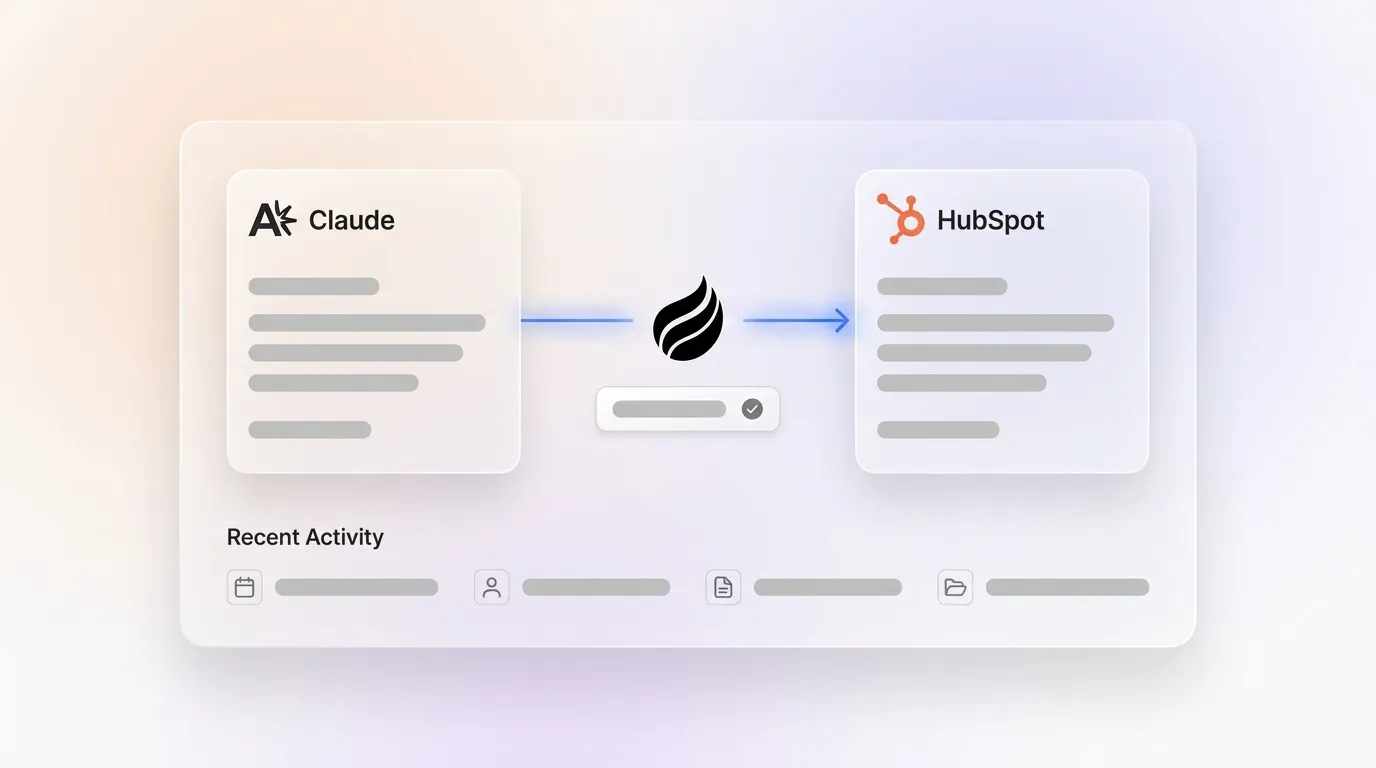
The HubSpot connector for Claude is a HubSpot-built, HubSpot Certified App. It connects Claude to HubSpot through a remote Model Context Protocol (MCP) server. For developers building their own MCP clients, HubSpot’s official remote MCP server runs at mcp.hubspot.com. It reached general availability in April 2026 and authenticates over OAuth 2.1 with PKCE.
Through this connector, Claude can read CRM data and take conversational action on it. It can query records, draft content, create contacts, update deals, and log activities directly from the Claude chat window. Capabilities vary by object type, and write actions can require human approval before execution. The connector is available on all HubSpot tiers.
HubSpot also ships a separate local Developer MCP Server (set up via hs mcp setup). This local server supports building HubSpot apps with tools like Claude Code, Cursor, and VS Code. It is a distinct product from the chat connector covered in this guide.
How To Set Up The HubSpot Connector For Claude
- Confirm admin approval. A Super Admin or a user with App Marketplace Access permissions must connect the connector first and select which data permissions it can access. Because that first connection defines the permissions every later user inherits, no one else in the portal can connect until it is complete. If you are not a Super Admin, request approval before proceeding.
- Navigate to Connectors in Claude. In Claude, click the profile icon, then go to Settings > Connectors > Browse. Search for HubSpot and select it. Click Connect. This step works the same on Claude’s web, desktop, and mobile versions.
- Authenticate with your HubSpot account. You are redirected to a HubSpot login page. Sign in to the desired HubSpot account and review the permissions on the “Connecting HubSpot Connector for Claude to HubSpot” page. Select the permissions you want to grant, then click Connect app.
- Verify the connection is active. After you click Connect app, Claude redirects you back to the chat window. The connection shows as active in your Connectors settings. HubSpot recommends setting Write tools to “Needs Approval” so Claude asks for confirmation before making any changes.
The exact flow can differ slightly by Claude plan and HubSpot tier. On Team or Enterprise plans, an Owner or Primary Owner must enable the connector org-wide before individual members can connect their accounts.
What Claude Can And Cannot Do With Your HubSpot Data
The connector supports read, create, and update actions across a broad set of HubSpot objects. Claude can query contacts, companies, deals, tickets, and engagement history. It can create new contacts and deals, update record properties such as deal stages, log notes, tasks, calls, and meetings, and draft blog posts, landing pages, and marketing email copy for a human to implement. Bulk create and update operations are capped at 10 records at a time.
The connector’s limits matter because they define what still requires a human. Claude cannot:
- Delete any HubSpot record through the connector. Deletions must be performed directly in HubSpot.
- Access custom Sensitive Data properties or any engagement data when the Sensitive Data toggle is enabled on the account.
- Connect to more than one HubSpot account per Claude account simultaneously.
- Autonomously maintain data quality. Every action requires a human to open Claude and type a prompt.
- Act without being prompted. The connector is chat-driven by design, so it does not run in the background, monitor records, or trigger on events.
- Replace a CRM agent that handles data entry and enrichment on its own.
This last point has the biggest operational impact. Claude can draft workflow logic and email copy, but it does not assemble workflows inside HubSpot. A human must implement what Claude drafts. Teams whose core problem is CRM data quality and adoption need more than a chat window.

Claude HubSpot Permissions And Security
The connector inherits the connecting HubSpot user’s existing permissions. Claude only surfaces CRM data the user is already allowed to access in HubSpot. A sales rep who can only view their own deals sees only their own deals in Claude. The connector does not grant any escalation or shared super-view.
HubSpot’s Fall 2026 App Governance release gives admins centralized control over which apps and AI connectors are allowed in the account, who can install them, and what data they can access. Every write action is recorded in HubSpot’s Audit Log, attributed to both the user and the Claude connector.
On data privacy, Anthropic does not use data shared through the HubSpot connector to train its models unless the user opts in or submits feedback. Data routes through HubSpot servers respecting the account’s data center location. EU-hosted accounts route through HubSpot’s EU data center, and Anthropic’s terms then govern processing on the Anthropic platform.
Paid Claude plans (Pro, Max, Team, or Enterprise) act as a hard gate for connector access. Free Claude accounts cannot use connectors at all. Claude Enterprise admins can also restrict users from connecting HubSpot to Claude accounts outside their Enterprise organization by enforcing a verified domain.
Troubleshooting The Claude HubSpot Connector
This section covers the most common operational failures and how to resolve them.
Authentication failures and expired connections. If the connector shows as connected but actions fail, the OAuth token may have expired, or the connection may predate the November 20, 2025 write-access release and therefore lack write permissions. Either way, the fix is for a Super Admin to disconnect and reconnect the integration, after which each user must reconnect individually.
Missing permissions and denied write actions. If Claude returns a permission error on a write action, the underlying HubSpot user account lacks that permission in HubSpot. The connector cannot grant permissions the user does not have. Verify the user’s HubSpot role, then re-authorize the app from HubSpot Settings > Integrations > Connected Apps if needed.
Admin-approval blocks. If a non-admin user cannot connect the connector at all, a Super Admin has not yet approved it for the organization. The admin must connect it first, configure data permissions, and then grant users access via HubSpot Settings > Integrations > Connected Apps > HubSpot connector for Claude > Give users access. Note: once access is granted, it cannot be undone globally. Each user must uninstall individually.
New objects not appearing after permission updates. When a Super Admin updates the connector’s data permissions to add new objects, each user must disconnect and reconnect the connector to gain access to the newly approved data. The failure signature is a REQUIRES_REAUTHORIZATION status on new object types.
Write actions executing without approval. If Claude is making changes without asking for confirmation, the Write tools setting is set to “Always allow.” Change it to “Needs Approval” in the connector’s tool settings in Claude.
Rate limit errors on bulk operations. The CRM Search API is capped at five requests per second per account, and bulk writes are capped at 10 records at a time. For larger operations, batch records and add pauses between batches.
Keep HubSpot Stable With Coffee’s Autonomous Agent

Native Connector Vs. Building Your Own MCP Integration
Once the connector is working, the next question is whether to use it as-is or build something custom. For most teams, the ready-made HubSpot connector for Claude is the right starting point. It requires no infrastructure, HubSpot maintains it, and a non-technical user can connect in minutes. It covers standard CRM objects, engagements, and marketing content without writing any code.
Custom builds using the mcp.hubspot.com endpoint directly are appropriate for four cases: headless or scheduled agent access, custom object support, multi-portal routing, and semantic business logic encoded in typed tool schemas. The official OAuth 2.1 flow requires a user present, and the official MCP server does not expose custom objects. Both constraints push some teams toward custom builds. Custom modules offer more control but require more maintenance, security review, and ongoing engineering investment. Teams with a heavily customized HubSpot instance or needing unattended agent workflows are often better served by a custom or community server authenticated with a stored private-app token.
Is The Claude HubSpot Connector Enough? A Decision Framework
The native connector gives practical, chat-driven CRM access. It works well for one-off record queries, drafting content with CRM context, updating a handful of records, and ad hoc pipeline questions. It does not address teams whose main issue is data quality, because it remains idle until a human opens Claude and types a prompt.
The operational reality is that 71% of sales reps say they spend too much time on data entry, leaving only 35% of their time for selling. A chat connector shifts that work from HubSpot’s UI to Claude’s chat window instead of removing it.
Teams that need HubSpot data quality without babysitting a chat window can move to Coffee’s Companion App for HubSpot. Coffee deploys an autonomous agent on top of an existing HubSpot instance. The agent auto-creates contacts and companies from emails and calendar data, enriches records with job titles, funding, and LinkedIn profiles, logs activity autonomously, and writes insights back to HubSpot without a human prompting each action. The result is saving reps 8–12 hours per week that would otherwise go to manual data entry and CRM maintenance.

The choice comes down to whether a human needs to be in the loop for every action:
- Use the native Claude connector for conversational CRM access, one-off queries, and bounded record updates where a human is already present.
- Use Coffee’s Companion App for HubSpot when the goal is autonomous data entry, continuous enrichment, and CRM data quality that does not depend on rep discipline.
For a deeper look at automation patterns and integration examples, see Claude Integration Examples: HubSpot & Salesforce Guide.
Compare Coffee’s Companion App To The Native Connector
Frequently Asked Questions
Do You Need A Paid Claude Plan For HubSpot?
Yes. The HubSpot connector for Claude requires a paid Anthropic subscription at the Pro, Max, Team, or Enterprise tier. Free Claude accounts cannot use connectors at all. The HubSpot side has no paid requirement, because the connector works on every HubSpot tier, including the free CRM. Pro is priced at $17 per month on annual billing ($20 monthly), and Team is $20 per seat per month annually.
What CRM Integrates Best With Claude?
HubSpot was the first CRM to ship an official native connector for Claude, launching in July 2025 and reaching general availability in spring 2026. It remains the most fully documented and widely deployed CRM connector for Claude, with over 216,000 installs on the HubSpot App Marketplace. Salesforce also has a first-party connector for Claude called the Salesforce MCP Server, offered as a Beta connector on claude.com and via the “Salesforce in Claude” plugin built by Salesforce. For teams that want autonomous CRM data quality rather than chat-driven access, Coffee’s Companion App works on top of both HubSpot and Salesforce.
What Platforms Can Claude Integrate With?
Claude supports integrations through its MCP connector framework, which covers a growing directory of first-party connectors including HubSpot, Microsoft 365 (SharePoint, OneDrive, Outlook, Teams), and web search. Teams and Enterprise organizations can also register custom MCP servers for internal systems or approved third-party services. The connector framework is a general-purpose integration model, so the same pattern used for HubSpot applies to other systems. Custom connectors reach the MCP server from Anthropic’s cloud, so servers behind a company firewall require Anthropic’s IP ranges to be allowlisted.
Will CRM Be Replaced By AI?
AI agents are augmenting legacy CRMs by handling the work humans were never reliably doing: data entry, enrichment, and activity logging. The fundamental problem with systems like HubSpot is that they rely on busy humans to ensure data quality. AI agents address that flaw by automating the “data in” process so the system of record stays accurate without human effort. The CRM as a system of record persists, while the expectation that humans act as data entry clerks fades.
How Do HubSpot User Roles Affect Claude’s Access?
The connector inherits the connecting HubSpot user’s existing permissions exactly. A sales rep who can only view their own deals sees only their own deals in Claude. A user who cannot update a contact in HubSpot cannot update it through Claude either. Super Admins can use HubSpot’s App Governance controls to manage which users can install the connector and what data permissions it can access. All create and update actions are recorded in HubSpot’s Audit Log, attributed to both the user and the Claude connector.
What Happens When Write Actions Are Denied?
Write actions can be denied for two distinct reasons. First, the connector’s Write tools setting may be configured to “Needs Approval,” which means Claude will propose the change and wait for the user to confirm before executing. This is the recommended configuration. Second, the underlying HubSpot user account may lack the object-level permission required for that action. In that case, the connector returns a permission error, and the fix is to verify and update the user’s HubSpot role, then reconnect the connector. If write access is missing entirely on an older connection, a Super Admin must disconnect and reconnect the integration to refresh Edit permissions.
Conclusion
The HubSpot connector for Claude is an official integration that gives teams chat-driven CRM access across contacts, companies, deals, tickets, and engagements. Setup requires a paid Claude plan, a Super Admin to approve and configure the connector, and each user to authenticate individually. Permissions propagate directly from HubSpot user roles, all writes are logged in the Audit Log, and Anthropic does not train on connector data unless a user opts in.
The troubleshooting layer matters because the most common failures, such as missing write access, denied actions, and new objects not appearing, usually resolve through a disconnect-and-reconnect cycle at either the admin or user level. Setting Write tools to “Needs Approval” prevents unintended changes and aligns with HubSpot’s own recommendation.
The decision framework is clear. The native connector is useful for conversational CRM access and bounded record updates where a human is already in the loop. Teams that need autonomous data entry and enrichment, including contacts created from emails, records enriched without manual input, and activities logged without a prompt, can step up to Coffee’s Companion App for HubSpot. The agent handles the data-in process so HubSpot stays accurate without human effort, the same 8–12 hours per week reclaimed from manual CRM maintenance.
Start Automating HubSpot With Coffee