Written by: Doug Camplejohn, CEO & Co-Founder, Coffee
Key Takeaways
- Chorus AI now lives inside ZoomInfo, with bundled enterprise pricing and procurement that many small teams cannot justify.
- Lightweight tools like Fathom, Fireflies.ai, Otter.ai, Avoma, tl;dv, and Scribbl keep costs low with per-seat pricing and self-serve setup for recording, transcription, and summaries.
- Most lightweight tools stop at basic CRM notes, which leaves Salesforce and HubSpot field updates as manual work for sales teams.
- Teams that rely on coaching workflows, structured CRM updates, or forecasting intelligence often outgrow simple recorders.
- Coffee provides an autonomous CRM Agent that records, transcribes, summarizes, and updates CRM fields automatically.
What Makes A Chorus Alternative Lightweight
A lightweight Chorus alternative is a conversation intelligence tool with no enterprise procurement motion and self-serve setup. It charges per seat at a published rate and delivers core record, transcribe, and summarize capability without bundling a broader RevOps suite or data platform relationship.
Six tools make the shortlist. They are similar on recording and summaries but diverge sharply on CRM depth, which is the axis that matters most for a Chorus refugee:
- Fathom – generous free tier, fast summaries, CRM field sync gated to Business ($25/user/month annually).
- Fireflies.ai – cheapest paid entry (~$10/seat/month annually), 100+ languages, AI-credit limits apply.
- Otter.ai – strongest personal transcription, CRM sync and BANT/MEDDIC extraction gated to Enterprise.
- Avoma – transparent pricing, auto-scorecards, full CI feature set requires paid add-ons.
- tl;dv – sales-forward notetaker, all eight native CRM integrations gated to Business ($29/seat/month annually).
- Scribbl – lightest of the group for teams that mostly need a transcript and meeting notes.
How Chorus AI Changed After The ZoomInfo Acquisition
ZoomInfo acquired substantially all of the net assets of Chorus.ai on July 12, 2021, for a total cash consideration of $547.4 million (originally announced at approximately $575 million, adjusted after a tax-related purchase-price adjustment). The product now trades as “Chorus by ZoomInfo” and is sold as a module of the ZoomInfo platform rather than a standalone tool.
As of September 2026, chorus.ai redirects to zoominfo.com/products/chorus, where buyers enter a relationship with a data platform vendor. The pricing page serves no rate card, so buyers must speak with sales to get numbers. Third-party research from July 2026 suggests a base fee of around $8,000 per year for a small number of seats, plus roughly $1,200 per additional seat annually and should be treated as directional only. Bundled ZoomInfo Sales contracts commonly run $30,000–$150,000 per year.
Two roadmap consequences matter for the switching decision. First, feature velocity slowed after the acquisition closed, while independent conversation intelligence peers pulled ahead on analytics, coaching, and live-call tooling. Second, Chorus’s headline advantage, Connected Intelligence, requires an active ZoomInfo data licence and does nothing for buyers who do not already run ZoomInfo. For a 5–50 person team that wants recording, transcription, summaries, and CRM updates, the platform relationship becomes overhead instead of a clear feature.
The Shortlist, Organized By Job-To-Be-Done
Recording And Transcription
Most tools now record and transcribe reliably. The real differences show up in language coverage, caps, and supported platforms.
- Fathom – records on Zoom, Google Meet, and Microsoft Teams with unlimited recordings on its free tier and delivers an AI summary within roughly 30 seconds of call end. Tradeoff: no Webex support and no mobile app.
- Fireflies.ai – covers Zoom, Teams, Meet, and Webex with transcription in 100+ languages and six recording methods, including a Chrome extension for bot-free Google Meet capture. Tradeoff: AI-credit limits apply on every tier and accuracy drops to around 78.9% with non-native English speakers.
- Otter.ai – works across Zoom, Meet, and Teams with calendar auto-join, but transcription language support is limited to English, French, Spanish, and Japanese. Tradeoff: the 300-minute monthly cap on the free tier exhausts quickly for active sellers.
- tl;dv – auto-records on Zoom, Google Meet, and Microsoft Teams only, and its desktop app allows manual recording on other platforms but loses automatic bot-join functionality. Tradeoff: three-platform ceiling and a free plan that limits AI notes to the first 10 meetings ever.
- Scribbl – lightest of the group and best for teams that mostly need a transcript and basic meeting notes. Tradeoff: minimal sales intelligence layer.
Summaries And Action Items
Every tool now promises AI notes. The differences show up in methodology support and how far they go toward structured data.
- Fathom – ships 17 pre-built summary templates including MEDDPICC, SPICED, and BANT. Tradeoff: drafting a follow-up email differs from writing structured data to a CRM field, which requires the Business tier.
- Fireflies.ai – extracts action items and offers AskFred for cross-meeting queries. Tradeoff: AI credits cap usage mid-month for heavy users of summaries and advanced features.
- Avoma – bundles meeting notes with scheduling and lead routing. Tradeoff: the $19/seat headline is a notetaker base, while conversation intelligence and revenue intelligence modules are paid add-ons that push a fully loaded seat toward $77.
Manager Coaching And Call Scoring
Manager coaching and call scoring thin out quickly in the lightweight tier. Teams that relied on Chorus for MEDDIC or BANT scoring will notice the gap.
- Avoma – offers auto-scorecards for BANT, MEDDPICC, and SPICED on higher tiers, making it the most affordable full-lifecycle AI meeting assistant with automatic scorecards. Tradeoff: full CI requires a paid add-on and scoring depth trails Gong on semantic quality.
- Fireflies.ai – gates conversation intelligence, sentiment analysis, and topic trackers to its Business tier at $19/seat/month annually. Tradeoff: no deal or forecast intelligence layer.
CRM Updates
CRM updates form the thinnest category and matter most for pipeline hygiene and forecasting accuracy.
- Fathom – gates CRM field-level sync to its Business plan at $25/user/month annually and limits CRM sync to 3 users per domain on free and lower tiers.
- Otter.ai – requires the custom-priced Enterprise plan for full CRM sync, BANT/MEDDIC extraction, and Live Assist.
- Fireflies.ai – integrates natively with Salesforce, HubSpot, and Pipedrive on paid plans starting at $10/user/month annually. Tradeoff: focuses on summaries and action items, while structured field-level write-back depth remains shallower than enterprise platforms.
- tl;dv – gates all eight native CRM integrations, including HubSpot and Salesforce, to its Business plan at $29/seat/month annually.
Most lightweight tools push a summary and transcript link as a Note or Task on the related Salesforce or HubSpot Contact or Opportunity rather than populating structured fields, which helps record-keeping but does little for deal intelligence.
See How Coffee Handles CRM Updates Automatically
The CRM Data Tradeoff With Lightweight Recorders
The tool-by-tool breakdown above shows a pattern: every lightweight option stops short of structured CRM write-back. That gap creates the real cost of leaving Chorus and deserves a closer look. Chorus’s weight came from everything around the recording, including the ZoomInfo data relationship, the enterprise contract, and the bundled modules. A lightweight recorder solves cost and bloat while leaving the CRM problem in place.
Market data shared by Coffee shows that 71% of sales reps say they spend too much time on data entry. A summary that sits in a separate workspace does not make Salesforce or HubSpot smarter. The phrase “integrates with Salesforce” covers a 10x range of actual integration depth, and most lightweight tools sit at the shallow end.
Coffee is the recommended solution for teams that want to keep the Chorus capability that mattered while the CRM stays clean without human effort. Coffee functions as a CRM Agent that handles the labor of putting good data in by capturing tasks, integrating data streams, and logging interactions. Teams then get good data out in the form of accurate insights and forecasts.

Coffee works two ways, so it fits whichever path the reader is on:
- As the engine behind a Standalone CRM for small teams that have outgrown spreadsheets but find legacy CRMs expensive and manual.
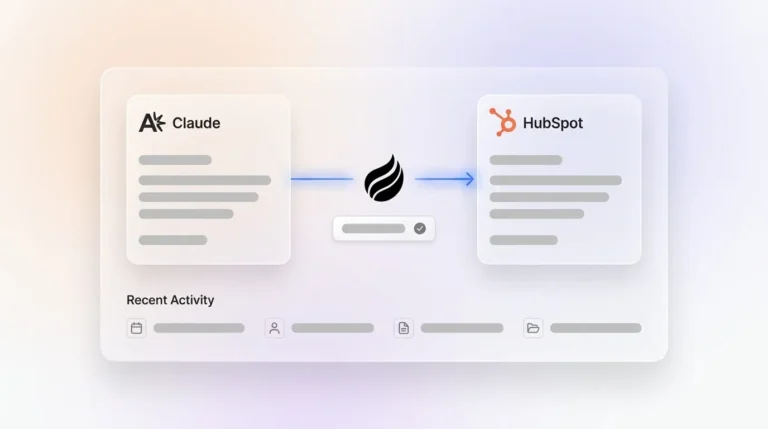
- As a Companion App that acts as a tireless worker on top of an existing Salesforce or HubSpot instance, handling the data-in process so the system of record stays accurate without human effort.
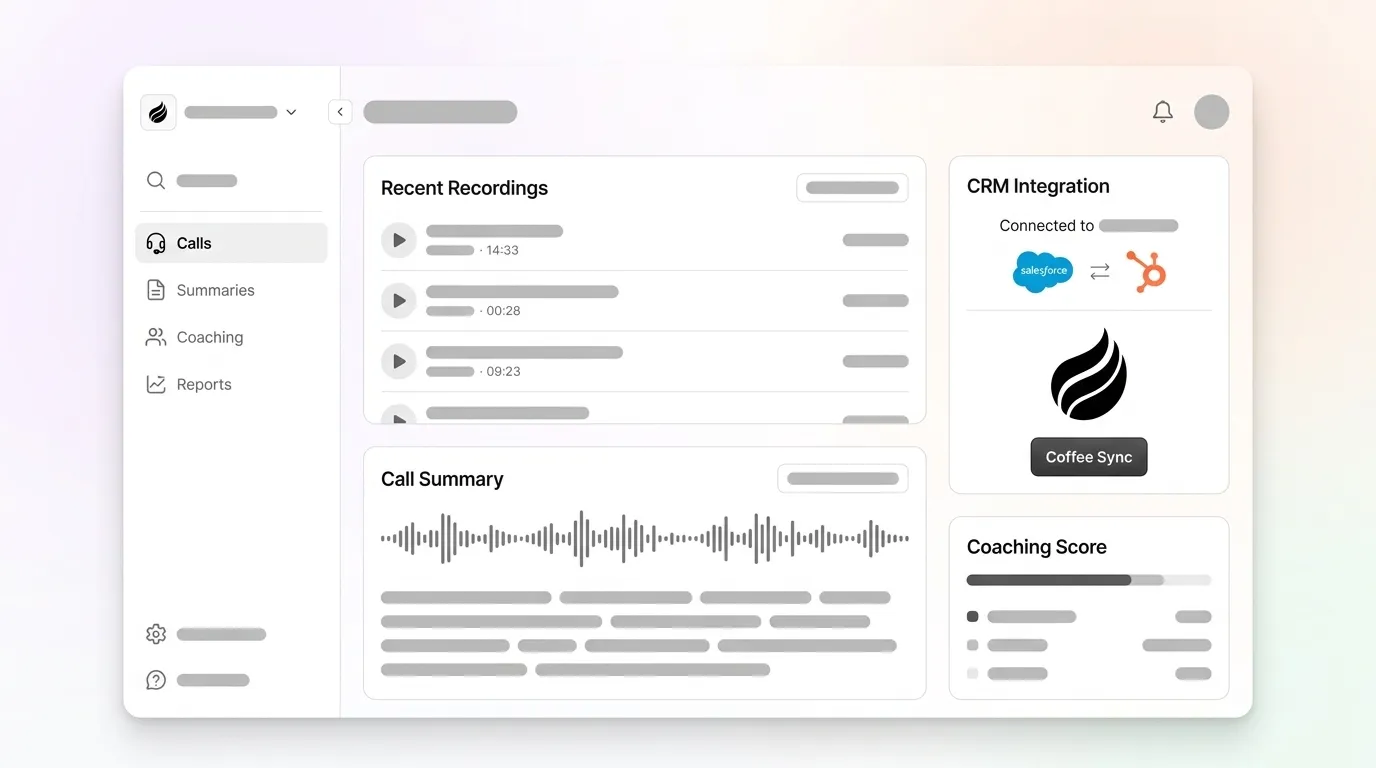
Coffee’s agent handles the data-in labor end to end. It creates and enriches contacts, companies, and activities from email and calendar data, then logs last and next activity on its own. It joins calls on Zoom, Teams, and Meet to record and transcribe, then drafts summaries and follow-up emails. Notes are structured according to BANT, MEDDIC, or SPICED using customizable templates that write back to Coffee, HubSpot, or Salesforce. Coffee saves reps 8–12 hours per week. Coffee is SOC 2 Type 2 and GDPR compliant and does not use data to train public models.

When A Lightweight Tool Will Not Be Enough
Not every team switching from Chorus should go lightweight. Some teams need a full revenue intelligence platform.
If the team depends on deep coaching workflows, such as manager-driven 1:1s built around scored call libraries, MEDDIC enforcement at the field level, or forecasting signals derived from conversation data, a lightweight recorder alone will not carry it. Enterprise revenue intelligence platforms make sense for sales organizations with 25 or more reps, a defined methodology, a forecast leadership debates, and a dedicated RevOps person to own the tool.
A conversation intelligence tool that does not write back to the CRM functions as a reporting tool with a polished UI, because it tells you what happened on calls without making the CRM smarter. If your organization enforces CRM hygiene, a notetaker that pushes a summary Note will not meet that bar.
For teams in that position, the right next step is the enterprise-focused comparison. Best Chorus AI Alternatives 2026: Gong, Avoma & Clari covers the full-featured lane. If forecasting accuracy drives the search, Chorus AI Alternative For Forecasting: Clean CRM Data Wins addresses that thesis directly.
Decision Table: Match Your Job-To-Be-Done To The Right Tool
The table below maps each job-to-be-done to the tool that fits it best and the tradeoff you accept. Only one row, structured CRM write-back, offers no truly lightweight answer, which is where Coffee stands apart.
| Job-To-Be-Done | Best-Fit Tool | Key Tradeoff |
|---|---|---|
| Recording and transcription across Zoom, Meet, Teams, Webex | Fireflies.ai | 100+ languages and six recording methods, AI-credit limits apply on every tier |
| Fast post-call summaries with sales methodology templates | Fathom | 17 pre-built templates including MEDDPICC, SPICED, and BANT, CRM field sync gated to Business tier |
| Manager coaching and auto-scorecards | Avoma | Auto-scorecards for BANT, MEDDPICC, and SPICED on higher tiers, full CI requires a paid add-on |
| Structured CRM field write-back to Salesforce or HubSpot without manual entry | Coffee | Autonomous agent writes structured data back to Salesforce or HubSpot, available as Standalone CRM or Companion App |
| Lightweight meeting notes for a team that mostly needs a transcript | Scribbl | Minimal sales intelligence and no deep CRM integration |
Frequently Asked Questions
What Happened To Chorus AI?
ZoomInfo acquired Chorus.ai in July 2021, as covered in more detail above. The practical outcome is that Chorus now sits inside the ZoomInfo platform as a module, and its roadmap has slowed relative to independent peers.
How Much Does Chorus AI Cost?
Chorus does not publish a rate card and routes buyers to a sales conversation. The third-party estimates cited earlier, roughly $8,000 per year as a base plus $1,200 per additional seat and bundled ZoomInfo contracts at $30,000–$150,000, remain unconfirmed. Any team evaluating Chorus should request an itemized written quote that separates Chorus from any ZoomInfo bundle before entering procurement.
Which Lightweight Chorus Alternative Writes Back To Salesforce Or HubSpot?
All major lightweight tools advertise Salesforce or HubSpot integrations, but depth varies sharply. The pricing tiers cited in the CRM Updates section tell the story: Fireflies.ai at $10/user/month, Fathom at $25, tl;dv at $29, and Otter.ai behind a custom Enterprise quote. The pattern is that every lightweight tool gates real CRM depth behind a higher tier or an enterprise conversation, while Coffee’s agent writes structured data back to Salesforce or HubSpot automatically and is available as a Companion App on top of an existing instance.
What Do I Lose By Going Lightweight?
The three capabilities that thin out most when moving from Chorus to a lightweight tool are manager coaching workflows, structured CRM field write-back, and deal-level pipeline intelligence. Lightweight tools converge on recording, transcription, and summaries. They diverge on whether a manager can run scored 1:1 coaching sessions from call data, whether MEDDIC or BANT fields land in the correct Salesforce or HubSpot opportunity fields automatically, and whether deal risk signals surface in the CRM instead of a separate workspace. Teams that used Chorus primarily for recording and summaries will find lightweight alternatives adequate, while teams that depended on Chorus for coaching workflows, CRM hygiene enforcement, or forecasting signals will feel the gap immediately.
Conclusion: Why Coffee Fits Chorus Refugees
Chorus feels too heavy and too expensive for a 5–50 person team in 2026. A lightweight recorder that captures calls and drops a summary into a Notes field also falls short, because it shifts the manual-entry burden from the rep to the RevOps backlog. Salesforce and HubSpot stay dirty, forecasts stay unreliable, and reps still spend time on admin instead of selling.
Coffee acts as the CRM Agent that resolves this tradeoff. It keeps the Chorus capability that mattered, including recording, transcription, structured summaries, BANT/MEDDIC/SPICED notes, and follow-up drafts, while the CRM stays clean without human effort. Whether the team needs a Standalone CRM or a Companion App on top of Salesforce or HubSpot, Coffee’s agent handles the data-in labor so the data-out stays accurate, actionable, and current.

Keep Your CRM Clean Without Manual Entry