Written by: Doug Camplejohn, CEO & Co-Founder, Coffee | Last updated: July 10, 2026
Key Takeaways for Choosing an AI CRM in 2026
- US sales teams lose 13 hours per week to manual CRM data entry, which drives inaccurate forecasts and low adoption rates.
- Autonomous AI CRM agents outperform passive databases by capturing contacts, logging activities, and updating pipelines without rep input.
- Coffee leads this comparison with deep integrations, visitor identification, and pipeline intelligence that writes directly back to Salesforce or HubSpot.
- Small teams (1–25 employees) benefit most from Coffee Standalone, while mid-market teams (25–250) gain the greatest lift from its Companion App layer.
- Eliminate manual data entry and unlock accurate forecasting, and get started with Coffee today.
Evaluation Criteria for AI CRMs in 2026
Six criteria determine whether an AI CRM delivers real autonomy or simply repackages a passive database with a chatbot interface.
- Automation Depth: The system must capture contacts, log activities, and update deal stages without rep input. Autonomous agents connect to VoIP and video tools, auto-summarize calls, and draft follow-up emails with no manual trigger, while passive systems require 10–15 minutes of post-call entry per rep.
- Data Quality Architecture: Data quality issues remain a significant barrier for many AI CRM initiatives. To overcome this barrier, tools must be built on a data warehouse that ingests unstructured data (email text, call transcripts) rather than relational databases that lose historical context on field updates.
- US Integration Coverage: Compatibility with Google Workspace, Microsoft 365, LinkedIn, Zoom, and Teams is table-stakes for US sales workflows. Companion-app models also require deep bidirectional sync with Salesforce or HubSpot, including custom objects and picklists.
- Pipeline Intelligence: AI forecasting models can substantially reduce forecast variance by drawing on objective activity data rather than rep-entered estimates. The key question is whether the system generates forecasts from objective activity data or from rep-entered estimates.
- Deployment Flexibility: Availability as a standalone platform or companion app determines fit for teams already invested in Salesforce or HubSpot versus those starting fresh.
- US Pricing Transparency: Nearly half of new CRM investment in 2026 targets data architecture and AI infrastructure, so hidden implementation costs often exceed license fees. Seat-based, publicly listed pricing reduces total cost of ownership risk.
Side-by-Side Comparison of Leading AI CRMs
The six criteria above provide the framework for comparing AI CRMs. The table below covers eight tools across the four most differentiating dimensions from our evaluation criteria. We focus on Deployment Model, Automation Depth, and US Pricing Transparency in table format because these factors determine initial fit, while Data Quality Architecture, US Integration Coverage, and Pipeline Intelligence receive deeper analysis in the category sections that follow. Automation Depth ratings reflect whether the system captures data without human input (Autonomous), requires some manual confirmation (Semi-Automated), or depends primarily on rep entry (Manual). Pricing reflects publicly available US list rates as of July 2026.
| Tool | Deployment Model | Automation Depth | US Pricing Transparency |
|---|---|---|---|
| Coffee | Standalone CRM or Companion App (Salesforce / HubSpot) | Autonomous, agent auto-creates contacts, logs activities, joins calls, and writes summaries back to Coffee, HubSpot, or Salesforce | Seat-based, agent labor included at no extra metering cost. See coffee.ai/pricing |
| Salesforce | Standalone CRM (enterprise-grade) | Semi-Automated, Agentforce handles millions of conversations autonomously, but core record hygiene still requires human input or paid add-ons | Complex, base Sales Cloud from $25/user/month, AI add-ons priced separately |
| HubSpot | Standalone CRM | Semi-Automated, well-suited for low-complexity businesses. Breeze AI agents are available, but HubSpot AI features (Breeze) use a credits system based on task outcomes on top of premium plans | Freemium to $1,300+/month, with AI features gated behind premium tiers |
| Zoho CRM | Standalone CRM | Semi-Automated, best suits small and midsize B2B/B2C organizations with moderate process management needs. The Zia AI assistant requires manual field population to function accurately | From $14/user/month, with AI features included in higher tiers |
| Day.ai | Standalone CRM | Semi-Automated, focuses on unstructured productivity data, with limited depth on Salesforce and HubSpot integration complexity including quotas and required fields | Limited public pricing, requires sales contact |
| Clarify | Standalone CRM | Semi-Automated, post-ChatGPT architecture but lacks integration capabilities for established mid-market teams on Salesforce or HubSpot | Limited public pricing, requires sales contact |
| Attio | Standalone CRM | Manual-first, modern UI on passive relational database logic. Traditional CRMs function as static databases focused on record-keeping rather than autonomous capture | Tiered pricing with AI features in higher tiers |
| Pipedrive | Standalone CRM | Manual-first, activity-based selling model that requires rep-driven updates. The AI Sales Assistant provides suggestions but does not autonomously log data | Pipedrive starts at $14/user/month for the Lite plan (annual). The AI Sales Assistant is included in the Growth plan at $39/user/month. |
Data Capture and Meeting Automation for AI CRMs
Sales reps spend roughly 25% of their workweek, or about 13 hours, on manual CRM data entry, a figure consistent across team sizes and industries. Autonomous agents remove this category of work by connecting to email, calendar, and conferencing tools at the infrastructure level.
Coffee’s agent scans Google Workspace or Microsoft 365 on connection to auto-create contacts and companies, log last and next activity, and join Zoom, Teams, or Meet calls to record, transcribe, and generate summaries. Custom meeting briefings and summaries allow users to define exact formats, from high-level executive summaries to granular technical breakdowns, with output written back to Coffee, HubSpot, or Salesforce.

Sales reps using AI CRM solutions typically save 35–90 minutes daily on note-taking and data entry, equating to 4–7 hours per week per rep. For a 20-person team, that saving compounds into substantial annual productivity gains.

Not all platforms deliver these time savings equally. Salesforce and HubSpot offer meeting recording through third-party integrations or paid add-ons. Pipedrive and Attio have no native meeting bot. Day.ai and Clarify offer lightweight transcription but lack the bidirectional CRM write-back depth required by teams with custom Salesforce objects or HubSpot required fields.
Pipeline Intelligence and Visitor Identification Capabilities
AI-powered CRMs improve sales forecasting accuracy by up to 25% by analyzing historical performance, deal activity, and buyer engagement signals rather than relying on manual estimates. That 25% improvement materializes only when the CRM continuously ingests clean, updated activity data, which passive databases cannot guarantee when rep entry is inconsistent.
Coffee’s Pipeline Compare feature automatically visualizes week-over-week changes, highlighting progressed deals, stalled opportunities, and new additions without CSV exports. AI search on deals, released in January 2026, answers natural-language questions such as “Which deals are stuck in negotiation?” or “What is closing this month?” directly from the agent’s data warehouse.
On visitor identification, Coffee deploys a single tracking pixel that identifies anonymous website visitors by name, title, email, and LinkedIn profile. It then surfaces the two or three highest-fit contacts inside the visiting company as Suggested Leads, a capability that standalone tools like RB2B and Warmly do not replicate. Real-time Slack notifications route high-fit visitors to outbound workflows without leaving the agent.

Salesforce and HubSpot offer forecasting modules, but both require clean rep-entered data to produce reliable outputs. Many CRM leaders report that their data is not ready to support advanced AI use cases, which creates a structural problem that companion-app agents like Coffee are designed to solve.
Best AI CRM for Small Business (1–25 Employees)
Small teams at this size have usually outgrown spreadsheets but find Salesforce and HubSpot to be expensive, manually intensive systems that demand admin resources they do not have. These teams often experience low CRM adoption because legacy tools feel like overhead instead of support.
Coffee’s Standalone CRM is the primary recommendation for this segment. The agent handles contact creation, activity logging, meeting management, and pipeline tracking from day one, with seat-based pricing that includes all agent labor. Zoho CRM is a lower-cost alternative for teams with simple pipeline structures and tolerance for manual data hygiene. Pipedrive suits activity-driven teams that prefer a visual pipeline and accept manual entry trade-offs.

Get started with Coffee — no manual data entry required.
Best AI CRM for Mid-Market Teams (25–250 Employees)
Mid-market teams at this scale are typically already on Salesforce or HubSpot and face low adoption and poor data quality rather than a missing CRM. Thirty-seven percent of sales staff admit to fabricating CRM data because the burden of manual entry and required fields conflicts with their ability to do their jobs, and CRM data can decay quickly when not accurately maintained.
Coffee’s Companion App is the primary recommendation for this segment. It deploys the Coffee agent as an intelligent layer on top of an existing Salesforce or HubSpot instance, handling data capture and enrichment without requiring migration. For teams evaluating a full platform switch, Coffee Standalone scales to this range with API access for custom workflows. Salesforce with Agentforce fits organizations with complex compliance requirements and dedicated RevOps resources to manage configuration overhead.
Salesforce and HubSpot Companion AI CRM Options
The companion-app decision applies when a team has invested in Salesforce or HubSpot workflows, custom objects, forecasting hierarchies, or required fields that make migration impractical. In this model, the agent’s job is to keep the system of record accurate without human effort, rather than replace the platform.
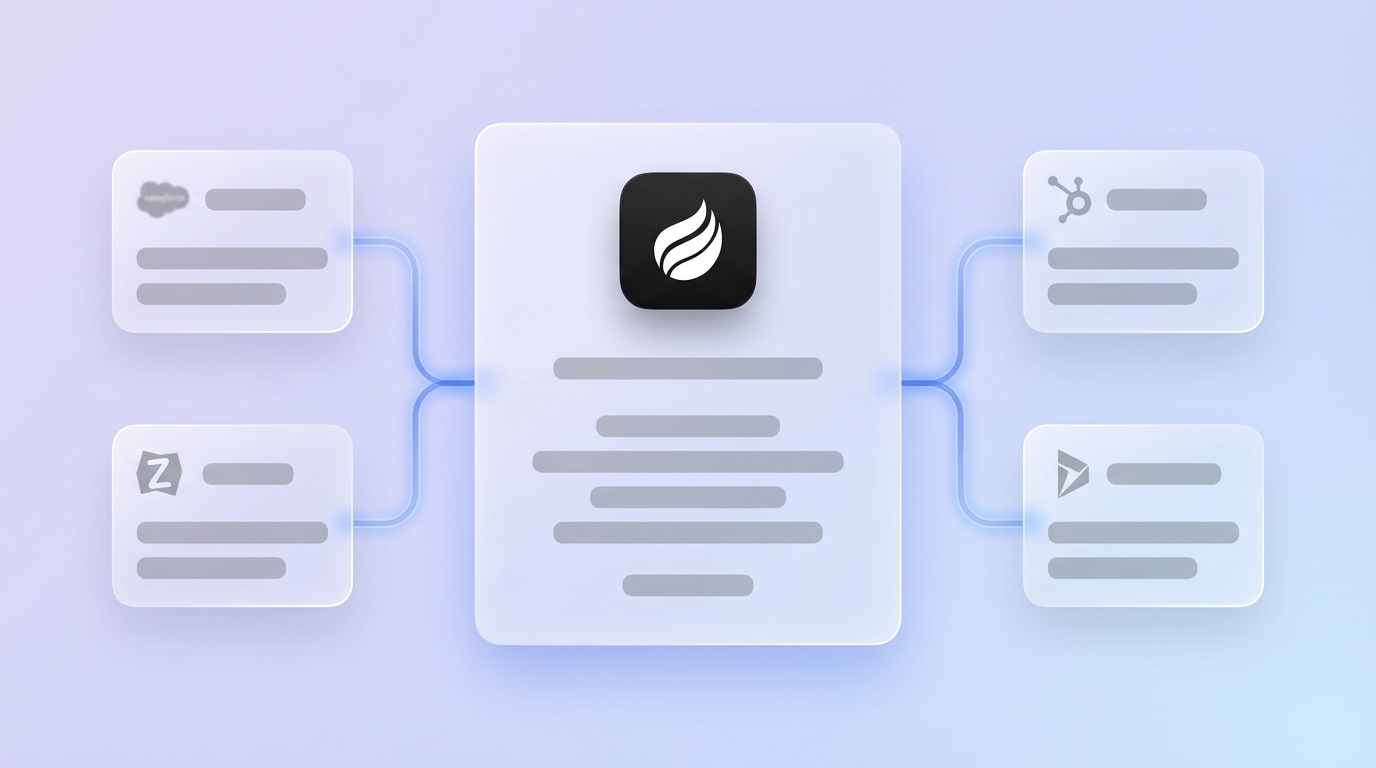
Coffee’s Companion App authenticates via OAuth, syncs data bidirectionally, enriches records with job titles, funding data, and LinkedIn profiles, and writes meeting summaries and activity logs back to the primary CRM. Improved summary templates, released in November 2025, are customizable to match existing workflows and are writable back to Coffee, HubSpot, or Salesforce. This depth of integration, which covers custom objects, required fields, and forecasting structures, distinguishes Coffee from newer tools like Day.ai and Clarify that lack integration maturity for established mid-market Salesforce or HubSpot environments.
Deep bidirectional CRM integrations require handling custom objects with first-class support, dynamic per-tenant field mapping, and synchronous sub-second reads and writes against each customer’s actual schema. Teams evaluating companion apps should verify these capabilities before committing.
Operational Considerations, Risks, and Limitations
Change management represents the primary implementation risk. Comprehensive AI CRM implementation, including data cleaning, team training, and refinement, typically takes 3–9 months for mid-market organizations. Teams that skip data hygiene preparation before deploying AI agents risk compounding existing data quality problems instead of solving them.
On compliance, Coffee is SOC 2 Type 2 and GDPR certified. Data is not used to train public models. Teams in heavily regulated industries such as healthcare and financial services, which require multi-year security reviews, fall outside Coffee’s current ICP.
Gartner predicts that over 40% of agentic AI projects will be canceled by the end of 2027 due to escalating costs, unclear business value, or inadequate risk controls. This high failure rate stems largely from a single root cause: an autonomous agent is only as valuable as the data sources it can access. When teams have fragmented data across disconnected tools, the agent cannot deliver value, which is why integration breadth should be a primary evaluation criterion.
On this dimension, Coffee’s current third-party integrations beyond Google Workspace, Microsoft 365, Zoom, Teams, Stripe, and QuickBooks route through Zapier, with deeper native integrations on the product roadmap. Large enterprises with complex custom workflows are not the target customer.
Decision Checklist for Selecting an AI CRM
Map your constraints to the options below before requesting a demo.
- 1–25 employees, no existing CRM: Coffee Standalone, autonomous agent, seat-based pricing, no migration required.
- 25–250 employees, on Salesforce or HubSpot: Coffee Companion App, agent layers onto existing system of record, no platform migration.
- 25–250 employees, evaluating full platform switch: Coffee Standalone with API access, agent-first architecture, data warehouse included.
- Simple pipeline, cost-sensitive, manual entry acceptable: Zoho CRM or Pipedrive, lower entry price, manual data hygiene required.
- Enterprise, complex compliance, dedicated RevOps: Salesforce with Agentforce, highest configurability, highest total cost of ownership.
- Data quality is the primary problem, not the platform: Coffee Companion App, agent handles data in so the existing platform produces accurate data out.
Get started with Coffee and see autonomous CRM in action.
Frequently Asked Questions
How long does implementation typically take for US sales teams?
For Coffee’s Standalone CRM, most small teams (1–25 employees) are operational within a single business day. The agent connects to Google Workspace or Microsoft 365 via OAuth, immediately begins scanning emails and calendars to auto-create contacts and companies, and joins the next scheduled call without additional configuration. For the Companion App on Salesforce or HubSpot, a simple authentication allows the Coffee agent to begin syncing and enriching data within hours, though teams with complex custom objects or required fields should budget a few days for field mapping validation. Mid-market teams adopting any AI CRM should plan 30–90 days for full adoption, including rep onboarding and workflow customization, to realize the full time savings on data entry and pipeline reviews.
What is the migration effort from legacy CRMs?
Migration effort depends on deployment model. Teams choosing Coffee Standalone export existing contact and deal records from their current system and import them into Coffee, a process that typically takes hours for small datasets and a few days for larger ones with data cleaning requirements. Teams choosing the Companion App skip migration entirely, because Coffee layers onto the existing Salesforce or HubSpot instance and begins enriching records in place, so the system of record remains unchanged. In both cases, Coffee’s agent begins capturing new activity data immediately on connection, which improves data quality from day one regardless of the state of historical records.
How do autonomous agents ensure data security and scalability?
Coffee is SOC 2 Type 2 and GDPR compliant. Customer data is not used to train public AI models. The agent processes email and calendar data to populate CRM records, with all data encrypted in transit and at rest. For scalability, Coffee’s seat-based pricing model means the agent’s labor scales with headcount without additional per-process or per-LLM-call metering costs. Teams that grow from 10 to 100 seats add capacity linearly without renegotiating pricing structures. The data warehouse architecture underlying Coffee’s pipeline intelligence retains historical context indefinitely, unlike relational database CRMs that overwrite field history on updates, which creates a structural advantage for forecasting accuracy as teams scale.
Which AI CRM delivers the fastest time savings on data entry?
Coffee delivers the fastest measurable time savings because its agent removes the data entry step entirely rather than accelerating it. Reps who connect Google Workspace or Microsoft 365 stop manually creating contacts, logging calls, and updating deal stages from the moment of connection. The agent handles all of this autonomously. By contrast, semi-automated tools like HubSpot Breeze or Salesforce Agentforce still require human review and confirmation steps for many record updates, particularly in environments with required fields or validation rules. For meeting management specifically, Coffee’s agent joins calls, generates summaries in customizable formats, identifies next steps, and drafts follow-up emails for rep review, which reduces post-call admin from 10–15 minutes to under two minutes of review time per meeting.